
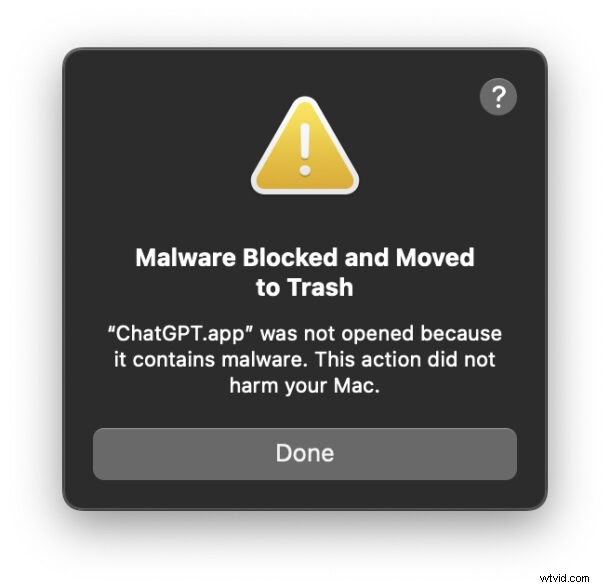
Many ChatGPT for Mac users have recently encountered an unsettling message that reads “Malware Blocked and Moved to Trash.” The notification states that ChatGPT.app was not opened because it contains malware. This action did not harm your Mac.
While the warning understandably raises concerns, it is almost always a false positive triggered by an outdated version of the ChatGPT app.
Below is a clear explanation of why this happens and the straightforward steps you can take to restore the app without compromising your system.
Why Does macOS Flag ChatGPT as Malware?
OpenAI recently revoked the security certificates for older builds of the ChatGPT app after a third‑party security incident. Without a valid digital signature, macOS’s built‑in Xprotect system classifies the application as unsafe and automatically moves it to the Trash as a precaution.
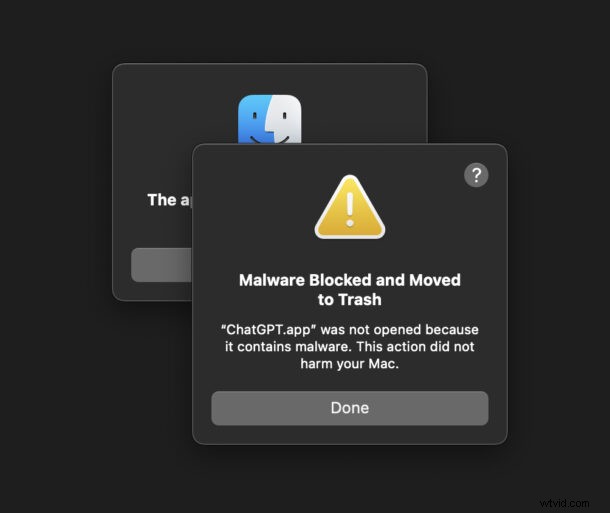
How to Fix the “ChatGPT.app Contains Malware” Error on Mac
- Empty the Trash. The app is already removed; the message is merely a protective measure.
- Download the latest official version directly from OpenAI at https://chatgpt.com/features/desktop/.
- Optionally, update macOS to the newest release to ensure all security patches are applied.
- Launch ChatGPT as usual and enjoy a malware‑free experience.
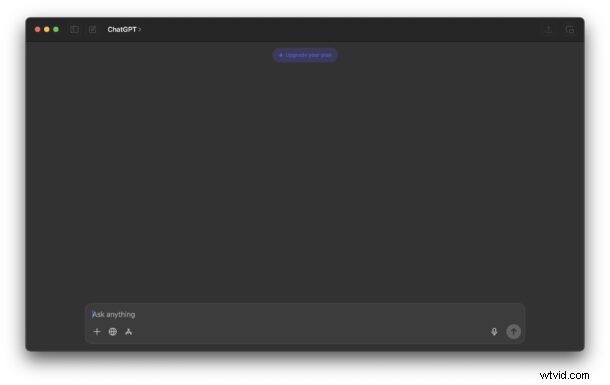
That’s all there is to it. ChatGPT will function normally once the app is reinstalled.
Advanced users can verify the status of Xprotect via Terminal or use a free tool like SilentKnight to confirm the latest updates. However, keeping macOS up‑to‑date typically keeps Xprotect current automatically.
For a deeper dive into OpenAI’s decision to revoke the certificates and the underlying security risk, read their article titled “Our response to the TanStack npm supply chain attack” on the OpenAI blog.
Have you seen this alarming message on your Mac? Share your experience and solutions in the comments below.