
The holiday season is a whirlwind of sales and online bargains, and your smartphone often becomes the primary gateway for hunting deals, comparing prices, and completing secure transactions.
Running low on storage or having weak security can turn holiday shopping into a source of frustration. A pre‑holiday phone tune‑up keeps your device fast, secure, and stress‑free.
Eliminate Unnecessary Files and Apps
Holiday‑specific apps and accumulated digital receipts can clutter your device. Before the rush, uninstall unused apps and delete obsolete downloads.
Back up photos and videos to the cloud or an external drive. Clearing space boosts performance and ensures room for new apps and purchases.
Update Software and Apps
Developers routinely release updates that patch security holes and fix bugs. Running an outdated OS or apps exposes your personal data to risk.
Prior to the holiday spree, update your OS and all apps so you benefit from the newest security safeguards.
Strengthen Passwords and Use Two‑Factor Authentication
With multiple retailer accounts, weak passwords can make you an easy target for cybercriminals.
Use robust, unique passwords for each shopping and payment app, and enable two‑factor authentication whenever possible for an added security layer.
Install and Use Digital Wallets Safely
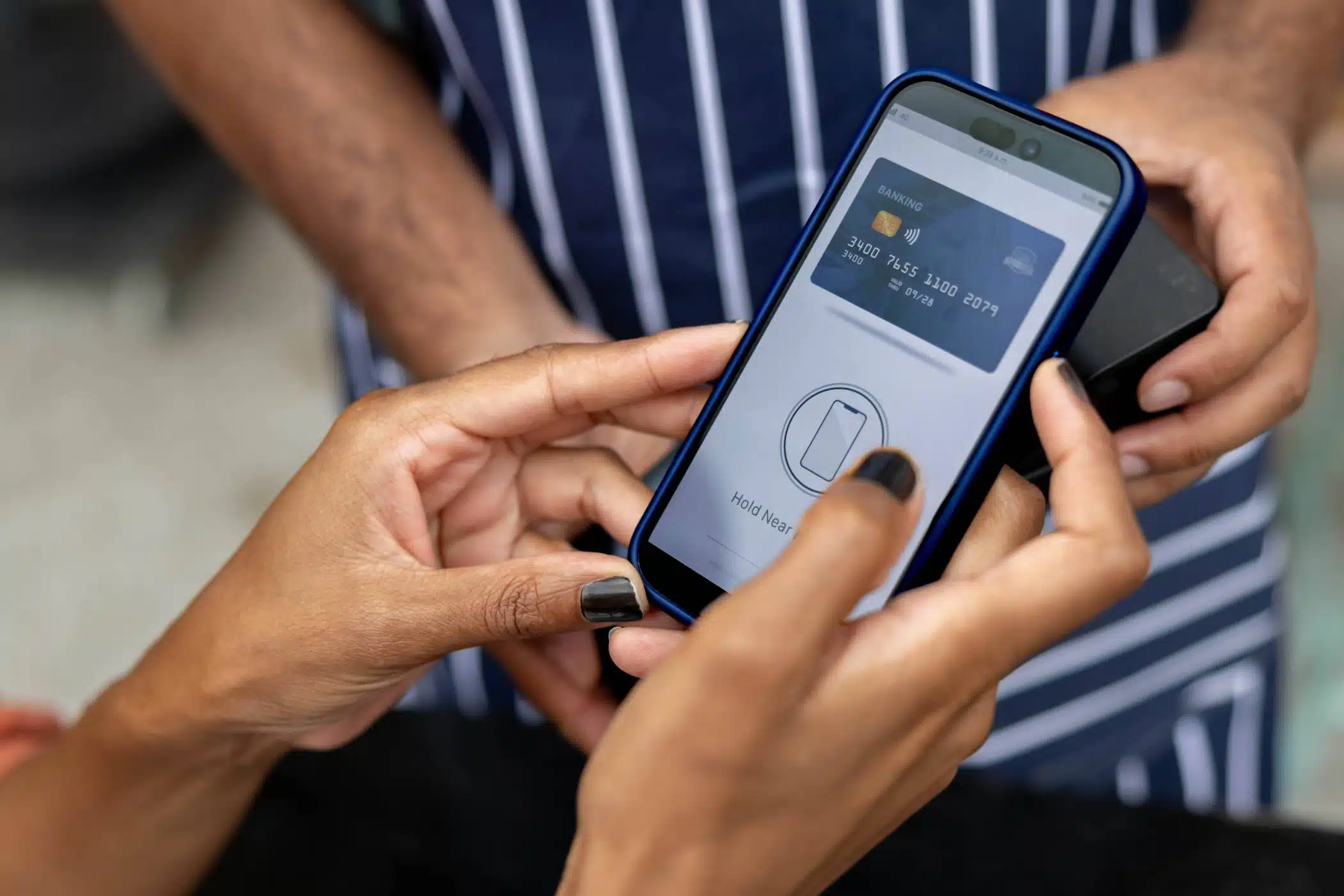
Digital wallets—such as Apple Pay and Google Pay—offer a safer alternative to manually entering credit‑card details on websites.
Configure your chosen wallet ahead of the holiday rush, securing it with biometric authentication or a strong passcode.
Watch for Phishing Scams and Fake Apps
Scammers ramp up phishing emails, texts, and counterfeit apps during the holiday period.
Verify sender addresses, watch for typos, and download apps exclusively from reputable app stores to stay fraud‑free.
Back Up Your Data
Holiday shopping can strain your device, and a malfunction or loss could erase valuable data. Back up contacts, photos, and documents ahead of time.
A current backup provides peace of mind in case your phone requires repair or replacement.
Shop Smarter and Safer with The Lab
Holiday shopping should feel like a breeze, not a headache. At The Lab, we keep your device fast, secure, and primed for peak season. Our specialists clear storage, boost performance, and resolve issues before they derail your plans.
Make your phone holiday‑ready now. Visit The Lab for expert storage solutions, security enhancements, and rapid repairs, so you can shop with confidence.
FAQs About Phone Prep for Holiday Shopping
How much storage space should I free before holiday shopping?
Aim to leave 10–15% of your device’s total storage free to ensure smooth performance and easy app downloads.
Are digital wallets safe for holiday shopping?
Yes. Digital wallets encrypt your payment information and add extra layers of protection compared to manual credit card entry.
What signs show that my phone needs a repair?
Slow performance, frequent crashes, or battery drain signal that your phone may need attention before heavy use.
Can a screen protector or case improve security?
They protect against physical damage but do not replace digital security. Use strong passwords and two‑factor authentication for online safety.