
Home
Blog
Master the RED KOMODO‑X: 8 Expert Tips for 4K Filmmakers
The RED KOMODO‑X blends the proven performance of the original KOMODO with the advanced features of the DSMC3 line, delivering a compact, versatile system for modern filmmakers. Whether you’re upgrading or already own the camera, the following insights from filmmaker Tyler Edwards will help you extract the maximum creative and technical value.
1. Optimise ISO When Shooting REDCODE RAW
In RAW mode, you retain the freedom to adjust ISO in post, but the initial setting influences dynamic range allocation and exposure balance. Setting a higher ISO preserves highlight detail, while a lower ISO protects shadow information. Choose a base ISO that reflects the scene’s lighting to avoid losing detail during grading.

Image Credit: RED
2. Select the Right Compression Level
The DSMC3 family offers HQ, MQ, LQ, and ELQ compression. These roughly correspond to 3:1, 5:1, 8:1, and 15:1 ratios. For most web delivery or less complex shots, LQ or ELQ suffices. Reserve higher quality settings for detailed, low‑light, or high‑motion scenes where extra fidelity is essential.
3. Take Advantage of Hot‑Swappable V‑Mount Batteries
The KOMODO‑X’s DC input allows seamless battery swaps. Plug in an AC adapter or a secondary battery via a D‑tap to DC cable, and continue recording while exchanging power packs. This feature keeps you filming longer without downtime.
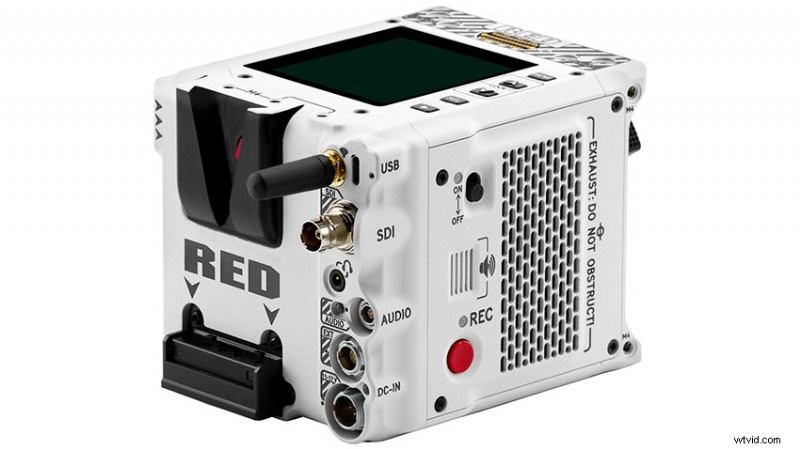
Image Credit: RED
4. Configure User‑Assignable Buttons
Four record‑panel buttons can be customized for half‑press and full‑press actions. Assign frequently used functions—such as scene change, recording mode, or LUT application—to streamline your workflow.
5. Expand Control with the DSMC3 Touch Monitor
Connecting a DSMC3 monitor adds four additional programmable buttons, further enhancing on‑camera control. This setup is especially beneficial for multi‑person crews or complex setups.
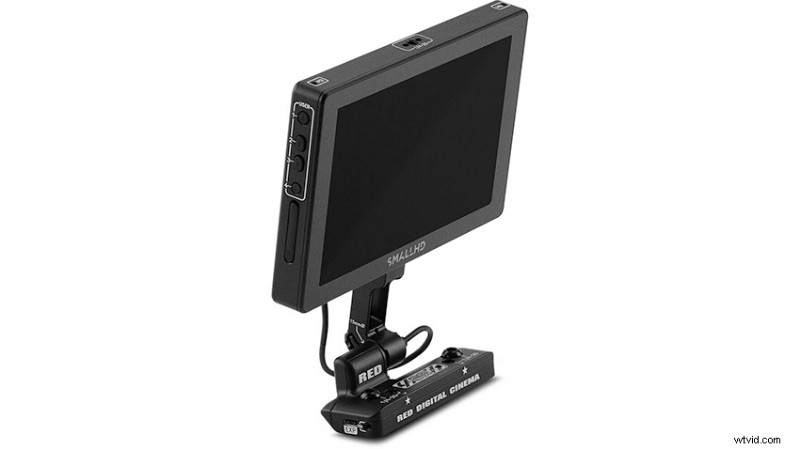
Image Credit: RED
6. Leverage Superior Audio Preamps
The built‑in preamps support phantom power and offer clear channel levels. With the ability to unlink channels 3 and 4, you can simultaneously record primary and backup audio streams, ensuring redundancy on location.
7. Enable the Pre‑Record Function for Action‑Packed Shoots
For sports, wildlife, or any scenario where key moments may be unpredictable, activate pre‑record to capture a few seconds before pressing record. This feature reduces the risk of missing crucial action.
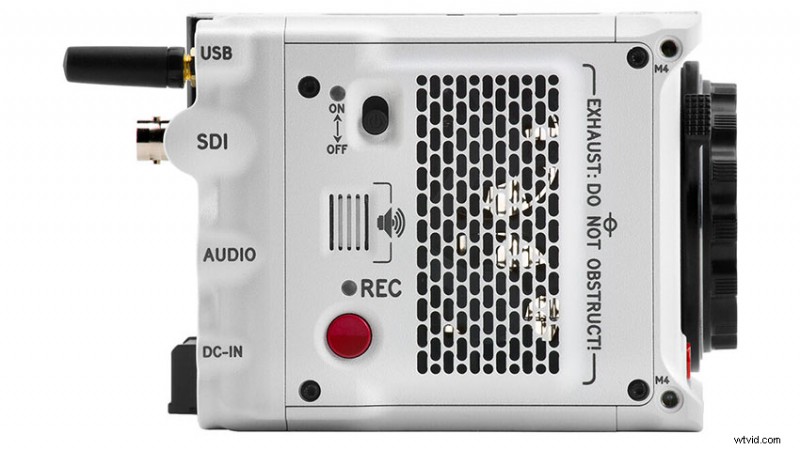
Image Credit: RED
8. Utilize Face‑Tracking Autofocus via RED Control App
While the camera itself doesn’t host face‑tracking AF, the RED Control app provides this capability. Enable it on your tablet or phone to keep subjects sharp in dynamic scenes.
These practical tips will help you harness the full potential of the RED KOMODO‑X, ensuring professional results on any project.
[source: Tyler Edwards]
Order Links:
- RED KOMODO‑X Cinema Camera (B&H)
- RED DSMC3 Touch Monitor (B&H)
Disclaimer: As an Amazon Associate and a participant in other affiliate programs, we may earn a small commission from qualifying purchases made through some of the links on this page – at no additional cost to you.
About The Author

Shawn Steiner
Shawn studied cinema and photography with a strong focus on photojournalism and documentary work. Explore his portfolio on Instagram and other platforms @shawncsteiner.