
After a few weeks of hands‑on testing, the Cloud Pod and Cloud Store Mini have become essential tools in my editing workflow. Here’s a detailed look.
At NAB 2024, Blackmagic unveiled a suite of cloud‑centric features for DaVinci Resolve, alongside two powerful storage solutions that I had the chance to try first‑hand.
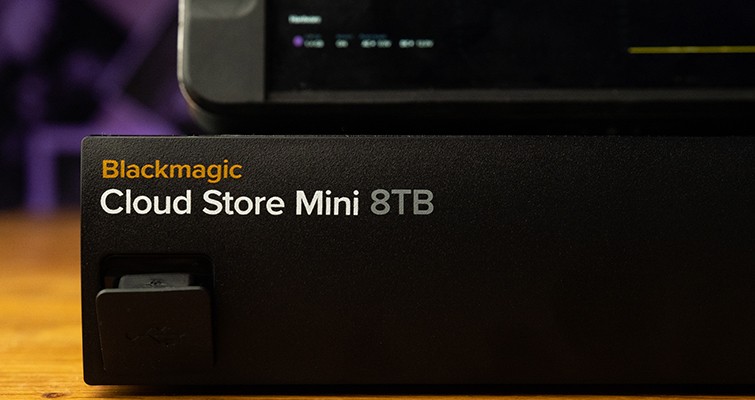
The Cloud Store Mini offers 8 TB of built‑in storage and seamless cloud‑sync, while the compact Cloud Pod turns any compatible drive into a full‑featured NAS. Together they extend Blackmagic’s reputation for reliable, affordable storage into the cloud domain.
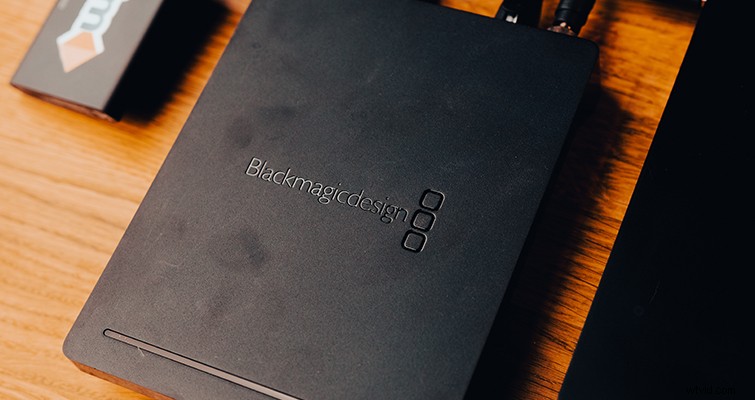
Network‑attached storage was not on my radar before the announcement, but Blackmagic’s recent cloud initiatives make it a natural fit for professional workflows.
With the 8 TB Cloud Store Mini, the pre‑ordered Cloud Store, and the versatile Cloud Pod, Blackmagic delivers storage solutions that are both cost‑effective and feature‑rich—extending far beyond typical expectations.
I had been searching for a file‑storage and sharing system that fits my exact needs, and the sheer number of external drives I currently manage is far from ideal. The Cloud Pod and Store Mini provide a streamlined, cloud‑ready solution that can be customized to any workflow.
Here’s my assessment of the Cloud Pod and Cloud Store Mini.
The Cloud Pod: A Must‑Have for Every DIT Cart
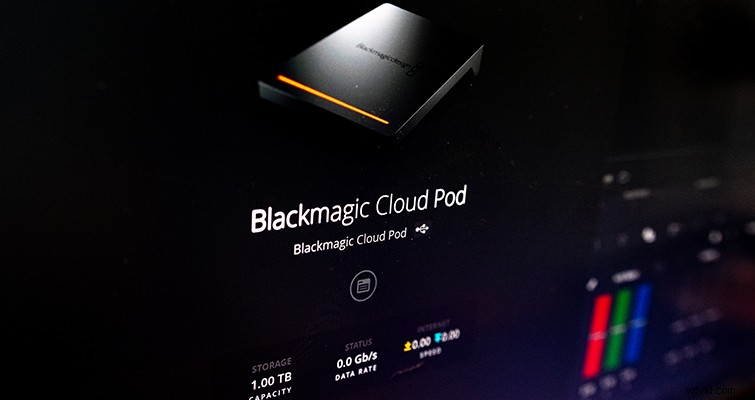
The Cloud Pod’s standout feature is its ability to convert any compatible drive into Network Attached Storage (NAS). This is especially valuable for DITs who use SSDs as recording media. Once a drive fills up, simply plug it into the Cloud Pod—paired with a larger internal drive—and begin backing up footage and proxies to the cloud immediately.
On a set with a robust internet connection, proxies can be delivered to editors within minutes thanks to DaVinci Resolve’s Proxy Generator, which is bundled with Resolve 18.
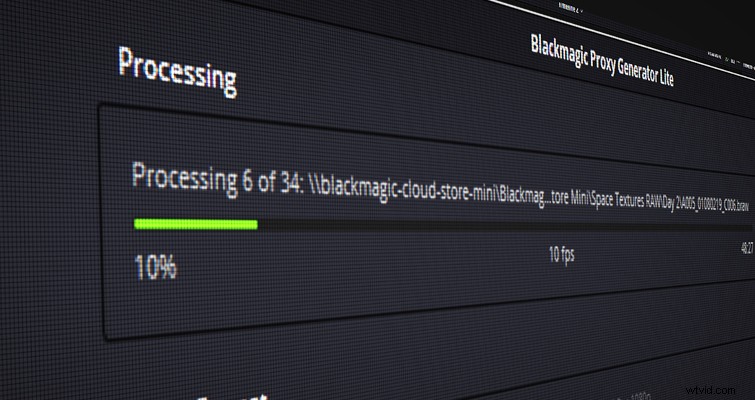
While the Cloud Pod can function as a standalone cloud backup, it also doubles as an expandable NAS. Configure a watch folder on your machine, and the Proxy Generator will create proxies as you add footage, while the Cloud Pod syncs those files to Dropbox automatically.
Additional hardware features include an HDMI output that displays real‑time transfer status, internet connectivity, and drive utilization. This visual feedback is useful on set, allowing DITs to monitor transfer progress at a glance.
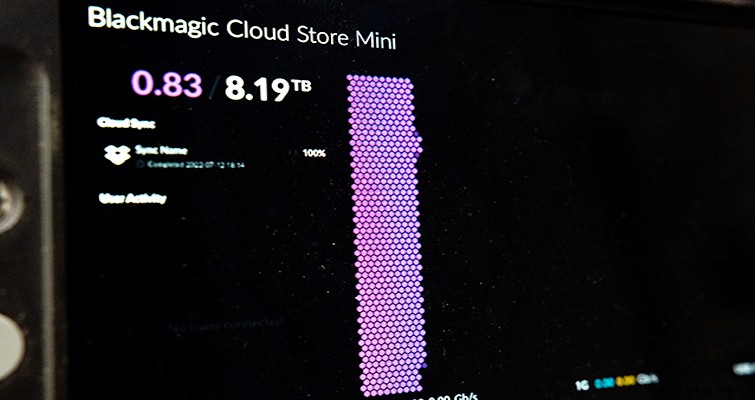
In my experience, the Cloud Pod excels in field environments—on set or during travel—providing a reliable backup solution when a stable internet connection is available.
The Cloud Store Mini: All‑in‑One Storage and Sync
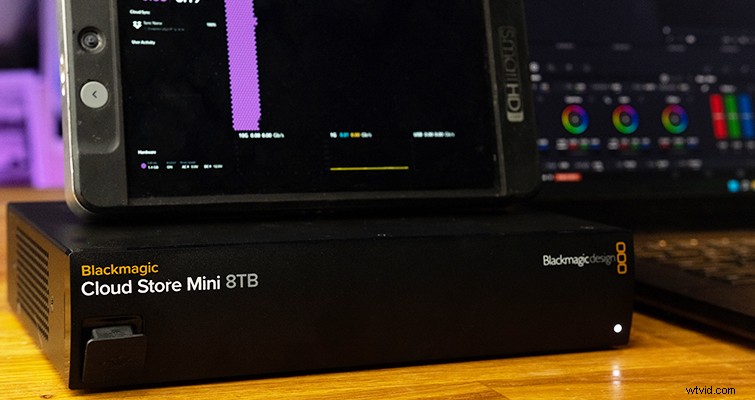
The Cloud Store Mini mirrors the Cloud Pod’s functionality but includes 8 TB of internal storage. It’s an ideal on‑set footage dump drive that can sync directly to the cloud and store proxies generated by Proxy Generator.
A common workflow is to pair a Cloud Store Mini with a standard external USB drive: both receive the footage, while the Cloud Store Mini handles proxy generation and cloud sync. With a solid internet connection, the process is surprisingly seamless.
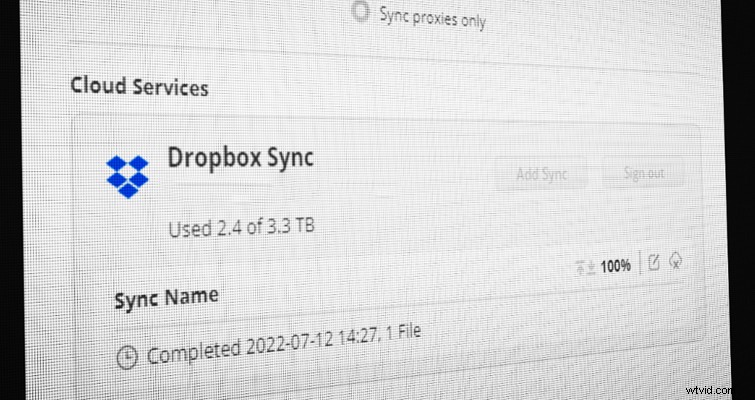
The Cloud Store Setup software offers flexible sync options—either proxies only or both originals and proxies—allowing users to tailor the workflow to project requirements.
With a 10 GbE Ethernet port (backed by 1 GbE), the Cloud Store Mini delivers impressive read/write speeds on a well‑configured network. I plan to use it for active project footage while editing off proxies from the cloud, then archive completed projects to long‑term cloud storage.
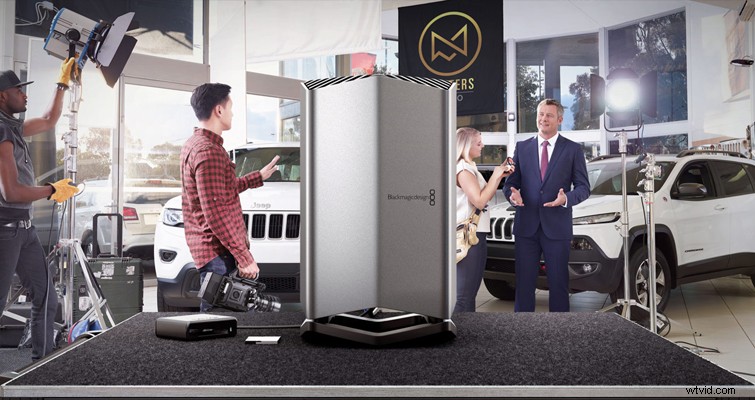
Blackmagic’s forthcoming Cloud Store will scale up to 320 TB, further expanding the ecosystem. This plug‑and‑play, cloud‑ready solution addresses a common pain point for post‑houses—disorganized external drives and unreliable NAS setups.
The Cloud Pod and Store Mini integrate seamlessly with DaVinci Resolve’s cloud‑enabled features, creating a cohesive workflow from data capture to editing. I’m excited to see how Blackmagic expands these capabilities in future releases.
Cover image via Grusho Anna.
- Davinci Resolve Cloud Editing Workflows: All I Could Hope For
- Is VR Filmmaking the Future of Storytelling?
- The 7 Best Films About Filmmaking
- Enhance Your Videos with Topaz Labs’ Video Enhance AI
- The 12 Best Video Production Blogs