
Introducing Blackmagic Design’s Cloud‑Enabled Workflow
Blackmagic Design has rolled out a complete cloud ecosystem that blends hardware, software, and cloud services into a single, scalable workflow. Resolve 18 now offers built‑in cloud editing and real‑time collaboration features that make remote teamwork seamless and reliable.
Why Cloud‑First Matters for Modern Post‑Production
In today’s distributed production environment, speed, stability, and accessibility are non‑negotiable. Resolve’s cloud capabilities address each of these pain points: automatic proxy generation, instant project sharing, and persistent cloud storage that keeps assets available anywhere, anytime.
Proxy Generator: The Unsung Hero
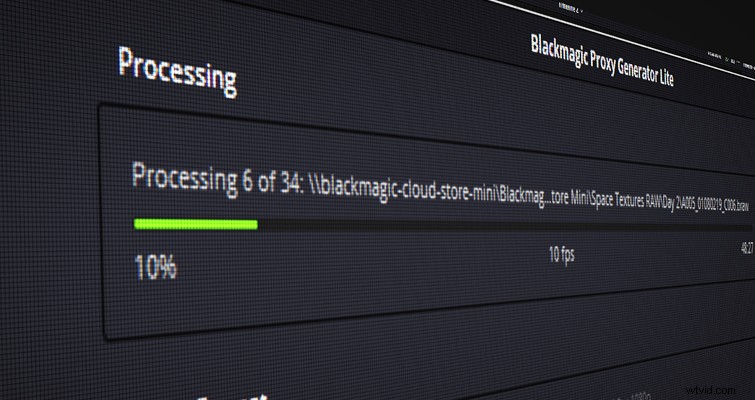 Proxy Generator is an extremely valuable tool for even non‑Resolve users.
Included with Resolve 18, Proxy Generator offers a clean interface and lightning‑fast proxy creation. By defining watch folders, the tool automatically produces optimized proxy files whenever new media appears, making it ideal for on‑set workflows that rely on cloud sync.
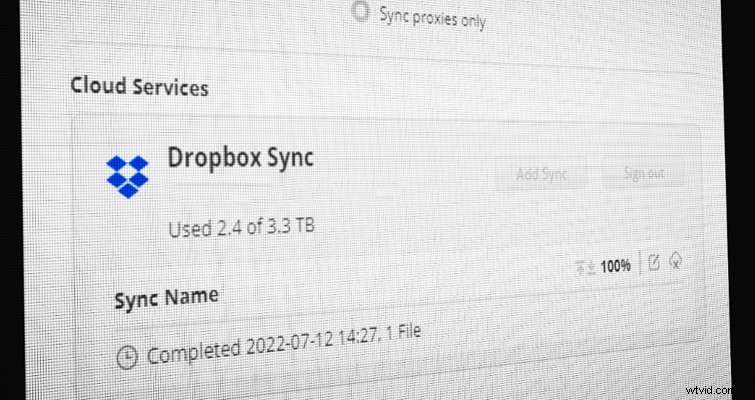
Because the current Cloud Pod and Cloud Store units only support Dropbox, you can pair the generator with a Dropbox folder to stream proxies directly to collaborators. For example, a DIT can copy footage onto a SSD, connect it to the Cloud Pod, and the proxies will populate the Cloud Project Server for editors off‑site to start cutting immediately.
Robust Multi‑User Collaboration
With a Blackmagic Cloud ID, you can launch a cloud‑based project server for just $5 per month while the server is active. The fee covers unlimited users, eliminating per‑user charges and simplifying budgeting.
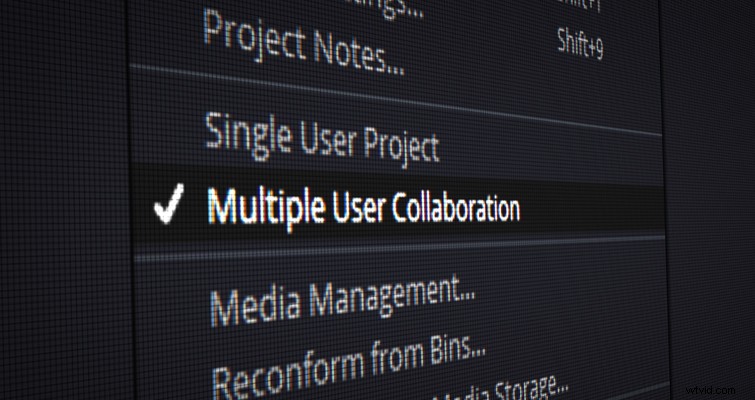
After creating the server, add collaborators via the project manager’s “Cloud” tab. Enabling File <Multiple User Collaboration allows all participants to edit the same timeline in real time—moving clips, adjusting color, adding Fusion elements—while a built‑in chat window keeps communication streamlined.
Real‑World Workflow Example
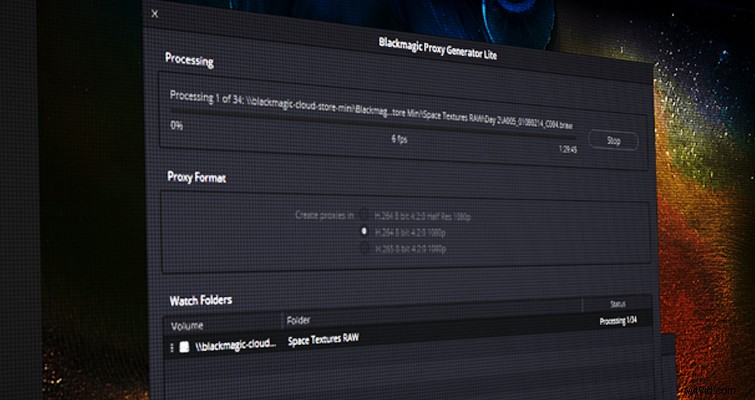
My current setup uses an 8TB Cloud Store Mini as a dedicated network‑attached storage hub. Proxy Generator watches a folder on the Mini, pushes proxies to a project‑specific Dropbox folder, and the Cloud Project Server automatically syncs them into Resolve. Collaborators edit using the cloud server, while camera originals remain safely stored on the Mini. Final deliverables are exported from the Cloud Store and archived in Amazon S3 or other cold‑storage solutions.
On set, I plan to use the Cloud Pod primarily as a proxy generator and file backup. Once additional drive compatibility is released, this role may evolve, but the core benefit remains: instant proxy delivery to editors wherever they are.
A Cohesive System, Not Just a Collection of Products
Blackmagic Design’s strategy is to deliver a fully integrated ecosystem that works out of the box yet remains flexible enough for independent use. Whether you’re editing in Resolve, Final Cut Pro, or Premiere Pro, the Cloud Store and Cloud Pod can serve as reliable asset repositories. The proxy generation pipeline is agnostic, so you can incorporate it into any post‑production stack.
For anyone looking to future‑proof their workflow, now is the time to adopt Blackmagic’s cloud suite. The combination of stability, speed, and collaborative power positions Resolve 18 as the go‑to platform for distributed teams.
Interested in learning more about cloud‑based editing? Check out these articles below.
- How Blackmagic’s New Cloud Service Compares to Frame IO
- The Next Generation of Adobe Creative Cloud Is Now Available
- NAB 2022: ATOMOS Launches Their Cloud Studio