
Aspect ratio is the key to ensuring your media looks sharp on any screen. Whether you’re editing a photograph, creating a video, or preparing content for social media, knowing the exact width‑to‑height ratio guarantees a flawless fit across platforms.
In this guide we’ve vetted the best online tools that let you calculate and convert aspect ratios in seconds. We also cover how to apply those ratios to your media using popular editors, so you can go from calculation to final output with minimal effort.

In this article
- Key aspect ratios you’ll encounter in media production
- Top 10 free online aspect ratio calculators
- How to resize images with Kapwing and Photoresizer.com
- Converting video aspect ratios with Wondershare Filmora
1. Essential Aspect Ratios for Every Creator
Understanding the most common ratios helps you choose the right tool for the job.
- 4:3 – Classic television and older monitors. Still used in some cameras and for nostalgic projects.
- 3:2 – The standard for 35mm photography and many DSLR cameras. Ideal for landscapes and portraits.
- 1:1 – Square format that dominates Instagram, TikTok, and other social platforms.
- 16:9 – The industry standard for HD video, YouTube, and most streaming services.
- 21:9 – Ultra‑wide cinematic view, perfect for film production and home theater setups.
- Other niche ratios – 5:4, 2:1, and custom ratios that serve specific creative or technical needs.
With these ratios in mind, you can choose the right calculator or editor for any project.
2. The Best 10 Online Aspect Ratio Calculators (Free)
Below is a curated list of the most reliable tools for quick calculations. Each entry includes a short review and what makes it stand out.
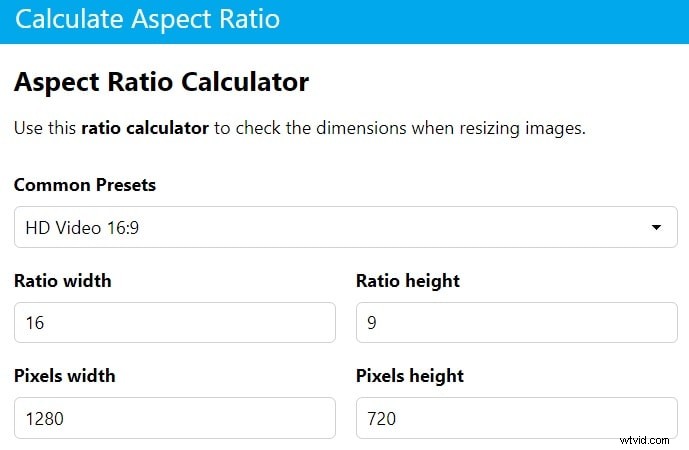
1. Calculate Aspect Ratio – Fast Online Converter
A minimal interface that delivers results instantly. Ideal for quick checks, though the site is ad‑heavy.
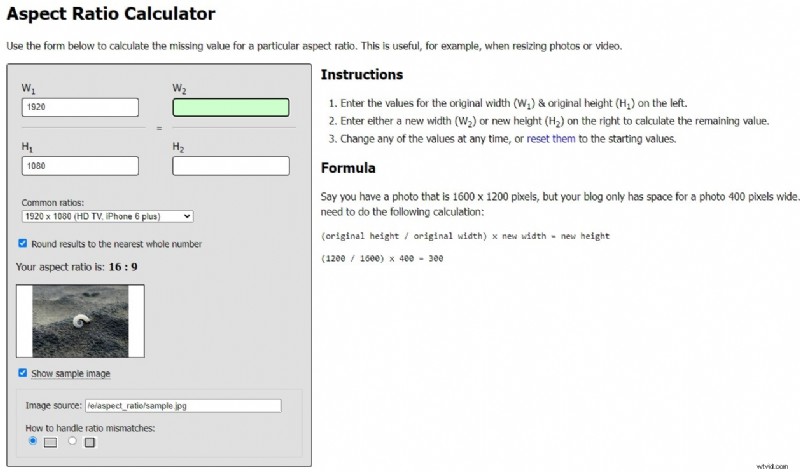
2. Andrew Hedges (ARC) – Simple Aspect Ratio Calculator
Clean design and straightforward input make ARC a favorite for users who value clarity over extra features.
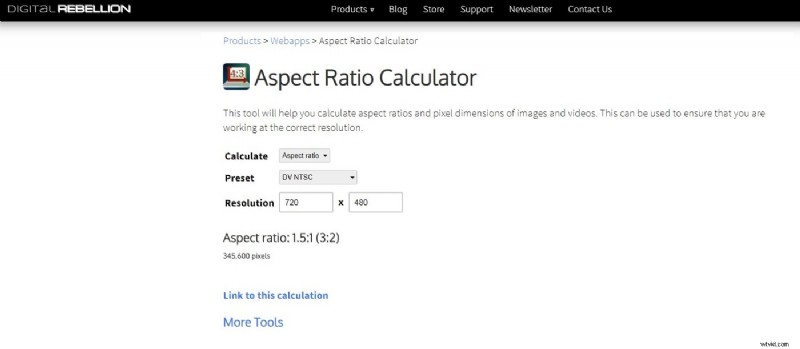
3. Digital Rebellion – Online Calculator
Supports a wide range of formats and offers preset templates, making it ideal for professionals working across media types.
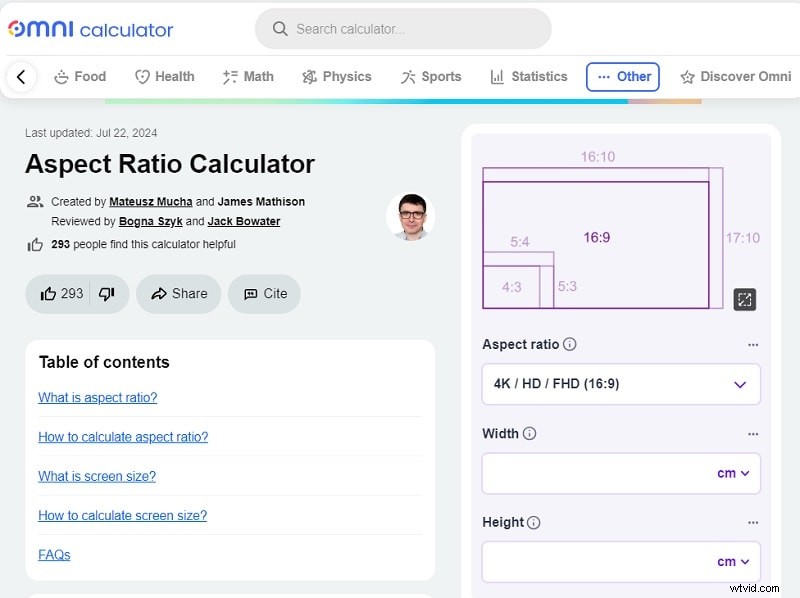
4. Omni Calculator – Detailed Ratio Tool
Provides in‑depth calculations and related metrics. Best suited for users who need more than a simple ratio.
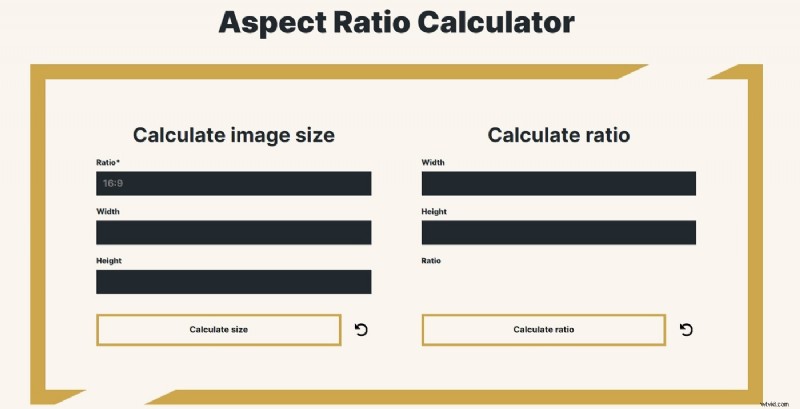
5. aspect-ratio.dev – Image Size & Ratio Calculator
Focused on image dimensions, this tool delivers precise results for designers and photographers.
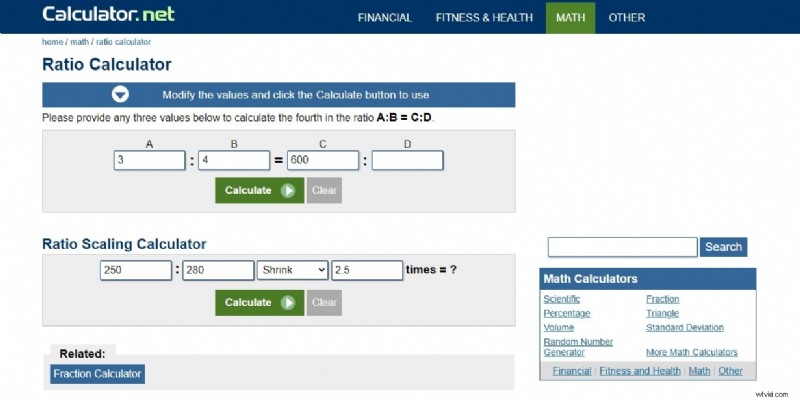
6. Calculator.net – Ratio Scaling
Versatile scaling options for both images and videos, though it lacks visual previews.
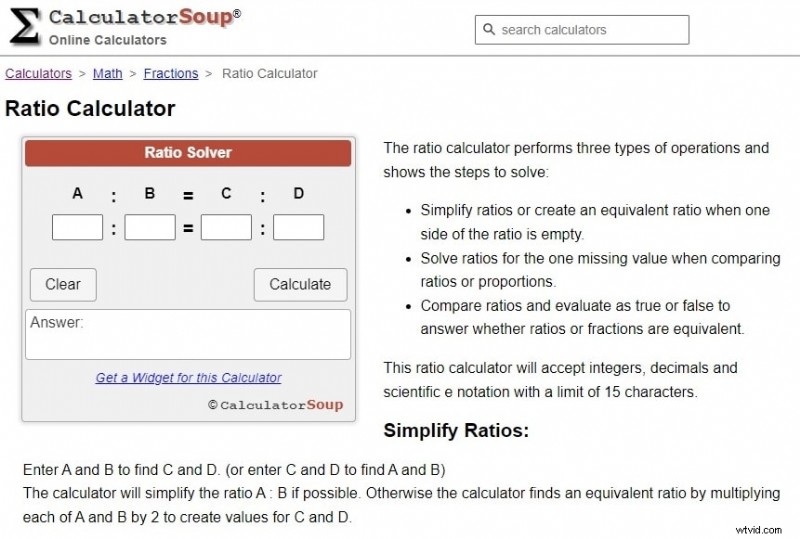
7. Calculator Soup – Ratio Solver
Excellent for complex projects that require precise ratio adjustments, but the UI may feel cluttered.
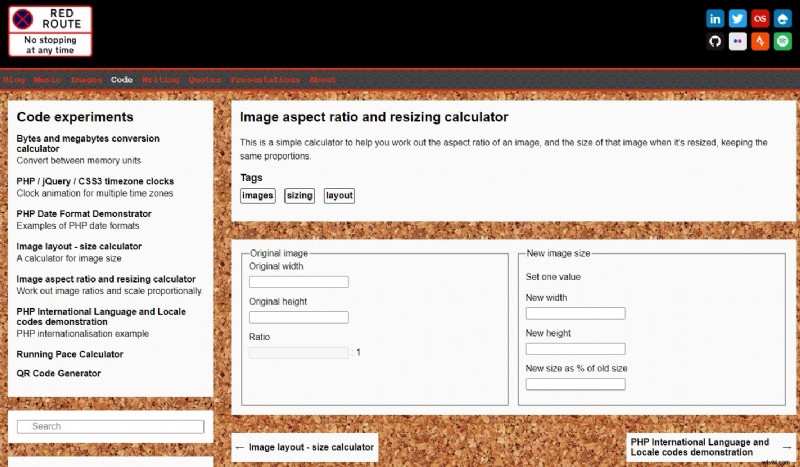
8. Red Route – Free Resizing Calculator
Offers free resizing and aspect‑ratio tools. The limited support and ads can be a drawback for some users.
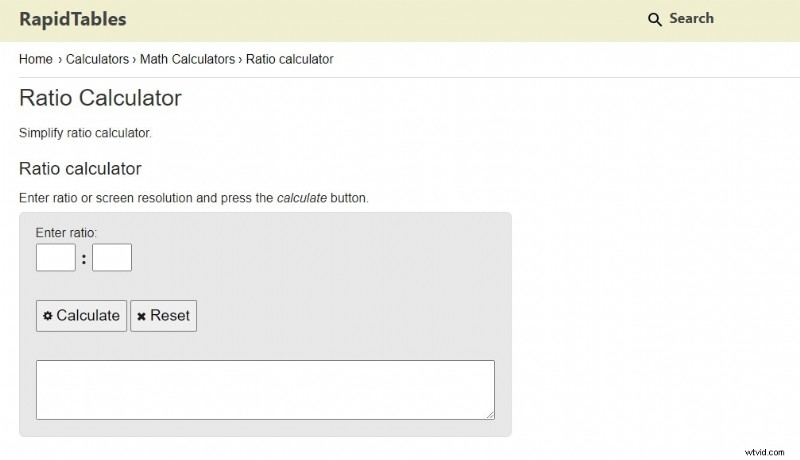
9. RapidTables – Screen Resolution Calculator
Specializes in screen resolution ratios, useful for UI designers and developers.
10. FreeOnlineTools – Simple Converter
Provides instant results in a clean layout. Best for quick, one‑off conversions.
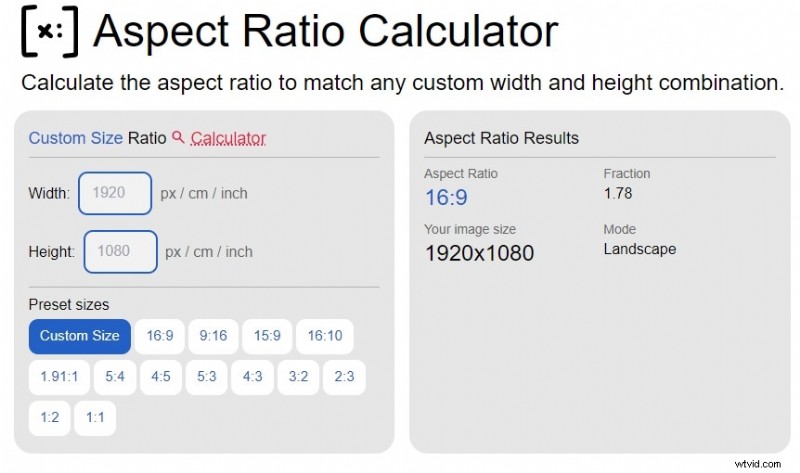
These calculators are excellent for obtaining the exact ratio you need. However, to actually resize your media you’ll need a dedicated editor.
3. Resizing Images Online: Kapwing vs. Photoresizer.com
Using Kapwing Image Resizer
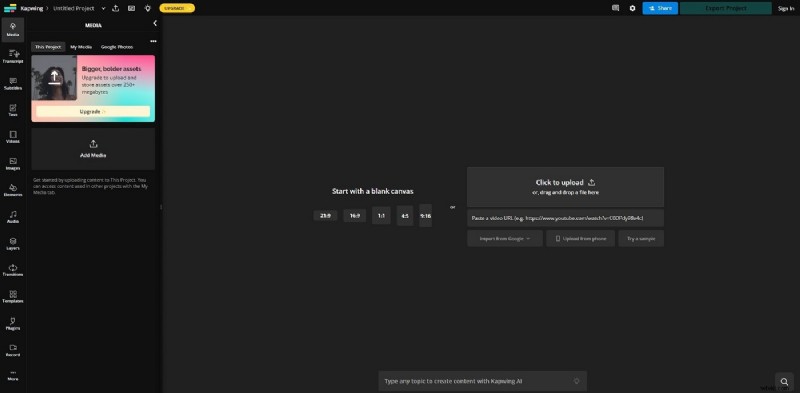
Kapwing’s online editor offers a range of aspect ratios and AI fill options.
- Navigate to Kapwing Image Resizer and upload your image.
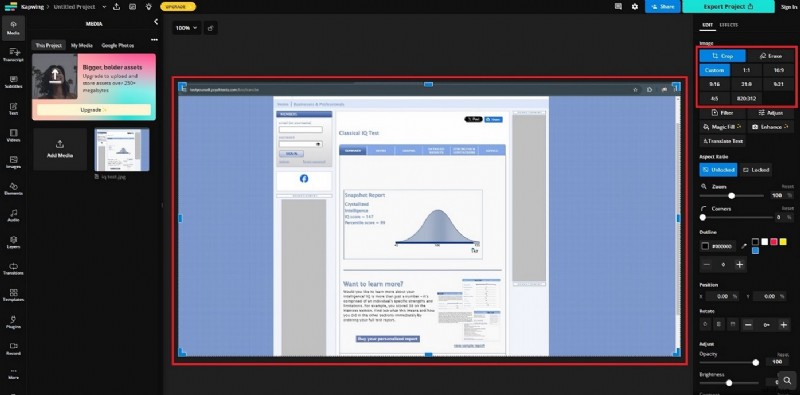
- Select the Crop tool and choose a preset ratio such as 1:1, 16:9, or 4:5, or enter custom dimensions.
- Adjust the crop area to frame your subject and click Save to download the resized image.
Using Photoresizer.com
Photoresizer offers a dedicated resizing workflow.
- Visit Photoresizer.com and upload your file.
- From the menu, choose the Aspect Ratio option, pick a preset or enter custom values.
- Save the processed image to your device.
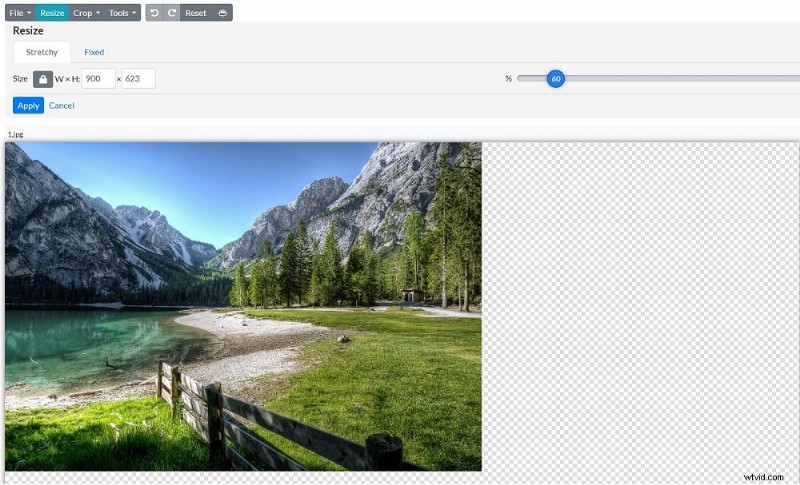
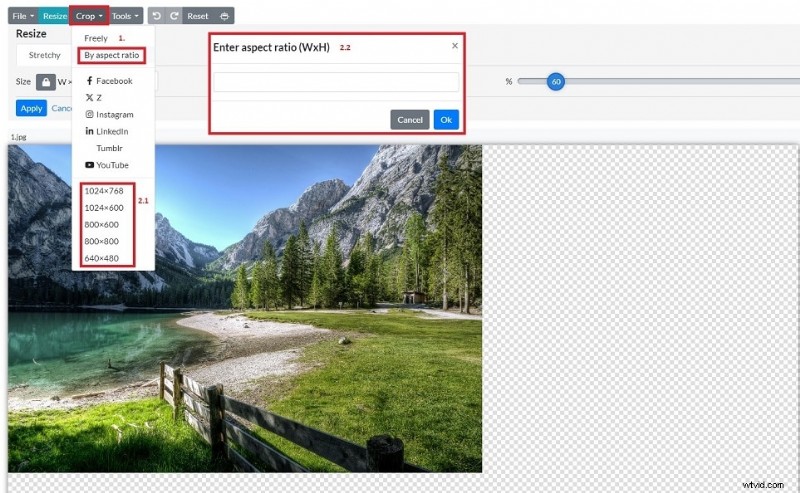
Both tools are effective for images, but they don’t alter video files. For video, a dedicated editor is required.
4. Changing Video Aspect Ratios with Wondershare Filmora
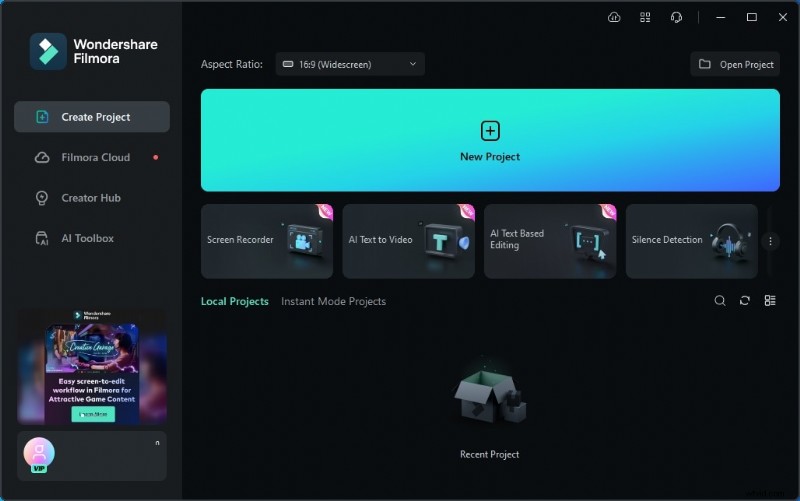
Filmora is a full‑featured editor that simplifies the ratio conversion process, allowing you to switch between 16:9, 4:3, 1:1, 9:16, and more with a single click.
- One‑click ratio change – No complex settings required.
- Broad format support – MP4, AVI, MOV, MKV, and others.
- Cross‑platform – Available for Windows and macOS.
- Beginner‑friendly – Intuitive interface for quick learning.
Step‑by‑Step Workflow
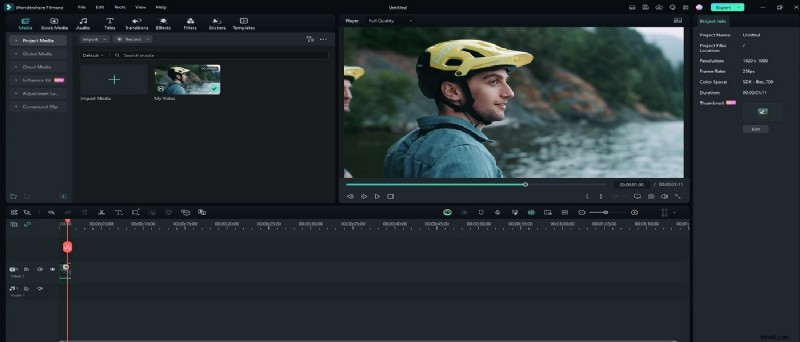
- Download and install Filmora. Create a new project and import your video.
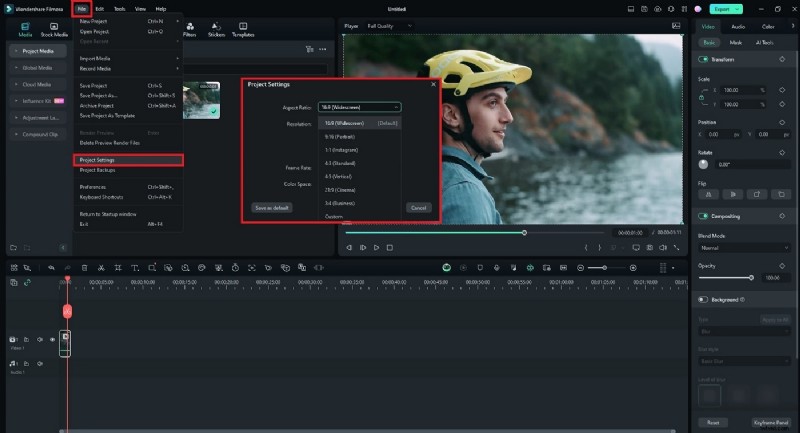
- Click File > Project Settings and select the desired aspect ratio from the dropdown. Adjust the preview frame if needed.
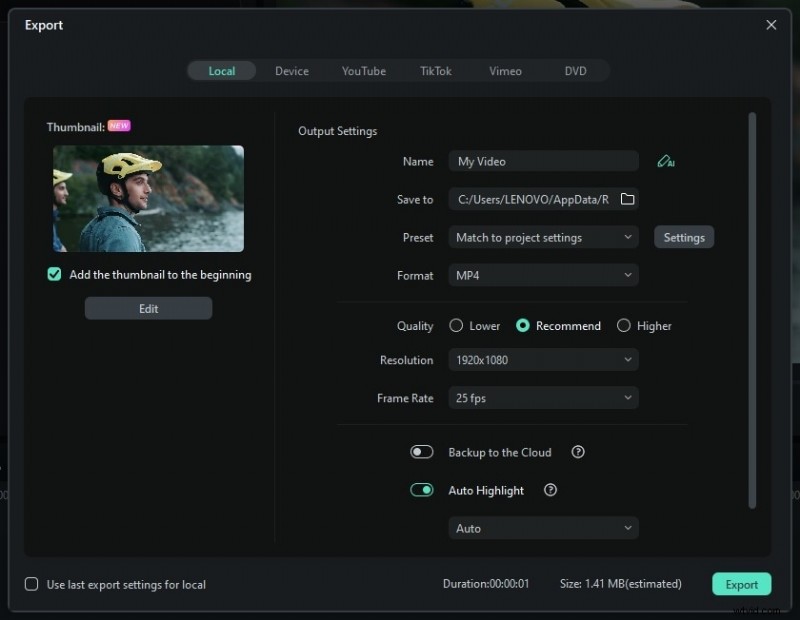
- Preview your changes, then export the video. You can share it directly to platforms like YouTube, Instagram, or TikTok.
Conclusion
Accurate aspect ratios are essential for professional‑looking media. By using the free online calculators above, you can quickly determine the exact dimensions your project requires. When it comes time to resize, Kapwing and Photoresizer are excellent for images, while Wondershare Filmora delivers robust video conversion capabilities.
Equip yourself with these tools to ensure every image and video looks its best on any platform—boosting both visual impact and audience engagement.