
Picture‑in‑Picture (PiP) technology has become an indispensable tool for creators and consumers alike. By allowing a video to play over another, it enables multitasking, seamless storytelling, and engaging social media content.
Whether you’re an influencer looking to showcase a product demo while narrating a vlog, a student overlaying a lecture on a reference video, or a casual user wanting to watch a movie while browsing, PiP can transform your viewing experience. This guide ranks the three best free PiP apps for iPhone, based on ease of use, feature set, and reliability.
What app offers the best picture‑in‑picture effect on iPhone?
1. Wondershare Filmora for iPhone
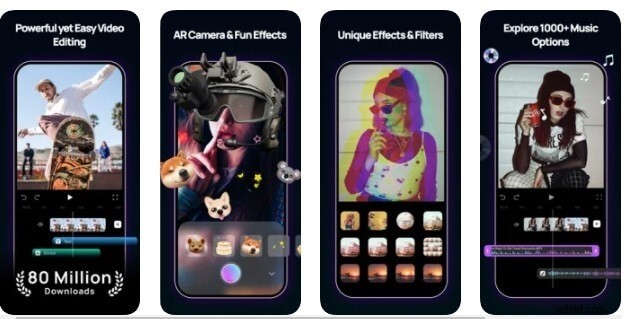
Filmora for iPhone – previously known as FilmoraGo – is one of the most popular free video editors on iOS. It combines a robust set of editing tools with an intuitive PiP workflow, making it ideal for beginners and pros alike.
Key features:
- Free to download and use.
- Supports up to five simultaneous PiP layers on recent iPhone models.
- Canvas controls allow you to resize, reposition, and layer each video independently.
- Customizable background and border options for each PiP clip.
Limitations:
- On devices older than iPhone 6, only one PiP layer is available.
- Frequent updates mean users should keep the app current to avoid crashes.
2. VivaVideo
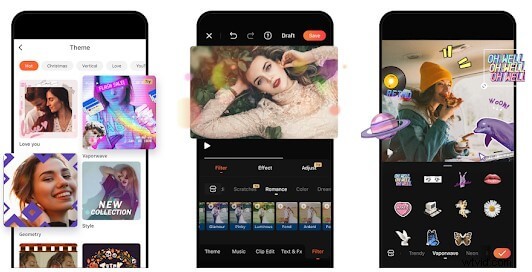
VivaVideo is a versatile, free iOS editor that offers a broad library of filters, music, and effects. Its PiP tool lets users overlay multiple videos in a single frame.
Key features:
- Intuitive timeline for easy drag‑and‑drop editing.
- Fully free, with optional in‑app purchases.
- Adjustable PiP background and frame size.
Limitations:
- Exported videos include a default watermark unless you purchase a pro plan.
- Resizing each PiP clip can be slightly finicky on older devices.
3. Quik
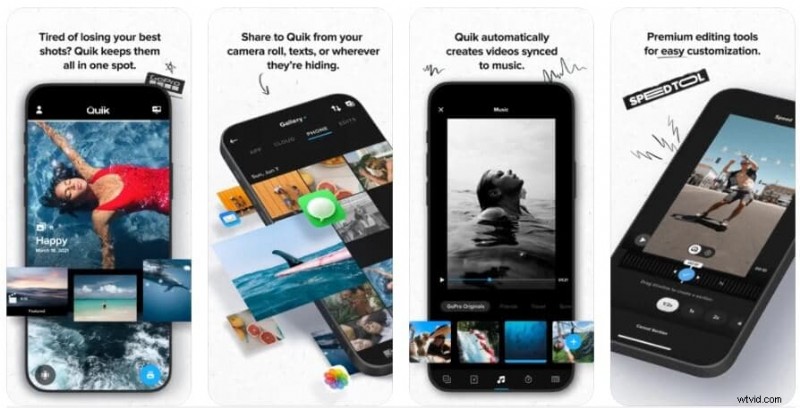
Quik, developed by GoPro, is a free, lightweight editor that excels at quick edits. It supports PiP and integrates smoothly with GoPro footage.
Key features:
- Free with a clean, user‑friendly timeline.
- Pinch gestures let you reposition and resize PiP clips directly on screen.
- Automatic syncing to music and motion‑based transitions.
Limitations:
- Editing options are more limited compared to Filmora or VivaVideo.
- Export quality can drop on very long projects.
How to create a multi‑video PiP project with Filmora for iPhone
- Download Filmora for iPhone from the App Store.
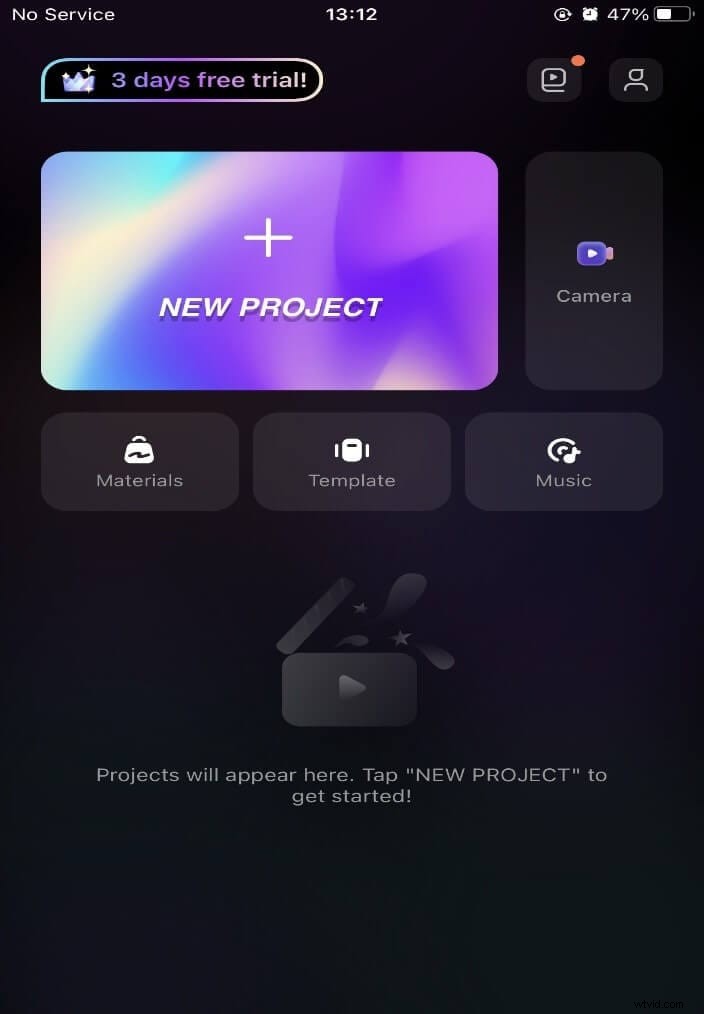
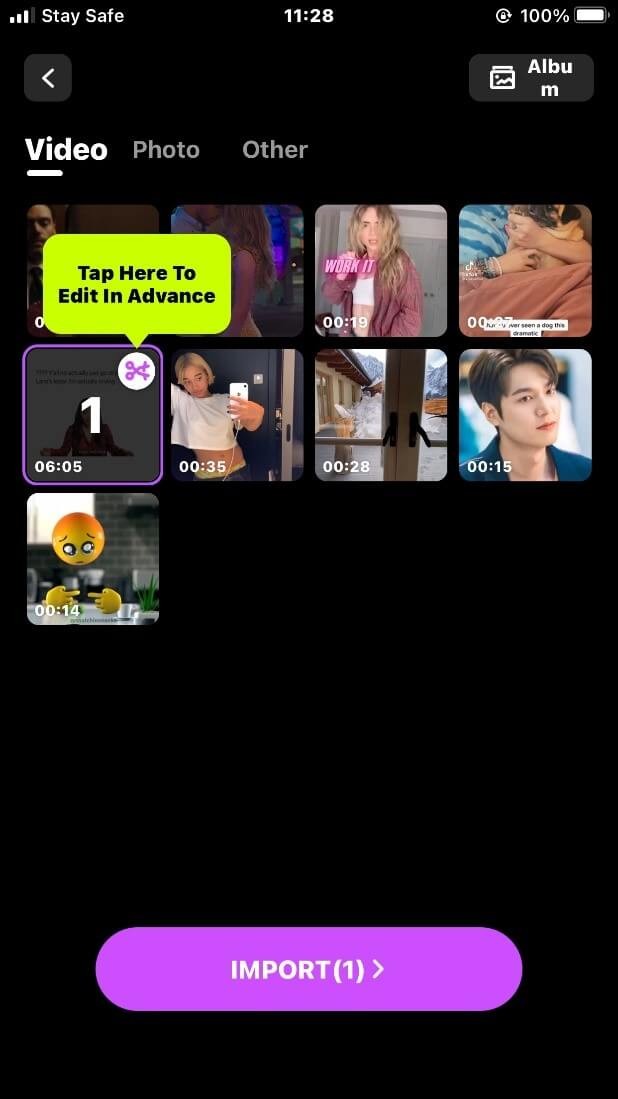
- Open the app and tap the + icon labeled “New Project” to start a new timeline.
- Import your primary video clip by selecting it from the library.
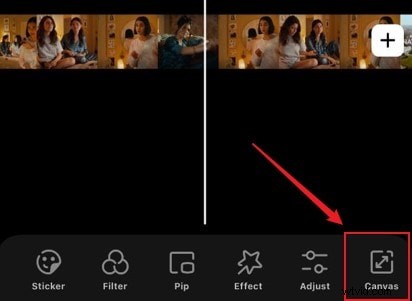
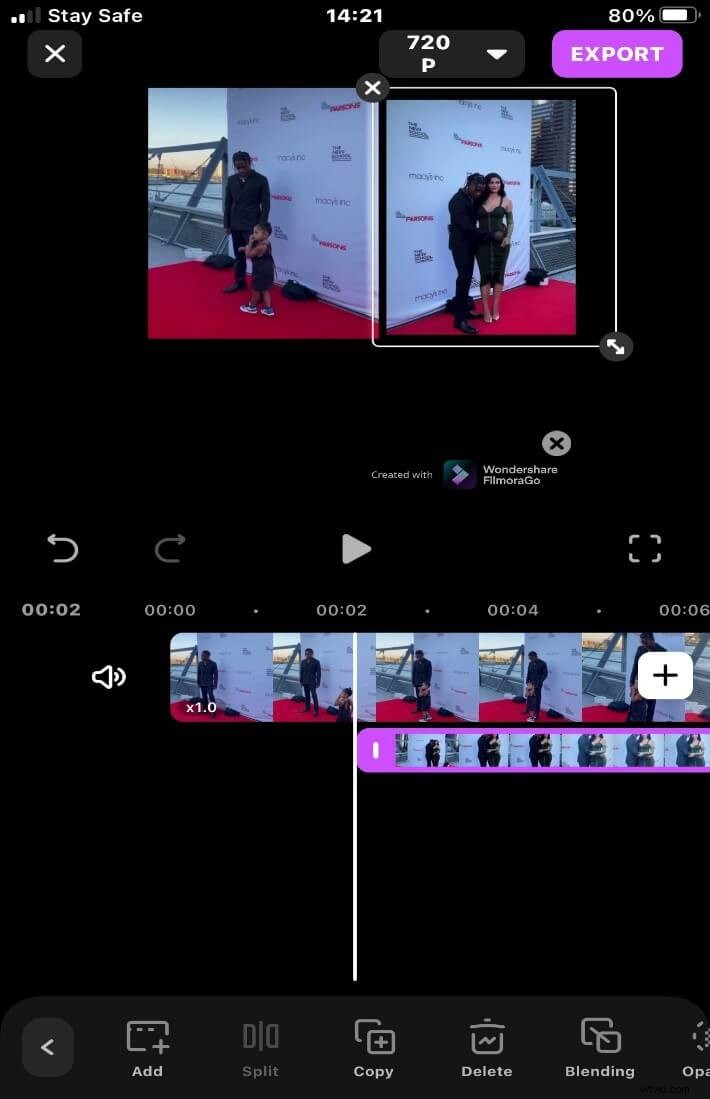
- Use the Canvas tool below the timeline to resize and reposition the main clip. Pinch to scale and drag to move.
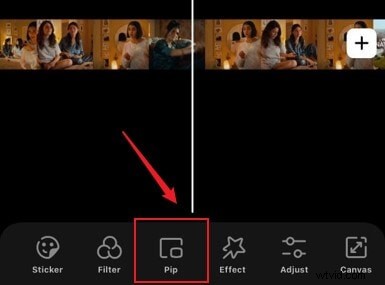
- Below the timeline, tap the PiP button to add an overlay clip.
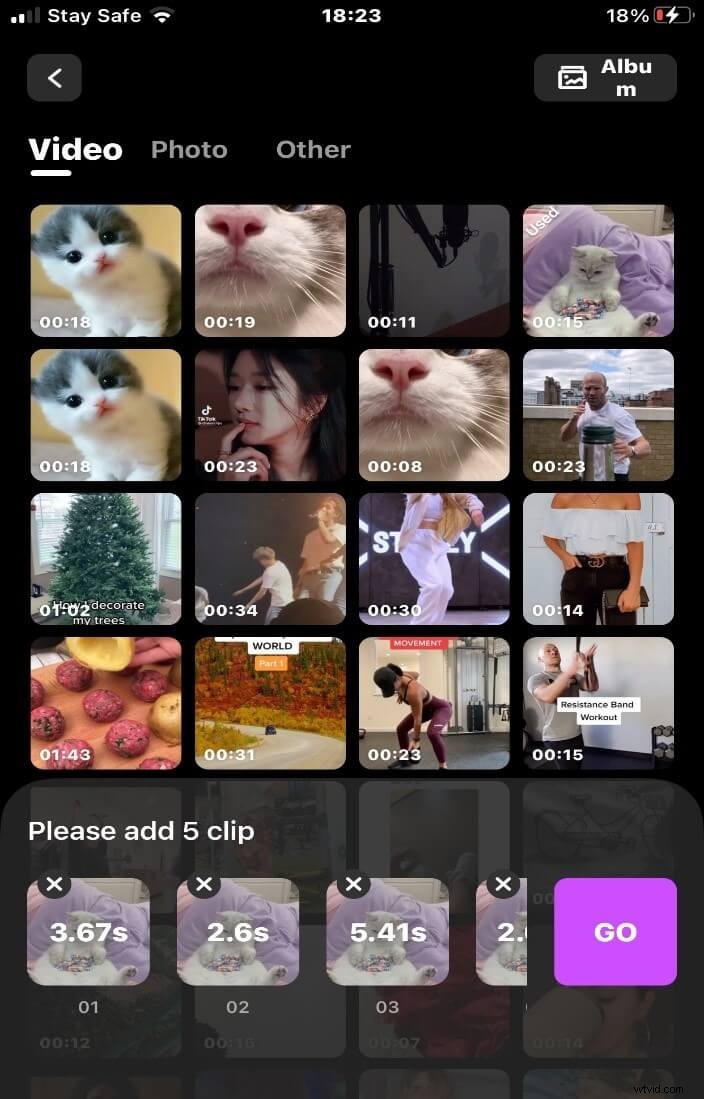
- Select the second video you want to overlay. Import it and adjust its size using pinch gestures.
- Fine‑tune the overlay’s position using the on‑screen arrows or by dragging the clip directly.
- When satisfied, tap Export to save the final video to your camera roll or share directly to social platforms.

Conclusion
Choosing the right PiP app depends on your workflow and device. For the most flexible and feature‑rich experience, Filmora remains the top choice. VivaVideo offers a solid balance of creativity and accessibility, while Quik shines for quick, on‑the‑go edits.
Download any of these free apps from the App Store and start producing professional‑looking PiP videos today.