
5 Proven AI Video Editing Alternatives to Synthesia
Artificial‑intelligence video creation has exploded in popularity, and Synthesia is often the first name people hear. Its realistic avatars and multilingual support let users produce professional‑looking videos without cameras, actors, or a studio. However, the platform’s pricing and limited editing flexibility can be a hurdle for solo creators, small businesses, or teams that need more creative control.
Below is a concise guide to the most effective Synthesia alternatives, grouped by what you’re looking for: advanced editing tools, rapid workflow, budget friendliness, or enterprise‑grade features. Each option is evaluated for price, platform, core AI capabilities, and the type of content it’s best suited for.
Top 3 Picks for Immediate Use
If you’re pressed for time, these three tools deliver standout results right out of the box.
- Filmora (Desktop) – Combines AI tools with full timeline editing, giving creators the freedom to tweak every frame.
- Pictory – Automates conversion of blog posts or transcripts into engaging videos, ideal for marketers who need speed.
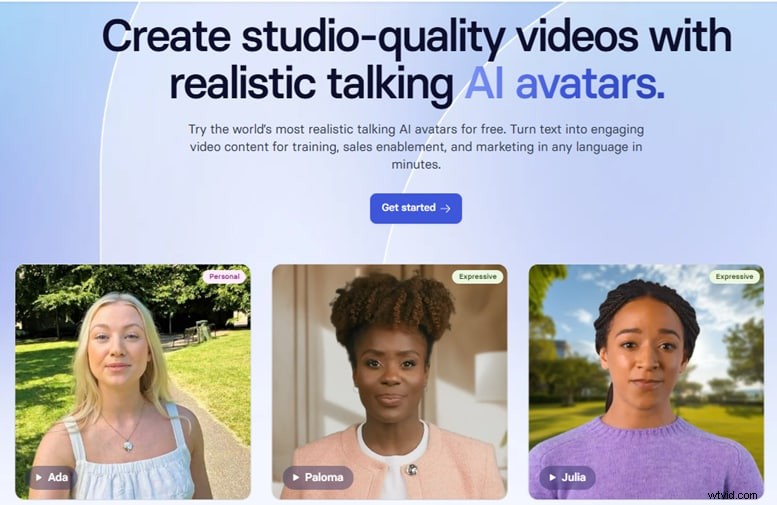
- HeyGen – Generates polished avatar videos in minutes, perfect for business presentations and training content.
Comparison Chart
| Tool | Best For | Platform | Pricing | Key Features | Standout Strength |
|---|---|---|---|---|---|
| Wondershare Filmora | Creative editing with AI support | Windows, macOS | Free version; subscription starts at $69/yr or a one‑time $199 license | AI avatar, speed ramping, AI voiceover, auto subtitles, full timeline editing | Powerful editing + built‑in AI avatar |
| Pictory | Repurposing blog content & social videos | Web | From $19/month | Blog‑to‑video, auto captions, voiceover, text summarizer | Rapid text‑to‑video automation |
| HeyGen | Business avatar videos | Web | From $29/month | Realistic avatars, voice cloning, multi‑language support | High‑quality avatars |
| Elai.io | Scalable corporate training or marketing | Web | From $23/month | Custom avatars, API integration, voiceover sync, templates | API integration + brand customization |
| Colossyan | Team training & internal communication | Web | From $19/month | Multi‑scene editor, team collaboration, avatars, translations | Collaboration + ease of use |
In‑Depth Reviews
1. Wondershare Filmora
Filmora bridges the gap between automation and manual control. Its AI avatar presenter, voiceover generator, and auto‑subtitle tool work alongside traditional timeline editing, making it ideal for creators who want the best of both worlds.

Best For – Creators, educators, marketers seeking advanced editing with AI support.
Pricing – Free version available; full subscription starts at $69/year or a one‑time $199 license.
Pros – All‑in‑one desktop app; timeline editing; built‑in AI voiceovers and avatars; intuitive interface.
Cons – Desktop‑only; avatar customization options less extensive than Synthesia.
Key Features – AI avatar, AI text‑to‑video, AI voice generator, auto subtitle generator, AI music & smart cut.
Why It Stands Out – Offers a smooth learning curve while delivering powerful AI enhancements, making it a solid alternative for users who want to keep creative control.
2. Pictory
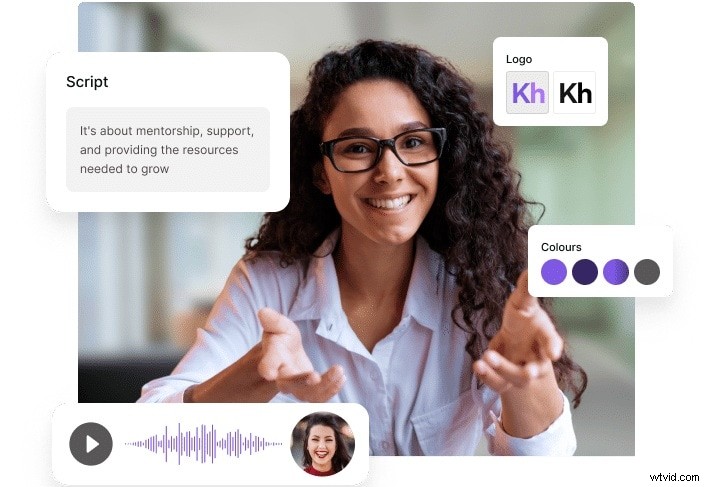
Pictory excels at turning long‑form content into bite‑size videos. It requires no editing experience, making it a go‑to for marketers and social media teams who need quick, polished results.
Best For – Marketers, content creators, social teams repurposing existing material.
Pricing – Starts at $19/month.
Pros – Extremely user‑friendly; rapid video production; no editing skills required.
Cons – No AI avatars; limited creative control.
Key Features – Blog‑to‑video, script‑to‑video, built‑in voiceover and captions, video summarization.
Why It Stands Out – Streamlines the entire workflow from text to video, perfect for high‑volume social content.
3. HeyGen
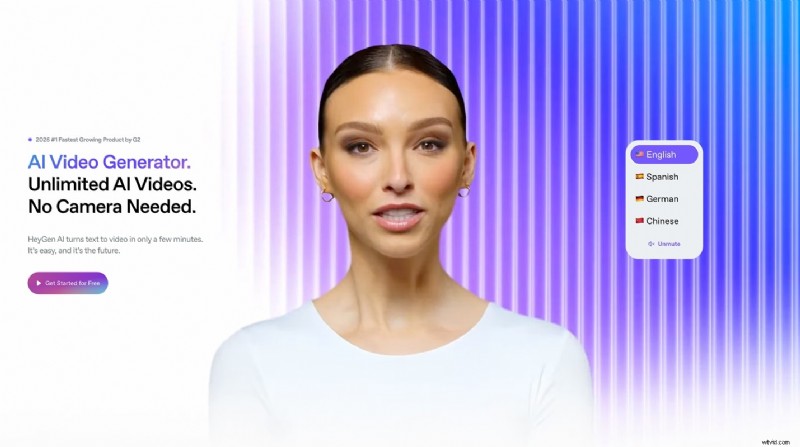
HeyGen offers realistic avatars and voice cloning, delivering professional‑looking videos in minutes. It’s especially suited for business presentations, training, and multilingual content.
Best For – Corporate training, business presentations, multilingual outreach.
Pricing – From $29/month.
Pros – High‑quality avatars; multiple languages and tones; quick script input.
Cons – Limited editing flexibility; higher tiers can be pricey.
Key Features – Realistic avatars, voice cloning, multi‑language support, facial expression & tone adjustments.
Why It Stands Out – Ideal for users who want lifelike presenters and fast production without heavy editing.
4. Elai.io
Elai.io is designed for enterprise‑scale video production, offering custom avatars, API integration, and support for 65+ languages.

Best For – Scalable corporate training, onboarding, marketing videos.
Pricing – From $23/month.
Pros – Scalable for large teams; custom branding; API support.
Cons – Interface less beginner‑friendly; avatars less expressive.
Key Features – Custom avatar creation, 65+ languages, API integration, PowerPoint‑to‑video conversion.
Why It Stands Out – Built for bulk production and brand consistency in a corporate environment.
5. Colossyan
Colossyan streamlines internal video creation with team collaboration tools and multilingual avatars, making it ideal for HR, onboarding, and e‑learning.

Best For – Teams creating internal communication, onboarding, e‑learning videos.
Pros – Multi‑scene editor; real‑time collaboration; built‑in translations.
Cons – Limited features for public content; best suited for corporate use.
Key Features – Multi‑scene editor, built‑in avatars & voiceovers, real‑time collaboration, easy localization.
Why It Stands Out – Facilitates collaborative video production without a dedicated post‑production crew.
Choosing the Right Tool for Your Workflow
- Content Creators & YouTubers – Filmora offers full timeline control plus AI helpers, striking a balance between automation and creative freedom.
- Marketers & Social Teams – Pictory’s text‑to‑video engine turns long‑form content into shareable videos instantly.
- Corporate Teams – HeyGen, Elai.io, and Colossyan provide realistic avatars, multilingual support, and collaboration features tailored for training and internal communications.
- Beginners & Budget‑Conscious Users – Start with Pictory for zero‑cost trials or try Filmora’s free version to gauge the platform’s workflow.
Conclusion
Choosing an AI video editor depends on your priorities: speed, creative control, cost, or enterprise features. For a flexible, powerful solution, Filmora remains a top pick, blending AI convenience with robust manual editing. For quick, content‑driven videos, Pictory shines, while HeyGen, Elai.io, and Colossyan cater to corporate needs with advanced avatars and collaboration tools.
Whichever path you choose, these alternatives provide the tools you need to produce compelling videos efficiently and confidently.

Filmora – AI Video Editing App & Software
Best tool for creating videos anywhere, for all creators! Simplify every step from pre‑processing to finalizing – Filmora AI stays tuned.