
Backgrounds can distract even the best photo. Whether you’re crafting product listings, social media graphics, or professional portraits, a cluttered backdrop can undermine the impact. The solution? Dedicated background‑removal apps that automate the process with precision and speed. Below we review the top 11 tools for 2025, outlining their strengths, weaknesses, and ideal use cases.
Key Factors to Consider When Choosing a Background Remover
Before selecting an app, weigh these essential criteria:
- Precision & Accuracy: The app must reliably isolate the subject from the background.
- Output Quality: Look for high‑resolution exports, transparent PNG support, and format flexibility.
- Creative Control: Ability to replace backgrounds with solid colors, gradients, or custom images.
- Speed & Convenience: Fast batch processing is a must for high‑volume workflows.
- Platform Optimization: Mobile‑first design and offline capability reduce dependence on connectivity.
- Image Fidelity: Avoid excessive compression that softens edges or reduces sharpness.
Top 11 Background Removal Apps of 2025
Here are the apps that excel across the above dimensions.
1. Filmora App (iOS/Android)
Filmora offers a mobile‑friendly interface for instant background isolation, replacement, and enhancement. The Chroma Key tool allows selective color removal, making it ideal for vlogging and quick edits.
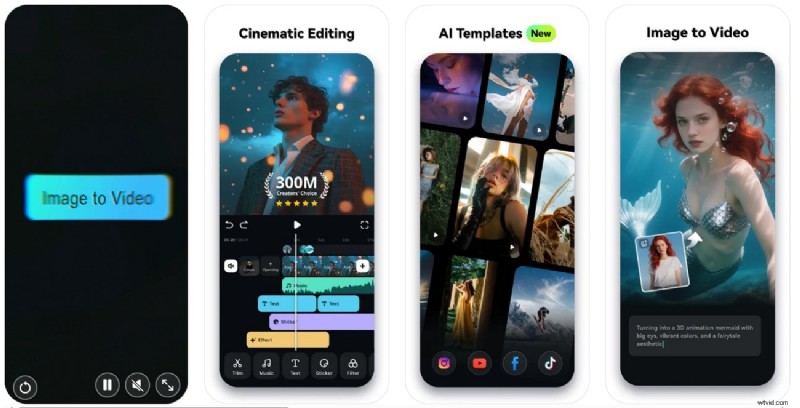
- Clean UI for rapid edits.
- Seamless audio and video integration.
- Fast, precise background removal.
- Background‑replacement options may be locked behind the Pro tier.
- AI Remover – Effortlessly excise objects or text.
- Effects & Filters – Enhance the visual tone.
- AI Enhancer – Denoise and sharpen automatically.
- Blur Background – Soft focus the surrounding area.
Why we pick it: A reliable choice for mobile creators who need speed without compromising quality.
Best for: YouTubers and vloggers who demand quick, high‑quality background removal.
2. Photoroom (iOS/Android)
Photoroom uses AI to isolate subjects and offers bulk processing, background replacement, and image expansion for creative effects.
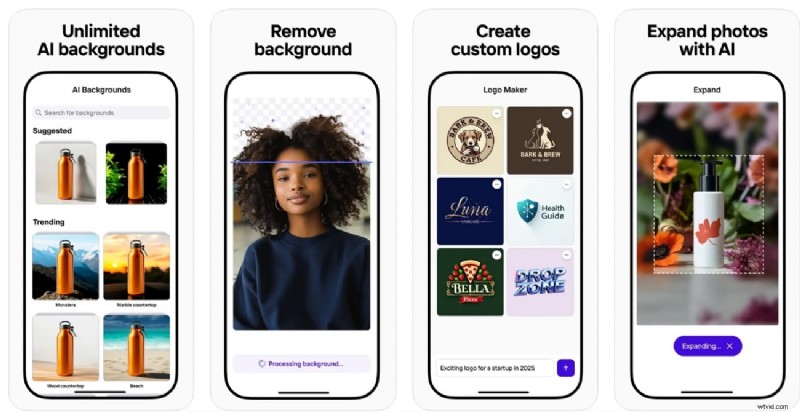
- Before‑and‑after preview ensures satisfaction.
- Intuitive interface promotes a smooth experience.
- Occasional loss of detail around complex edges.
- HD exports require a Pro subscription.
- Batch processing – Handle multiple photos simultaneously.
- Add text overlays post‑removal.
- Resize for platform‑specific aspect ratios.
Why we pick it: Optimal for bulk editing, especially for e‑commerce imagery.
Best for: Store owners who need clean product shots en masse.
3. Adobe Express (iOS/Android)
Adobe Express blends AI‑powered background removal with collaborative editing, brand kits, and Adobe Stock integration.
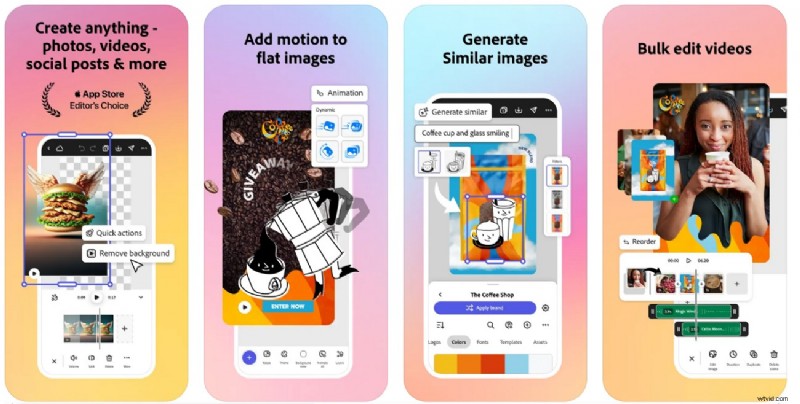
- Co‑editing and comment features streamline teamwork.
- Seamless background removal workflow.
- Account setup can be time‑consuming.
- Certain features are gated behind paid plans.
- Replace background using Adobe Stock assets.
- Brand Kits enforce consistent color palettes.
- AI image generation within the editor.
Why we pick it: The tight integration with Adobe’s ecosystem makes it a go‑to for professional designers.
Best for: Marketers and teams that rely on Adobe tools.
4. Canva (iOS/Android)
Canva’s background remover automatically detects subjects and offers Magic Edit for quality enhancement.

- Drag‑and‑drop layout supports a smooth workflow.
- Supports a wide range of file formats.
- Background removal is a Pro feature.
- Large files (>10MP) are downsized on import.
- Magic Eraser – Remove objects or text precisely.
- Logo placement for branding.
- AI assistant adds contextual elements.
Why we pick it: The free tier offers enough features for students and small businesses.
Best for: Designers creating web visuals and presentations.
5. Remove.bg (Android)
Remove.bg delivers quick, AI‑driven background removal with both manual and automatic modes.
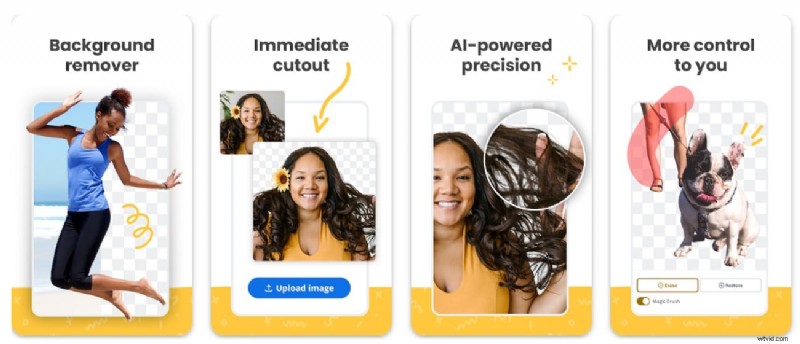
- Fast batch processing for large sets.
- User‑friendly interface demands no prior skill.
- Free plan limits image count.
- No additional editing beyond background removal.
- Batch & API support for enterprise needs.
- Instant transparent or custom background creation.
- Object Eraser for selective removal.
Why we pick it: The quickest path to clean cutouts for bulk projects.
Best for: E‑commerce sites and recruiters handling ID or product imagery.
6. Pixomatic (iOS/Android)
Pixomatic offers precise background removal and blurring, plus a lasso tool for meticulous edits.
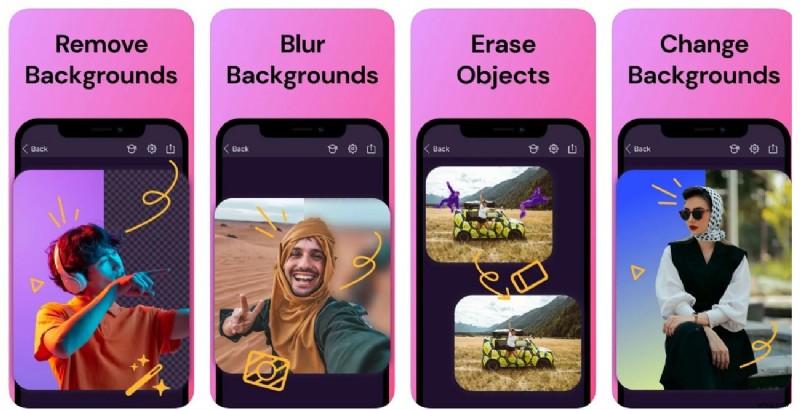
- High‑precision cuts suitable for professional use.
- High‑quality exports preserve detail.
- Learning curve slows the workflow.
- Complex backgrounds may reduce sharpness.
- Magic Cut for image enhancement.
- Filter and effect library.
- Blemish and watermark removal tools.
Why we pick it: Ideal for creative projects requiring manual control.
Best for: Artists and advanced mobile editors.
7. LightX (iOS/Android)
LightX blends AI background removal with a suite of editing tools, including Magic Brush and AI Background Generator.

- Precise results even on intricate scenes.
- Fast processing saves time.
- Watermark appears on free tier.
- AI color adjustments may affect skin tones.
- AI Image Generator for added elements.
- Magic Eraser for object removal.
- Background Generator suggests suitable scenes.
Why we pick it: A balanced choice for mobile photographers seeking advanced features.
Best for: Quick, high‑quality background removal on the go.
8. Background Eraser (iOS/Android)
Background Eraser isolates subjects and allows sticker creation or simple background changes.
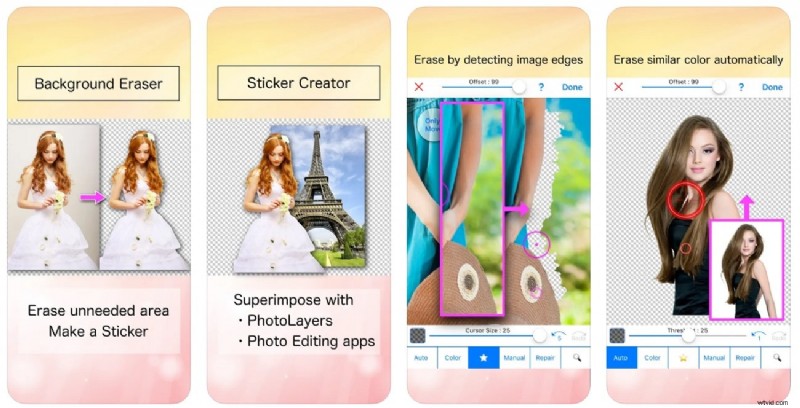
- Beginner‑friendly with a minimal learning curve.
- Consistent output quality.
- No advanced editing tools.
- No batch processing support.
- Auto Remover corrects accidental cuts.
- Toggle black or white background.
- Crop edges before removal.
Why we pick it: Perfect for quick sticker creation without extra complexity.
Best for: WhatsApp users turning photos into stickers.
9. Photo Retouch (Android)
Photo Retouch specializes in blemish removal and background cleanup for polished portraits.
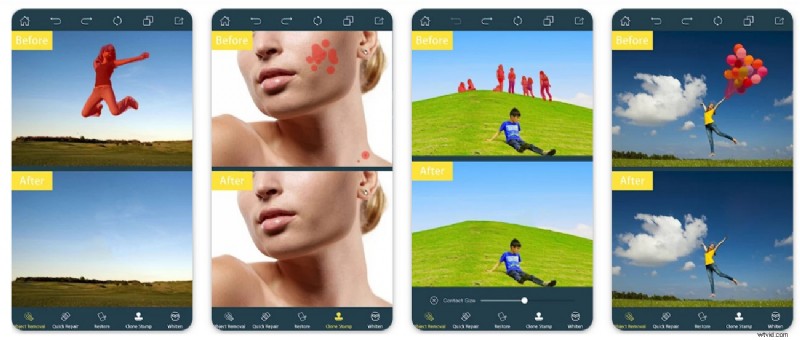
- Fast object removal with a user‑friendly interface.
- No steep learning curve.
- iOS support is currently unavailable.
- Pro version needed for larger export sizes.
- AI Expansion for creative framing.
- AI Enhancer for image sharpness.
- Stroke effect to highlight subjects.
Why we pick it: A lightweight solution for quick portrait edits.
Best for: Influencers and students on a budget.
10. Fotor (iOS/Android)
Fotor offers one‑click background removal with batch processing and advanced replacement options.

- Batch editing speeds up large projects.
- Accurate detection for clean cutouts.
- Advanced tools require a Pro subscription.
- Limited manual brush adjustments.
- Multiple background replacements.
- Brush tool for manual tweaks.
- High‑quality export options.
Why we pick it: A versatile platform for designers who need speed and precision.
Best for: Photographers and designers handling varied projects.
11. Picsart (iOS/Android)
Picsart’s AI background remover performs a single‑step cutout while offering templates and video support.
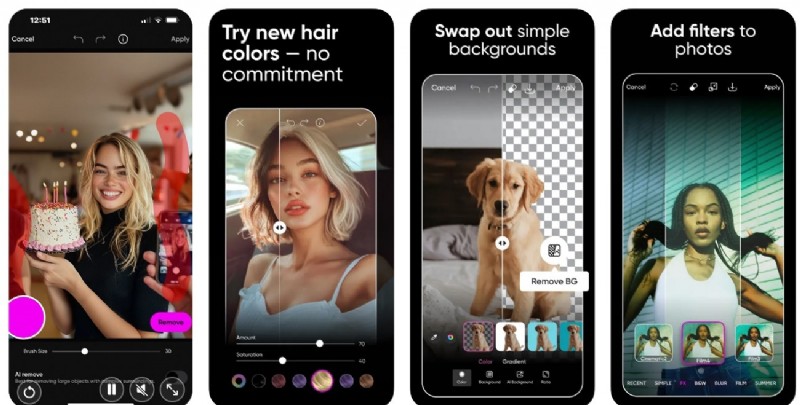
- Batch mode handles up to 50 images.
- Rich template library for quick starts.
- Watermark appears on free exports.
- Features can overwhelm beginners.
- Export resolution control.
- Video file support.
- Stickers, overlays, and effects integration.
Why we pick it: Reliable for high‑volume work with easy customization.
Best for: Content creators needing bulk edits and visual flair.
Comparative Overview
| App | Compatibility | AI Features | Ease of Use | Speed | Control Type |
| Filmora App | Windows, Mac, iOS, Android | — | Easy | Fast | Auto & Full AI control |
| Photoroom | iOS, Android, Online | — | Easy | Moderate | Auto & Brush edits |
| Adobe Express | Windows, Mac, iOS, Android, Online | — | Moderate | Slow | Auto & Brush & Restore |
| Canva | Windows, Mac, iOS, Android, Online | — | Difficult | Moderate | Auto & Brush & Restore |
| Remove.bg | Online, Windows, Mac, API, Android | — | Easy | Fast | Auto & Magic Brush |
| Pixomatic | iOS, Android, Mac, Online | — | Moderate | Slow | Auto & Lasso & Brush |
| LightX | iOS, Android, Online | — | Easy | Fast | Auto & Manual Refinement |
| Background Eraser | Android, iOS | — | Easy | Slow | Auto & Brush & Shape Crop |
| Photo Retouch | Android, iOS | — | Moderate | Fast | Manual Brush |
| Fotor | Windows, Mac, iOS, Android, Online | — | Difficult | Fast | Auto & Brush & Eraser |
| Picsart | Windows, Mac, iOS, Android, Online | — | Moderate | Moderate | Auto only |
Step‑by‑Step: Removing a Background with Filmora App
- Launch Filmora and tap “New Project.” Import the image you wish to edit.
- Select the image on the timeline and choose “Smart Cutout” → “Remove Background.” The AI will auto‑isolate the subject.
- Tap “Stroke/Effect/Replace” to add a border, apply a visual effect, or swap the background. Confirm with the check icon.
- For a more tailored cutout, open the “Customized Cutout” tool, mark the desired area, and apply.
- Use the “Chroma Key” option to remove a specific color: pick the shade with the dropper, adjust strength, then confirm.
- Preview the final image by pressing “Play,” then export by setting resolution and tapping “Export.”
Conclusion
After evaluating precision, speed, and feature breadth, the Filmora App emerges as the most balanced solution for both beginners and professionals. Its intuitive interface, robust AI engine, and comprehensive export options make it the top choice for on‑the‑go background removal in 2025.
Whether you’re a social media manager, e‑commerce specialist, or content creator, these apps empower you to transform your images with confidence and efficiency.
Filmora – AI Video Editing App & Software. Best tool for making videos anywhere for all creators!