
In a world where video dominates, the tools that shape that content are as critical as the content itself. CapCut has become a go‑to choice for millions thanks to its intuitive workflow and extensive library of effects. Yet, a growing segment of creators seeks a truly free, privacy‑first alternative. OpenCut positions itself as that solution—a fully open‑source editor that offers the core features of CapCut without hidden costs or data‑sharing.
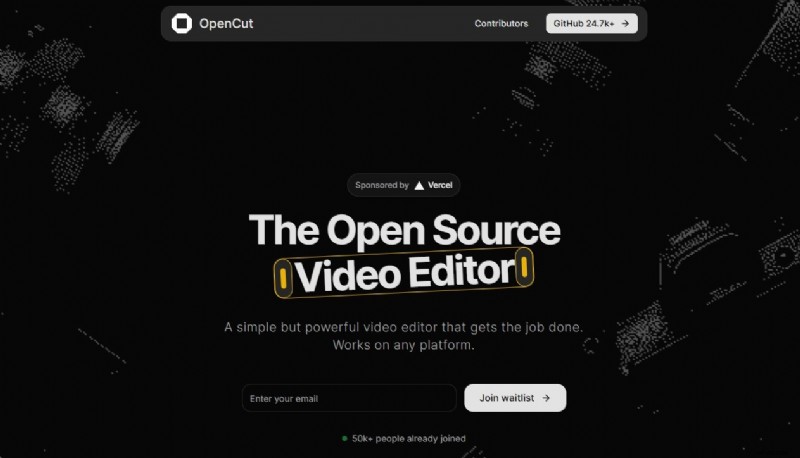
OpenCut: A Transparent, User‑Centric Video Editor
Developed as a direct response to demand for an open‑source video editor, OpenCut prioritises privacy, transparency, and cross‑platform compatibility. All projects stay on the user’s device, eliminating the need to upload footage to external servers. The project is still in early development, and interested users can join a waitlist to receive updates on its release.
OpenCut at a Glance: Quick Scorecard
| Feature | Rating | Details |
| Editing Features | ★★★☆☆ | Core timeline‑based and multi‑track editing is available, while advanced features are slated for future releases. |
| Ease of Use | ★★★★☆ | Designed to feel intuitive, inspired by the user‑friendly layouts of editors like Filmora. |
| AI Capabilities | / | Privacy‑first focus means AI is not a priority at launch. |
| Performance & Speed | / | Public performance metrics are not yet available; the goal is a lightweight, efficient experience. |
| Value for Money | ★★★★★ | Completely free, no subscriptions, no watermarks, and fully open source. |
Why the Market Needs an Open‑Source CapCut Alternative
Short‑form video on TikTok, Instagram Reels, and YouTube Shorts fuels demand for accessible yet powerful editing tools. CapCut dominates this space but is not free. OpenCut offers a compelling proposition: a privacy‑focused, free editor that doesn’t compromise on essential capabilities. This review examines the project’s early stage, its roadmap, and the philosophy that drives its creation.
Price and Version
OpenCut is released under an open‑source license, meaning there are no hidden fees, subscription tiers, or locked‑in features. Users can access the full suite of tools without spending a dime.
- Free & Open‑Source: The source code is publicly available, encouraging community contributions and transparent development.
- No Watermarks: Exported videos remain clean, free of any branding.
- Waitlist Access: The application is not yet publicly available; join the waitlist on the official site to receive release notifications.
- Competitive Positioning: Unlike CapCut’s freemium model, OpenCut’s “free forever” approach sets it apart. While other open‑source editors like Shotcut and Kdenlive are powerful, they can be less beginner‑friendly. OpenCut aims to bridge that gap.
Key Features & Capabilities
OpenCut’s current feature set focuses on the fundamentals that every serious editor needs.
- Timeline‑Based Editing: Arrange clips, audio, and other media on a familiar timeline for precise control.
- Multi‑Track Support: Overlay video, add background music, incorporate sound effects, and manage media independently.
- Real‑Time Preview: View edits instantly without waiting for full renders.
- Privacy‑First Approach: All processing occurs locally on the user’s device, safeguarding sensitive footage.
User Experience & Interface
Although hands‑on testing is pending, the design philosophy is clear.
- UI Design: A simple yet powerful workspace that is uncluttered for beginners yet deep enough for advanced users.
- Ease of Use: The goal is a gentle learning curve for casual creators and seasoned editors alike.
- Workflow: Import, arrange on the timeline, edit, and export—drag‑and‑drop will be a core interaction.
- Community‑Driven Development: Active GitHub discussions indicate a responsive team ready to incorporate user feedback.
Performance & Rendering
While performance data is not yet available, the project’s intent is clear.
- Stability & Speed: A modern editor must handle a variety of formats and resolutions smoothly.
- Export Times: Efficient rendering is a key metric; the underlying architecture will dictate how quickly final videos are produced.
- Format Support: Future releases aim to cover a wide range of video and audio formats, including 4K and 60fps output.
A Note on Established Alternatives: Wondershare Filmora
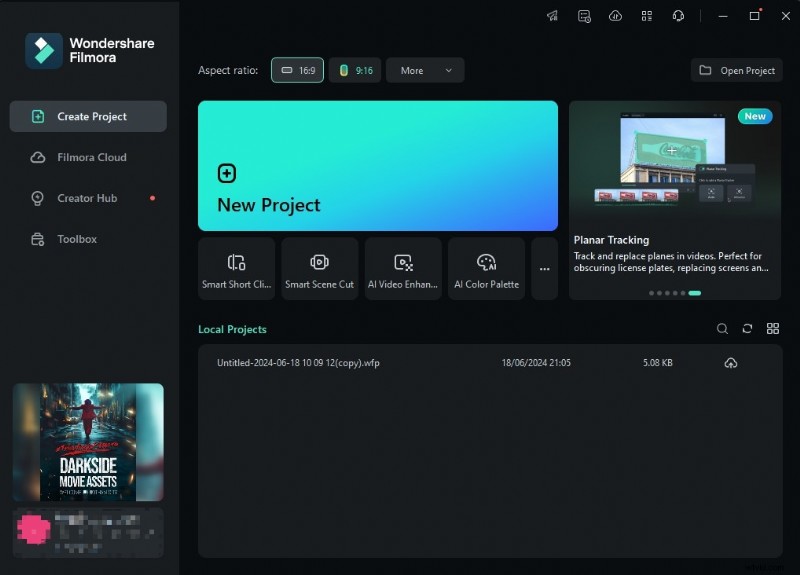
Filmora exemplifies how a polished product can blend simplicity with power. Its drag‑and‑drop interface, color grading tools, motion tracking, and vast effects library make it a popular choice for YouTubers and casual creators alike. While Filmora delivers a finished experience today, OpenCut offers a different promise: an evolving, privacy‑centric, open‑source solution that may one day rival commercial giants.
 Secure Download
The Final Verdict: Is OpenCut Worth the Wait?
OpenCut signals a promising direction for video editing: free, open source, and privacy‑first. Although it is still in beta and not publicly available, the project’s clear vision and active development are encouraging. For creators wary of data privacy or looking for a cost‑effective tool, OpenCut is worth watching. Its success will hinge on delivering a polished, stable, feature‑rich experience that can compete with established editors. By joining the waitlist, early adopters gain the chance to shape the future of open‑source video editing.