
When you need to remove unwanted scenes, modern cloud‑based trimming tools let you do so quickly and without compromising quality. Traditional desktop editors were often sluggish, lacked frame‑by‑frame precision, and could not match the speed of today’s web‑based solutions.
Choosing the right online trimmer can be daunting given the sheer number of options. This guide highlights five reliable, feature‑rich platforms that empower editors—whether you’re a vlogger, content creator, or professional filmmaker—to trim videos effortlessly, all while keeping file integrity intact.
You may also like: MP4 Cutter: How to cut MP4 files on iPhone
Key Features to Look for in a Trusted Online Video Trimmer
Vloggers, in particular, require tools that can handle large files, preserve resolution, and provide precise cuts. When evaluating an online trimmer, consider the following:
- Support for a wide range of formats (MP4, MOV, AVI, etc.) and resolutions.
- Frame‑by‑frame trimming and zero‑loss export.
- Absence of bloatware, malware, or intrusive ads.
- Clear, user‑friendly interfaces that eliminate unnecessary complexity.
- Secure, encrypted data handling to protect your content and privacy.
By focusing on these criteria, you’ll avoid risky downloads and choose tools that deliver consistent, high‑quality results.
1. Online Video Cutter
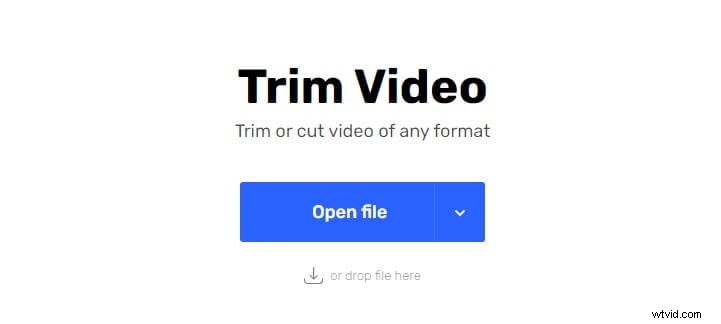
Online Video Cutter is a straightforward web tool that supports a broad spectrum of video formats and resolutions. The process begins by clicking Open file, selecting your video from your computer, and letting it upload. While larger files (up to 4 GB) may take longer to process, the platform offers a clean, watermark‑free experience.
- Pros: Free, intuitive interface, customizable output quality.
- Cons: Upload speed depends on file size; security guarantees are limited.
2. Wincreator.com
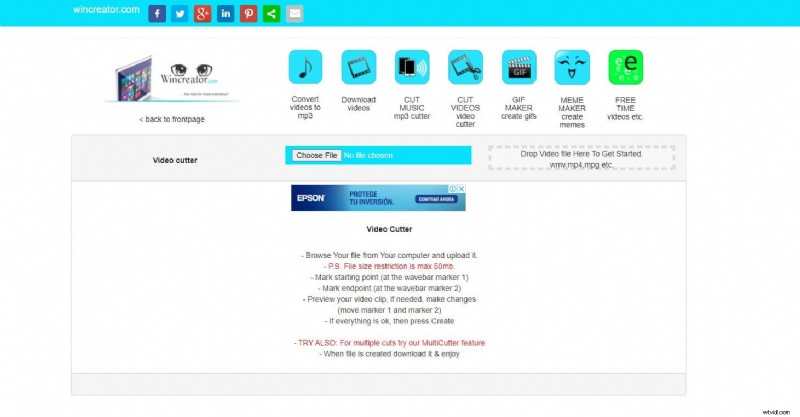
Wincreator.com provides a versatile online trimmer that handles MP4, WMV, MPG, and other common formats. With a 50 MB file limit, the site is ideal for quick edits, offering cropping, cutting, and preview capabilities without adding watermarks.
- Pros: Instant preview, multiple editing options, supports several popular formats.
- Cons: File size restriction may limit use for larger projects.
3. YtCropper
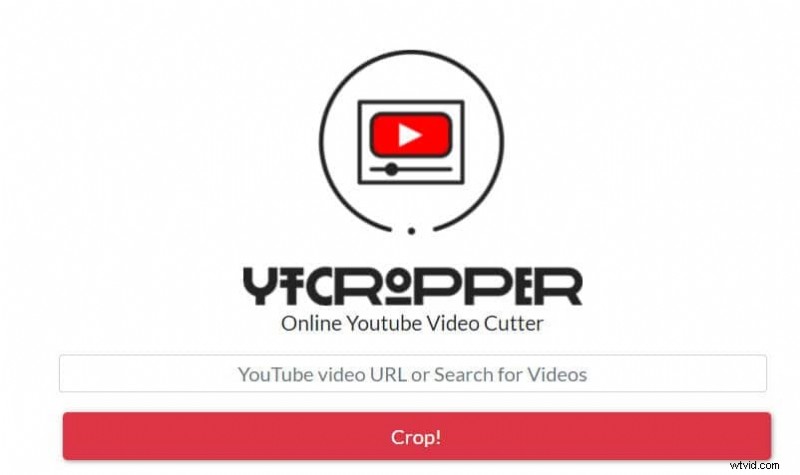
YtCropper specializes in trimming YouTube videos directly from their URLs. Copy the video link, set start and end points, hit Crop, and the trimmed clip is ready—no watermark for YouTube content. However, it does not offer a download option for the cropped video.
- Pros: Supports all YouTube videos, allows looping, shareable output.
- Cons: Limited to YouTube, no direct download of the cropped segment.
4. Kapwing
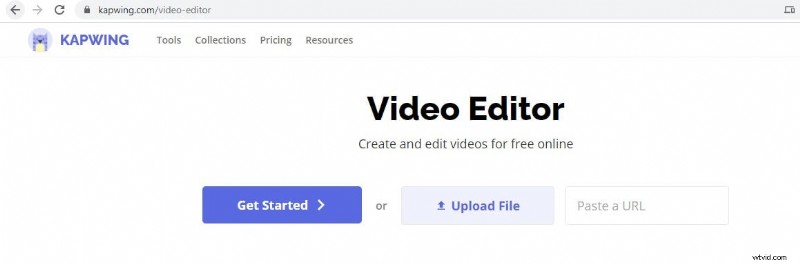
Kapwing combines trimming with a suite of editing tools—including cropping, resizing, subtitles, and meme creation. It accepts MP4, MOV, GIF, PNG, and other formats up to 60 minutes long. While free usage is ad‑free, watermarks appear unless you register.
- Pros: Fast export, no ads, comprehensive editing features.
- Cons: Watermark on unregistered accounts, occasional performance hiccups.
5. ClipChamp
ClipChamp offers a robust set of editing tools, from basic trimming to advanced features like flipping and mirroring. It supports an extensive range of formats—WEBM, AVI, MOV, MP4, 3GP, DIVX, VOB, WMV, MKV, and DCM—without imposing an input file size limit. Basic free plans do add a watermark.
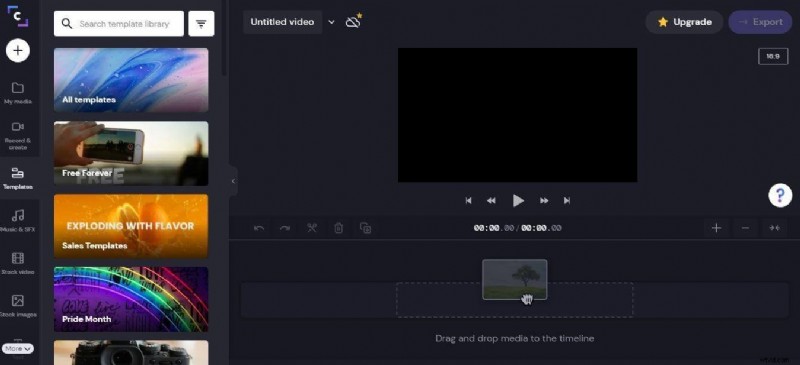
- Pros: Unlimited file size, multiple format support, rich editing options.
- Cons: Watermark in free tier.
You may also like: Ultimate Guide to Merge Audio and Video on iPhone/Android/iPad
Beyond these web tools, Wondershare Filmora for Mobile offers on‑the‑go editing for iOS and Android users. With a library of effects, transitions, and filters, it allows editors to craft polished videos directly from their smartphones—perfect for those who prefer not to rely on a PC.
Choose the tool that best aligns with your workflow, file sizes, and desired level of control, and start trimming with confidence.
You may also like: Video Beautification: How to retouch your selfie videos on Filmora for Mobile (formerly FilmoraGo)