

Jun 27, 2025 • Proven solutions
4K Ultra HD delivers a breathtaking viewing experience, capturing every detail with a clarity that mirrors 20/20 vision. Unfortunately, many free media players on Windows and macOS fail to play 4K content at full quality, leading to pixelation or stutter. If you’re looking for reliable, zero‑cost options that support 4K on both Windows 10/11 and macOS, this guide gives you a detailed, hands‑on review of the best free players available in 2025.
- Part 1: Best Free 4K Video Players
- 5K Player: Play 4K/5K/1080p HD videos
- VLC Media Player
- PowerDVD 23
- KMPlayer
- DivX Player
- Elmedia Player
- PlayerFab
- Part 2: 4K Video Players FAQs
Recommended Video Editor for 4K Video Editing (Windows & Mac)
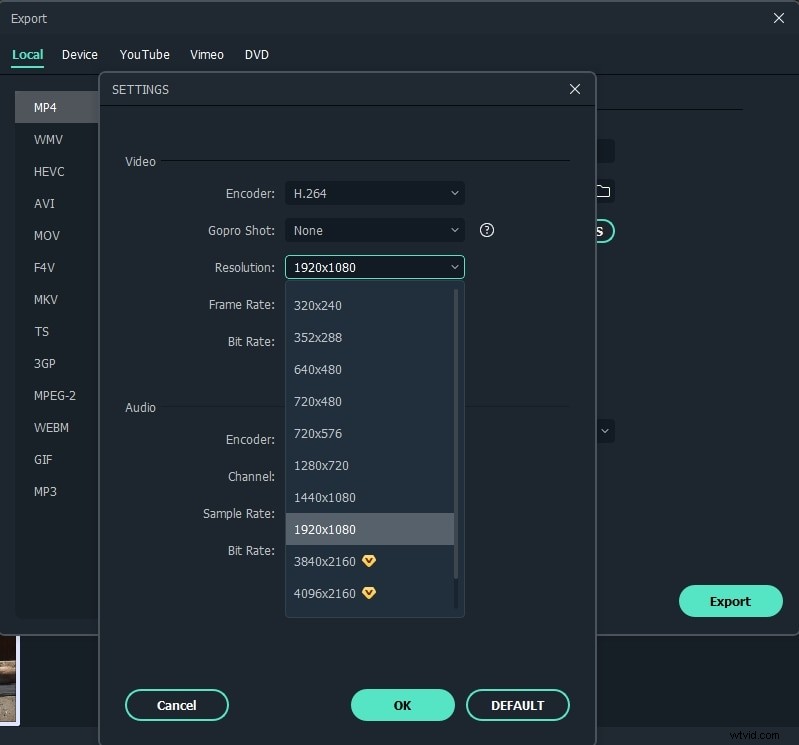
Editing 4K footage doesn’t have to demand a high‑end machine. Wondershare Filmora 9 brings proxy‑file editing, letting you preview in lower resolution while preserving full 4K output. Whether you’re a hobbyist or a small‑business creator, Filmora offers an intuitive timeline, built‑in effects, and cloud‑based rendering for both Windows and macOS.
Need a laptop that can keep up with 4K editing? We’ve highlighted the best models that support hardware acceleration, ample RAM, and high‑resolution displays. Click through to our full list of recommended laptops for 4K video editing.
Best Free 4K Video Players in 2025
Some of the players on this list are free on both platforms, while others offer a freemium model with basic features or a trial period. We’ll note each approach so you can decide which suits your workflow.
Before diving into the details, here’s a quick comparison table:
| Video Player | Platforms | Hardware Acceleration | Key Codec Support | Price/Limitations |
|---|---|---|---|---|
| 5K Player | Windows & Mac | AMD & NVIDIA GPU, Intel QSV, DXVA | 4K/HEVC/HDR/AV1, up to H.264 8K | Completely free |
| VLC Media Player | Windows, Mac, Linux, Android, iOS | Hardware decoding (limited for 4K/8K) | Most formats without external codecs | Free and open‑source |
| PowerDVD 23 | Windows | 4K/8K hardware acceleration | Ultra HD Blu‑ray, H.265/HEVC, MKV, MP4 | 30‑day free trial |
| KMPlayer | Windows & Mac | High‑resolution playback at 60FPS | Internal codecs via libavcodec | Free with ads (removable with donation) |
| DivX Player | Windows & Mac | 4K Ultra HD support | DivX, AVI, MKV, MP4, MOV | Free with paid upgrades |
| Elmedia Player | Mac | 4K acceleration via Apple Silicon & Intel Macs | 70+ formats including MKV, MP4, AVI | Free version with Pro upgrade option |
| PlayerFab | Windows & Mac | Hardware decoding for NVIDIA & AMD | 4K Ultra HD, HDR10, DVD/Blu‑ray | 30‑day free trial |
1. 5KPlayer
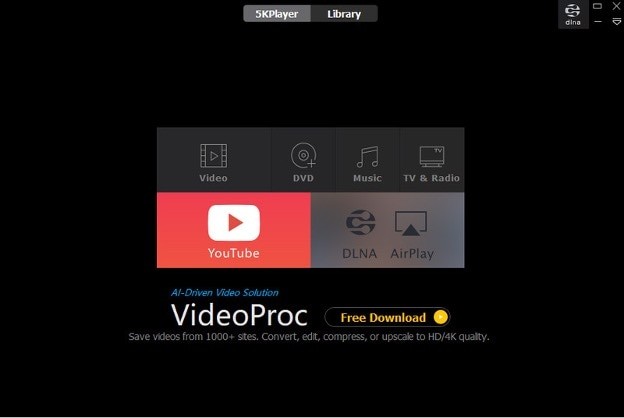
5K Player is a straightforward yet feature‑rich media hub that supports 4K playback, online downloads, and streaming. It also doubles as a music player and offers DLNA & AirPlay sharing.
Key Features:
- 4K, 1080p, and 360° video support
- GPU acceleration via AMD & NVIDIA, Intel QSV, DXVA
- Wide codec range: 4K/HEVC/HDR/AV1, up to H.264 8K
- Cross‑platform: Windows & Mac
Pros:
- Completely free
- Built‑in YouTube and Vimeo downloader
- DLNA & AirPlay support
Cons:
- Occasional pop‑ups and software recommendations
- Initial learning curve for advanced features
Best For: Users who want a single app to view, download, and stream 4K content.
2. VLC Media Player
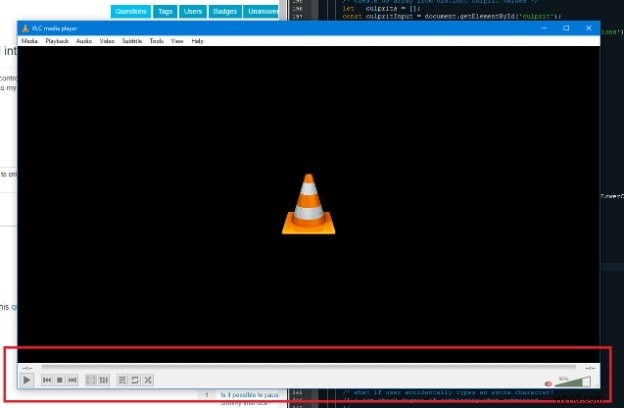
VLC remains the go‑to open‑source player for reliable 4K playback across multiple operating systems. It offers a lightweight interface, no ads, and a robust codec library.
Key Features:
- Cross‑platform support: Windows, Mac, Linux, Android, iOS
- Built‑in format conversion tools
- Hardware decoding and audio passthrough
- Real‑time AI subtitle translation
Pros:
- Free and open‑source
- No external codecs required
- Smooth, low‑overhead playback
Cons:
- No integrated cloud services
- Limited media library organization
- Partial 4K/8K hardware acceleration support
Best For: Anyone seeking an ad‑free, versatile player to replace Windows Media Player or QuickTime.
3. PowerDVD 23
CyberLink PowerDVD 23 is tailored for Windows users who demand premium playback of Blu‑ray, 4K Ultra HD, and 8K content. Its advanced audio and visual enhancements make it ideal for home theater setups.
Key Features:
- 4K/8K playback with hardware acceleration
- Ultra HD Blu‑ray support
- TrueTheater enhancements: HDR, color correction, surround‑sound upscaling
Pros:
- Extensive format support: H.265/HEVC, MKV, MP4, FLAC, etc.
- Cloud & casting via Chromecast, Apple TV, Roku
- Integrated media library management
Cons:
- Windows‑only; no macOS version
- 30‑day trial limits long‑term use
- Ultra HD Blu‑ray depends on hardware
Best For: Windows users with robust desktops or home theaters who need comprehensive 4K/8K playback and media organization.
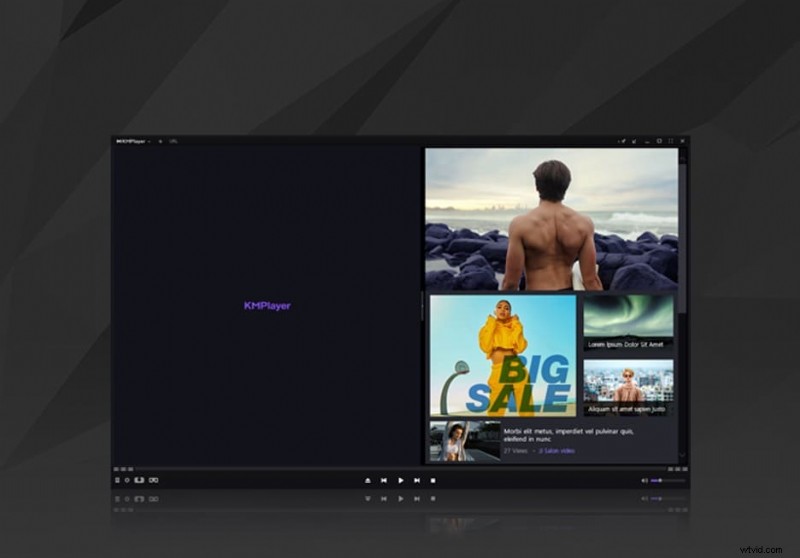
4. KMPlayer
KMPlayer offers a lightweight, cross‑platform experience that handles high‑resolution content with ease. Its built‑in codecs and customizable UI make it a solid choice for casual viewers.
Key Features:
- 4K/8K playback at 60FPS
- Internal libavcodec support
- Broad subtitle compatibility, including .ass
- Available for Windows & macOS
Pros:
- Completely free
- Lightweight and user‑friendly
- Highly customizable interface
Cons:
- Ads appear unless you donate
- Some features require technical knowledge
Best For: Users who need a straightforward, no‑frills player for high‑resolution video on Windows or macOS.
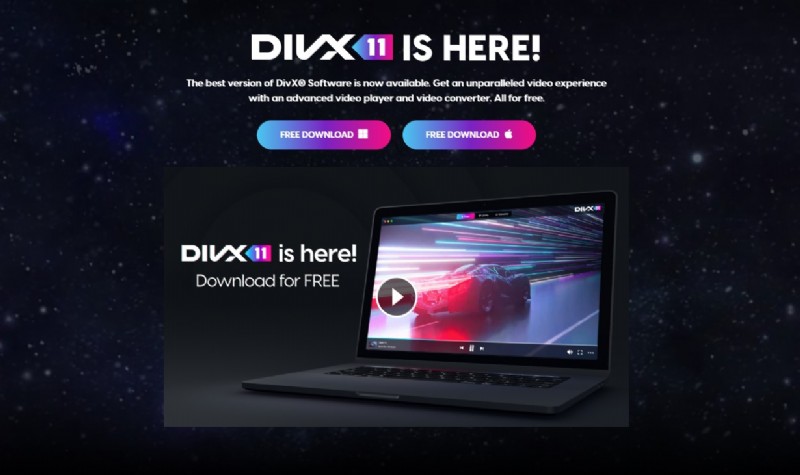
5. DivX Player
DivX Player delivers clean, 4K‑ready playback on both Windows and Mac. Its integration with cloud services and built‑in converter adds flexibility for multitasking.
Key Features:
- 4K Ultra HD & HEVC/H.265 support
- Wide format support: DivX, AVI, MKV, MP4, MOV
- Cloud integration: Google Drive, Dropbox
Pros:
- Free download with optional upgrades
- Cloud & casting capabilities
- Built‑in video converter
Cons:
- Advanced audio (DTS/AC3) requires payment
- Installation file is larger than typical players
Best For: Users who need a flexible 4K player with conversion and cloud access across devices.
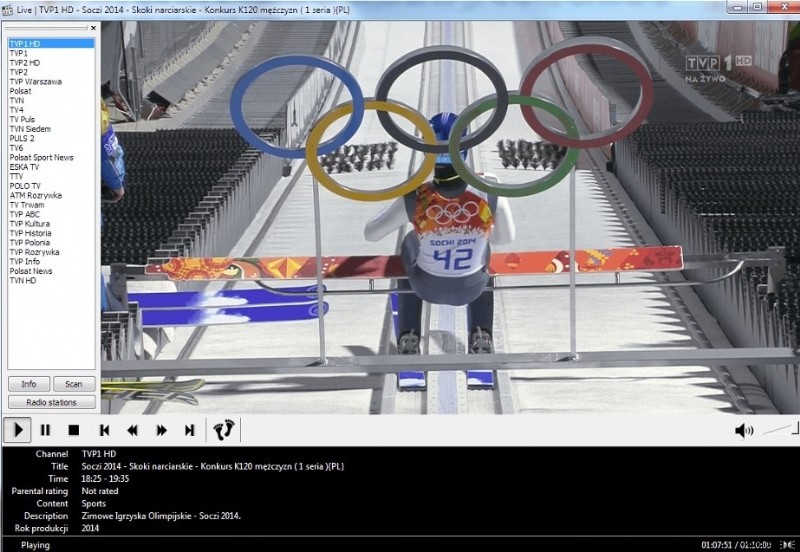
6. Elmedia Player
Elmedia Player is the go‑to choice for macOS users seeking a robust, codec‑free 4K experience. It leverages Apple Silicon and Intel acceleration for smooth playback.
Key Features:
- Hardware‑accelerated 4K & 8K playback
- Supports 70+ formats: MKV, MP4, AVI, etc.
- Streaming to Apple TV, Chromecast, Roku
Pros:
- Advanced subtitle support: SRT, ASS, SMIL
- Smooth 4K/8K playback in the free version
- No additional codecs required
Cons:
- Streaming features need a Pro upgrade
- Not available for Windows
Best For: Mac users who value simplicity and performance for a wide range of media formats.
7. PlayerFab
PlayerFab offers a polished, feature‑rich experience for Windows and macOS, focusing on home theater playback of DVDs, Blu‑rays, and 4K Ultra HD.

Key Features:
- 4K Ultra HD & HDR10 support
- DVD/Blu‑ray navigation menus
- PC and TV playback modes
Pros:
- Integrated Netflix, Max, and other streaming services
- Auto‑skip intro and opening credits
- Hardware decoding for NVIDIA & AMD GPUs
Cons:
- 30‑day trial limits initial use
- Some advanced features are subscription‑locked
Best For: Enthusiasts who want a single player for DVDs, Blu‑rays, 4K content, and streaming platforms.
Frequently Asked Questions about Playing 4K Videos
1. What is a 4K video?
A 4K video is captured at roughly 4000 horizontal pixels, typically 3840×2160 on consumer displays or 4096×2160 for cinema standards. The resolution varies with aspect ratio but consistently delivers sharper detail.
2. How to play a 4K video on a PC?
Install a 4K‑capable media player and open the file within it. For full detail, pair the player with a 4K display, as HD or Full HD screens cannot render 4K content properly.
3. Do you need a special media player for 4K videos?
Neither Windows nor macOS ship a built‑in 4K player. However, free options such as VLC or 5KPlayer provide full support, often with optional codec packs to ensure compatibility.
4. What is the difference between 1080p and 4K videos?
4K contains roughly four times the pixels of 1080p, offering greater detail and larger file sizes. The visual advantage is most noticeable when zooming in or on large screens.
5. Is 4K video available on YouTube?
Yes. YouTube has supported 4K uploads since 2010. Uploading requires patience; larger files take longer to process but deliver crisp, high‑resolution playback.
Ollie Mattison
Ollie Mattison is a writer and a lover of all things video.
Follow @Ollie Mattison