
With faster internet and advanced tech, video marketing has surged. YouTube remains the dominant platform, boasting millions of daily uploads. To stand out, creators must learn how to trim videos quickly and efficiently.
Choosing the right editing tool can be overwhelming, but we've compiled the best free options for trimming YouTube videos online.
7. Shotcut
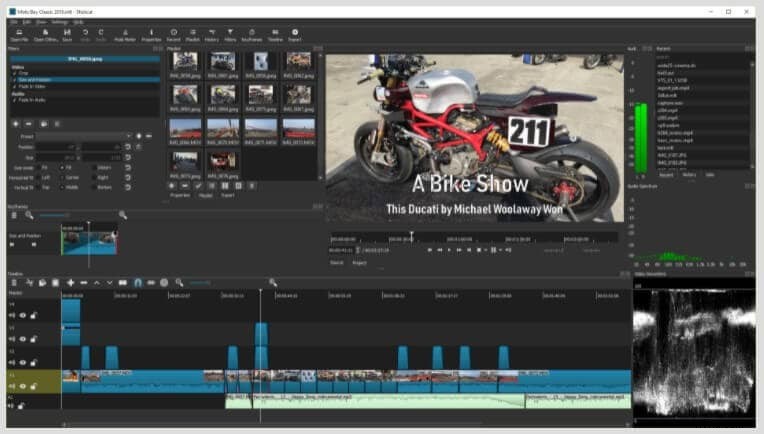
Shotcut is an open‑source editor available on Windows, macOS, and Linux. Its drag‑and‑drop interface lets you import clips directly into a native timeline, and its extensive audio toolkit makes precise trimming a breeze. The app supports a wide range of formats, from RTSP to HTTP streams.
Pros
- Customizable menu
- Automated workflow options
- Wide range of filters and effects
- Multiple monitor support
- Latest video and audio formats
Cons
- Filters cannot be previewed before applying
6. YT Cutter
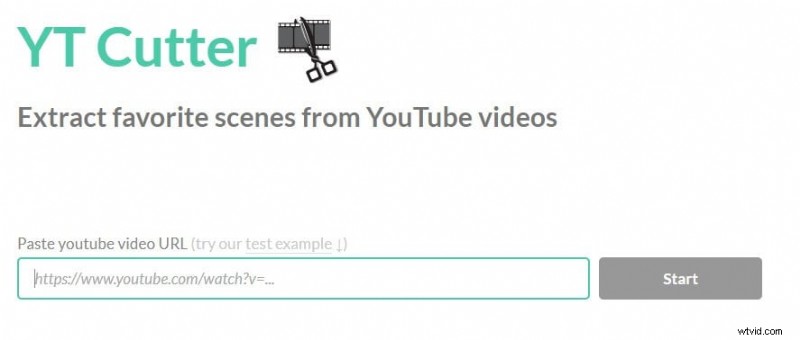
YT Cutter is a popular, browser‑based tool that turns any YouTube URL into a fast, lightweight trimming experience. Paste the link, hit “Start,” and use the start/end markers to clip your footage. It supports downloads in GIF, audio, video, and screenshot formats.
Pros
- Multiple download formats
- User‑friendly interface
- Fast trimming and exporting
Cons
- Limited support for high‑resolution streams
5. Kapwing
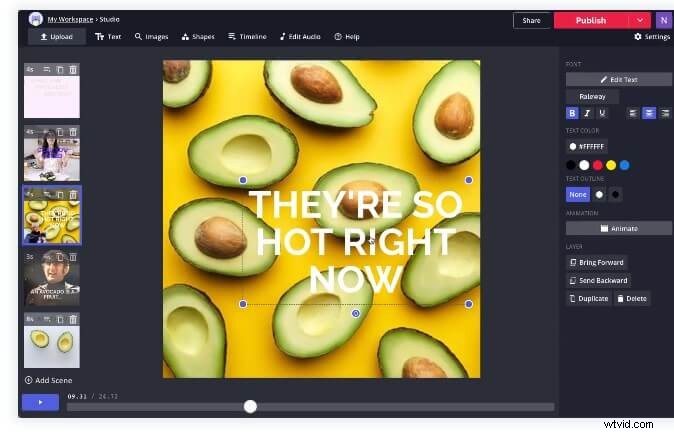
Kapwing offers a clean, no‑app solution that trims YouTube videos by simply pasting the URL. Its beginner‑friendly design makes it a solid choice for both novices and professionals.
Pros
- Ideal for simple cuts
- Zero expertise required
- Intuitive interface
Cons
- Slower than competitors
- Can lag intermittently
4. YT Cropper
YT Cropper lets you trim YouTube videos and instantly share the result across social platforms. By copying and pasting the URL, you use a marker system to select the clip, then receive a shareable link that plays the cropped segment.
Pros
- Excellent high‑resolution output
- Robust editing features
Cons
- Marker interface may feel unintuitive
3. Clideo
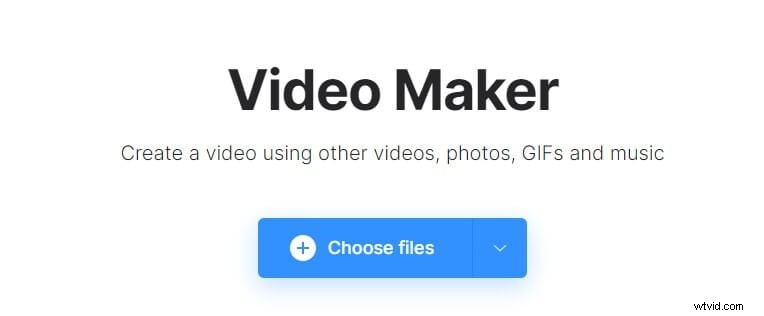
Clideo provides trimming, fade‑in/out effects, and the ability to add comments. It’s popular among editors for its straightforward workflow and secure processing.
Pros
- High‑end security features
- Multiple output formats
- Effect options like fade
Cons
- Export size limit
- Interface may be dense for some users
2. Hashcut

Hashcut trims YouTube videos in seconds and lets you share the result directly to Twitter, Reddit, or Discord. Its preview feature shows the clip before downloading.
Pros
- HD output
- Multiple download formats
- Preview before download
Cons
- Chrome extension performance can lag
1. YouTube Trimmer
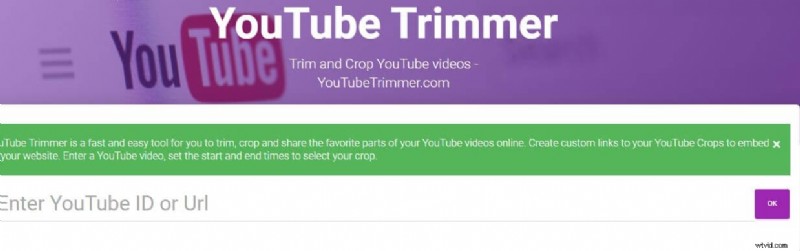
One of the fastest online tools, YouTube Trimmer allows you to crop clips and generate custom embed links in seconds.
Pros
- Easy to use
- Latest feature set
Cons
- Can lag under heavy load
Conclusion
These free tools give you a range of options—from basic cuts to advanced editing—so you can keep your YouTube content polished and engaging. If you’re looking for more powerful features, consider installing Filmora for Mobile, which combines a user‑friendly interface with advanced editing capabilities.