
Stuck with an audio file that won’t play on your favorite app? It’s usually a format mismatch. To make any file work across devices, you need a reliable audio converter. Below is a carefully vetted list of the ten best audio‑conversion tools for 2026, including free and paid options that cover everything from simple format changes to advanced audio enhancement.
Top 3 Audio Converter Picks
While a basic converter can handle simple format swaps, the best tools combine conversion with editing, AI‑powered noise reduction, and batch processing. These three stand out for versatility, ease of use, and feature depth.
1. Wondershare Filmora – Advanced Audio Conversion & Video Editing

Filmora is primarily a video editor, but its audio toolkit is equally powerful. AI Voice Enhancer, Auto Normalization, and background‑noise removal let you polish tracks before exporting to MP3, WAV, or M4A. The intuitive drag‑and‑drop interface works on desktop and mobile.
2. Audacity – Free, Open‑Source, Full‑Featured Editor
Audacity remains the go‑to free editor for Windows, macOS, and Linux. With multi‑track editing, noise reduction, and batch export, it can serve as a robust converter without a price tag. FFmpeg plug‑in unlocks additional formats.
3. 123Apps Online Audio Converter – Browser‑Based Quick Conversions

Need a quick conversion on the go? This online tool requires no installation and supports MP3, WAV, FLAC, AAC, and more. It’s perfect for single‑file conversions but lacks advanced editing.
Quick Comparison of the Top Three
Use the table below to compare the primary functions, format support, and offline availability of each tool.
| Feature | Filmora | Audacity | Online Converter |
| Primary Purpose | Video editor with audio export | Audio editor & converter | Web‑based format swap |
| Conversion Capability | ✅ Yes | ✅ Yes | ✅ Yes |
| Supported Formats | MP3, WAV, AAC | MP3, WAV, OGG, FLAC, AIFF, AU | MP3, WAV, FLAC, OGG, M4A, AAC, AMR |
| Editing Tools | Trim, fade, volume, AI cleanup | EQ, noise reduction, multi‑track | None – conversion only |
| Offline Use | ✅ Yes | ✅ Yes | ❌ No |
 Secure Download
Full List of 10 Audio Converters
Below are detailed descriptions for each tool, including key features, pros/cons, pricing, supported OS, and why we recommend it.
1. Wondershare Filmora
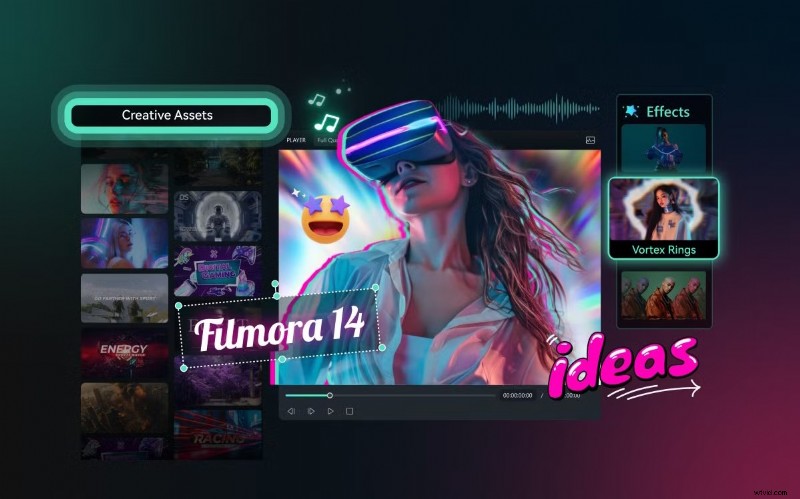
Filmora offers high‑precision audio export, AI denoising, and an audio‑to‑video workflow that turns podcasts or music tracks into engaging visual content. Ideal for creators who need both audio and video tools.
- Convert MP3, WAV, M4A, and more
- AI‑driven noise removal & speech clarity
- User‑friendly, non‑expert focus
- All‑in‑one audio & video editor
- Visual templates for audio clips
Pros: All‑in‑one platform, simple interface, powerful AI tools.
Cons: Not a dedicated converter, export limited to MP3/WAV.
Pricing: Check the official site for plans ranging from free trial to paid licenses.
OS: Windows, macOS, Android, iOS.
Best For: Creative users who want video‑ready audio with AI enhancements.
2. Audacity
Audacity’s open‑source engine supports a wide array of formats and offers extensive editing features. With FFmpeg, you can export to nearly every common audio format.
- MP3, WAV, AIFF, FLAC, OGG, AAC*
- Batch export, plugins, macros
- Built‑in EQ, noise removal, normalization
- Cross‑platform community support
Pros: Free, powerful, extensible.
Cons: Steeper learning curve, FFmpeg needed for some formats.
Pricing: Free.
OS: Windows, macOS, Linux.
Best For: Users who need a versatile, cost‑free editor for both conversion and detailed audio work.
3. 123Apps Online Audio Converter
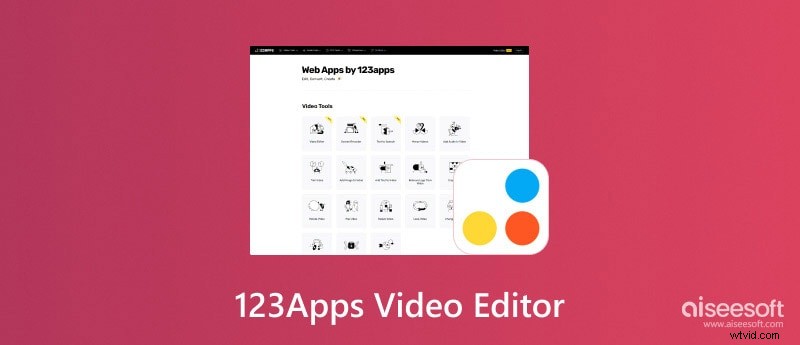
This browser tool is ideal for quick, single‑file conversions. No login or installation required.
- Upload from local storage or cloud
- Supports MP3, WAV, FLAC, AAC, OGG, M4A, AMR, OPUS
- Basic metadata editing, simple effects (fade, reverse)
- Cross‑platform via any modern browser
Pros: Instant, no installation.
Cons: File size limits, not suitable for large batches.
Pricing: Free.
OS: Any with a browser.
Best For: Users needing a quick, on‑the‑go converter.
4. MediaHuman Audio Converter
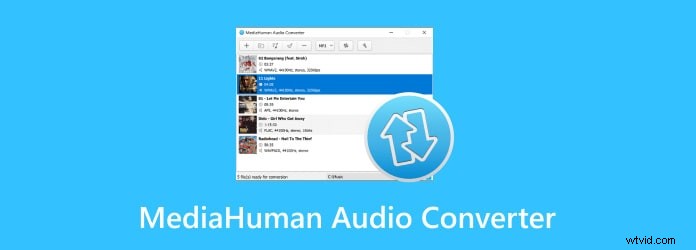
MediaHuman is lightweight, free, and excels at batch conversions with album‑splitting via CUE sheets.
- MP3, WAV, FLAC, AAC, OGG, M4A
- Batch conversion, CUE sheet splitting
- Drag‑and‑drop UI, metadata retention
- No ads, no hidden fees
Pros: Free, high‑quality batch conversion.
Cons: No advanced editing tools.
Pricing: Free.
OS: Windows, macOS.
Best For: Desktop users who need quick, reliable batch conversion.
5. fre:ac
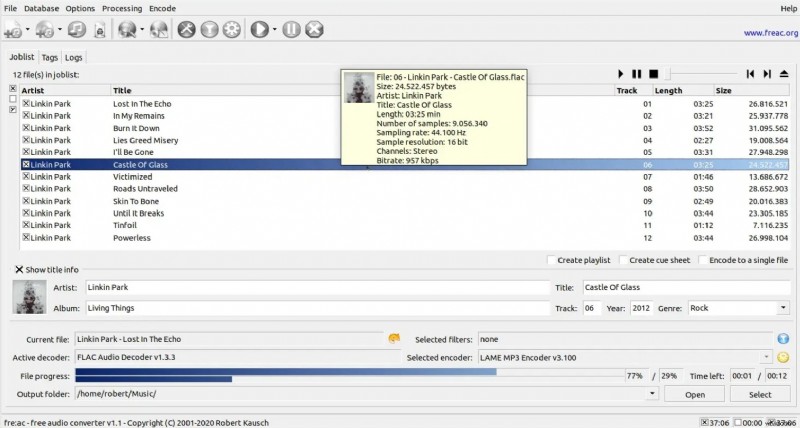
fre:ac is a GPL‑licensed, cross‑platform converter and CD ripper with robust metadata support.
- Wide format support, CD ripping, freedb tagging
- Cross‑platform: Windows, macOS, Linux, FreeBSD
- Open source, no cost
Pros: Free, CD ripping, metadata tagging.
Cons: Older UI, limited customization.
Pricing: Free.
OS: Windows, macOS, Linux, FreeBSD.
Best For: Users wanting a free, cross‑platform tool with CD support.
6. Format Factory
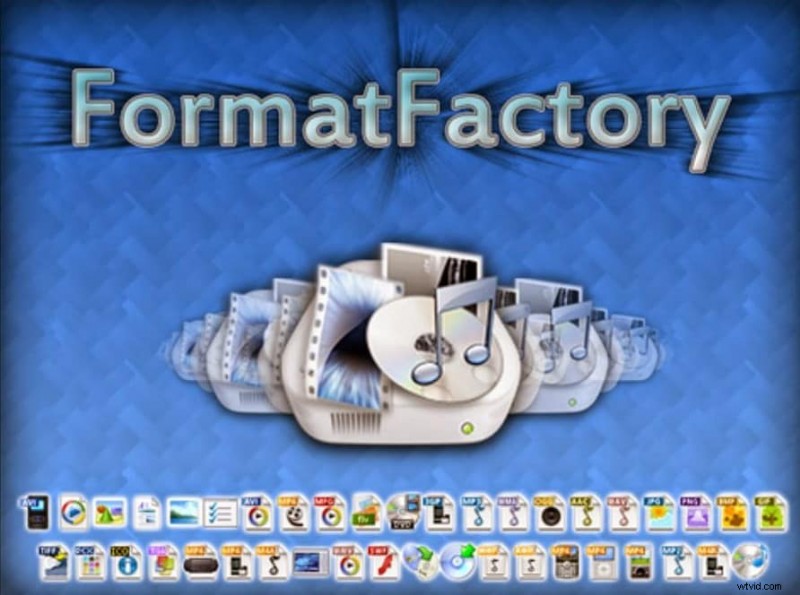
Format Factory handles audio, video, and image conversions, plus CD/DVD ripping and file repair.
- Audio: MP3, WAV, AAC, OGG, WMA, AMR
- Batch processing, file merging
- Ad‑supported but free
Pros: Multi‑media support, batch conversion.
Cons: Ads, Windows‑only.
Pricing: Free (ads).
OS: Windows.
Best For: Windows users needing a one‑stop media converter.
7. VLC Media Player
VLC is a trusted media player that also offers robust conversion capabilities for almost any format.
- Supports MP3, FLAC, WAV, AAC, ALAC, OGG
- Batch conversion via playlists
- Free, open source, cross‑platform
Pros: Reliable, no extra installation.
Cons: Conversion UI not intuitive, limited metadata editing.
Pricing: Free.
OS: Windows, macOS, Linux, iOS, Android.
Best For: Users who already own VLC and need quick conversions.
8. Switch Audio File Converter
Switch offers a professional, paid solution with lossless conversions, batch processing, and automatic metadata lookup.
- Supports MP3, WAV, FLAC, AAC, WMA, etc.
- Batch conversion, normalization, metadata auto‑fetch
- Drag‑and‑drop, preview player, free trial
Pros: Clean UI, professional output.
Cons: Paid (~$30), no free version beyond trial.
Pricing: One‑time $30 (trial available).
OS: Windows, macOS.
Best For: Desktop users who need high‑quality batch conversion with metadata support.
9. Free Audio Editor by DVDVideoSoft
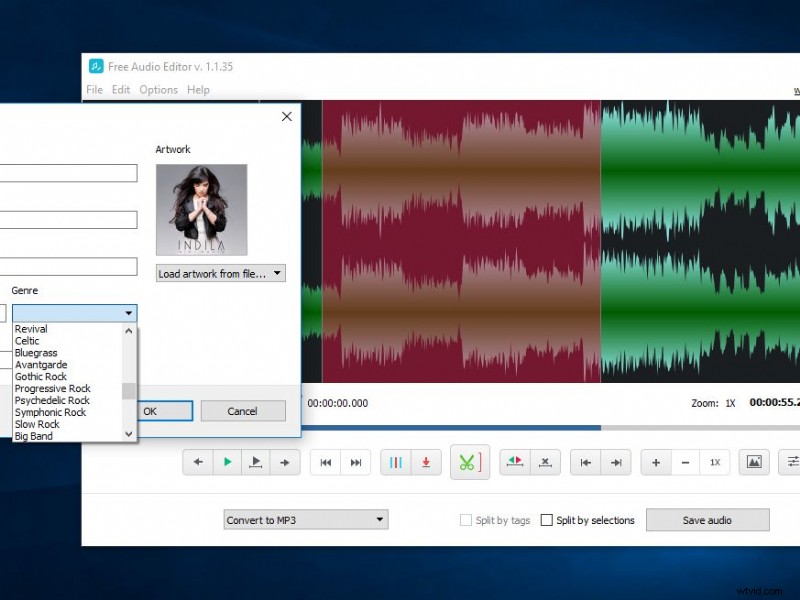
Targeted at Windows users, this free app focuses on device‑specific presets and batch conversion with metadata retention.
- Presets for headphones, mobile, car audio
- Batch conversion, MP3 optimization
- Supports MP3, M4A, FLAC, WMA, WAV
- Metadata preserved
Pros: Free, device‑optimized output.
Cons: Windows only, installer may include offers.
Pricing: Free.
OS: Windows.
Best For: Windows users needing batch conversion with device‑specific presets.
10. MusicBee
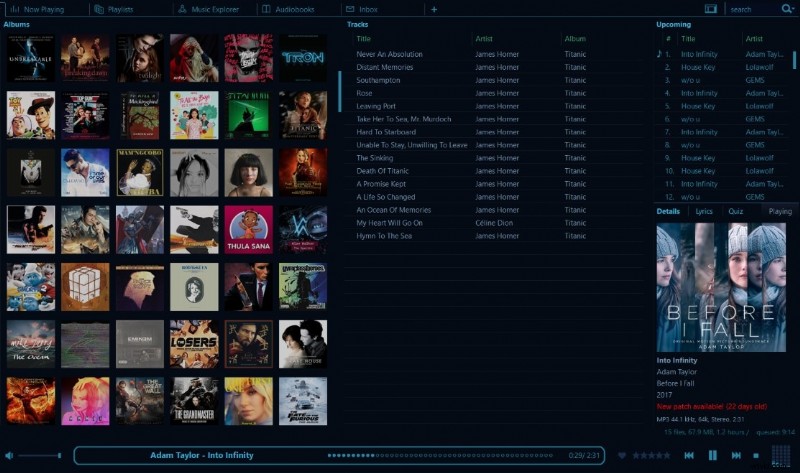
MusicBee is a free music manager that also offers an integrated audio converter with metadata preservation and ReplayGain support.
- Supports MP3, FLAC, ALAC, AAC, OGG, WAV
- Batch conversion with metadata & ReplayGain
- Advanced library management
- Free with plugin extensions
Pros: Combines playback, organization, and conversion.
Cons: Windows‑only, not a dedicated converter.
Pricing: Free.
OS: Windows.
Best For: Audiophiles who want a comprehensive library manager with conversion.
Format Support Snapshot
Below is a quick reference for which formats each tool can export. Check the symbols: ✅ = supported, * = requires FFmpeg, ❌ = not supported natively.
| Tool | MP3 | WAV | AAC | FLAC | OGG | AIFF | M4A | WMA | ALAC | Others |
| Filmora | ✅ | ✅ | ✅ | ❌ | ❌ | ❌ | ✅ | ✅ | ❌ | MP4 (audio‑only) |
| Audacity | ✅ | ✅ | ✅* | ✅ | ✅ | ✅ | ✅ | ✅* | ✅* | Requires FFmpeg |
| Online Converter | ✅ | ✅ | ✅ | ✅ | ✅ | ✅ | ✅ | ✅ | ✅ | AMR, OPUS |
| MediaHuman | ✅ | ✅ | ✅ | ✅ | ✅ | ❌ | ✅ | ✅ | ✅ | AC3, MP2, DTS |
| fre:ac | ✅ | ✅ | ✅ | ✅ | ✅ | ❌ | ✅ | ✅ | ✅ | Various codecs via FFmpeg |
| Format Factory | ✅ | ✅ | ✅ | ✅ | ✅ | ❌ | ✅ | ✅ | ✅ | Wide variety of media formats |
| VLC | ✅ | ✅ | ✅ | ✅ | ✅ | ✅ | ✅ | ✅ | ✅ | All common formats |
| Switch | ✅ | ✅ | ✅ | ✅ | ✅ | ✅ | ✅ | ✅ | ✅ | VOX, GSM, RAW |
| MusicBee | ✅ | ✅ | ✅ | ✅ | ✅ | ✅ | ✅ | ✅ | ✅ | Plugin‑based custom encoding |
Show more Show less |
Choosing the Right Converter
When evaluating a tool, consider:
- Ease of use: Simple, guided workflows reduce conversion errors.
- Feature breadth: Beyond format conversion, look for noise reduction, batch jobs, or AI enhancement.
- Platform compatibility: Make sure the tool runs on your OS and devices.
- Cost vs. value: Free tools are fine for light use, but paid options often add advanced features.
- Security & privacy: Prefer open‑source or reputable vendors for sensitive audio.
Our top recommendation, Wondershare Filmora, scores high across all criteria: intuitive UI, powerful AI editing, and versatile export options. For the most cost‑effective solution, Audacity is unbeatable, while 123Apps offers the fastest browser‑based conversions.
Conclusion
Whether you’re a podcaster, musician, or casual listener, a reliable audio converter is essential for navigating the ever‑expanding landscape of audio formats. The tools above provide a comprehensive range of options—from free, open‑source software to feature‑rich commercial suites—ensuring you can find the perfect fit for your workflow.
Try one today and transform any audio file into the format that works best for your devices and projects.