
Memes have become the lingua franca of online culture. In 2025 they evolved from simple jokes into a dynamic communication tool that captures attention, conveys ideas, and sparks conversation.
Whether you’re a content creator, marketer, student, or just looking to spread a laugh, memes provide an instant, engaging medium.
However, crafting a high‑quality meme demands time, design skill, and creativity. AI meme generators solve that by turning a prompt into polished image or video content in seconds.
Below we highlight the most reliable tools of 2025, each offering unique strengths—video meme creation, brand‑ready content, classic templates, and chat‑based generation.
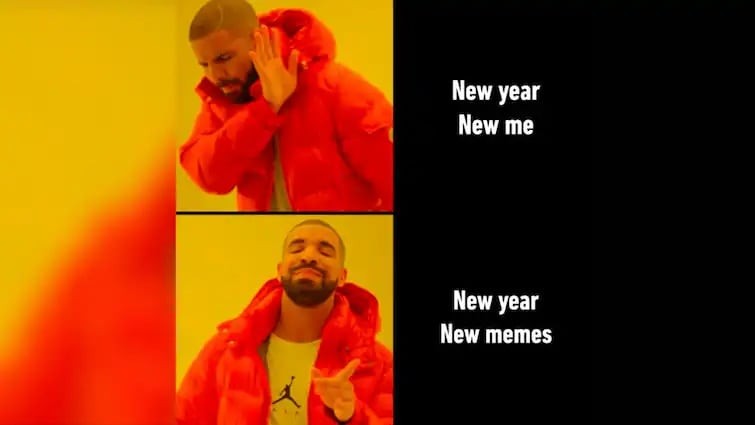
Our Top 3 AI Meme Generator Picks
For creators and casual users alike, the following tools provide the quickest route from idea to shareable meme.
Here are our top 3 picks to get started:

Filmora AI Meme Generator
Best for Video Memes – Ideal for turning short clips into engaging video memes with text, effects, and audio for TikTok, Instagram Reels, and YouTube Shorts.
View detail

Supermeme.ai
Best for Professional & Marketing Use – GPT‑powered tool that generates branded, high‑volume memes for marketers and social media teams.
View detail

Imgflip AI Meme Generator
Best for Classic Templates & Quick Laughs – Quickly turn captions into memes using a vast library of popular templates. Great for casual use.
View detail
How We Test
These tools were selected based on the following key criteria:
- AI humor quality and relevance: how well the AI understands and delivers jokes
- Ease of use: smooth UX, fast generation, and minimal learning curve
- Meme format variety: support for image, text, or even video memes
- Customization flexibility: ability to tweak text, visuals, and layout
- Output performance: speed, export options, and final meme quality
- Accessibility: free tools or affordable plans for all levels
- Best user fit: whether it’s ideal for marketers, students, content creators, etc.
Part 1. AI Meme Generator Comparison Chart
With our top picks out of the way, let’s take a closer look at how these tools compare at a glance. This short chart gives you a quick overview of what each AI meme generator offers, allowing you to find the one that best suits your needs.
| Tools | Best For | Key Points | Strengths | Platform |
| Wondershare Filmora | Video meme creators on YouTube, TikTok | High‑quality video memes with full creative control | Video formats, customization, export quality | Windows, Mac, iOS, Android |
| Supermeme.ai | Marketers and LinkedIn professionals | Quick text‑to‑image memes for branding or professional use | AI humor relevance, auto captions, multilingual | Web‑based |
| Media.io AI Meme Generator | Casual users wanting image/video memes | Simple drag‑and‑drop interface for quick memes | User‑friendly, multi‑format support | Web‑based |
| Imgflip AI | Quick classic meme templates | Instant meme generation without signing up | Speed, classic templates, text suggestions | Web‑based |
| MakeMeme.ai | Beginners who prefer auto‑generated humor | Simple and quick results with minimal input | Auto captioning, meme‑focused interface | Web‑based |
| Simplified Meme Generator | Content creators & social teams | Memes plus broader content creation tools | Multi‑format editor, templates, scheduling | Web, iOS, Android |
| MEME Buddy AI | Chat‑based meme generation | Generate memes through a simple text/chat interface | Text‑to‑meme via prompt, smart suggestions | Web‑based |
|
Show more Show less |

Part 2. Top 7 AI Meme Generators in 2025
Not all AI meme tools are created equal. We selected these seven based on how well they deliver on humor, ease of use, format variety, and customization. Whether you need quick laughs or brand‑aligned content, there’s a tool for every purpose.
1. Wondershare Filmora
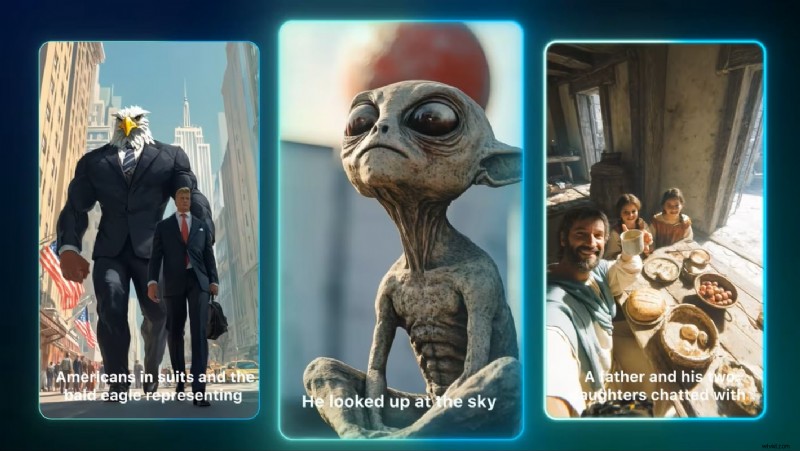
Why It Stands Out
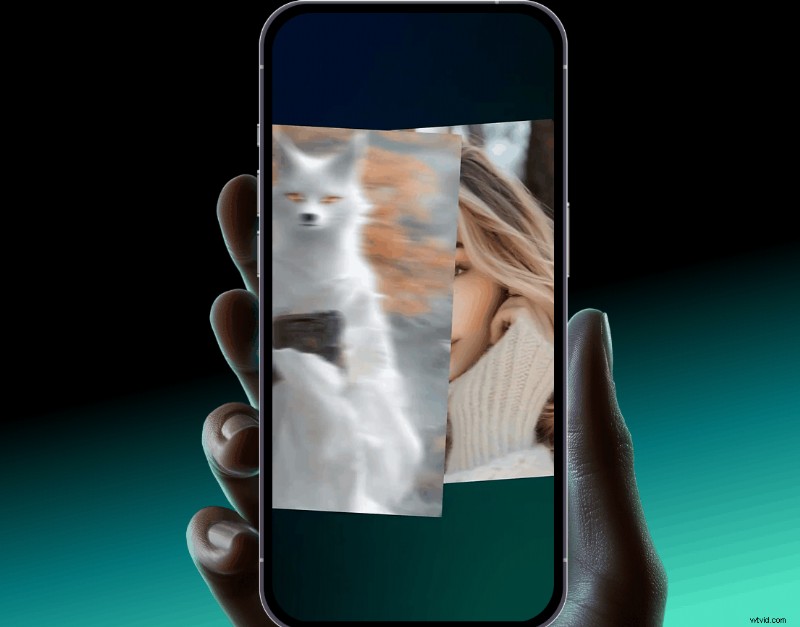
Filmora merges professional photo and video editing with AI tools, enabling creators to add captions, effects, and transitions to short clips quickly. Its built‑in AI lets you generate eye‑catching videos from text or image prompts.
- Supports image and video meme formats
- Smart AI tools for captioning, audio, and visuals
- High‑quality exports in social‑media‑ready vertical formats
- AI voice changer and text‑to‑speech for comedic voiceovers
- Create video memes from text or image prompts
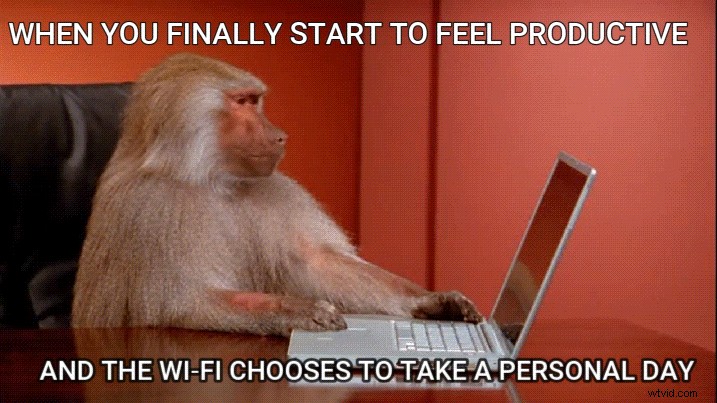
✅ Create Meme Videos from Text Using AI Text‑to‑Video
Start with an idea ➜ Use AI Text‑to‑Video ➜ Add sound effects, captions ➜ Export your meme.
✅ Create Meme from Templates Using AI Image‑to‑Video
Convert image to video ➜ Apply meme templates ➜ Add captions and sound ➜ Export and share.
Pros & Cons
- All‑in‑one meme and video editor
- Beginner‑friendly with pro results
- Exports in vertical format for TikTok/Reels
- Focused more on video than static memes
- Desktop version may take time to download
Key Features
- AI Smart Cut, Auto‑Captioning, AI Voiceovers
- Meme templates with animated text and effects
- Royalty‑free sound effects, stickers, GIFs
- Instant preview and export in vertical layout
- AI tools to transform image + text prompts into videos
Best For
Video meme creators on YouTube, TikTok, or Reels.
Price
Explore the purchase page for various pricing plans.
2. Supermeme.ai
Why It Stands Out
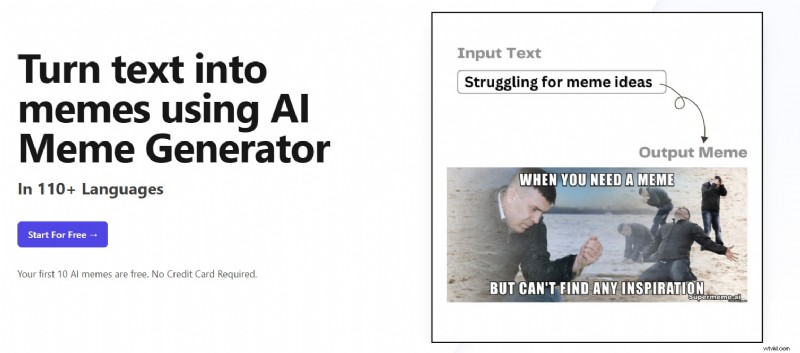
Supermeme.ai turns text prompts into branded memes, making it perfect for marketers and educators who need structured, industry‑specific humor.
- AI that understands humor contexts
- Supports branded and educational meme formats
- Multi‑language interface for global teams
- Organized template categories by niche
- Ideal for business or team collaboration
Pros & Cons
- Customised for business and social media teams
- Supports multiple languages
- Organised meme categories by industry
- Less suitable for casual users or playful experimentation
- Full features locked behind paid plans
Key Features
- Prompt‑to‑meme AI interface (text‑to‑image memes)
- Upload custom images for meme generation
- Branded templates for marketing use
- Team‑based workflows and collaboration features
Best For
Marketers, educators, and social media teams creating AI‑branded memes.
Price
- Solo Plan: $6.49/month (individual branding)
- Startup Plan: $19.99/month (team use)
3. Media.io AI Meme Generator
Why It Stands Out
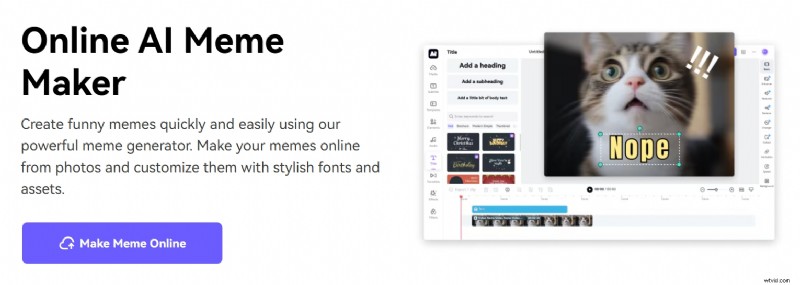
This online meme maker offers drag‑and‑drop simplicity for quick memes, supporting both image and video formats.
- Ease of use
- Works with image memes and short videos
- Free option with decent results
Pros & Cons
- No download needed
- Fast meme generation
- Good for beginners
- Limited advanced customization
- Requires stable internet
Key Features
- AI‑generated captions
- Online editor for text and layout
- Instant previews and export
Best For
Users who want a quick, browser‑based tool for images or short videos.
Price
Free with optional Pro plan ($9.95/month).
4. Imgflip AI Meme Generator
Why It Stands Out
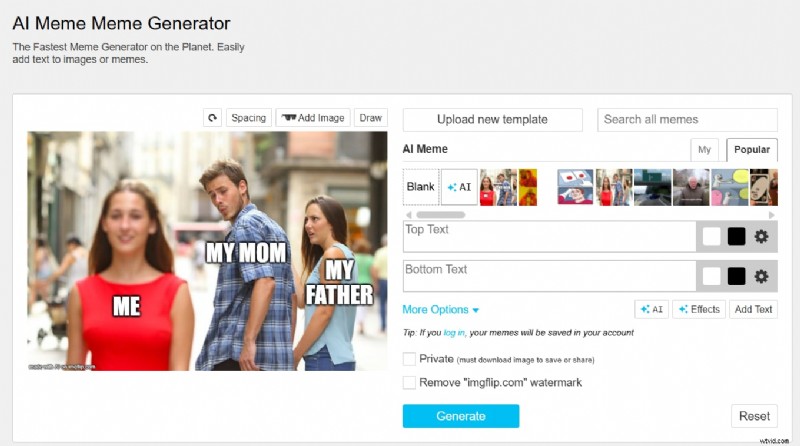
Imgflip offers AI‑generated text for classic meme templates, delivering instant laughs without any signup.
- Great for quick laughs
- Accessible and free
- Huge template library
Pros & Cons
- Instantly usable
- No login required
- Super lightweight
- No support for video memes
- Limited design options
Key Features
- Classic memes like "Distracted Boyfriend," "Drake," etc.
- AI auto‑text suggestions
- Basic text and image editing
Best For
Classic meme lovers who want quick and simple results.
Price
Free with optional Pro plan ($9.95/month).
Rating
Rating: 4.4/5 – Zoominfo
5. MakeMeme.ai
Why It Stands Out
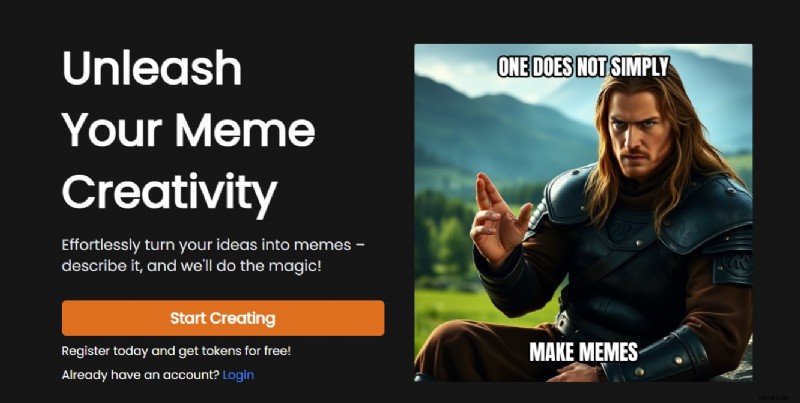
Enter a phrase or idea, and MakeMeme.ai produces full meme images with relevant captions—ideal for quick, hassle‑free creation.
- High AI humor relevance
- Extremely user‑friendly
- No design effort required
Pros & Cons
- No learning curve
- Suitable for casual fun
- No sign‑up needed
- No video meme support
- Limited customization
Key Features
- Prompt‑to‑meme AI
- Wide selection of meme images
- Random meme generator mode
Best For
Users who want AI to generate full memes with minimal input.
Price
Free with limited memes per day.
6. Simplified Meme Generator
Why It Stands Out
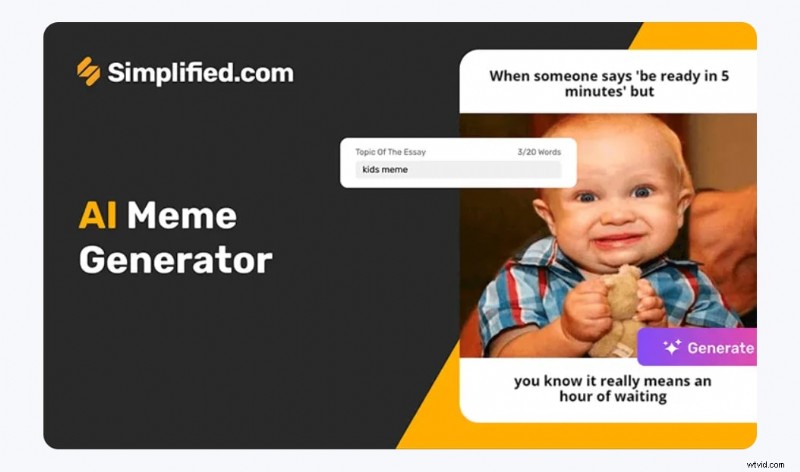
Part of the all‑in‑one Simplified suite, this tool lets teams design memes in bulk with brand kits and collaboration features.
- Powerful customization options
- Suitable for teams and content workflows
- Accessible with a free plan
Pros & Cons
- Good team sharing features
- Brand kit support
- Instantly upload memes to social media with post scheduling
- Requires a slight learning curve
- Best within Simplified’s larger suite
Key Features
- Text‑to‑meme magic
- Vast template library
- Trending topic integration
Best For
Teams and creators managing multiple meme campaigns.
Price
Free plan available; premium from $12/month.
7. MEME Buddy AI
Why It Stands Out
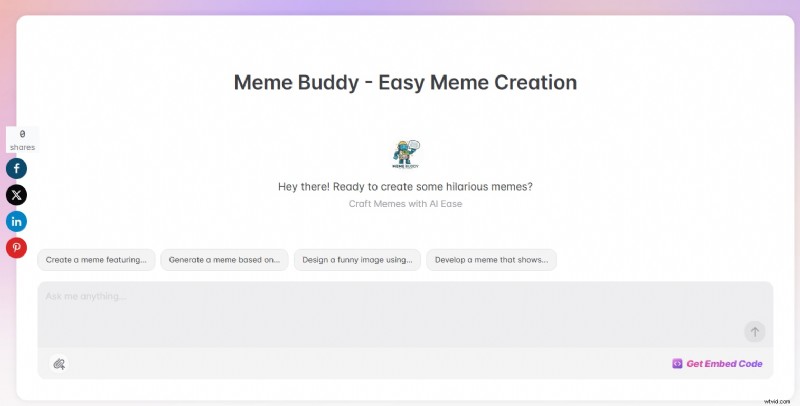
MEME Buddy is a chatbot‑style tool that creates memes from chat prompts, offering a playful way to generate fresh content.
- Fun chat‑based UX
- Good AI humor variety
- Fast output performance
Pros & Cons
- Unique and fun interaction
- Fits social and casual sharing
- Fresh meme ideas daily
- Less control over layout
- Not ideal for professional use
Key Features
- Prompt‑to‑meme via chatbot
- Dynamic template matching
- Text‑to‑image AI
Best For
Fun and casual users who want daily fresh memes.
Price
Pro plan starts from $8/month.
Explore More Meme Video Templates
Not sure where to start? Filmora offers ready‑to‑use meme video templates that you can customize with text, images, or voice. They’re ideal for quick, funny content.
1. Text Pop‑In Meme Format
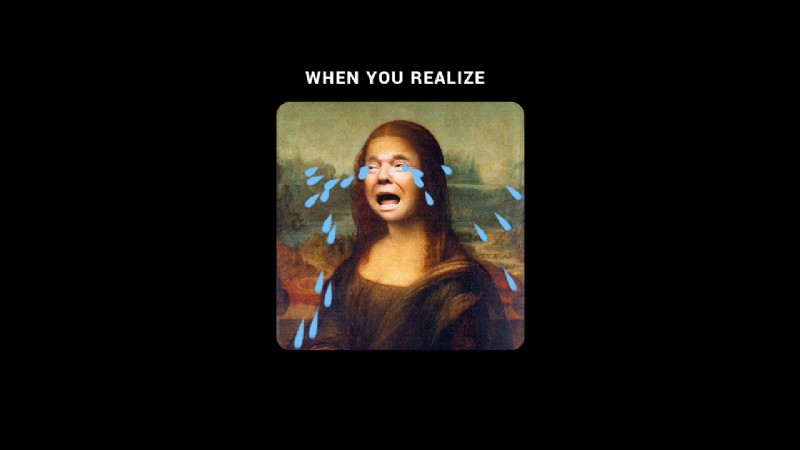
Perfect for snappy commentary or reaction memes. Add dramatic or sarcastic lines that appear with bounce effects and emoji.
2. Split Screen Reaction Meme
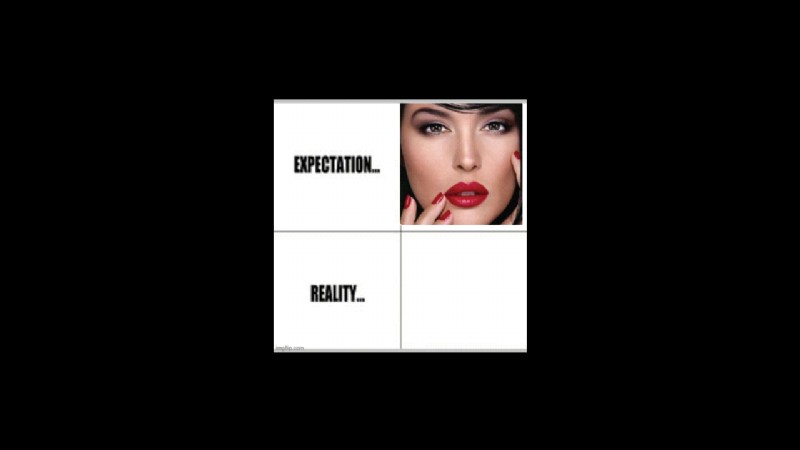
Use two clips to create contrast. Ideal for "expectation vs reality" or duet‑style jokes.
3. Reaction + Sound Effect Combo
Quick zoom‑in on a reaction, paired with meme‑worthy sounds like "bruh," "boom," or record scratches.


Filmora
AI Video Editing App & Software
Best tool for making videos anywhere for all creators!
Make your own viral video memes now – it's fast, fun, and easy!
Conclusion
AI meme generators are reshaping humor creation, making it faster, smarter, and more enjoyable than ever. Whether you’re adding laughs to a brand campaign or just sharing a joke with friends, there’s a tool that fits your needs. Some excel at quick laughs, others offer full creative control. The great part? You don’t need to be a designer – just bring your idea and let the right AI tool do the rest.