
Final Cut Pro is one of the most used video editing software. This is a dedicated video editing software for Mac users, and now that Apple has announced its 90 days free trial, users worldwide want to know how to go about it.
Apple already had a free 30-days trial version, but now it has extended this offer to 90 days. If you have already used the 30-days free trial version or heard about this offer and want to know how to go about it, you have come to the right place. This article has all the answers that you need. Let's get started!
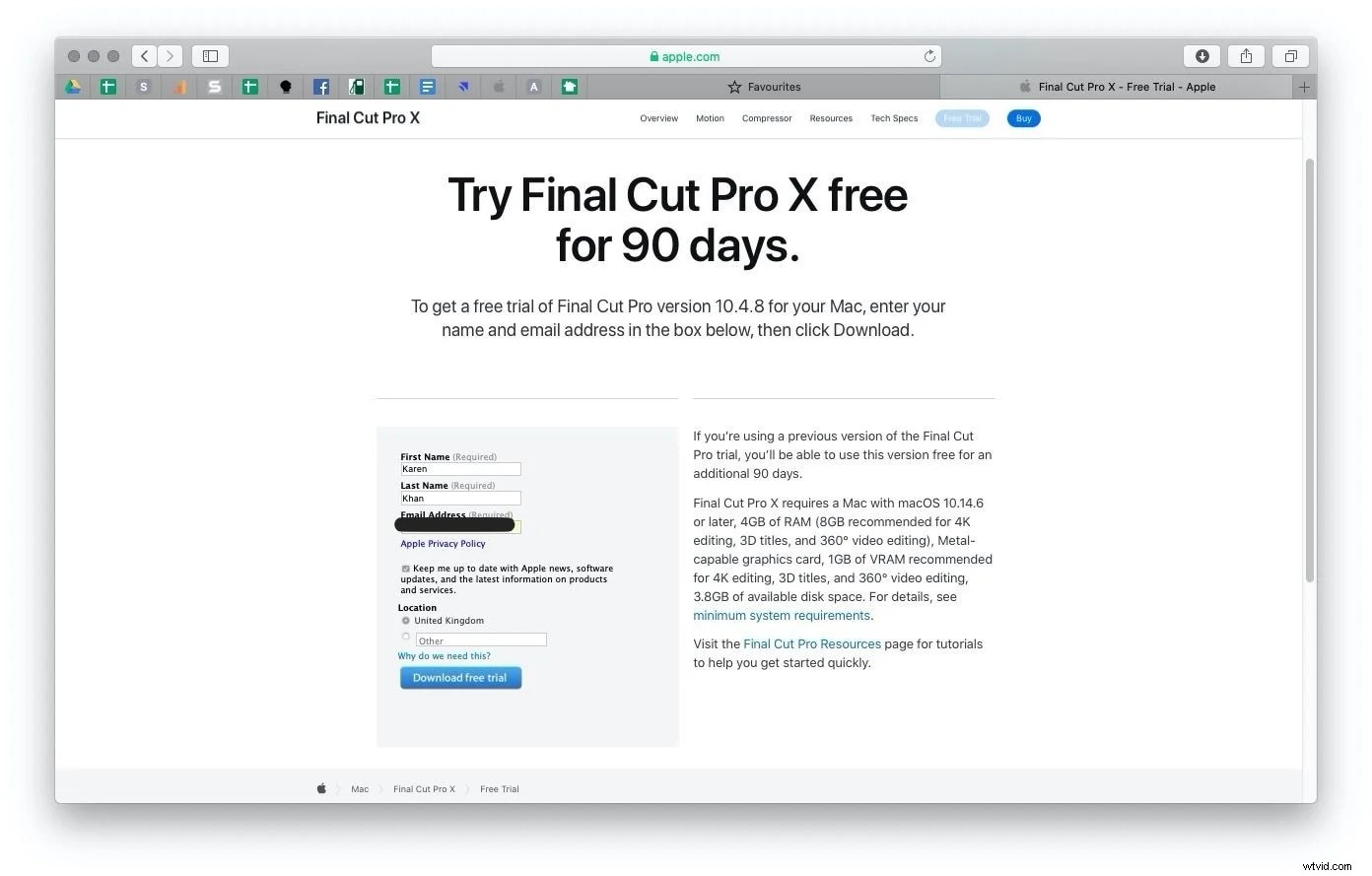
Part 1: How to get and download Final Cut Pro demo for 90 days?
As it might be clear by now, Final Cut Pro is a professional video editing software and a product for Apple. Also, Final Cut Pro costs hundreds of dollars (See details about Final Cut Pro price here) if you choose to purchase, so the 90-day offer has come in as a massive relief for those who want to try its features for free for more days. People who are already using the earlier Final Cut Pro trial version will be able to use it for another 90 days without paying anything.
The Basic Requirements to Get Final Cut Pro
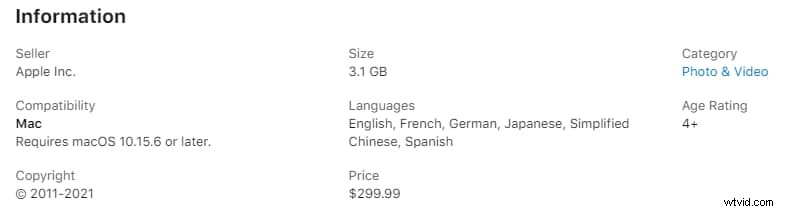
- OS requirement: macOS 10.15.6 or later.
- Disc space: 3.8GB minimum. Need more room for FCPX? Click this.
- RAM: 4GB for basic editing. But if you want to do 360o editing, it's better to have 8GB RAM with 1GB of VRAM.
- Graphics card: Metal-capable.
What Needs to be done?
- Step 1: First, you need to visit Apple's Final Cut Pro page to download the 90days free trial version. Just make sure that your system meets the basic requirements.
- Step 2: You will be asked to enter your first and last name along with your email address. Please fill in all the details. After that, click on the blue tab that says download free trial. The total size will be 2.7GB.
- Step 3: Let the .dmg file get downloaded. After that, you will have to double-click the installer package to start the installation process.
Once done, you are all set to use the free trial of Final Cut Pro for 90 days. After the free trial ends, you will have to pay for the video editing software to continue using it.
There will be some limitations, though. For example, you will not be able to try the additional effects. Unfortunately, this means that even if the trial version has been extended, you will still miss out on some of the advanced features if you don't pay.
For those who already try out Final Cut Pro and are happy with the editor, you can see how to save money with the education bundle of Apple.
Otherwise, you can try Filmora, which is much cheaper yet maybe suit you better. Click to have a try!
And for those who are trying out Final Cut Pro, here is a collection of FCPX tutorials for you to get started with!
Part 2: Why Final Cut Pro trial won't open?
Although there shouldn't be any issue in downloading the Final Cut Pro trial version, if you meet your system's requirements, some customers are complaining that they can't download or install the Final Cur Pro trial package. Well, if that's happening, there could be a few reasons which are highlighted below.
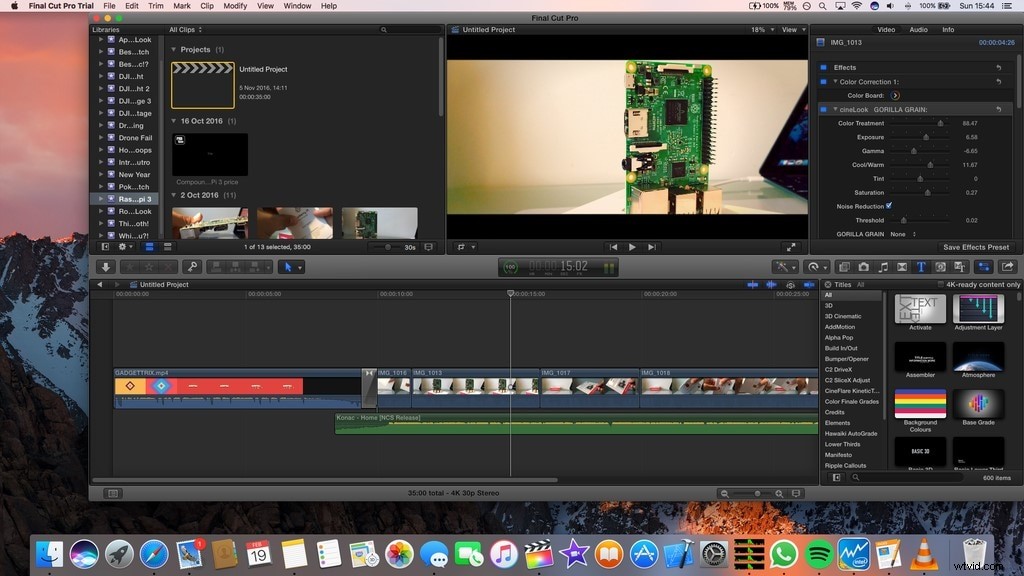
Poor Internet Connection
The most common reason for not being able to download Final Cut Pro 90 days trial version is you have a poor internet connection. You may feel that you have a superb browsing speed, but if your downloading speed is slow, the file may encounter some glitches, eventually ending up with a broken Final Cut Pro Trial file. And once the package is broken, you won't be able to install the installer package. Also, the downloading file is quite huge, and you need to have a proper internet connection. So, before contacting Apple to check whether your internet connection is strong or not.
Check System Requirements
To download the Final Cut Pro free trial version, your Mac system has to meet Apple's minimum requirements. Even if one of the requirements fails to meet, you won't be able to download Final Cut Pro 90-days free trial. To try the latest version, the OS has to be 10.15.6 or later. Your system must have 4GB of RAM and a metal-capable graphics card. The disk space should be 3.8GB. Ensure that your system meets the requirement. If the OS is not updated, update it before trying to download the package.
Try Using Another Account
Final Cut Pro 90-days free trial is essentially available for new users or those already using the 30days free trial. For those who are already on the 30-days free trial, the free trial package will automatically get extended. But Final Cut Pro already has your account details. Hence, if your previous free trial expired already, you may face some issues when trying to download, launch, or run the latest 90-days free trial offer. So, you can use another account and sign up and then try to download the newest version.
Quit and Restart your System
If you have successfully downloaded and installed Final Cut Pro but are unable to launch Final Cut Pro even after refreshing memory, probably, there is a minor glitch on your system. The primary thing to do would be trying to restart your system and then check if you are able to launch it now.
Disconnect External Devices
If you are using a malfunctioning or incompatible external device, even then, you may face problems while running Final Cut Pro. To resolve this issue, first shut down your system. Now, apart from the mouse and keyboard, disconnect every other external device that you are using. Next, reset NVRAM and now try to launch Final Cut Pro; it should operate normally now.
Part 3: How to reset the Final Cut Pro trial before it expires?
Final Cut Pro free trial version will be over after 90 days because that's their policy. Unfortunately, this means that once the free trial version is over, you will have to buy Final Cut Pro to continue using it. However, there is a way to reset it. But first, you need to check if your Mac has swift library installed. If it is installed and running, go on and enter the code mentioned below in the terminal and then hit enter. After everything is done, the code will be executed, and the rest of the free trial version will be completed.
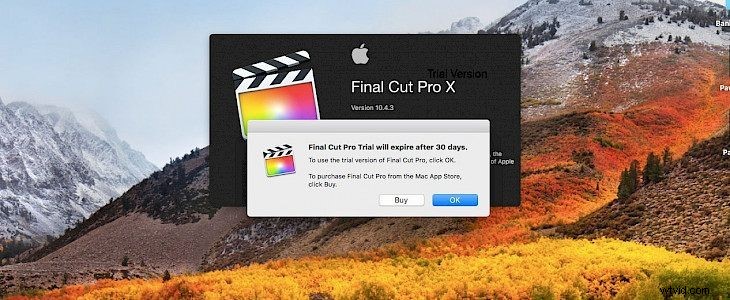
Code to reset Final Cut Pro 10.4.4
#!/usr/bin/swift
import Foundation
let path = URL(fileURLWithPath: NSString(string: "~/Library/Application Support/.ffuserdata").expandingTildeInPath)
let data = try! NSData(contentsOf: path) as Data
let dictionary = try! NSKeyedUnarchiver.unarchiveTopLevelObjectWithData(data) as! NSDictionary
let mutableDictionary = dictionary.mutableCopy() as! NSMutableDictionary
for (key, value) in mutableDictionary {
if value is NSDate {
mutableDictionary[key] = Date()
}
}
try! NSKeyedArchiver.archivedData(withRootObject: mutableDictionary, requiringSecureCoding: false).write(to: path)
print("You'd better buy it")
It's quite complicated that you will have to enter this code manually into the terminal each time the trial expires. Regrettably, there is no way to extend the free trial permanently, so you will have to repeat this part over and over again.
But to be aware, this may lead to a ban or other punishment to your account by Apple Inc.
Anyway, it makes sense why people want to stick to their free trial! Final Cut Pro is not an affordable video editing tool.
If you love fcpx that much but can't afford it, see how to get fcpx with the cheapest price here.
Or, you can try other powerful editors with much lower prices, like Filmora.
Part 4: FAQ
What is the limitation of the trial version of FCPX?
Final Cut Pro Additional Content, which includes over 1300 royalty-free sound effects for use in your projects, isn’t available in the Final Cut Pro trial. The trial is fully functional otherwise.
You can import media, edit, organize, add effects, color correct, export files in a variety of professional formats, and more. Get an overview of Final Cut Pro.
Is Final Cut Pro worth the price?
Final Cut Pro comes with robust video editing features, which can help you create stunning and professional-level videos. However, Final Cut Pro is not for beginners, and if $299 is a little too expensive for you, it is better to find another video editing tool that won't cost you this much and will let you create professional-looking videos effortlessly. This is when Filmora by Wondershare comes into play.