
In this review, we evaluate WebinarJam’s pricing, feature set, and overall value for companies that want to grow through live video marketing.
Video has become a cornerstone of modern marketing. 91% of businesses now use video to reach customers, making the market highly competitive. Diversifying your video content—through social clips, support videos, and live webinars—helps capture prospects at every stage of the funnel.
Webinars go beyond static videos by enabling real‑time interaction. But not all webinar platforms deliver the same experience. Below we examine whether WebinarJam is the right fit for you.
TL;DR
WebinarJam is a cloud‑based live‑webinar platform that can host up to 5,000 attendees. Key features include live chat, automated recordings, customizable registration pages, attendee spotlight, and a panic button. It’s ideal for marketers, educators, and event organizers looking for robust interactivity and detailed analytics.
Pros
- Accessible interface for both beginners and pros
- Comprehensive analytics and reporting
- Extensive real‑time interaction tools
Cons
- Higher cost, especially for smaller teams
- Steep learning curve without prior webinar experience
What Is WebinarJam?
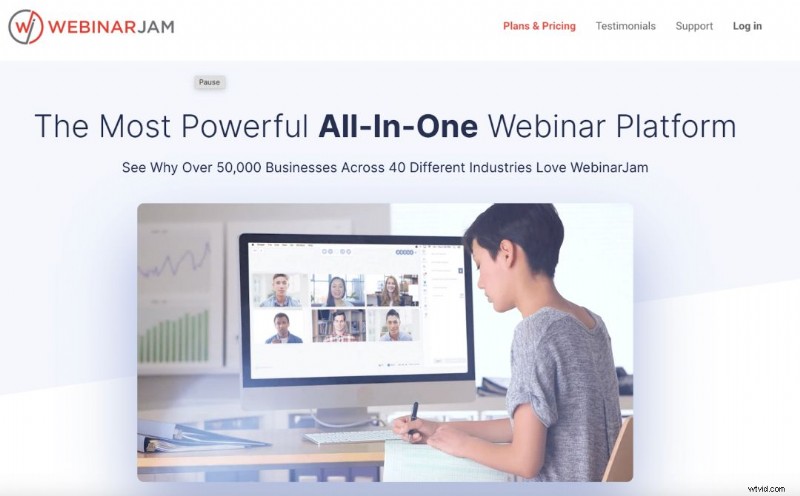
WebinarJam simplifies the process of hosting and managing live webinars, virtual events, and online presentations. The cloud‑based software supports up to 5,000 attendees and six presenters, making it suitable for everything from small sales demos to large corporate conferences.
Its device‑agnostic design ensures high‑definition streaming on any device. WebinarJam is the sister platform of EverWebinar, which focuses on automated webinars.
Who Is WebinarJam For?
With a user base of over 50,000 businesses across 40+ countries, WebinarJam caters to a broad audience. It’s especially valuable for entrepreneurs, marketers, and educators who need to generate leads or deliver content to a live audience.
High‑profile clients—including Zapier, Infusionsoft, and GetResponse—attest to its reliability and effectiveness.
Top Features
1. Live Chat
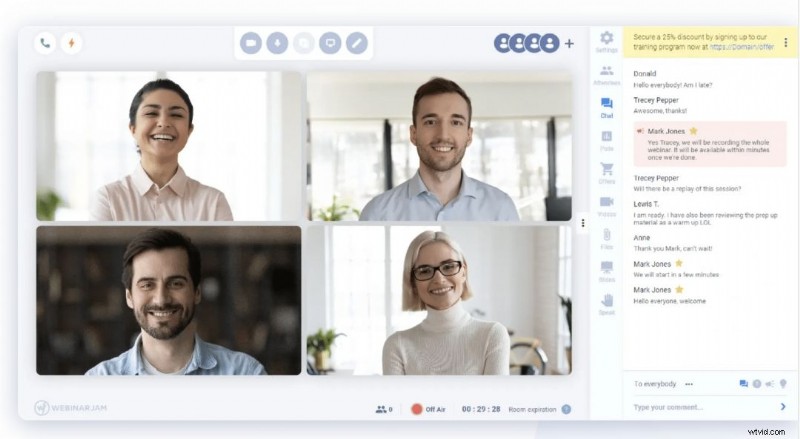
The chat lets hosts converse with attendees, conduct Q&A sessions, and keep engagement high. Features such as private comments, highlighted messages, sticky announcements, and moderation help maintain a professional environment.
2. Automated Recordings
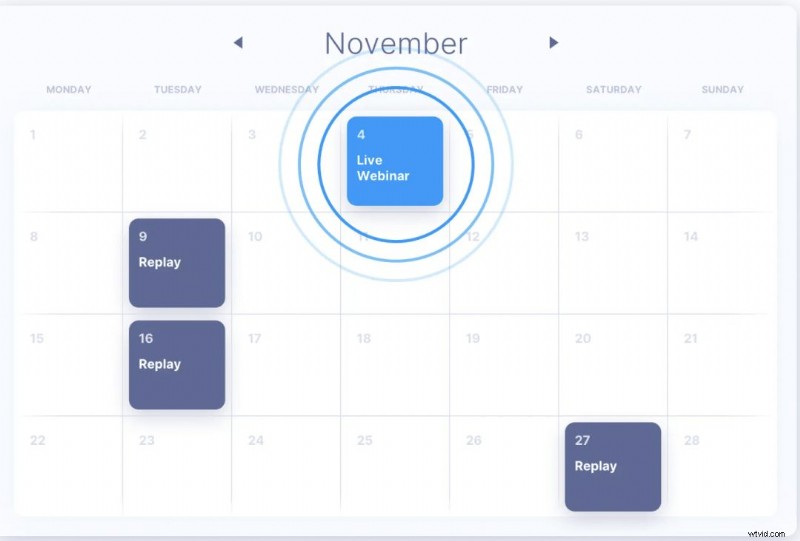
Live sessions are automatically recorded into a replica replay. Every comment, poll response, and product offer appears at the exact second it was posted, ensuring replays feel as interactive as the live event. This multiplies your content output with no extra effort.
3. Page Builder & A/B Testing
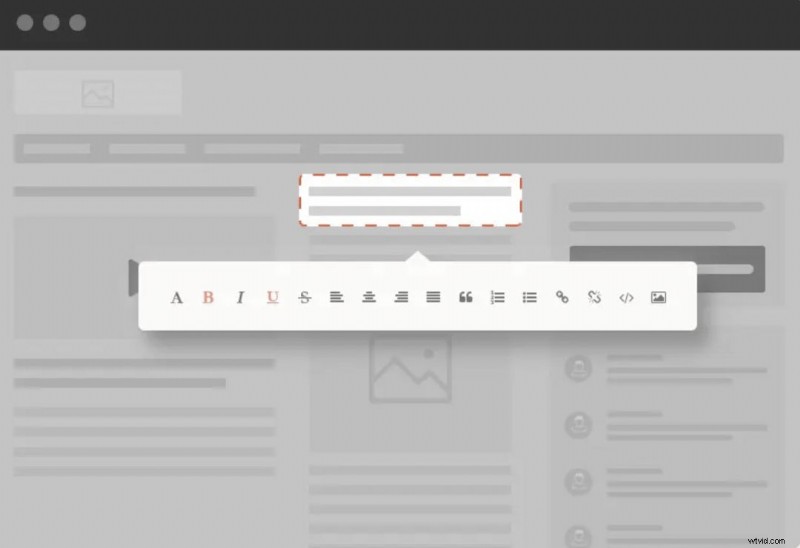
Customise registration pages—colors, text, images, and videos—and add your logo. The built‑in A/B testing tool lets you run two versions side‑by‑side and track which drives more sign‑ups in real time.
4. Attendee Spotlight
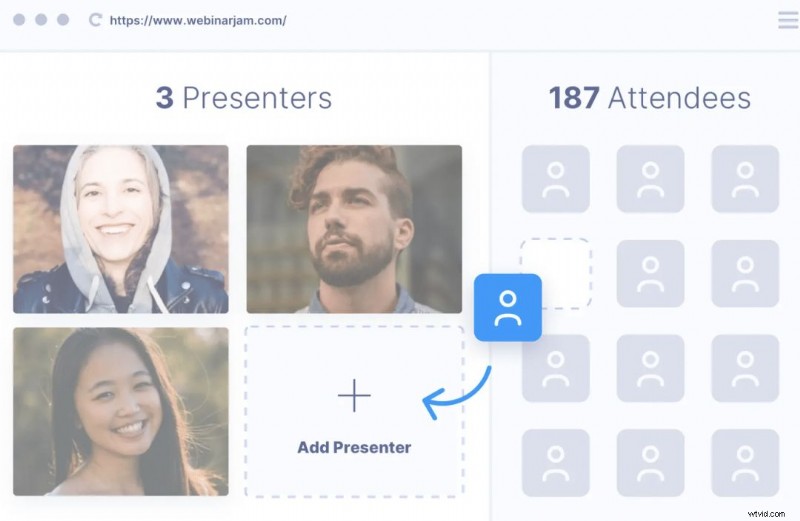
Elevate audience participation by inviting attendees onto the stage to share screens or speak. Switch back to attendee‑only mode with a single click, giving you full control while keeping the session lively.
5. Panic Button
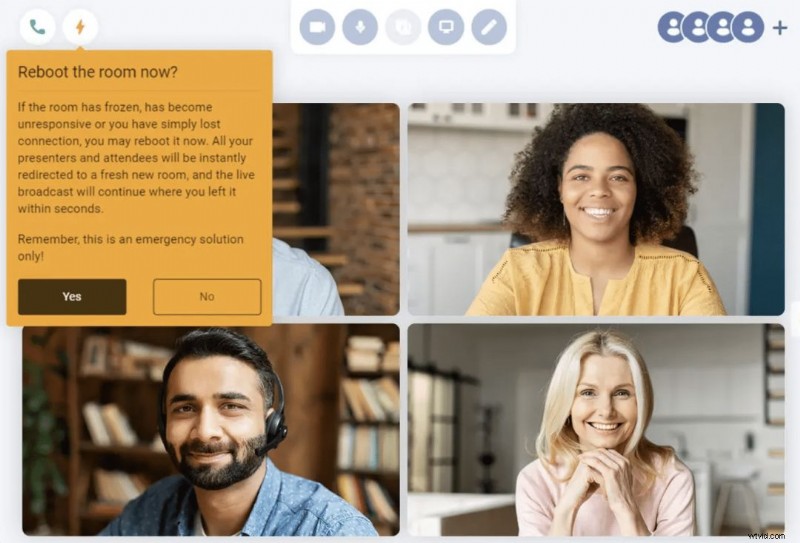
When technical glitches arise, the panic button instantly creates a new room and migrates all participants in under 10 seconds. This minimizes downtime and keeps your webinar on schedule.
Pros & Cons
Pros
- Accessibility: Intuitive, user‑friendly interface for all skill levels.
- Analytics: Detailed reports on attendee behavior, engagement, and conversions.
- Interaction: Live chat, polls, Q&A, and attendee spotlight keep audiences engaged.
Cons
- Cost: Plans are billed annually and can be pricey for small teams; calculate webinar volume before committing.
- Learning Curve: Mastering all features requires time and practice.
Pricing Plans
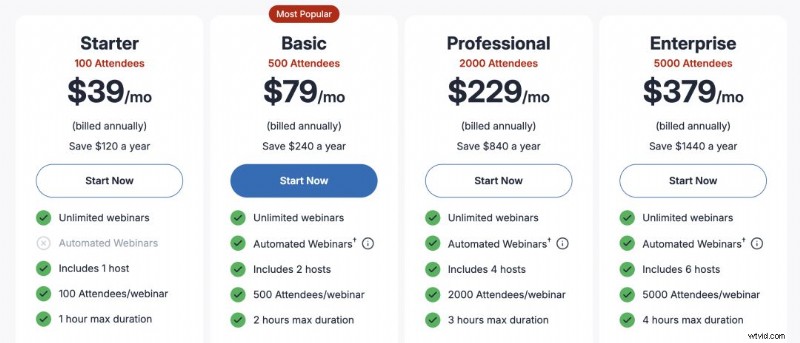
- Starter: $39/month (annual billing) – up to 100 attendees, 1 host, unlimited webinars, 1‑hour limit.
- Basic: $79/month – up to 500 attendees, 2 hosts, 2‑hour limit, access to EverWebinar automation.
- Professional: $229/month – up to 2,000 attendees, 4 hosts, 3‑hour limit, panic button included.
- Enterprise: $379/month – up to 5,000 attendees, 6 hosts, 4‑hour limit, always‑on live room, dedicated control panel.
Choose the tier that aligns with your audience size and feature needs; the comparison chart makes it easy to spot differences at a glance.
Customer Support
WebinarJam offers robust support through a shared help portal with EverWebinar. The portal is organized into six sections:
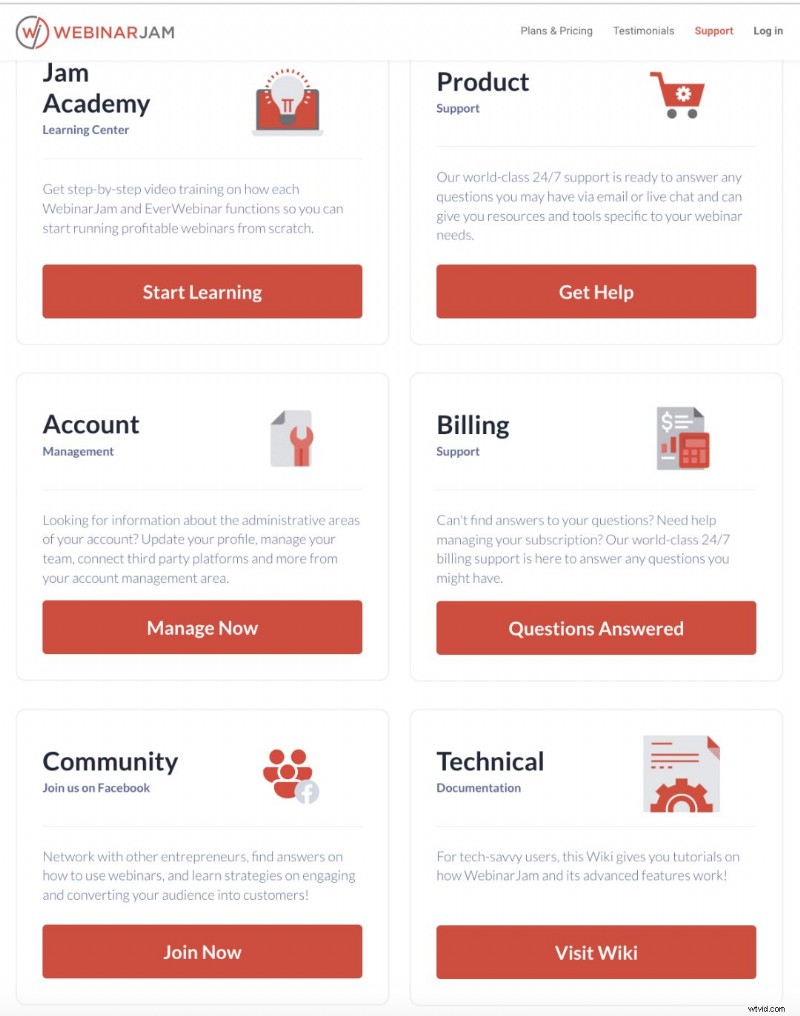
- Jam Academy: Video tutorials for both WebinarJam and EverWebinar.
- Product Support: 24/7 email and live chat, plus extensive FAQs.
- Account Management: Update profile, payment, and notification settings.
- Billing Support: Dedicated help for invoicing or subscription questions.
- Community: Facebook group for networking and strategy sharing.
- Technical Documentation: In‑depth guides for advanced users.
An accessibility menu on every page lets you adjust interface settings to suit individual needs, further simplifying the user experience.
Final Verdict
WebinarJam is a powerful, feature‑rich platform that delivers high engagement and comprehensive analytics. For businesses willing to invest time and budget, it offers a compelling solution that can elevate lead generation and conversion rates.

If you’re exploring alternatives, consider our Demio review.