
Have you ever been in a situation you find black bars on your video after exporting it, and have no idea about it. Don’t worry, you can try a video cropper! 5 best video croppers are listed in this post and the ways to crop videos. If you like to add music to video or remove audio from video, here recommend MiniTool MovieMaker released by MiniTool.
For some reason, you may like to crop your video. So choosing the right video cropper is very important. To save you time, here provide 5 best free video cropper.
5 Best Video Croppers
# 1. Clideo
Clideo is an online video cropper that supports AVI, MPG, MP4, MOV and other formats. It’s easy to use. With it, you can crop any part of your video and even custom the video size to fit Instagram, YouTube, etc.
In addition to that, you can also change any video format you want.
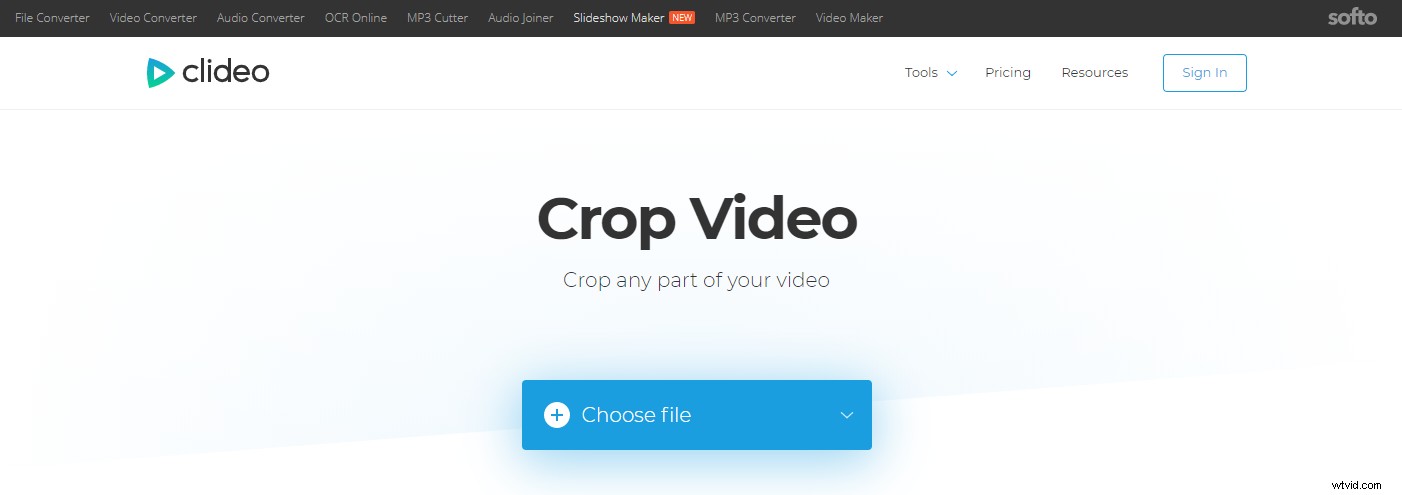
To crop your video, click on Choose file to import the video. Then adjust the cropping area or enter the exact number in the pixels box. Finally, tap on Crop to apply the change.
# 2. VEED
It’s an online video cropping tool that allows you to crop a video for YouTube, Facebook, Instagram and other platforms. VEED is compatible with both Windows and Mac. Besides, it also comes with some advanced features like transcribing your video.
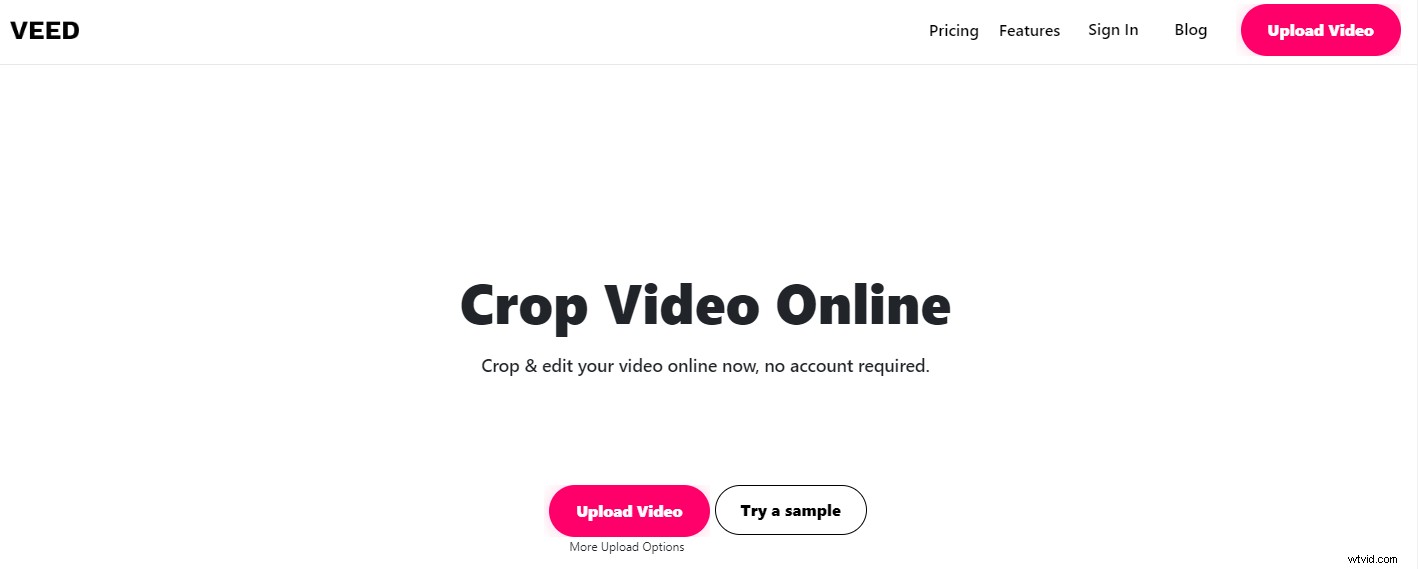
By using this video cropper, you can crop your video in seconds. Press the Upload Video button to add the video. After the uploading process is done, choose the video and move the side of the video to remove unnecessary parts. Or select the YouTube video dimension or other options from the pre-set list.
In the end, hit Download to start the process. After finishing the process, you can choose to download video, download video as GIF or post the video on Facebook or Twitter.
# 3. EZgif.com
EZgif.com is a web-based application that has a set of video and GIF editing tools. Here you can not only crop video but also rotate, resize, reverse and split video. Of course, as a GIF editing tool, it can be used to speed up GIF or censor GIF.
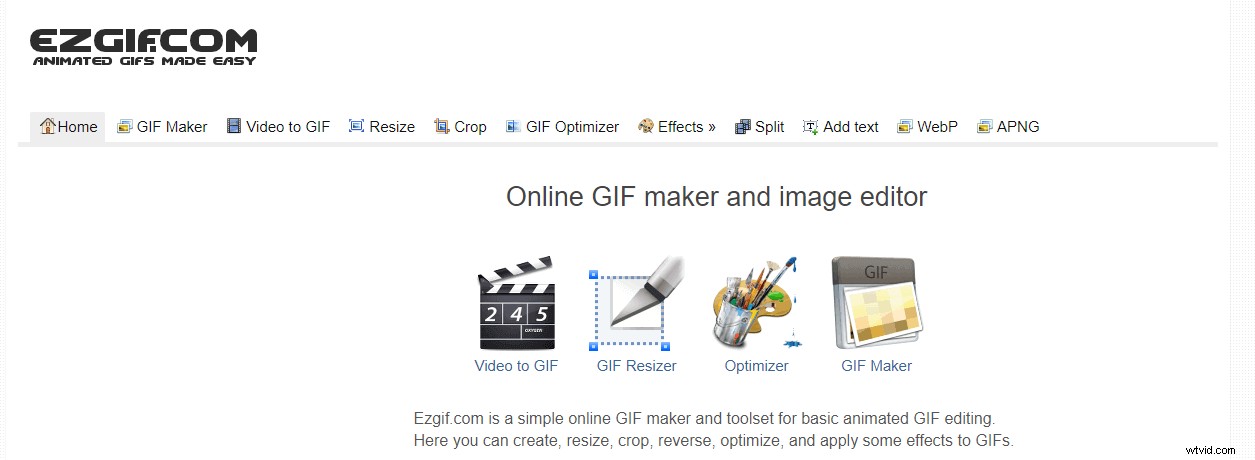
Simply switch to the Video to GIF tab and click on Crop video. Then upload the video and crop it as you like.
# 4. Online Video Cutter
This app comes in handy when you need to crop or cut a video, but the video files are limited to 500 MB. Additionally, it’s an online video cropper, so it can work on any browser.
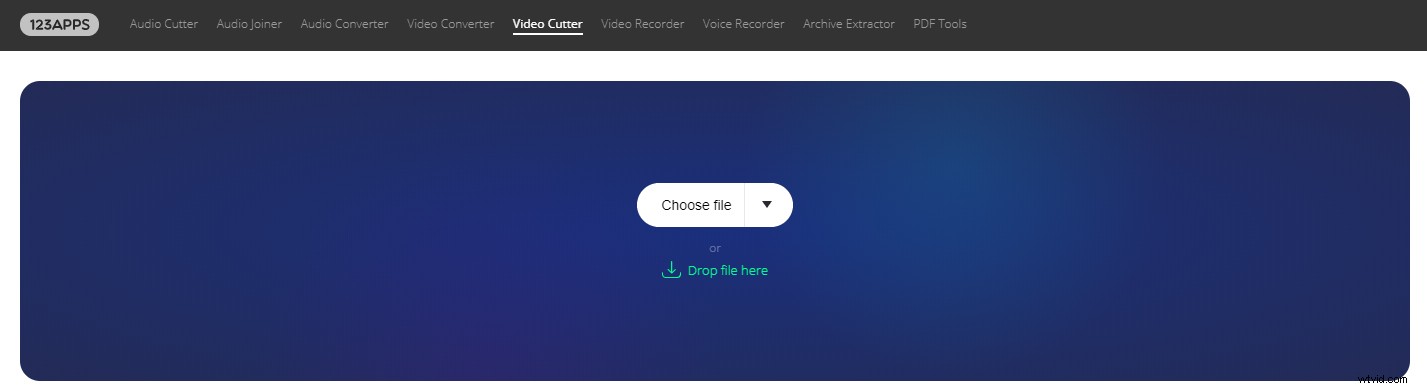
Just in serval steps, you can crop the video by yourself.
To edit video, you may like: How to Edit MP4 – All Useful Tips You Need to Know.
# 5. Video Crop
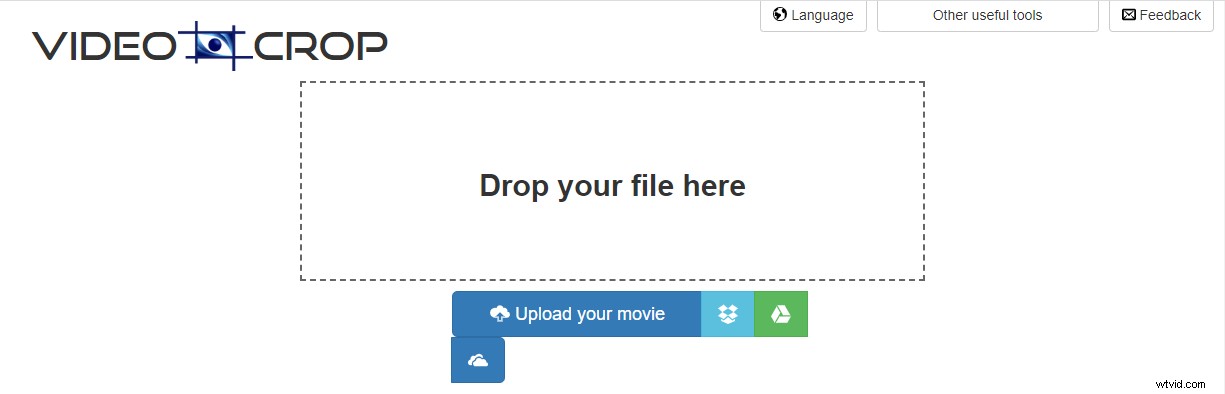
This video cropper has a simple interface. In addition to cropping a video, it allows you to rotate and stabilize a video. No sign up required!
All in all, online video croppers are very useful. However, they have some limits like file size limit, watermarks, etc. If you want to crop large files, you’d better choose video cropping software.
Conclusion
Now, have you learned how to crop videos by using video croppers? If yes, have a try!
If there is any problem, please leave a comment in the comments area.