
This guide evaluates the leading free video joiner tools of 2026, helping you choose the right solution for both business and personal projects.
Video marketing dominates modern business strategies: 91% of companies use video content, and 93% consider it essential to their outreach. With such high demand, reliable editing tools are indispensable.
What Is Video Joiner Software?
Video joiner software—also called a merge tool—lets you stitch multiple clips into a single, polished file. It’s a lightweight editing solution perfect for quick, professional videos.
Best Free Online Video Merge Software
1. Adobe Express
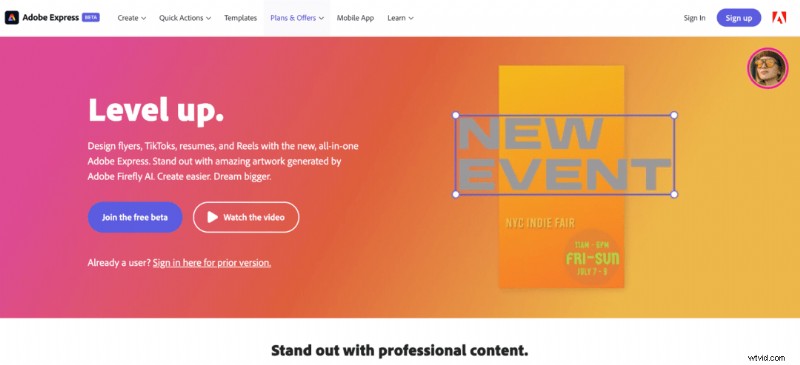
Adobe Express is a web‑based editor that blends design and video creation. Its drag‑and‑drop interface is beginner‑friendly, and the platform comes preloaded with templates to jumpstart your projects.
Why Choose It?
• Free access to Adobe’s ecosystem—ideal if you already use other Adobe products.
• Intuitive drag‑and‑drop editing.
• Extensive template library for quick starts.
When to Skip It
• It’s a general content platform, not a dedicated video editor.
• Users seeking advanced video‑only tools may find the experience distracting.
Availability
Web, mobile (Android & iOS).
2. FlexClip
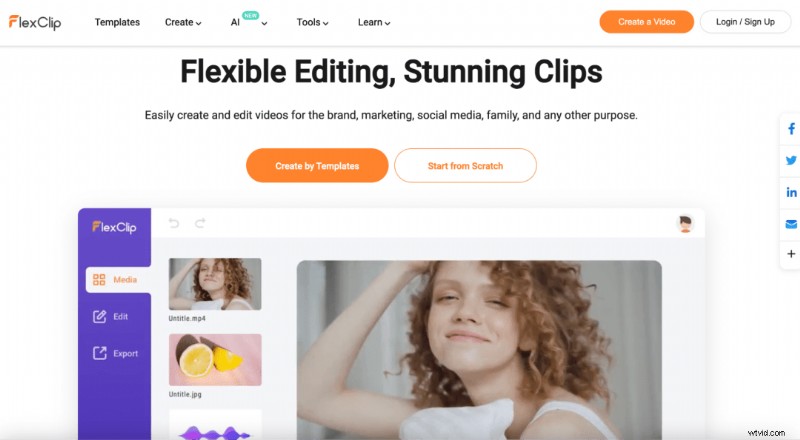
FlexClip offers a free online joiner with a growing suite of editing features. Whether you’re starting out or advancing your skills, FlexClip scales with you.
Why Choose It?
• Start from scratch or use templates.
• Merge, trim, compress, rotate, and more—all in one place.
When to Skip It
• Free version limits exports to 60 seconds.
• Longer videos or advanced features require a paid plan.
Availability
Web.
3. Clideo
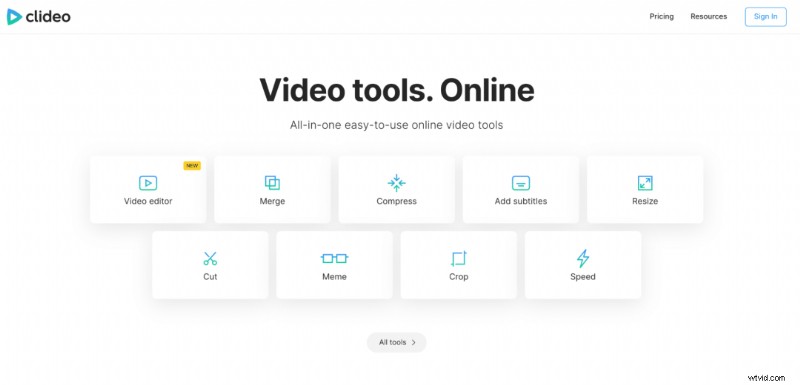
Clideo delivers a clean, straightforward interface for merging, compressing, cropping, and resizing videos. It’s a favorite for users who need a quick, no‑frills solution.
Why Choose It?
• Supports multiple file formats.
• Simple, feature‑rich editing.
When to Skip It
• Limited to basic edits—no advanced transitions.
• Free tier requires a subscription for full functionality.
Availability
Web.
4. Vimeo Create
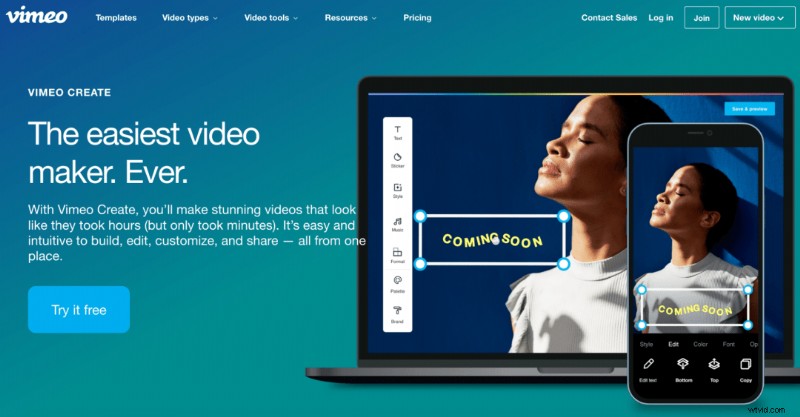
Vimeo Create integrates seamlessly with Vimeo’s hosting platform, offering intuitive editing and instant sharing.
Why Choose It?
• One‑stop shop if you host on Vimeo.
• Rapid creation of polished videos.
When to Skip It
• Advanced features require a paid plan.
Availability
Web.
5. AConvert
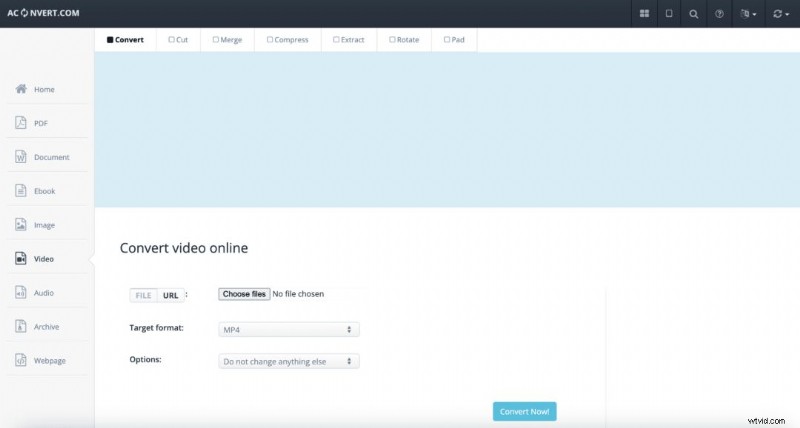
AConvert focuses on conversion but also offers a straightforward merge function. Upload your files, click “Submit,” and your clips are stitched together.
Why Choose It?
• Simple, single‑purpose merging.
• Ideal for users who only need basic joins.
When to Skip It
• No trimming, transitions, or additional edits.
• Requires identical file properties for a seamless merge.
Availability
Web.
6. Kapwing
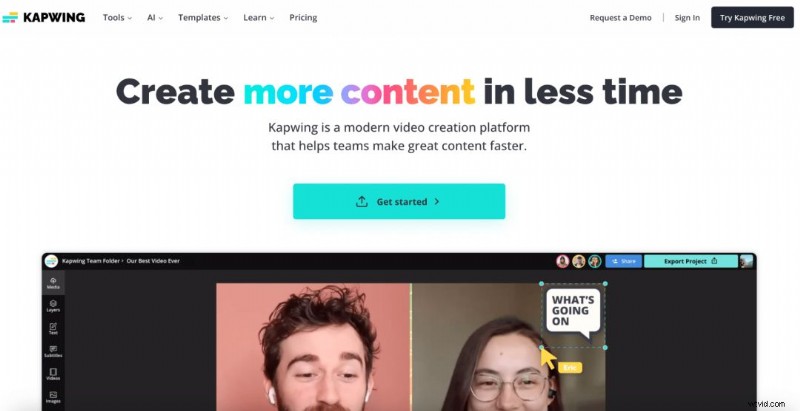
Kapwing powers over 10 million users with a broad suite of editing tools, including an AI‑driven “Smart Cut” that removes silences automatically.
Why Choose It?
• User‑friendly interface.
• Smart Cut and other AI features streamline editing.
When to Skip It
• Free tier caps export at 4 minutes, adds a watermark, and limits resolution to 720p.
• Full access requires a paid plan.
Availability
Web.
Best Free Video Merging Apps
7. VivaVideo
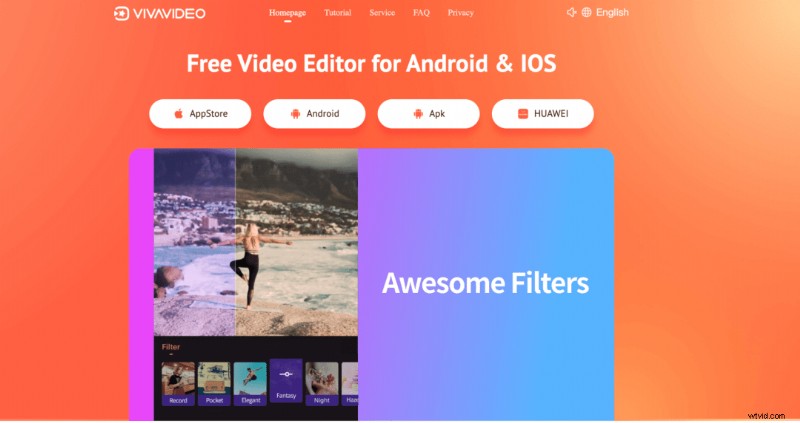
VivaVideo offers on‑the‑go editing with music, transitions, and effects. Its all‑in‑one approach suits beginners and casual creators.
Why Choose It?
• Comprehensive feature set in a single app.
• Easy for newcomers.
When to Skip It
• Watermarks on free exports.
• Heavy advertising and limitations on large files.
Availability
Android & iOS.
8. KineMaster
KineMaster boasts over 100 million downloads, delivering professional‑grade tools on mobile, including AI‑based background removal.
Why Choose It?
• Robust features for both novices and pros.
• AI filters and background removal.
When to Skip It
• Steep learning curve for beginners.
• Full feature set behind a premium tier.
Availability
Android & iOS.
9. CapCut
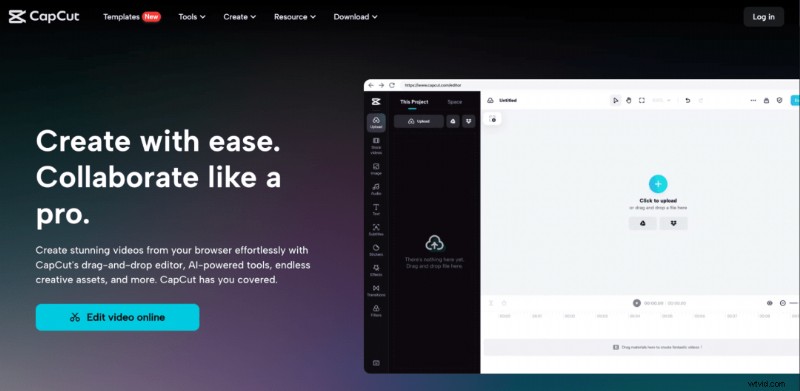
CapCut blends free editing with powerful tools like keyframe animation, making it suitable for both casual merges and advanced projects.
Why Choose It?
• Device‑agnostic; works on all platforms.
• Rich feature set at no cost.
When to Skip It
• Intimidating for users who only need simple joins.
Availability
All platforms.
10. GoPro Quik
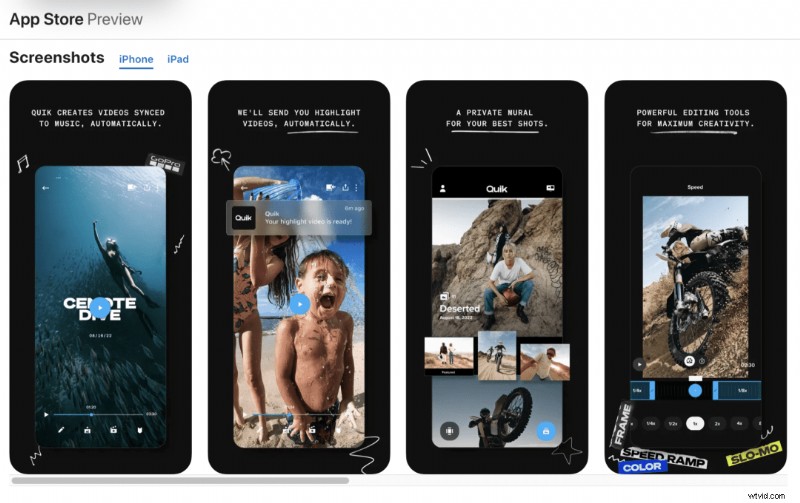
While tailored for GoPro footage, Quik accepts any video format and offers “Automatic Edits” to sync clips to music automatically.
Why Choose It?
• Automated editing workflow.
• Cinematic transitions built‑in.
When to Skip It
• Best suited for GoPro users; other footage may feel less supported.
Availability
Android, iOS, Windows.
11. InShot
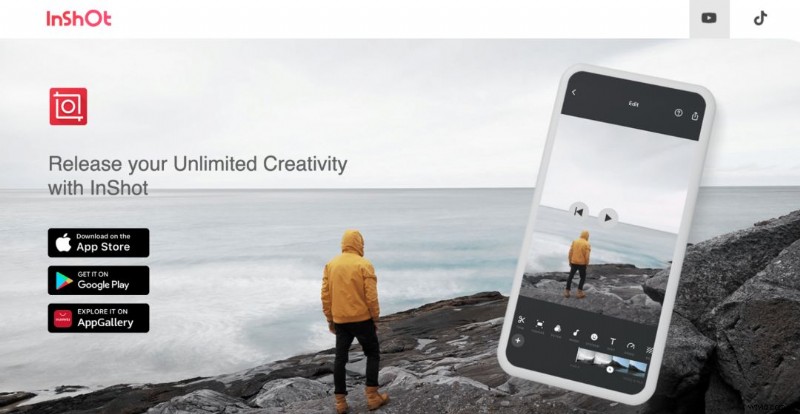
InShot is a versatile mobile editor that handles both photos and videos, providing quick edits and easy joins.
Why Choose It?
• Simple interface.
• One‑stop solution for photo and video editing.
When to Skip It
• Watermark on free exports.
Availability
Android & iOS.
12. Splice
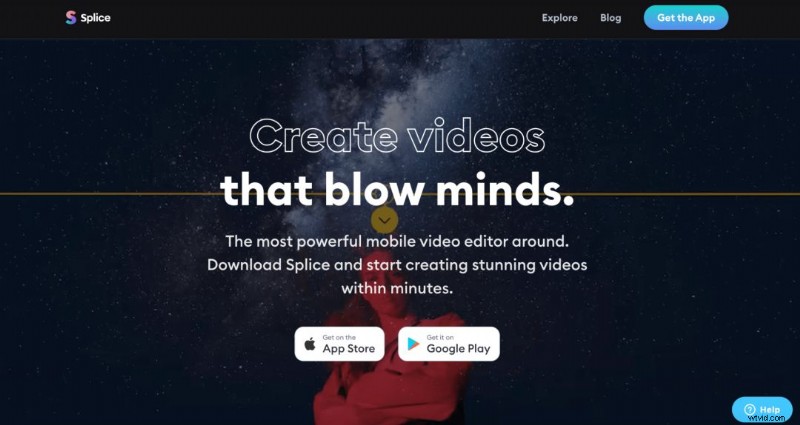
Splice offers a mobile‑desktop hybrid experience, delivering professional‑grade tools in a user‑friendly package.
Why Choose It?
• Desktop‑level editing on the go.
• Intuitive interface.
When to Skip It
• Premium features and watermark removal require a subscription.
Availability
Android & iOS.
13. PicPlayPost
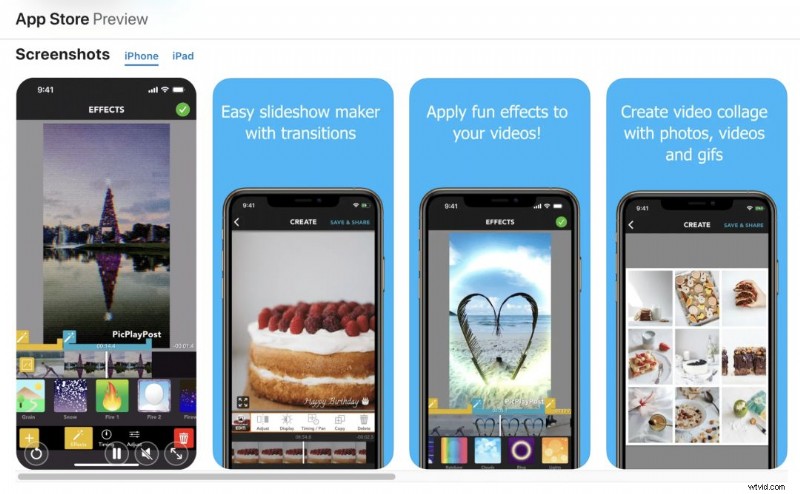
PicPlayPost lets users create video collages and slideshows up to 30 minutes, exporting in 1080p or 4K without watermarks.
Why Choose It?
• Full‑HD and 4K export.
• Integrated music and voiceover options.
When to Skip It
• Tailored more toward personal projects than corporate branding.
Availability
Android & iOS.
14. Clips
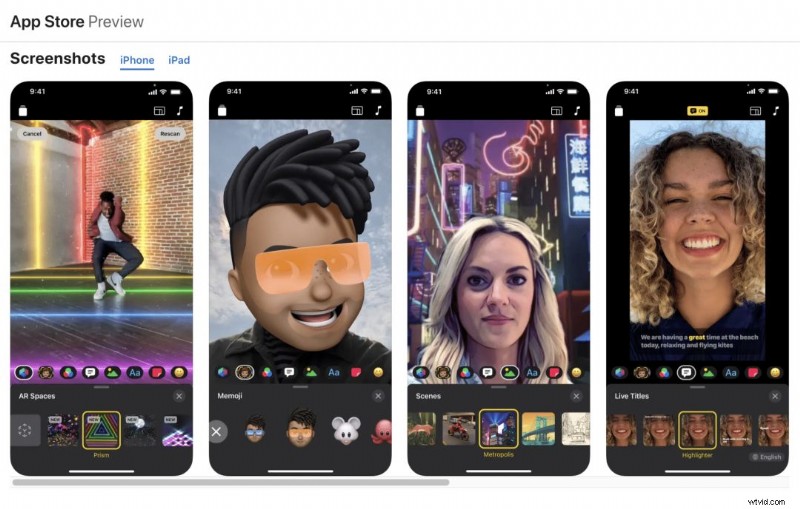
Apple’s Clips app offers a quick way to edit and share videos, complete with filters, stickers, and text overlays.
Why Choose It?
• Seamless integration with iOS devices.
• Ideal for quick, personal videos.
When to Skip It
• Primarily aimed at personal use; business‑grade features are limited.
• Not available on non‑Apple platforms.
Availability
iOS only.
15. Videoshop
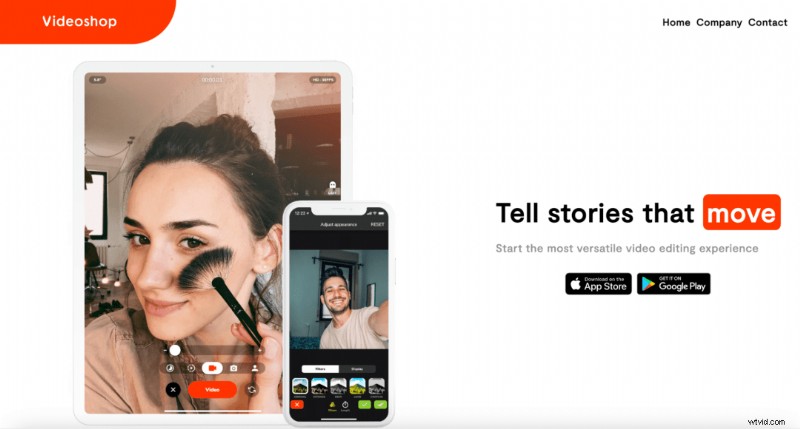
Videoshop supports both iOS and Android, offering trimming, overlays, and social‑media‑ready exports.
Why Choose It?
• Trusted by over 30 million creators.
• Direct export to TikTok, Snapchat, and Instagram.
When to Skip It
• Watermarks and advanced features locked behind a paid plan.
• Performance issues reported on older devices.
Availability
Android & iOS.
Best Free Video Joiners for Desktop
16. Wondershare Filmora
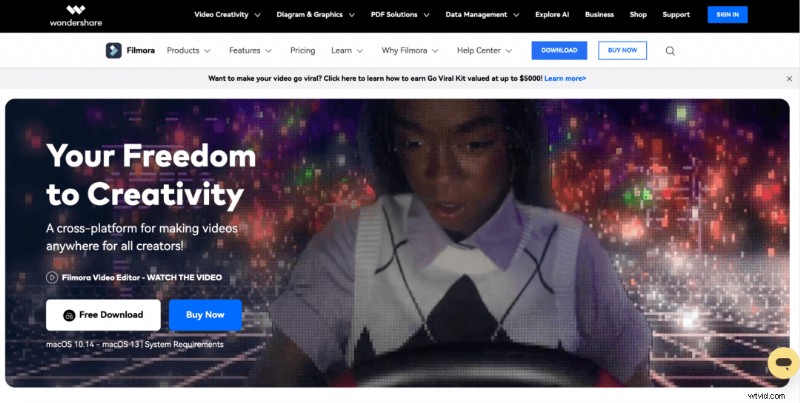
Filmora blends a beginner‑friendly interface with scalable tools, making it a solid choice for those who may grow into more complex editing.
Why Choose It?
• Start small and expand later.
• Rich library of effects and templates.
When to Skip It
• Free tier leaves a watermark; unsuitable for polished, professional use.
Availability
iOS, Android, Windows.
17. Microsoft Photos
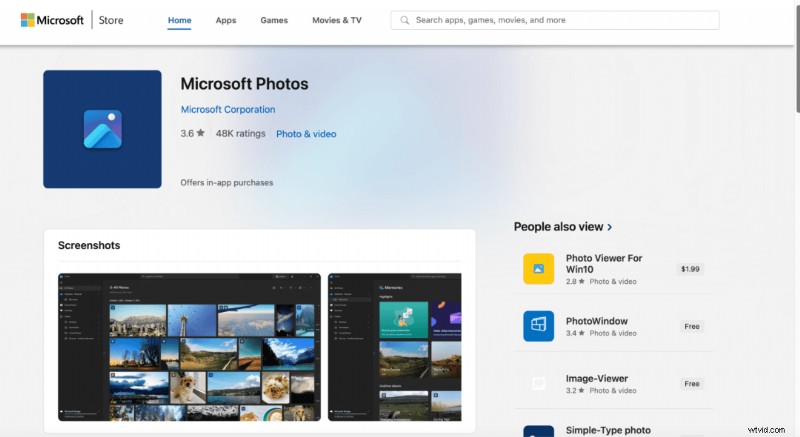
Integrated into Windows 10 and 11, Photos offers basic editing—cut, merge, add text, and music—without extra downloads.
Why Choose It?
• Pre‑installed on Windows devices.
• Easy OneDrive backup.
When to Skip It
• Lacks advanced features; not ideal for complex projects.
Availability
Windows.
18. iMovie
Apple’s native editor delivers 4K support, chroma key, and a straightforward interface for iOS and macOS users.
Why Choose It?
• Beginner‑friendly with hidden power (green‑screen, 4K editing).
• Seamless integration with Apple ecosystem.
When to Skip It
• Non‑Apple users cannot access the tool.
• Advanced customization may feel limited.
Availability
iOS, macOS.
19. VirtualDub
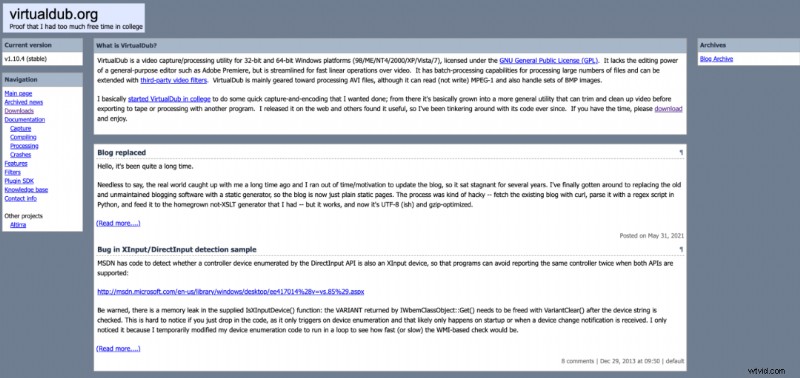
VirtualDub offers a minimalist interface focused on speed and efficiency for basic cut, trim, and merge tasks.
Why Choose It?
• Lightweight and fast.
• No distractions from core editing.
When to Skip It
• Very limited editing tools; unsuitable for advanced workflows.
• Windows‑only.
Availability
Windows.
20. VSDC Free Video Editor
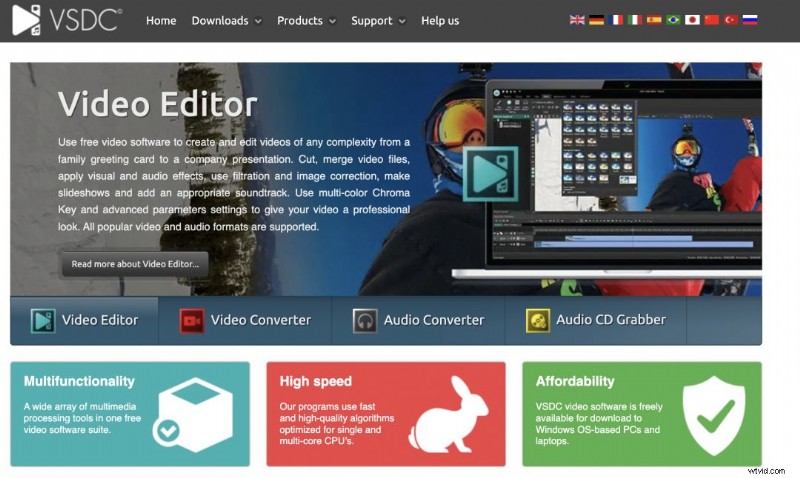
VSDC provides a professional interface with non‑linear editing, visual and audio effects, and format conversion—all for free.
Why Choose It?
• Fast, feature‑rich, and free.
• Supports Instagram‑style filters and masking.
When to Skip It
• Mac users must look elsewhere.
• Non‑linear workflow may overwhelm novices.
Availability
Windows.
Final Thoughts
Video content remains indispensable in 2026. The tools above empower you to create professional, impactful videos—whether you’re a marketer, content creator, or casual user. Dive deeper with our 24 Best Video Editing Apps (2026) guide.