
In today’s video‑centric world, subtitles and closed captions are no longer optional—they’re essential for engagement, accessibility and SEO. With video consumption soaring on mobile and across social platforms, creators need reliable, accurate, and easy‑to‑use subtitle tools that can keep pace with their workflow.
We’ve independently tested fifteen of the most popular auto‑subtitle generators in 2026. The following review highlights each tool’s strengths, limitations, pricing, and unique features to help you pick the right fit for your projects.
Disclaimer: This is an unbiased, non‑sponsored review. All tools were evaluated through hands‑on testing and research, not through any partnership or incentive.
TL;DR – Our Top 3 Picks
- Happy Scribe – Generous free tier, clean UI, solid accuracy across 120+ languages.
- VEED.IO – Near‑perfect transcription, unbeatable style customization, free start‑up.
- Maestra – Fast, AI‑powered, and ideal for quick turnaround in 80+ languages.
1. Happy Scribe
Happy Scribe offers both automated and human transcription, boasting 85–99% accuracy in more than 120 languages and 45+ file formats. Its AI translation delivers 80% accuracy, while human translation guarantees 99% for an additional fee of £1.50 per minute.
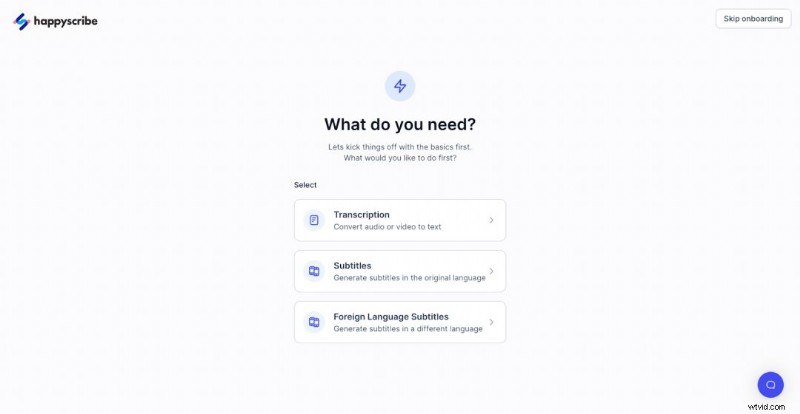
Upload raw video or paste a URL. The platform estimates processing time, then delivers a transcript ready for proofreading. Accuracy is high on word recognition but can falter with grammar and context, so a quick review is recommended.
Style editing allows you to tweak font, size, color, background, and vertical position. However, horizontal placement is fixed, and scene‑specific adjustments are unavailable.
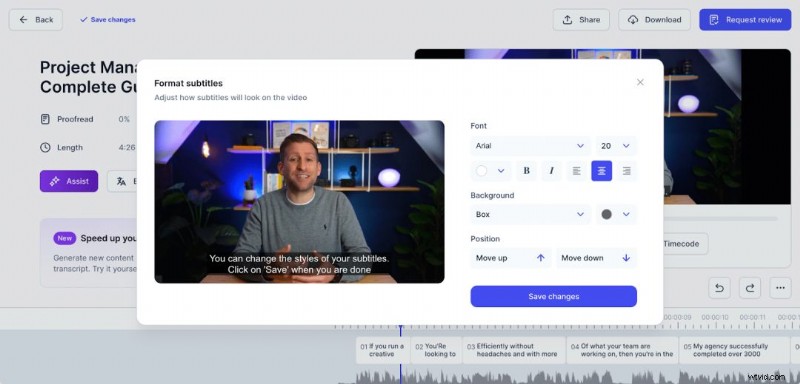
You can export subtitles as SRT/VTT or burn them into the video. The free plan supports up to five videos per month without watermarks—a rare benefit among free tools.
- Pros: Generous free tier, watermark‑free exports, intuitive UI.
- Cons: Limited style options, slightly slower processing.
2. Rev.com
Rev.com delivers high‑accuracy transcription and captioning, though its pricing starts at $7.50 for a 4‑minute video (99% accuracy). The platform offers automatic punctuation, speaker ID, and timestamping.
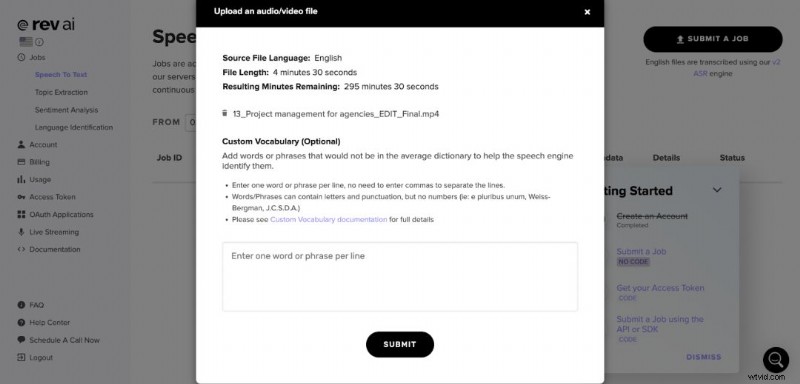
Unlike other services, Rev.com lacks a free tier beyond a 300‑minute trial. While the turnaround is quick, the cost can add up for larger projects.
- Pros: Exceptional accuracy, straightforward UI.
- Cons: No free option, steep pricing, limited preview before purchase.
3. VEED.IO
VEED.IO is a versatile editor that shines in auto‑subtitle generation. Upload a file or link (YouTube not supported), choose the spoken language, and let the AI produce captions with low‑confidence words highlighted in orange.
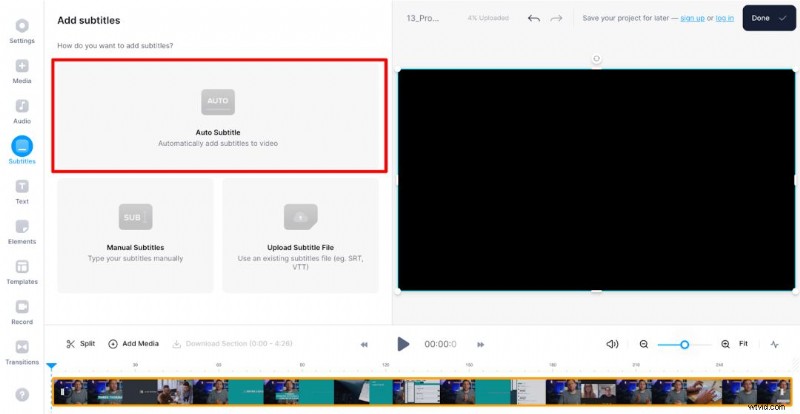
Style customization is extensive: fonts, colors, animations, and even animated effects. The free plan includes a prominent watermark and SD export; paid plans remove the watermark and unlock HD.
- Pros: High accuracy, advanced style options, no account required to start.
- Cons: Watermark on free exports, SD quality only.
4. Subly
Subly supports 40+ languages and offers quick, AI‑driven captions. Upload a video or paste a URL, including YouTube. While punctuation accuracy can be spotty, the platform excels in style controls—outline, drop shadow, background, and granular timing settings.
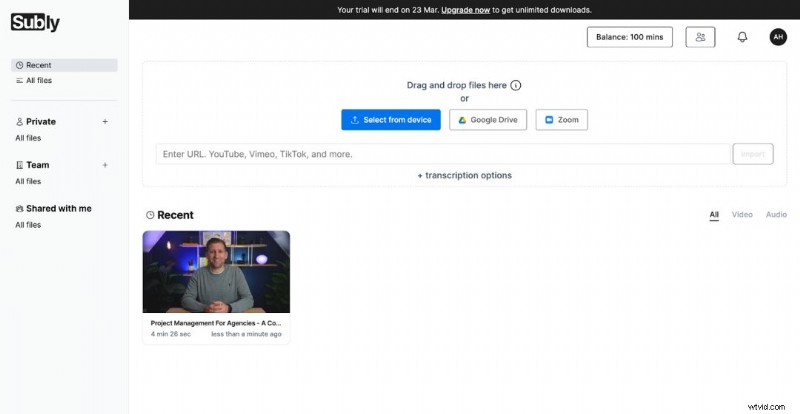
Subly allows you to resize videos and adjust aspect ratios, making it ideal for repurposing across platforms. However, downloads are restricted to paid plans.
- Pros: Accurate transcription, powerful style presets, video resizing.
- Cons: No free downloads.
5. Zubtitle
Zubtitle streamlines subtitle creation with a guided onboarding video and intuitive templates for vertical, square, and other aspect ratios. The platform offers a built‑in progress bar and brand‑color customization.
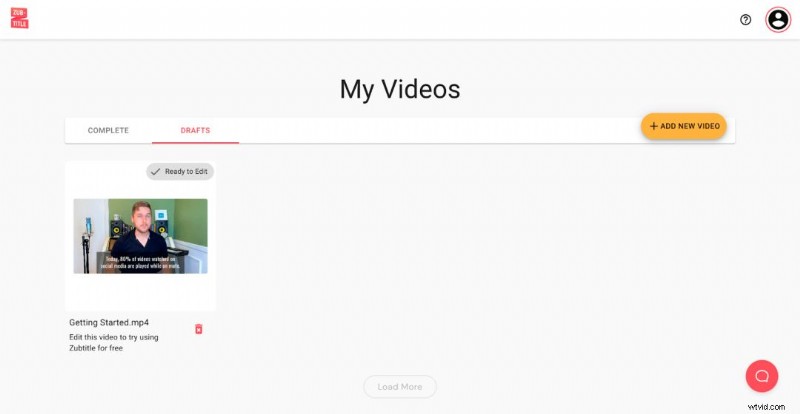
Free exports come with a sizable watermark; removing it requires a $19 or $49 monthly plan, which also unlocks 4K output and higher monthly limits.
- Pros: Easy to use, rich template library, brand‑specific styling.
- Cons: Watermark on free videos, limited free quota.
6. Descript
Descript is a downloadable desktop app that offers transcription, editing, and subtitle insertion. After uploading a project, the transcript appears in a sidebar; corrections are made directly in the text.
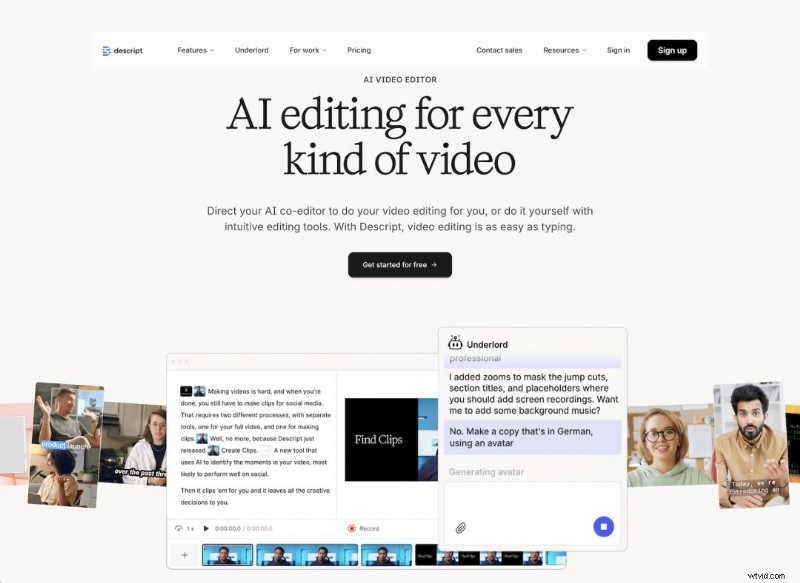
Adding captions requires navigating the Help menu, but once added you can style fonts, colors, and positions. The free tier allows 1 hour of transcription per editor per month with a single watermark‑free export.
- Pros: Precise transcription, extensive editing suite.
- Cons: Steep learning curve, limited free usage.
7. Pictory
Pictory is a cloud platform that merges video editing and AI transcription. Upload via file or YouTube link, then use the "Edit Videos using Text" workflow. Transcriptions are highly accurate and editable like a document.
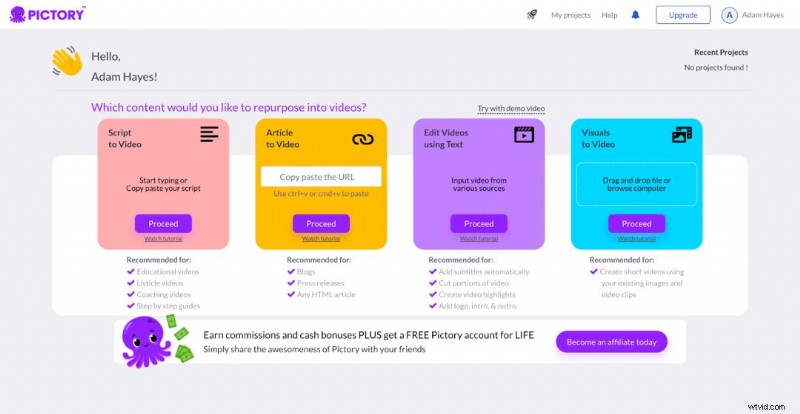
Templates allow quick styling, though options are more limited than some competitors. The free trial offers 1 hour of usage, 1 template, and 3 videos before requiring a paid plan.
- Pros: Simple interface, accurate captions, custom styling.
- Cons: Slower transcription, limited advanced effects.
8. Media.io
Media.io provides on‑the‑fly subtitle generation without needing an account for basic use, but full subtitle functionality requires a Wondershare account. Transcriptions often lack punctuation, producing long, unbroken text blocks.
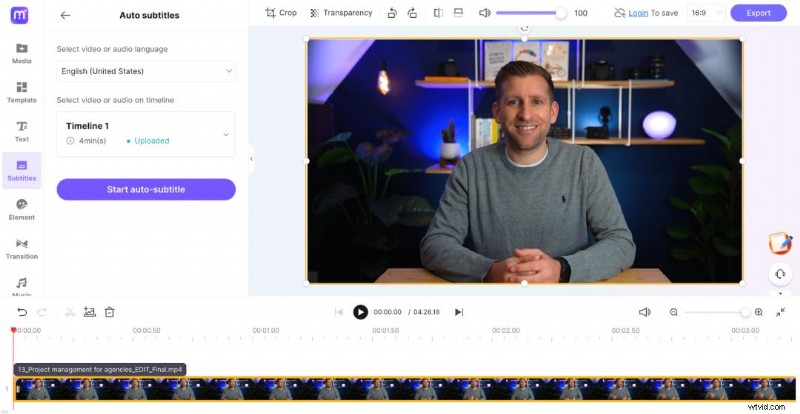
Free users face a 30‑minute export limit and a watermark; paid plans lift these restrictions and add 1GB upload capacity.
- Pros: No initial signup, extensive editing features.
- Cons: Punctuation issues, watermark on free exports.
9. Kapwing
Kapwing blends subtitle creation with robust video editing tools. After generating captions, the right‑hand panel offers font, size, color, animation, and drag‑and‑drop placement. The "Show Safe Zones" feature helps tailor content for TikTok, Instagram Reels, and YouTube Shorts.
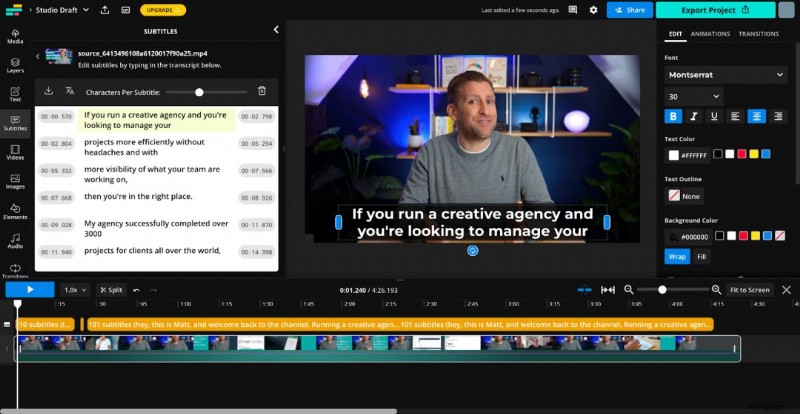
Free exports are 480p or 720p with a watermark; paid users gain 1080p and watermark removal.
- Pros: Advanced style editing, safe‑zone preview, versatile output.
- Cons: Watermarked free videos, limited free transcription minutes.
10. Flixier
Flixier offers a lightning‑fast auto‑subtitle generator. Its accuracy rivals the best on the market, and the editor includes presets and custom font uploads. Subtitles preview in the app is slightly blurry, but final exports are crisp.
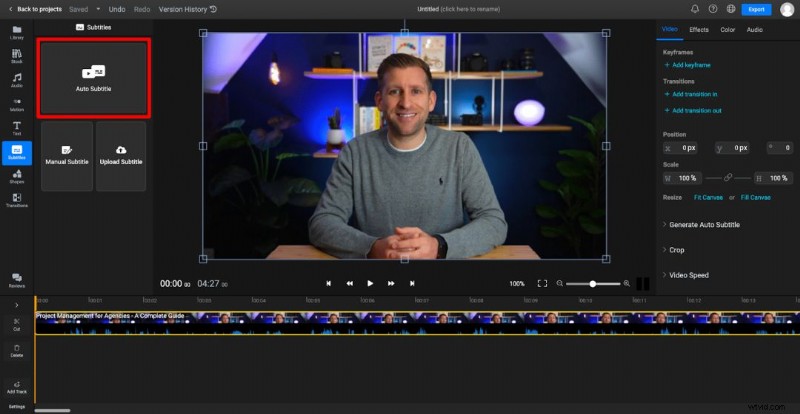
Free exports carry a watermark; the pro plan ($18/month) removes the watermark, adds 300 minutes of export time, 50GB storage, and full HD output.
- Pros: Precise transcription, flexible styling.
- Cons: Blurry preview, watermark on free videos.
11. SubtitleBee
SubtitleBee delivers quick, AI‑powered captions with minimal setup. The interface supports previewing for Instagram Square and TikTok formats, saving time on specification research.
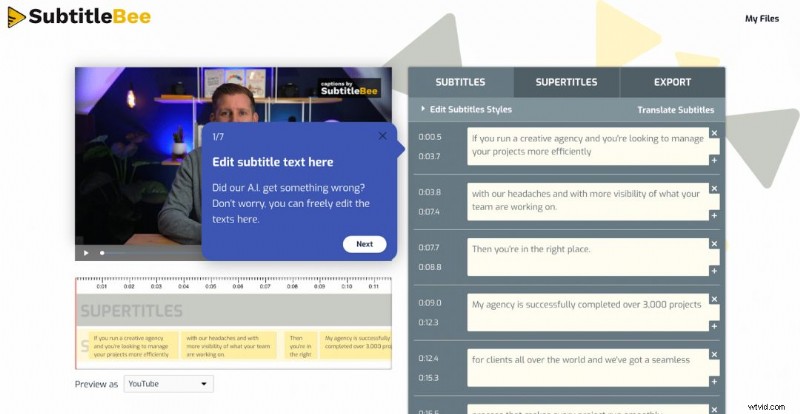
Style options are modest—four fonts by default, with color and background choices. Vertical positioning is adjustable, but horizontal movement is not.
- Pros: Streamlined workflow, platform‑specific previews.
- Cons: Slightly less accurate than rivals, limited styling.
12. FlexClip
FlexClip is a beginner‑friendly editor that offers AI subtitles in multiple languages. After uploading, you can choose a preset style before transcription, and later refine fonts, colors, and placement.
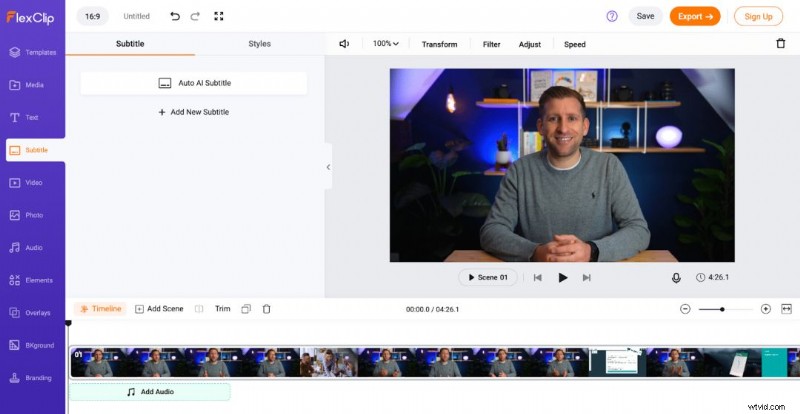
Drag‑and‑drop placement and guideline overlays make positioning precise. The free plan is limited to 720p downloads with a watermark and 5 minutes of subtitles per month.
- Pros: Intuitive UI, vast media library, customizable styling.
- Cons: Watermark on free videos, restricted free quota.
13. Maestra
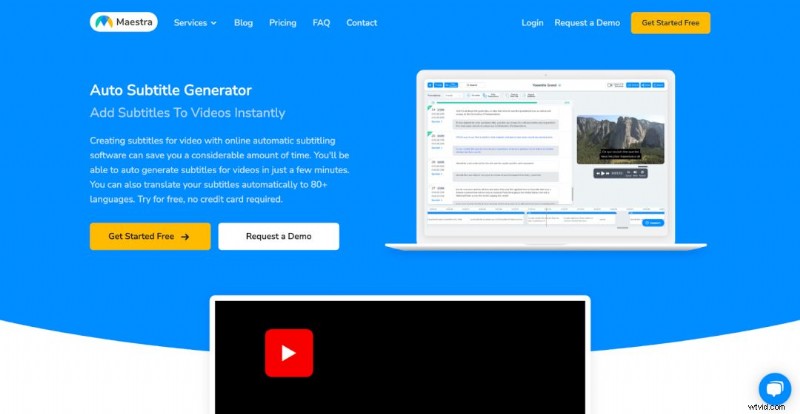
Maestra offers rapid, AI‑driven captions in 80+ languages. The interface displays confidence levels via color coding, enabling quick focus on uncertain words.
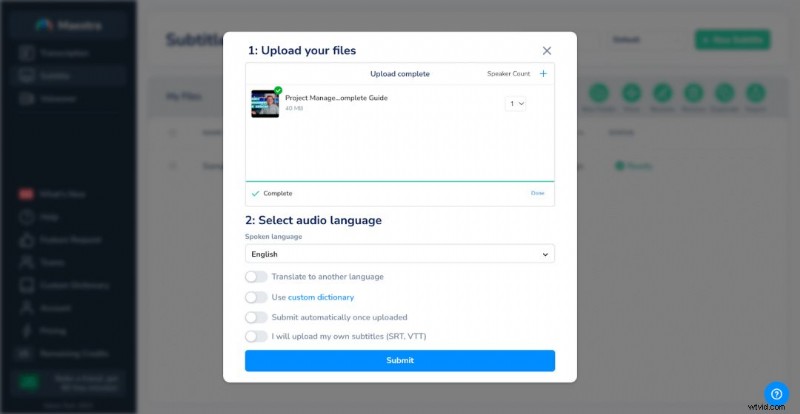
While the tool excels in speed and accuracy, it lacks advanced styling—captions default to white text in a black box.
- Pros: Quick turnaround, high accuracy.
- Cons: Limited styling control.
14. EasySub
EasySub claims 95% accuracy on average and offers no upload size limit. Transcription takes about three minutes, slightly longer than other tools.
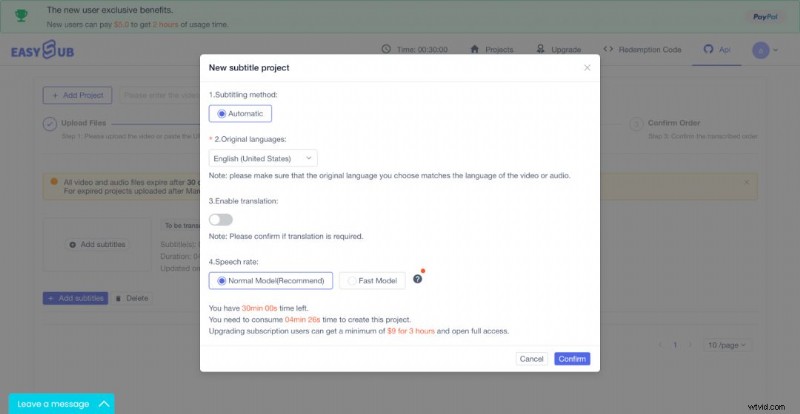
Exporting requires payment unless you subscribe. Free trials grant a single 10‑minute export; subscription plans remove export fees.
- Pros: Accurate, user‑friendly interface.
- Cons: Slower processing, no free exports, fixed subtitle placement.
15. Conclusion
Subtitle generators have evolved into sophisticated platforms that combine transcription accuracy, style flexibility, and workflow efficiency. Whether you’re a small‑business owner, social media manager, or professional video editor, the right tool will save you time and broaden your audience reach.
At Wyzowl, we incorporate subtitles as a standard feature in every video we produce, ensuring accessibility for all viewers. Contact us today to elevate your video content with expert captions and closed captions.