
Ready to elevate your brand with Instagram Reels? This guide shows you how to produce compelling short‑form videos in minutes, boosting visibility and engagement.
In today’s digital landscape, a strong video presence is essential for any B2C business. Most consumers browse and buy online, so missing out on Instagram’s massive audience is like leaving a storefront closed.
Data confirms this: 58% of U.S. shoppers have purchased after seeing a product on Instagram. Now that you know why, let’s explore how.
What Is an Instagram Reel?
An Instagram Reel is a short, fully editable video created and shared directly within the app. From uploading footage to adding music, text, filters, and transitions, everything you need is in one place—making it a powerful tool for storytelling.
Should I Use Reels to Market My Business?
The answer is a resounding YES. Reels drive higher engagement—2.35 billion users interact with them monthly and they receive 22% more interaction than standard video posts.
Reels offer a natural way to build brand awareness without sounding salesy. For example, ROOBBA’s casual family‑room Reel subtly showcases its products while keeping the tone authentic and relatable.
Key Insight: Balance everyday social‑media vibes with clear brand benefits to keep viewers engaged.
How to Make a Reel on Instagram
Follow these simple steps to create a polished Reel:
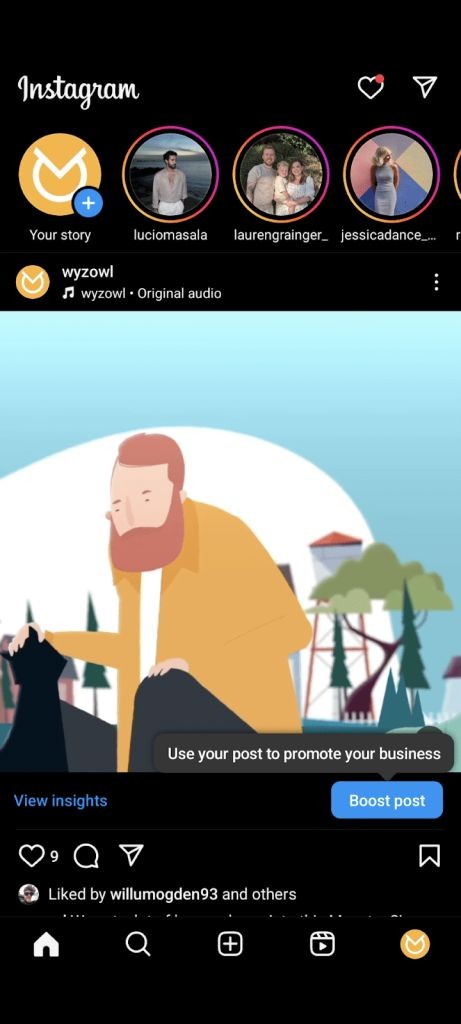
- Tap the + button on your home screen.
- Choose Reel at the bottom of the screen.
- Select or record your clips.
- Pick background music—Instagram suggests tracks or let you upload your own.
- Add text, stickers, filters, and use the full editing suite to trim, reorder, and add transitions.
- Include a voice‑over or auto‑generated captions if desired.
- Write a concise caption, add relevant hashtags, then hit Share.
Click to watch on Instagram
Quick Reel Ideas for Businesses
Here are five proven concepts to help you get started:
1. Showcase Your Products
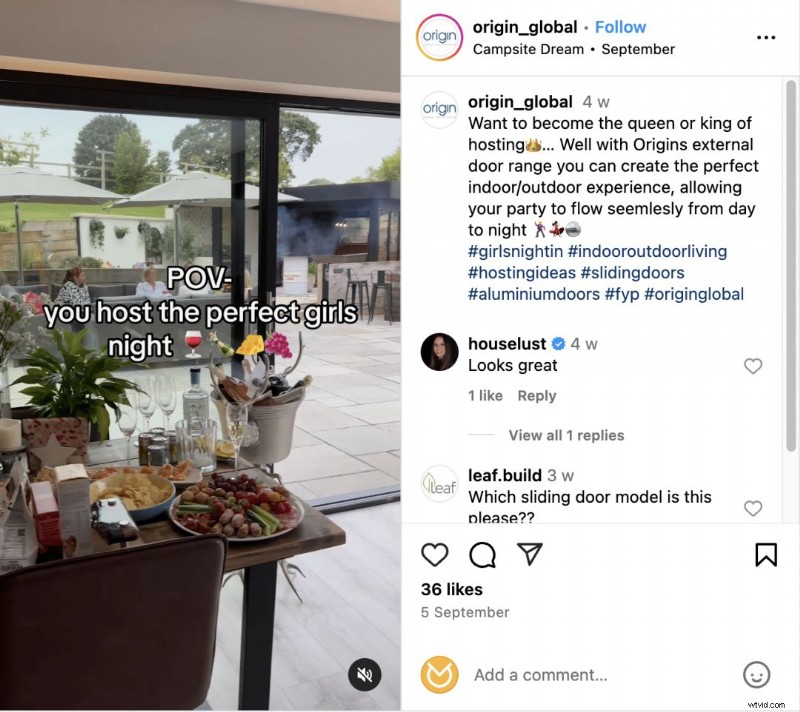
Think of Reels as a digital storefront. Highlight your products through subtle, emotional storytelling rather than hard selling. Origin Global’s POV Reel, for example, focuses on how the items make customers feel.
Click to watch on Instagram
2. Fun Tutorials
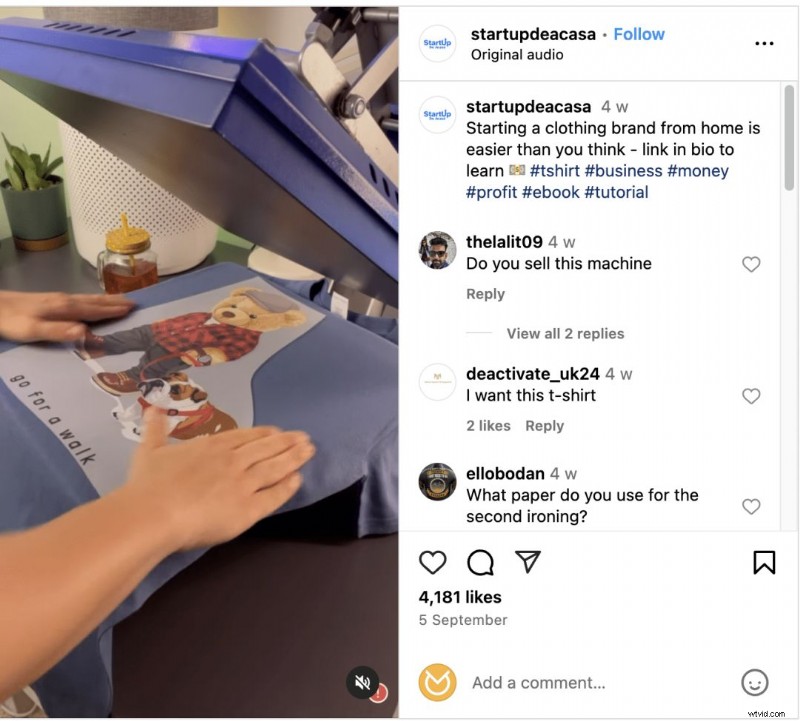
Turn your Reel into a quick “try before you buy” guide. Demonstrate product use step‑by‑step with engaging music—no voiceover needed.
Click to watch on Instagram
Pro Tip: Pair your Reel with trending audio to maximize reach.
3. Behind‑the‑Scenes
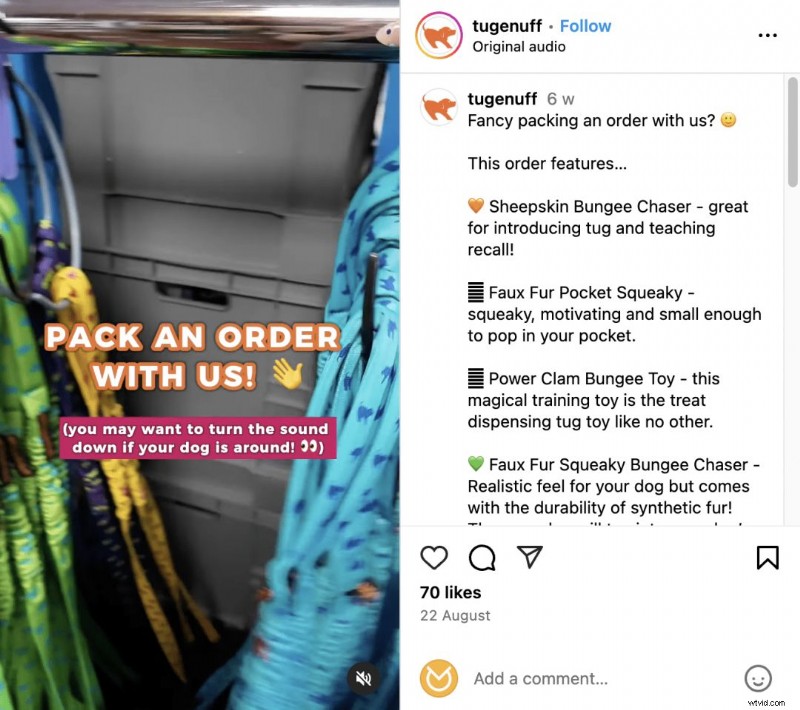
Give viewers an insider look—whether it’s packing an order or designing a new line. Humanizing your brand builds trust.
Click to watch on Instagram
4. Hop on Trends
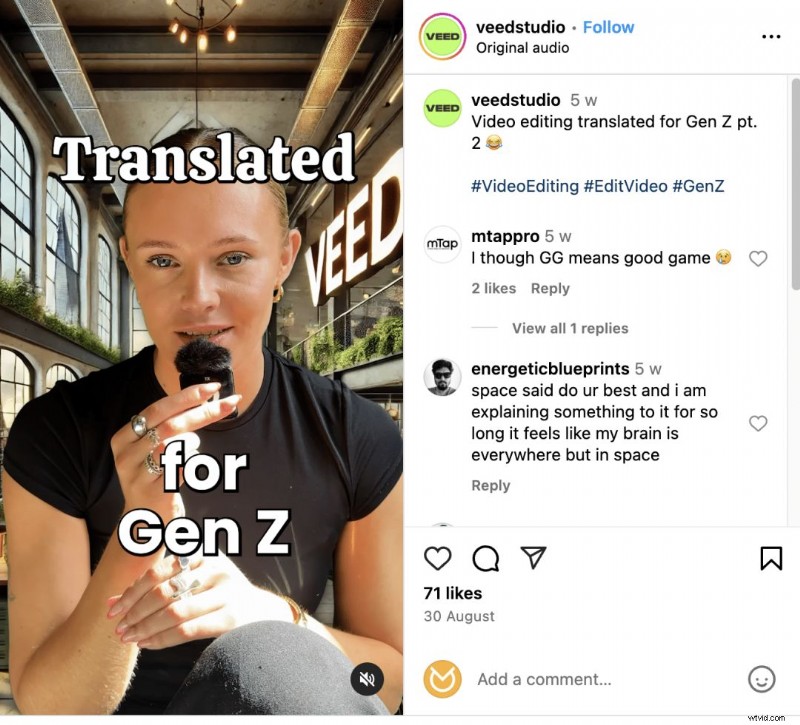
Jumping on current trends can amplify reach. VEED’s Reel repurposes a viral trend to target Gen Z while promoting its services.
Click to watch on Instagram
Insight: Only adopt trends that align with your brand to avoid wasted effort.
5. User‑Generated Content (UGC)
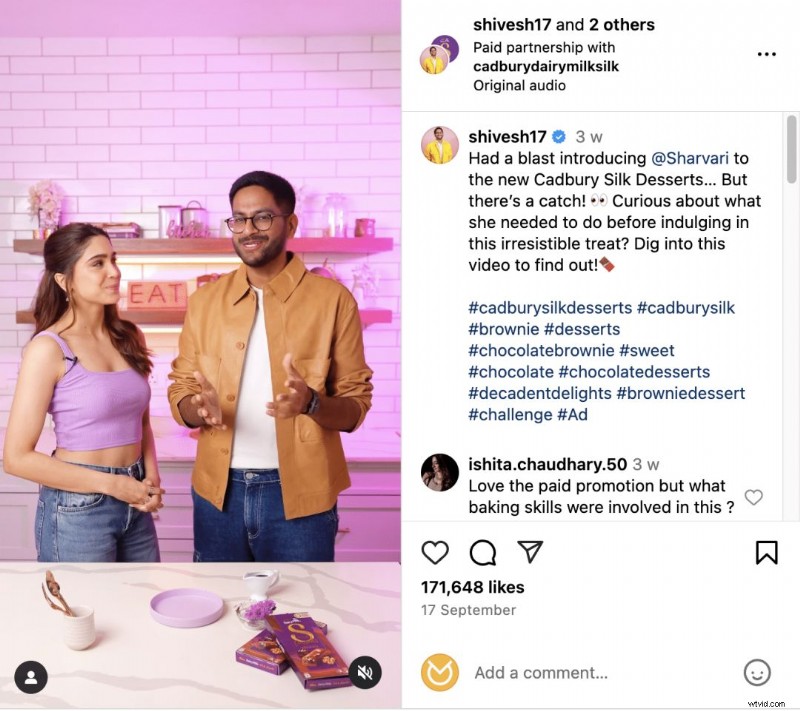
UGC is authentic and cost‑effective. Encourage customers to create reels, tag you, and share them on your profile. Influencer collaborations amplify this effect.
Statistically, 69% of people trust a friend or influencer recommendation over direct brand messaging.
Click to watch on Instagram
Boost Your Reel Production Quickly
1. Batch Create
Batch filming and editing saves time and ensures consistent posting. Save finished reels as drafts and release them when ready.
2. Repurpose Existing Content
Convert longer videos—product demos, webinars—into concise reels. Even clips from previous reels can be stitched into new highlight reels.
3. Outsource
If time is limited, consider hiring a professional agency like Wyzowl to produce high‑quality reels tailored to your brand.
Final Thoughts
Whether you’re already active on social media or just starting, Instagram Reels can enhance your online presence and drive sales. Start experimenting today and watch your brand story unfold.
Need more inspiration? Check out our 10 Brands That Are Rocking Instagram Video guide.

Samantha, Copy Team Manager at Wyzowl, has crafted over 1,000 video scripts and countless articles on video marketing—her expertise guarantees you’ll master the art of reels.