
Teaser videos ignite curiosity and build momentum before a product launch, film premiere, or event. They offer just enough mystery to spark excitement and lay the groundwork for a successful rollout.
Below we’ve hand‑picked six reliable, user‑friendly tools that let you create polished teasers with ease—whether you’re a seasoned editor or just starting out.
Quick Navigation:
- What Is a Teaser Video
- 6 Best Teaser Video Makers
- Step‑by‑Step Guide on How to Make a Teaser Video with MiniTool MovieMaker
- Final Words
What Is a Teaser Video?
A teaser video is a concise promotional clip—typically 5 to 60 seconds long—that hints at upcoming content. Unlike full trailers, it relies on minimal visuals, enigmatic imagery, engaging audio, and subtle cues to spark intrigue.
Its brevity makes it highly shareable on platforms such as Instagram, TikTok, YouTube Shorts, and X, turning viewers into eager participants who comment, share, and anticipate the next reveal.
In short, a well‑crafted teaser generates buzz, builds anticipation, and helps your brand or project stand out in a crowded marketplace.
6 Best Teaser Video Makers
After extensive testing across different workflows, I’ve identified six editors that consistently deliver quality, flexibility, and ease of use for teaser creation.
Option 1 – MiniTool MovieMaker
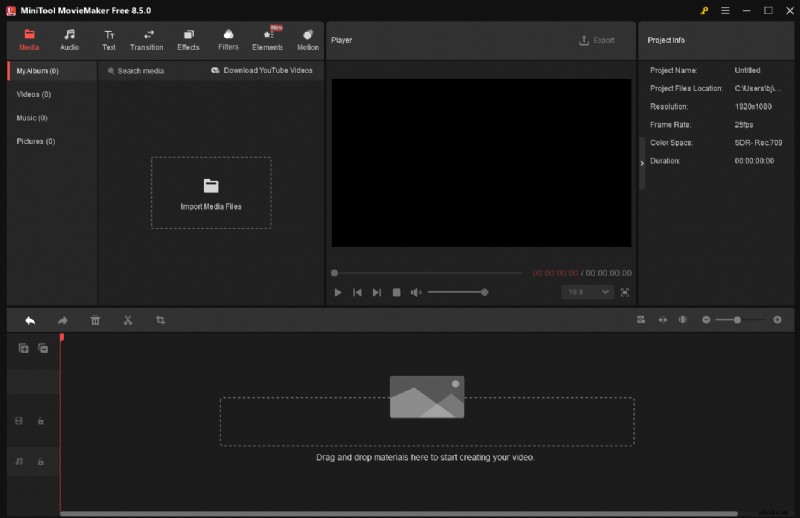
MiniTool MovieMaker is a Windows‑only video editor that combines an intuitive interface with powerful features. Whether you’re a beginner or an experienced editor, you can assemble a teaser effortlessly.
Core editing tools include trimming, splitting, cropping, reversing, speed adjustments, rotation, and multi‑track editing. Advanced options such as GIF creation, photo collages, video text overlay, and high‑resolution output (up to 4K) give you full control.
The built‑in library offers music, filters, transitions, stickers, effects, and motion graphics—all free to use. Plus, you can customize video properties—aspect ratio, format, frame rate, bitrate, encoder, and resolution—to match the requirements of each social platform.
Click the download button below to give MiniTool MovieMaker a try!
MiniTool MovieMaker – Click to Download – 100% Clean & Safe
Pros:
- Easy to use for all skill levels
- Strong performance and stability
- Extensive resource library
- Rich advanced editing features
- High‑resolution output
Cons:
- Windows‑only
Option 2 – Microsoft Clipchamp
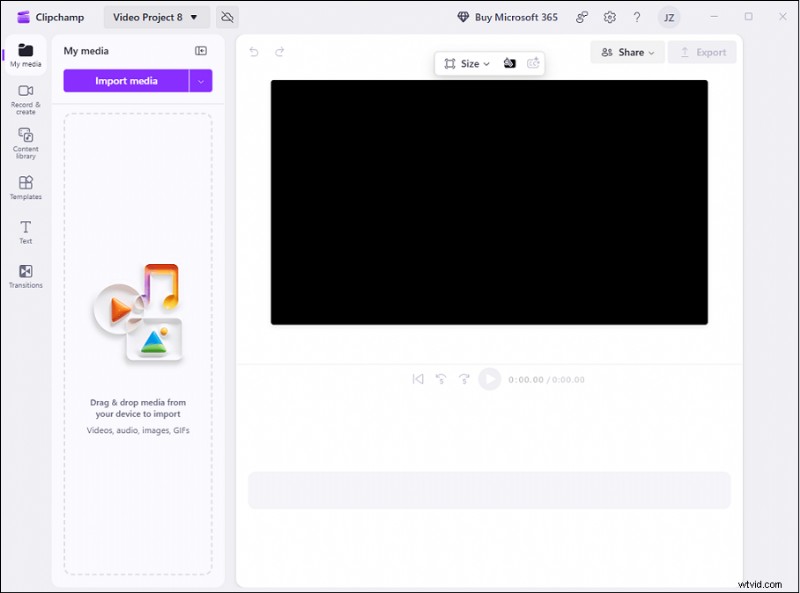
Clipchamp is a browser‑based editor that also offers a Windows desktop app. Its tight integration with Microsoft 365, OneDrive, and Teams makes it a seamless addition to existing workflows.
Basic editing—trimming, cutting, cropping, and arranging media on a timeline—is straightforward. The platform supplies a vast library of royalty‑free videos, images, music, and sound effects. Visual effects, transitions, filters, and text overlays further polish your teaser without the need for additional software.
Pros:
- User‑friendly interface
- Versatile editing functions
- Generous built‑in assets
- No watermarks on exported videos
Cons:
- 4K export requires a paid subscription
Option 3 – CapCut
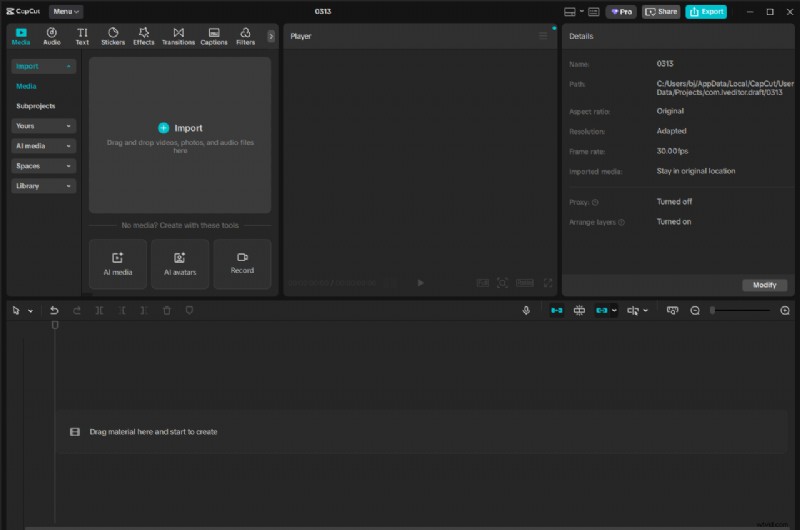
CapCut is a cross‑platform editor (mobile, desktop, web) that balances simplicity with professional capabilities. A few taps let you trim, split, merge, and apply speed effects. The multi‑track timeline supports video, image, audio, and text layers.
Advanced tools—quality enhancers, noise removal, masking, and AI‑driven features—enable the creation of cinematic teasers. Stickers, animations, and filters add visual flair.
Pros:
- No watermark on exports
- Generous free plan
- Powerful editing suite
- Multi‑platform support
- AI‑powered enhancements
Cons:
- Compound clips can appear blurred
Option 4 – Wondershare Filmora
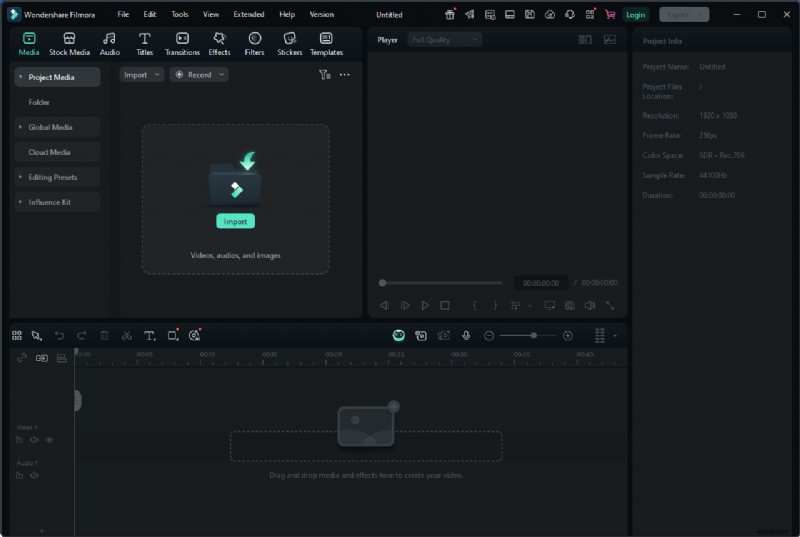
Filmora runs on Windows, macOS, iOS, and Android, offering a clean interface that’s quick to master. Core operations—splitting, merging, cropping, and playback speed adjustments—are intuitive.
The multi‑track timeline accommodates video, image, audio, and text layers. Its media library includes music, sound effects, transitions, filters, stickers, and animated titles. Advanced features such as motion tracking, chroma key, picture‑in‑picture, keyframe animation, and color matching give your teaser a professional polish.
Pros:
- Easy to learn and use
- Rich asset library
- Strong performance
- AI‑powered tools
Cons:
- Free version leaves a watermark
Option 5 – FlexClip
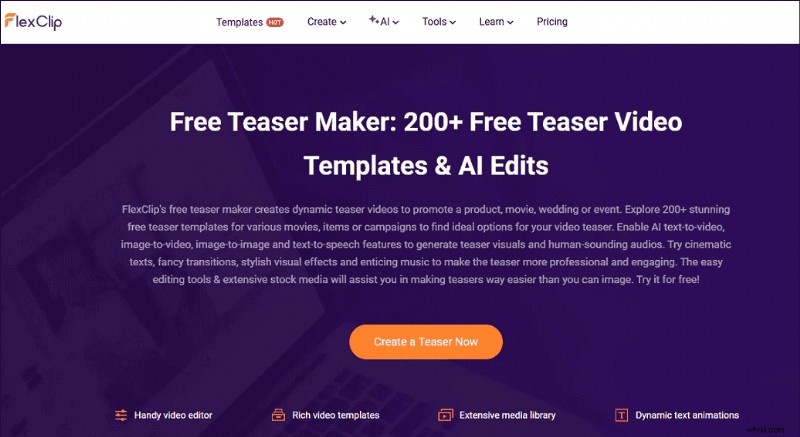
FlexClip is a browser‑based editor that caters to both beginners and pros. It offers a library of ready‑made teaser templates for movies, products, and events, complete with cinematic text, stylish transitions, and engaging music.
Pros:
- Easy to use
- Rich template selection
- No installation required
- AI‑powered tools
- Basic editing functions like trimming and cropping
Cons:
- Free version includes a watermark
- Limited export resolution
Option 6 – Whatmore AI
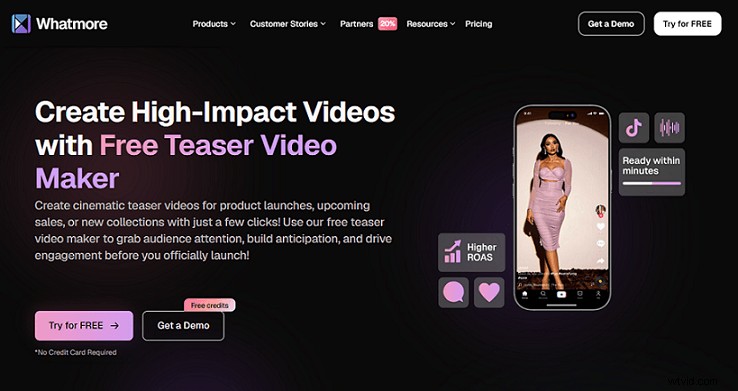
Whatmore AI is an online, AI‑driven teaser creator that generates a cinematic clip from product images or URLs. It automatically adds special effects, voice‑overs, and background music with just a few clicks.
Pros:
- User‑friendly interface
- Rapid production time
Cons:
- Limited manual editing options
Step‑by‑Step Guide: Creating a Teaser with MiniTool MovieMaker
We’ll walk through the process from installation to export.
1. Download and Install MiniTool MovieMaker
Click the download button below, then follow the setup wizard to install the software on your PC.
MiniTool MovieMaker – Click to Download – 100% Clean & Safe
2. Import Your Media
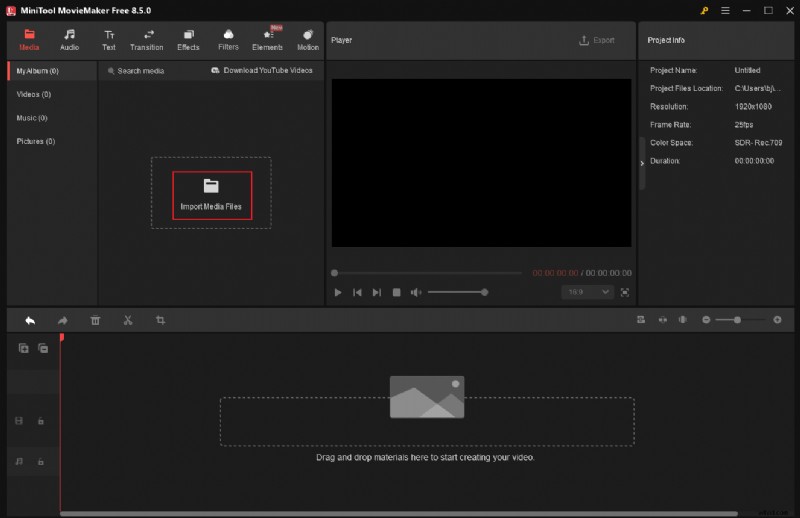
Launch the program and select New Project to open the main editing interface. Click Import Media Files and add all the raw footage and images you plan to use.
3. Edit Your Video
Drag your clips onto the timeline. Here are key editing actions:
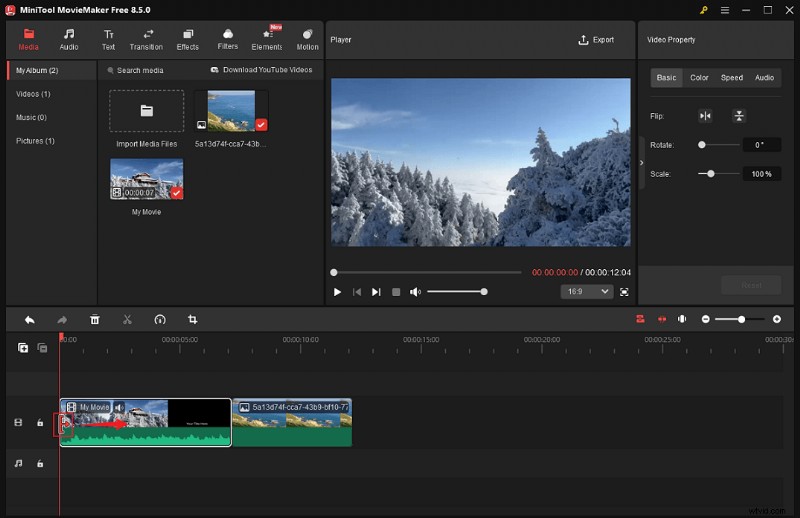
Split a Clip – Move the playhead to the split point, click the Scissors icon, and delete unwanted segments.
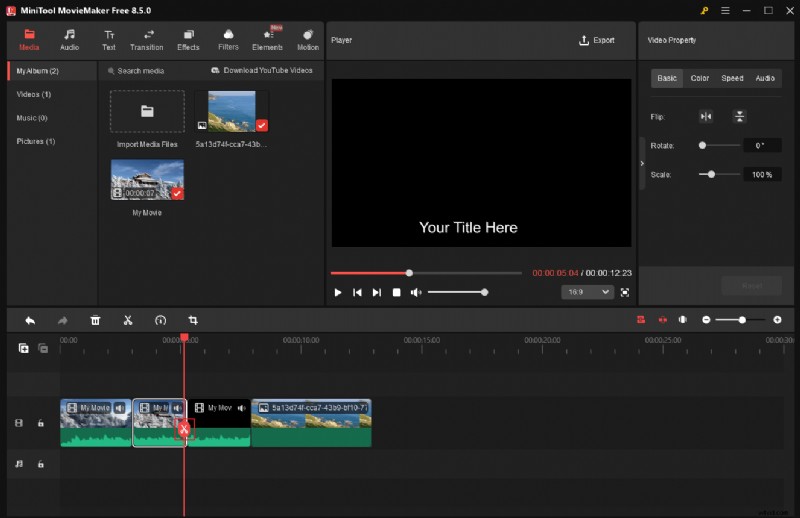
Trim a Clip – Hover over the clip’s edge until the Trim icon appears, then drag inward.
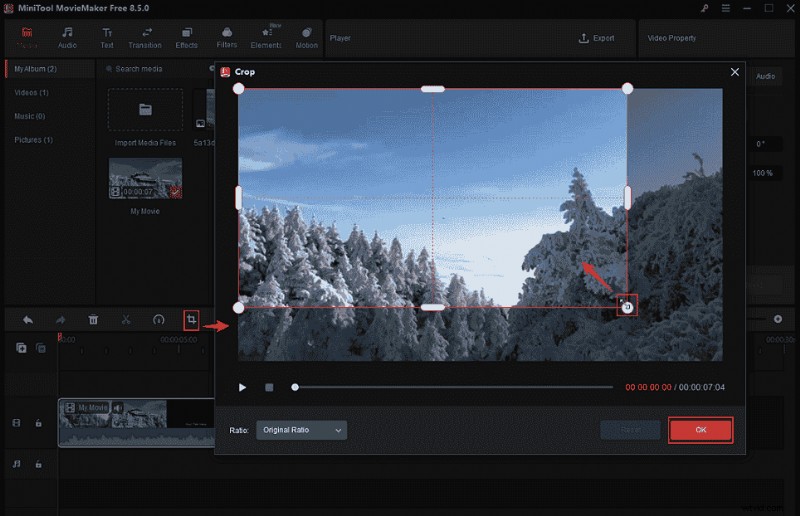
Crop – Select the clip, click Crop in the toolbar, adjust handles, and confirm.
Adjust Properties – In the Video Property panel, flip, scale, rotate, change speed, and tweak color settings. Adjust audio volume or apply fades as needed.
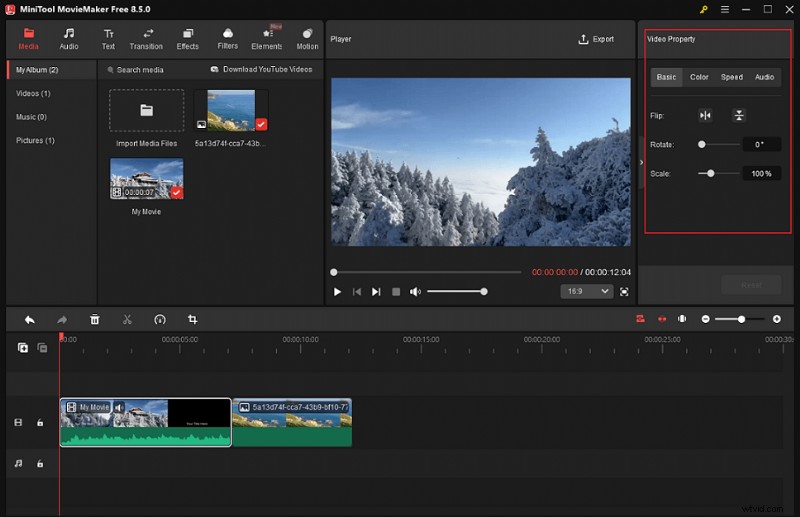
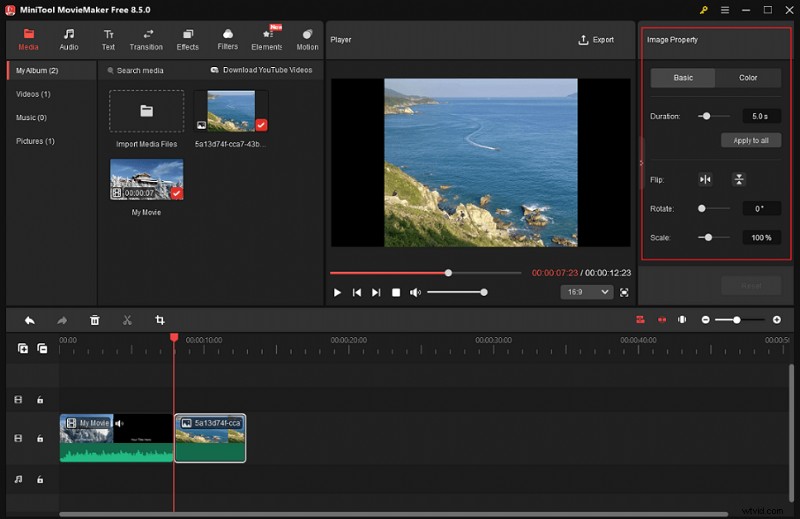
Photo Settings – For image‑based clips, use the Image Property panel to set duration, flip, rotate, scale, and color adjustments.
4. Polish Your Teaser
Enhance engagement with these features:
Background Music – Import a track from your local folder or from the built‑in Audio library and trim it to fit the teaser.
Stickers – Browse the Elements section, add stickers, and set their display duration.
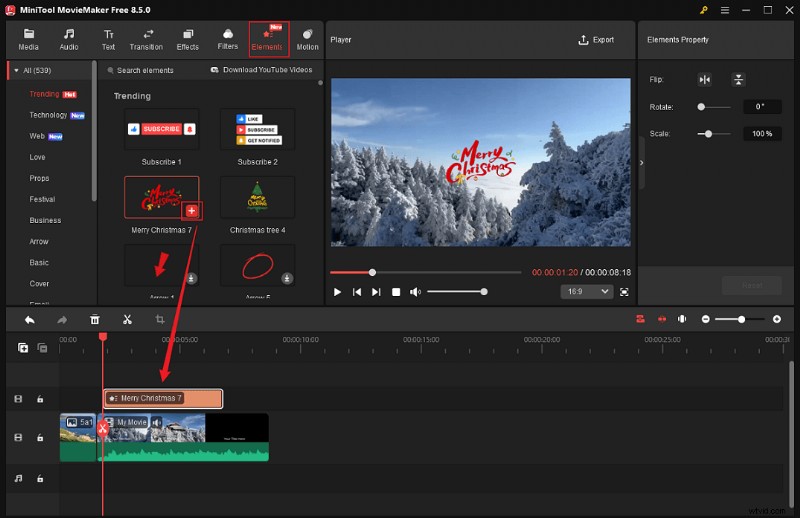
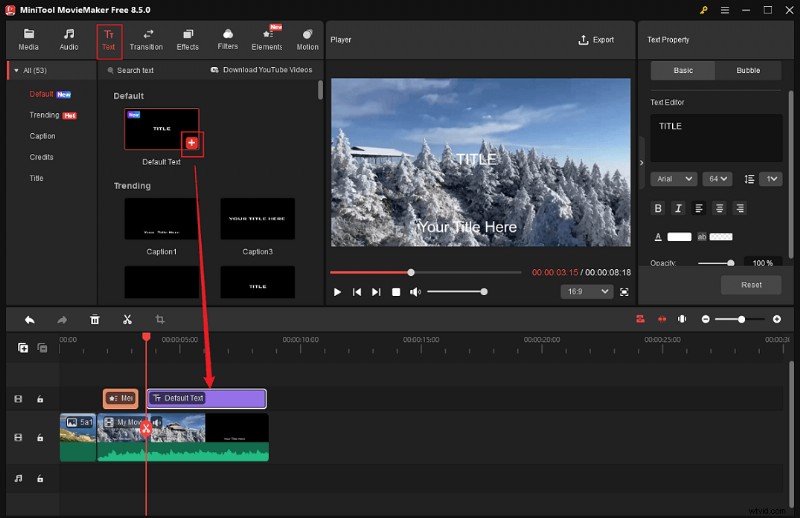
Text Overlays – In the Text panel, choose a style, add it to the timeline, then customize font, color, size, and duration.
5. Export Your Teaser
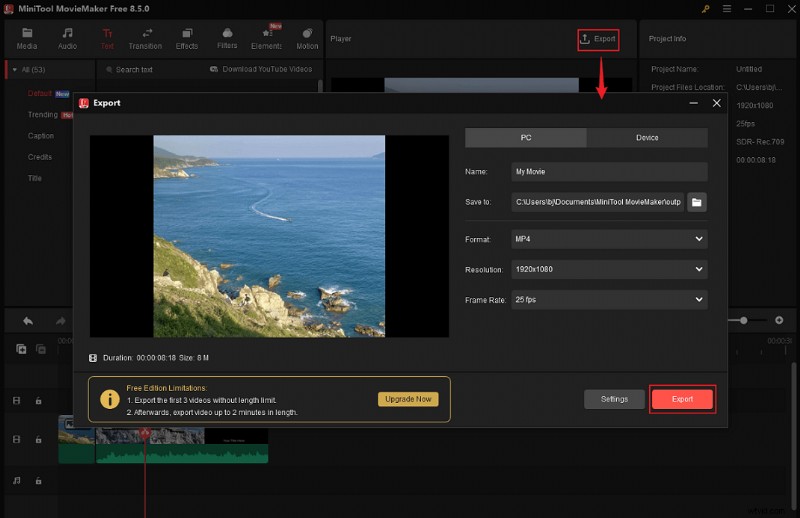
Click the Export icon, rename your file, choose a destination, and set format, resolution, and frame rate. Then hit Export to generate the final video.
MiniTool MovieMaker is more than a teaser creator—it also functions as a video compressor, GIF editor, file converter, media player, and more. Explore its full capabilities by downloading it today.
MiniTool MovieMaker – Click to Download – 100% Clean & Safe
Final Words
After testing numerous editors, I recommend these six tools for crafting teaser videos that spark curiosity and drive engagement. If high‑resolution output without watermarks is your priority, MiniTool MovieMaker stands out as the top choice.
Questions about MiniTool MovieMaker? Email us at [email protected] or reach out on X, and we’ll help you create compelling teasers in no time.