
Whether you’re capturing a podcast, live stream, or remote meeting, a reliable, high‑quality recording solution is essential. In 2026, a range of free tools deliver studio‑grade results without a price tag.
This guide breaks down the best free recording software for audio and video, highlights the features that truly matter, and helps you decide when an upgrade might be worthwhile.
The best free recording software at a glance
Below is a concise comparison of the leading free recording tools available in 2026.
| Name | Ease of use | Best for | Compatibility | Audio editing | Video recording |
|---|---|---|---|---|---|
| Riverside | ★★★ | All‑in‑one recording and editing | macOS, Windows, iPhone, Android | ✔ | ✔ |
| Audacity | ★ | High‑quality audio | macOS, Windows, Linux | ✔ | ✖ |
| GarageBand | ★★★ | Apple ecosystem integration | macOS, iPhone | ✔ | ✖ |
| Ocenaudio | ★★★ | Simple, fast editing | macOS, Windows, Linux | ✔ | ✖ |
| WavePad | ★★ | Audio restoration and editing | macOS, Windows | ✔ | ✖ |
| Ardour | ★ | Professional music production | macOS, Windows, Linux | ✔ | ✖ |
| Dolby On | ★★★ | Mobile audio recording | iPhone, Android | ✔ | ✔ |
| OBS Studio | ★ | Professional uses | macOS, Windows, Linux | ✔ | ✔ |
| Loom | ★★★ | Instant content creation and sharing | macOS, Windows, iPhone, Android | ✖ | ✔ |
| Xbox Game Bar | ★★★ | Windows screen recording | Windows | ✖ | ✔ |
| QuickTime Player | ★★★ | Mac screen recording | macOS | ✖ | ✔ |
| ScreenPal | ★★ | Screen recording and editing | macOS, Windows, iPhone, Android | ✖ | ✔ |
| ManyCam | ★★ | Multi‑cam recording | macOS, Windows | ✖ | ✔ |
What to consider when choosing free recording software
Before downloading, ensure the software covers the features you need. Key considerations include:
File formats
Verify the tool exports audio and video in the formats required for your publishing platform.
Local recording
Local capture guarantees consistent quality even on unreliable Wi‑Fi by storing directly on your device.
Multitrack recording
Separate tracks for each participant allow precise post‑production edits without affecting others.
Audio enhancement
Look for built‑in noise reduction, level balancing, and cleanup features. Optional music or sound‑effect insertion is a plus.
Editing tools
Integrated editing—trim, cut, clip—saves time. Automatic transcription can speed up the process further.
Best overall free audio and video recording software: Riverside
Compatibility: macOS, Windows, iPhone, Android
Resolution: 720p video, 44.1kHz audio (free); 4K & 48kHz on paid plans
Recording limits: Unlimited
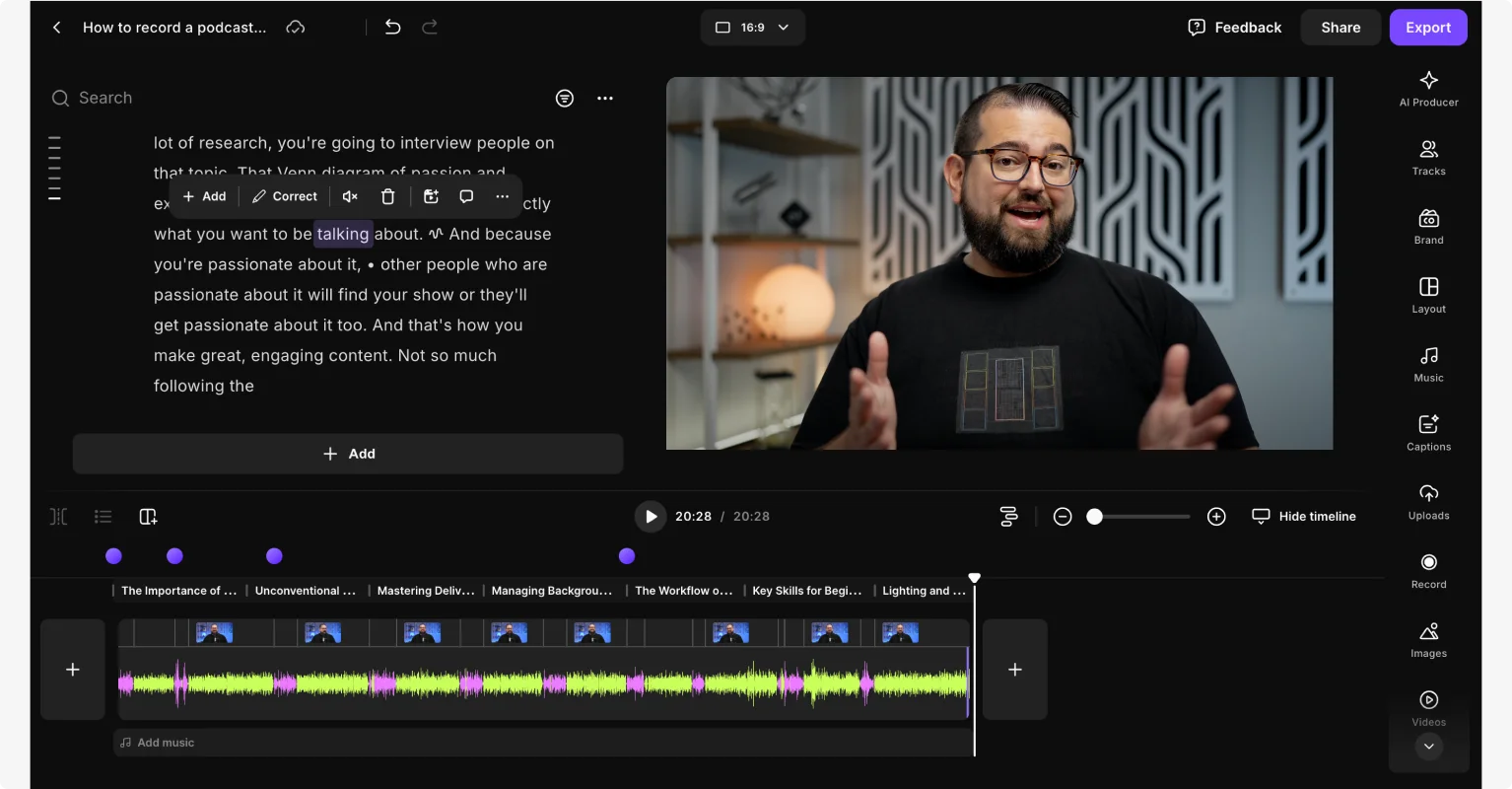
Riverside offers studio‑quality recordings without a price tag. The free plan supports unlimited video calls, single‑track editing, and up to two hours of multi‑track recording. All content is captured locally, ensuring professional output regardless of internet speed.
Features include screen sharing, auto‑clip generation, text‑based editing, animated captions, and a mobile app for on‑the‑go recording. Paid upgrades unlock AI‑powered transcriptions, live streaming, and advanced audio enhancement.
Key features:
- 720p video & 44.1kHz audio on the free tier
- Uncompressed WAV or compressed MP3 output
- Local, high‑quality capture
- Noise removal, crosstalk reduction, and background cleanup
- Up to 10 participants per session
- Transcript‑driven editing and clip creation
- Real‑time cloud uploading
- Media board for sounds and music during recording
Top 6 free audio recording software
High‑quality audio: Audacity
Compatibility: macOS, Windows, Linux
Resolution: 192kHz sample rate, 32‑bit float depth
Recording limits: Unlimited
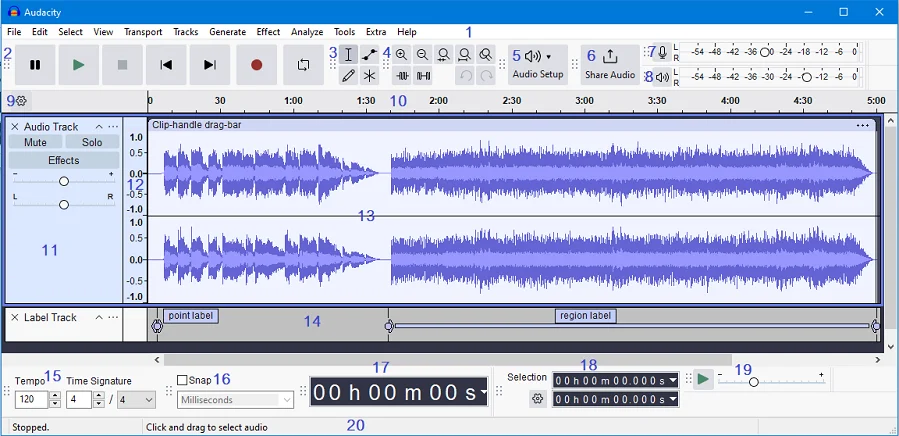
Audacity remains the gold standard for raw audio quality, offering up to 32‑bit recordings. Though its interface feels dated and plugins can increase complexity, it excels in flexibility for users comfortable with a learning curve.
Key features:
- Open‑source and free
- Multitrack recording and mixing
- Supports 16/24/32‑bit audio
- Export to common formats
- Extensible via third‑party plugins
Apple ecosystem: GarageBand
Compatibility: macOS, iPhone
Resolution: 44.1kHz
Recording limits: Unlimited
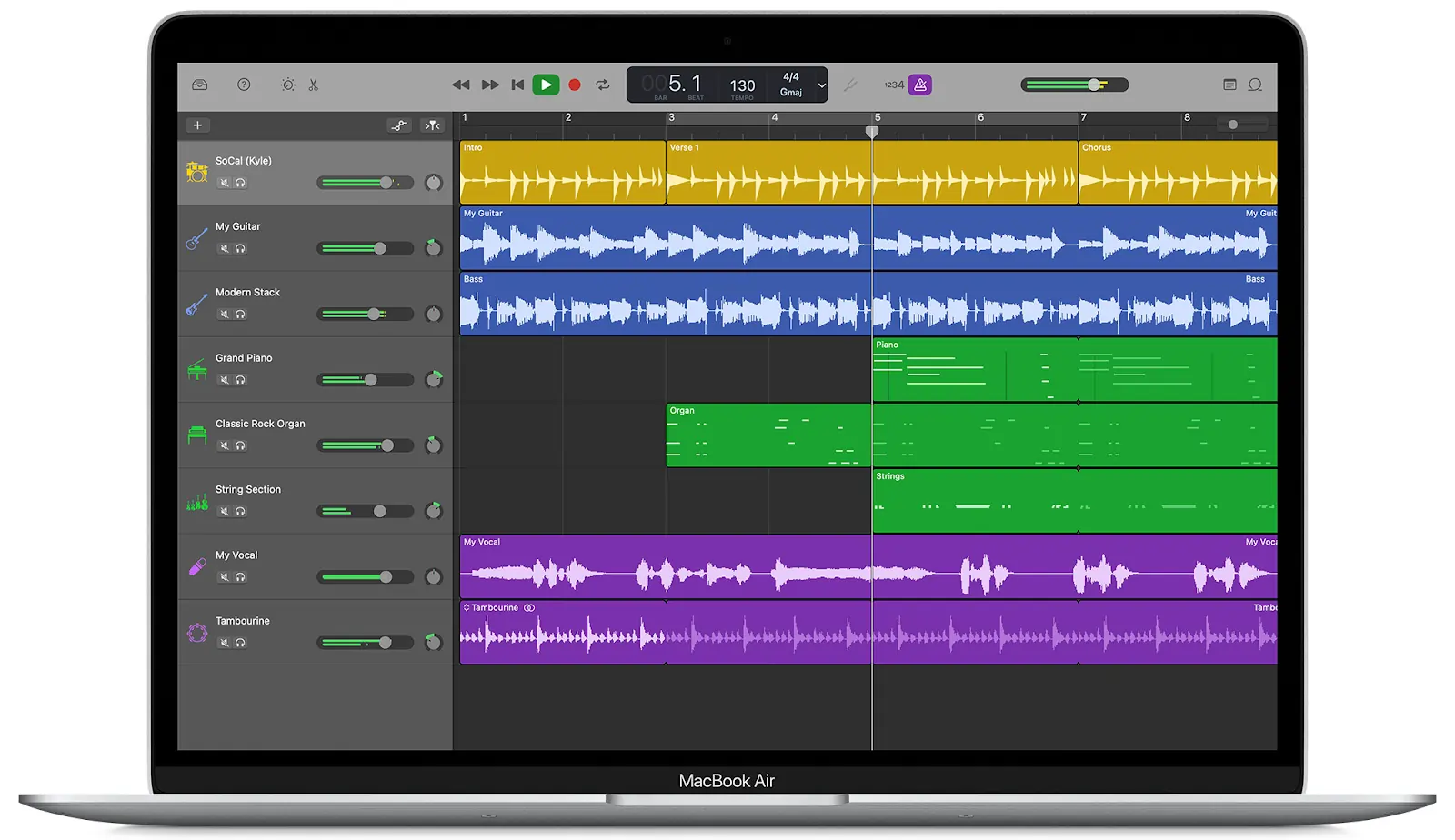
GarageBand is ideal for beginners and musicians alike, featuring a color‑coded dashboard, virtual instruments, and seamless Apple integration.
Key features:
- Third‑party plugin support
- Multitrack & multi‑sync recording
- Apple hardware integration
- Mobile app availability
Fast, simple editing: Ocenaudio
Compatibility: macOS, Windows, Linux
Resolution: Up to 192kHz, 24‑bit
Recording limits: Unlimited
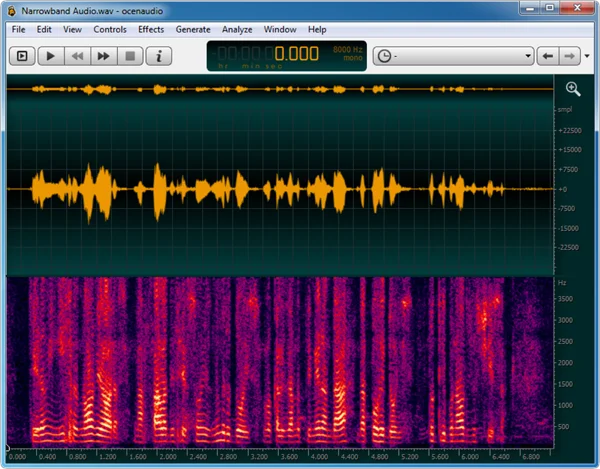
Ocenaudio offers real‑time effects and a streamlined workflow, making it a solid choice for users who need quality without advanced complexity.
Key features:
- Real‑time effect preview
- Spectral analysis
- Low memory footprint
- Built‑in effects (reverb, EQ, noise reduction)
Advanced editing & restoration: WavePad
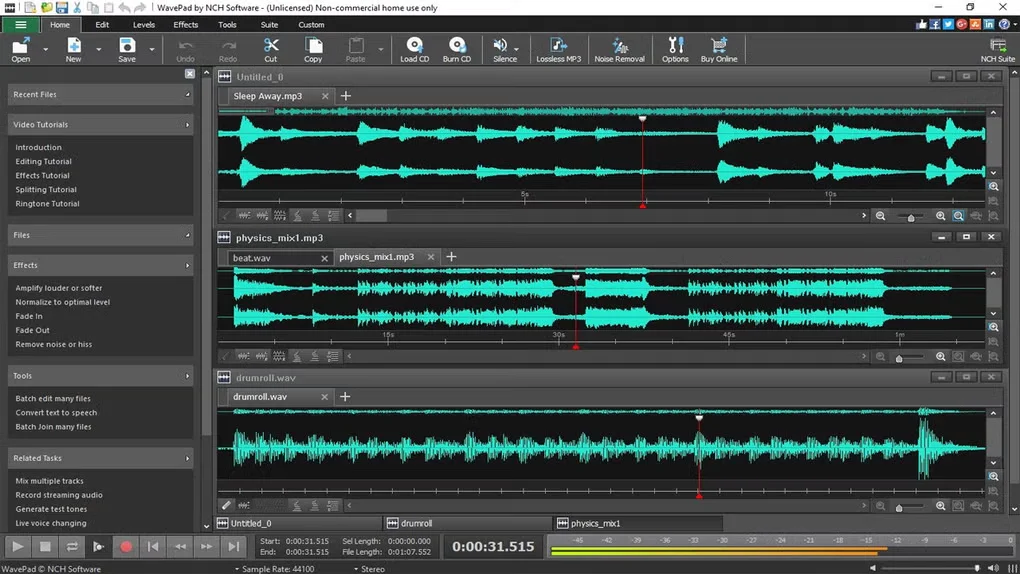
Compatibility: macOS, Windows
Resolution: 192kHz, 32‑bit
Recording limits: Unlimited
WavePad balances ease of use with powerful restoration tools, including AI voice effects and text‑to‑speech.
Key features:
- High‑resolution editing
- AI voice manipulation
- Extensive format support
- Noise reduction & click removal
- Batch processing
Professional music production: Ardour
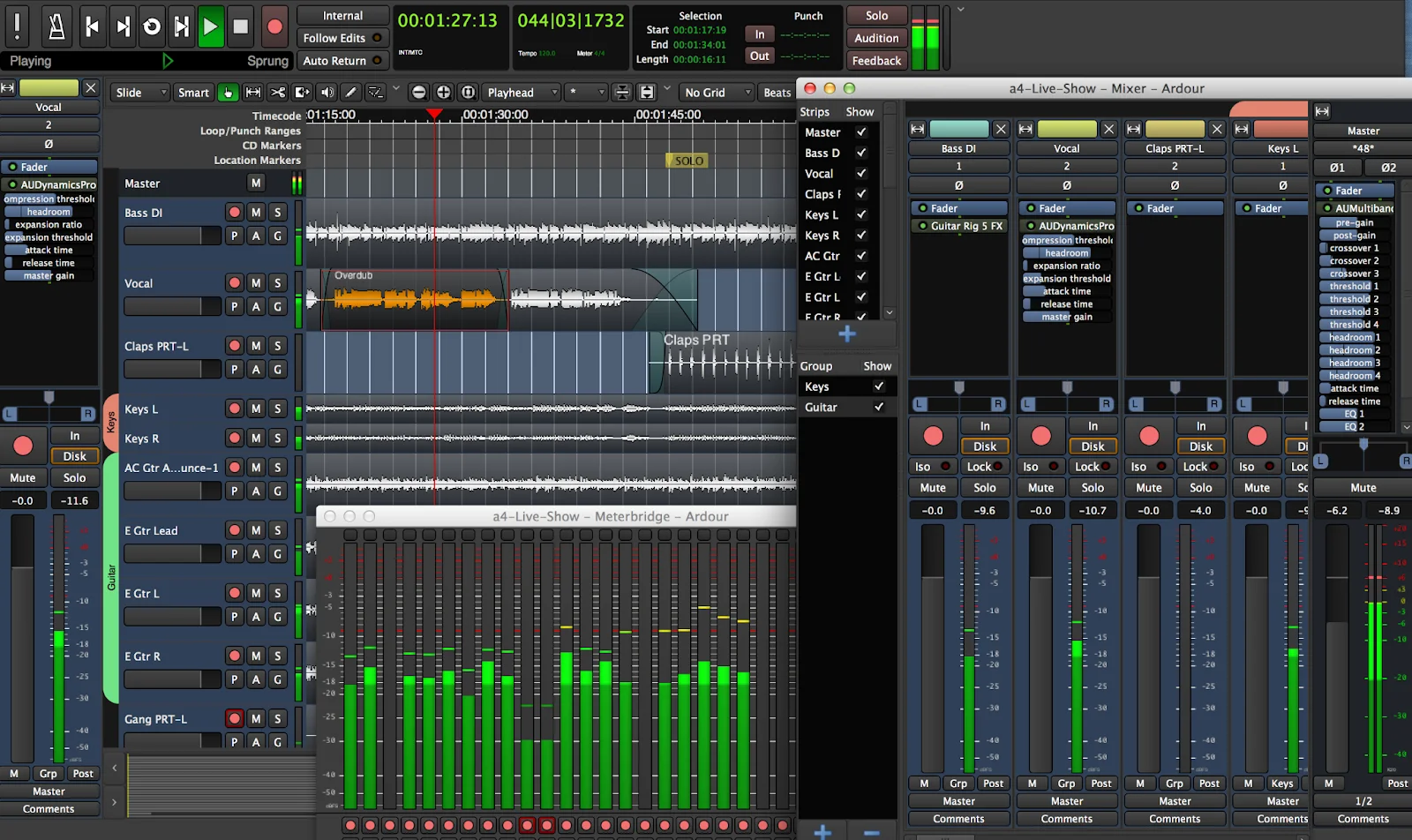
Compatibility: macOS, Windows, Linux
Resolution: 192kHz, 32‑bit
Recording limits: Unlimited
Ardour is a full‑featured DAW suitable for advanced audio engineers. While it demands a more involved setup, it rivals premium paid options in functionality.
Key features:
- Unlimited multichannel tracks
- VST, LV2, AU plugin support
- Non‑destructive editing
- Video timeline integration
Mobile recording: Dolby On
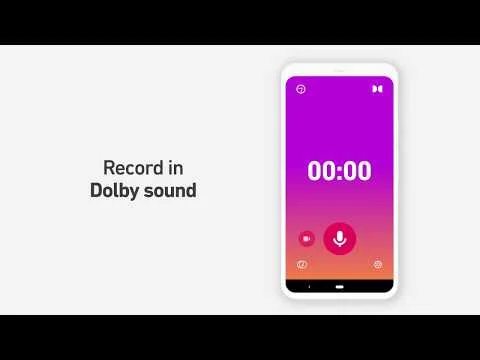
Compatibility: iPhone, Android
Resolution: 48kHz
Recording limits: Unlimited
Dolby On turns a simple tap into a professionally‑enhanced audio track, automatically applying EQ, compression, and noise reduction.
Key features:
- One‑touch recording with auto‑enhancement
- Built‑in presets for voice and instruments
- Direct social media sharing
Best free screen and video recording software
Professional screen recorder: OBS Studio
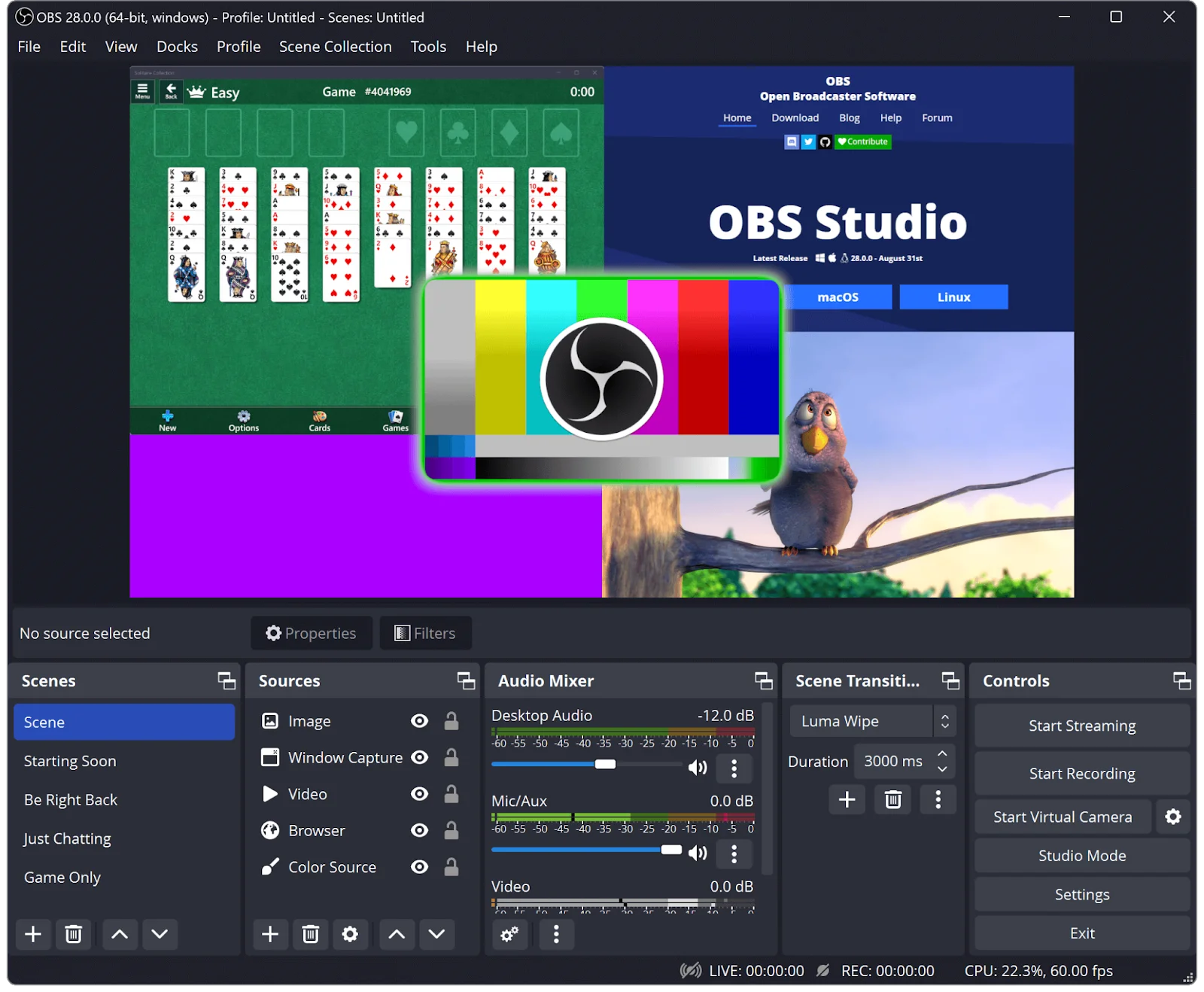
Compatibility: macOS, Windows, Linux
Resolution: 4K
Recording limits: Unlimited
OBS Studio offers a feature‑rich, open‑source platform suitable for gaming, live streaming, and content creation. While the learning curve can be steep, it provides unparalleled flexibility for advanced users.
Key features:
- No watermarks or time limits
- Studio mode preview
- Up to 4K recording
- Multi‑source capture (screen, webcam, mic)
- Live streaming support
- Advanced audio filters and VST plugins
Instant sharing: Loom
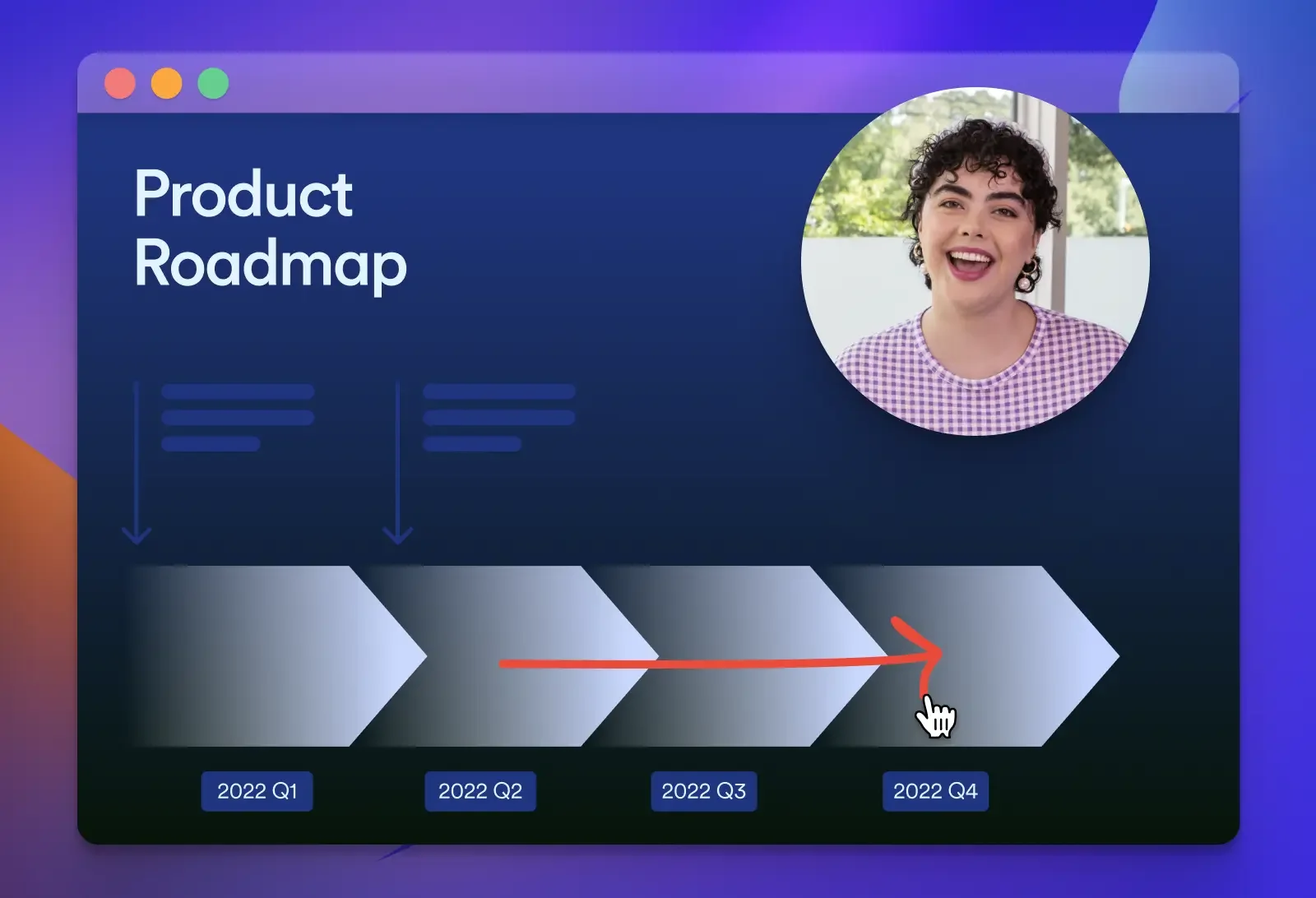
Compatibility: macOS, Windows, iPhone, Android
Resolution: 720p (free), 4K (paid)
Recording limits: 5 minutes per video
Loom’s strength lies in its simplicity and automatic cloud upload, but the free tier is limited by watermark, resolution, and duration caps.
Key features:
- Screen + webcam capture
- Instant cloud sharing
- Virtual backgrounds
- Basic analytics
Windows screen recorder: Xbox Game Bar
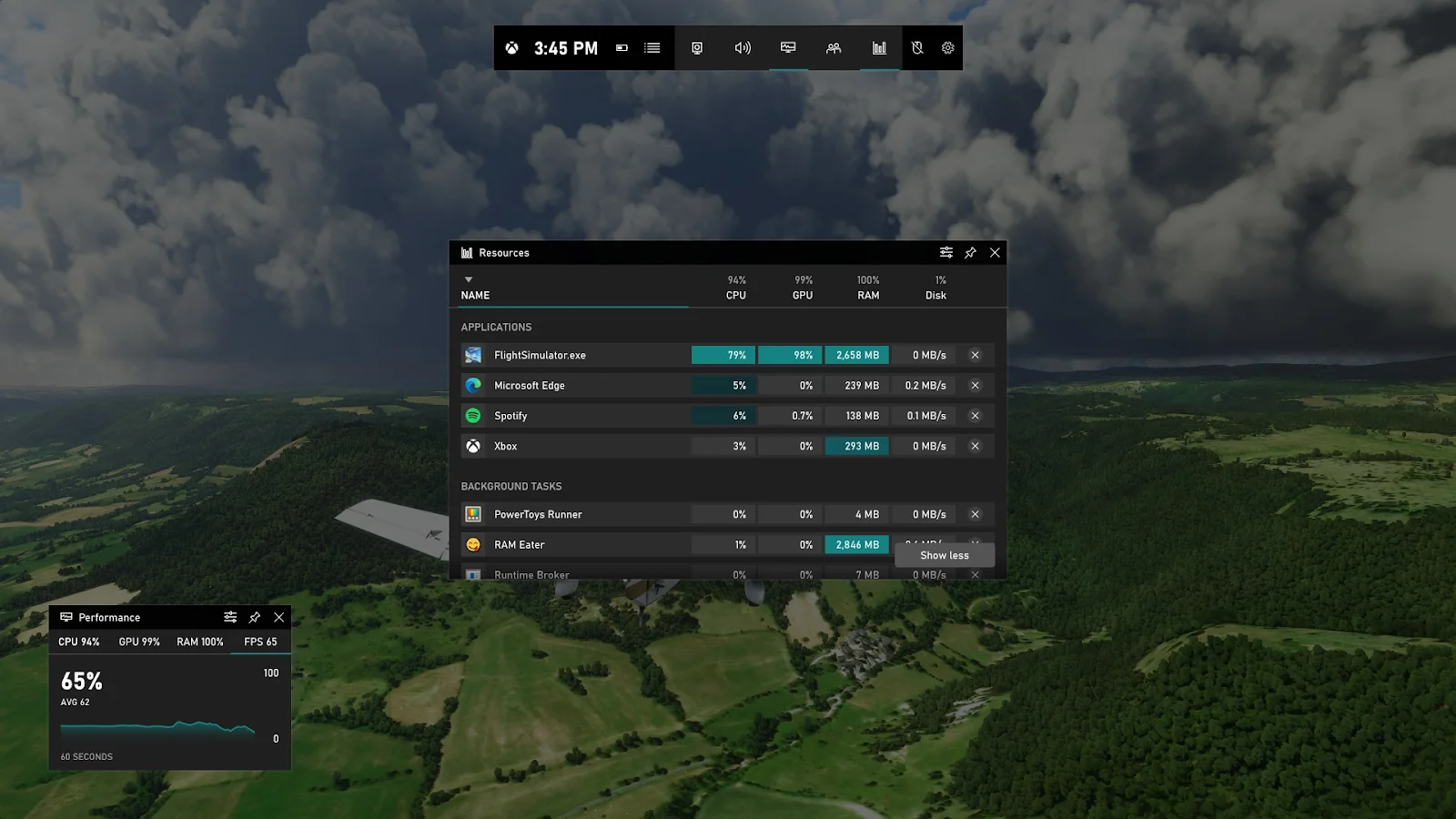
Compatibility: Windows
Resolution: 1080p
Recording limits: 4 hours per session
Xbox Game Bar is built‑in to Windows 10/11, delivering low‑overhead gameplay and application recording.
Key features:
- Native Windows tool, no installation
- Keyboard shortcuts
- Performance overlay (FPS, stats)
- Local or Xbox Live sharing
- Basic trimming
Mac screen recorder: QuickTime Player
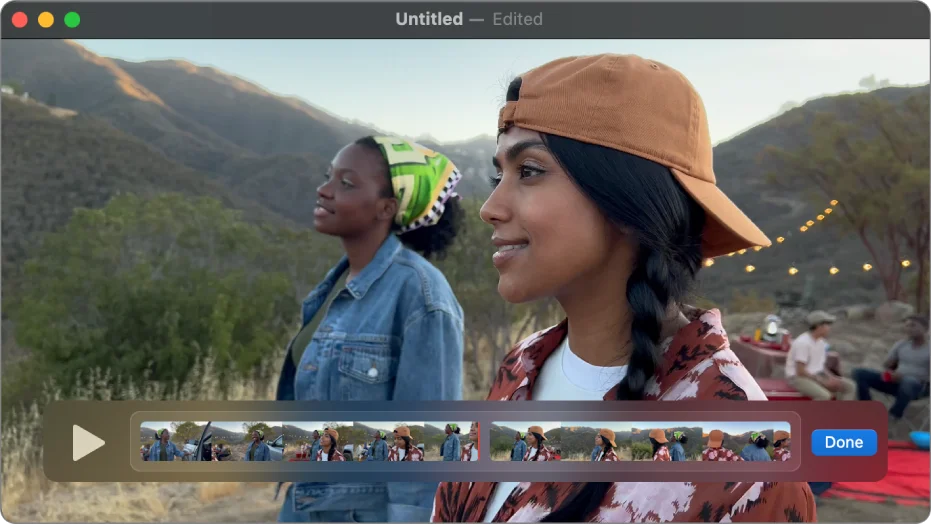
Compatibility: macOS
Resolution: 4K
Recording limits: Unlimited
QuickTime Player provides a minimalistic, zero‑configuration screen recording experience, ideal for Mac users needing simple capture.
Key features:
- Instant recording with no setup
- iOS mirroring and recording
- Basic editing (trim, cut)
- Direct sharing (email, AirDrop)
- 4K output
Screen recording with editing: ScreenPal
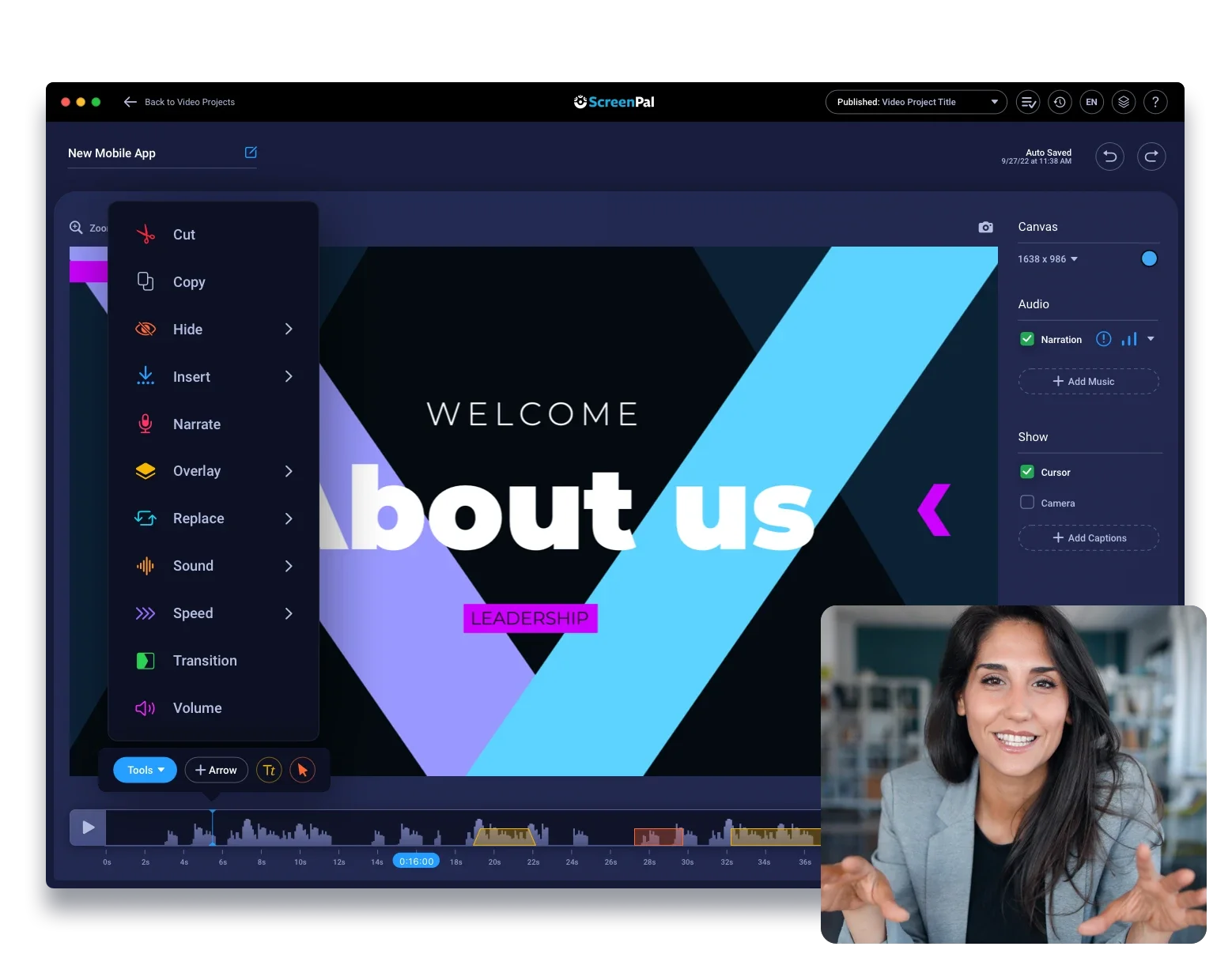
Compatibility: macOS, Windows, iPhone, Android
Resolution: 720p (free), 4K (paid)
Recording limits: 15 minutes per video
ScreenPal offers cloud-based recording with on‑the‑fly annotations and simple editing tools. The free plan caps resolution and duration but still surpasses many competitors.
Key features:
- Trim, zoom, overlay tools
- Caption upload
- Live annotations
- Screen, webcam, mic capture
- Direct YouTube upload
- Non‑invasive watermark
Multi‑cam recording: ManyCam
Compatibility: macOS, Windows
Resolution: 720p (free), 4K (paid)
Recording limits: Two video sources per video
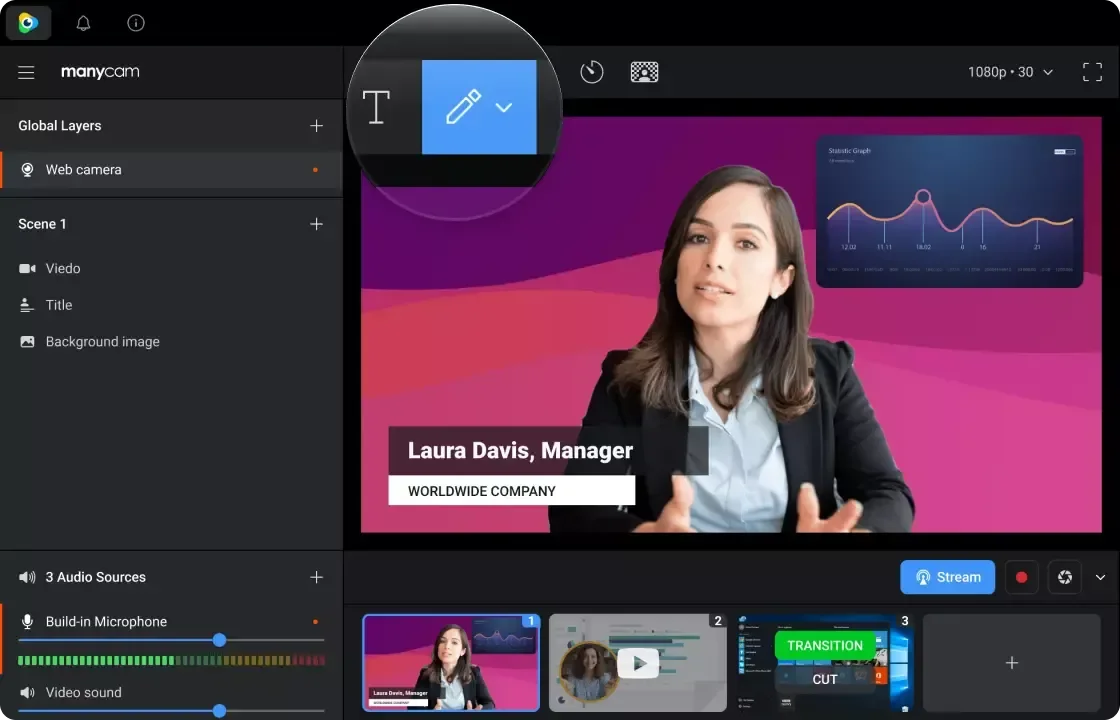
ManyCam excels at live production with multiple cameras, screen sharing, and virtual backgrounds, though the free tier is watermarked and source‑limited.
Key features:
- Multiple video source management
- Picture‑in‑picture & side‑by‑side layouts
- Virtual webcam output
- Basic overlays and text
- Screenshot capture during recording
- Limited transitions and effects
FAQs on Best Free Recording Software
Here are answers to the most common questions.
Can I record my screen and audio for free?
Yes. Tools such as OBS Studio, ManyCam, and Xbox Game Bar capture both system audio and screen content at no cost.
What are the limitations of free recording software?
Some free options have no constraints—e.g., OBS Studio, Xbox Game Bar, GarageBand. Others impose watermarks, duration caps, or lower resolution. Carefully review each tool’s feature set before choosing.
What’s the best free podcast recording software?
Riverside leads the pack, offering high‑quality audio/video, built‑in editing, and podcaster‑friendly extras like Spotify integration and automatic show notes.
What is the best free recording studio software?
Ardour (for audio) and OBS Studio (for video) provide professional‑grade capabilities in a free, open‑source package—though they require technical know‑how.
Is Audacity the best free software?
Audacity is highly regarded for its free, open‑source status and superior audio quality. Its dated interface and steep learning curve may deter some newcomers.