
What is shadow banning? Lots of people probably encountered such a situation before. You published a post but your friends can’t see it. It’s shadow banning. Today, in this post, I’ll talk about how to know if you’re shadowbanned and how to get unshadowbanned on TikTok.
This post will tell you what TikTok shadowban is, how to know if you’re shadowbanned on TikTok, and how to get unshadowbanned on TikTok. (Want to edit a TikTok video on Windows, you can use the best watermark-free video editor – MiniTool MovieMaker.)
What Is TikTok Shadowban?
What does shadow banned mean on TikTok? It means TikTok blocks or partially blocks users or their content from this app. They are still able to post their videos but your video views on TikTok will drop suddenly because TikTok stops your videos from appearing on For You Page. You won’t notice you’re shadowbanned on TikTok until you find you are not getting views.
Actually, not only TikTok but also Twitter, Instagram will restrict the visibility of users’ content when users don’t follow their community guidelines or post inappropriate content.
How to Know If You’re Shadowbanned on TikTok?
Your TikTok videos are not getting views and you think you’ve been shadowbanned. So how to tell if you’re really shadowbanned on TikTok?
- Your views, likes, comments, followers are suddenly dropped.
- Search for your TikTok username and your username doesn’t show up in the search results.
- Your TikTok video (used hashtags) not appears in hashtags.
- Your videos can’t get on TikTok’s For You Page.
If you’re shadowbanned on TikTok, your account will be shadowbanned for 14 days or 30 days.
How to Get Unshadowbanned on TikTok?
After getting shadowbanned on TikTok, you may wonder how to get TikTok account unshadowbanned? Here are serval methods.
Method 1. Reinstall TikTok
If you think your TikTok account is shadowbanned, you can uninstall the TikTok app and re-install it. Please make sure you have the latest version of TikTok. Re-upload the video and see if you get views. This method is applicable when there are some technical glitches.
Method 2. Switch to a Pro Account
The second method is using a Pro account. With a Pro account, you can check your TikTok analytics like audience, reach, views, and engagement. You can find out what kind of content your audiences like to watch and gain more views.
Method 3. Delete Inappropriate Content
If your video violates the community guidelines, you’ll need to delete it and wait for more than 14 days until you get unshadowbanned.
Thus, don’t post videos against the community guidelines and rules.
Method 4. Post Original Content
TikTok doesn’t recommend duplicated content. Stop uploading someone else’s videos or posting similar content to TikTok and create original content.
Best TikTok Editor for Windows – MiniTool MovieMaker
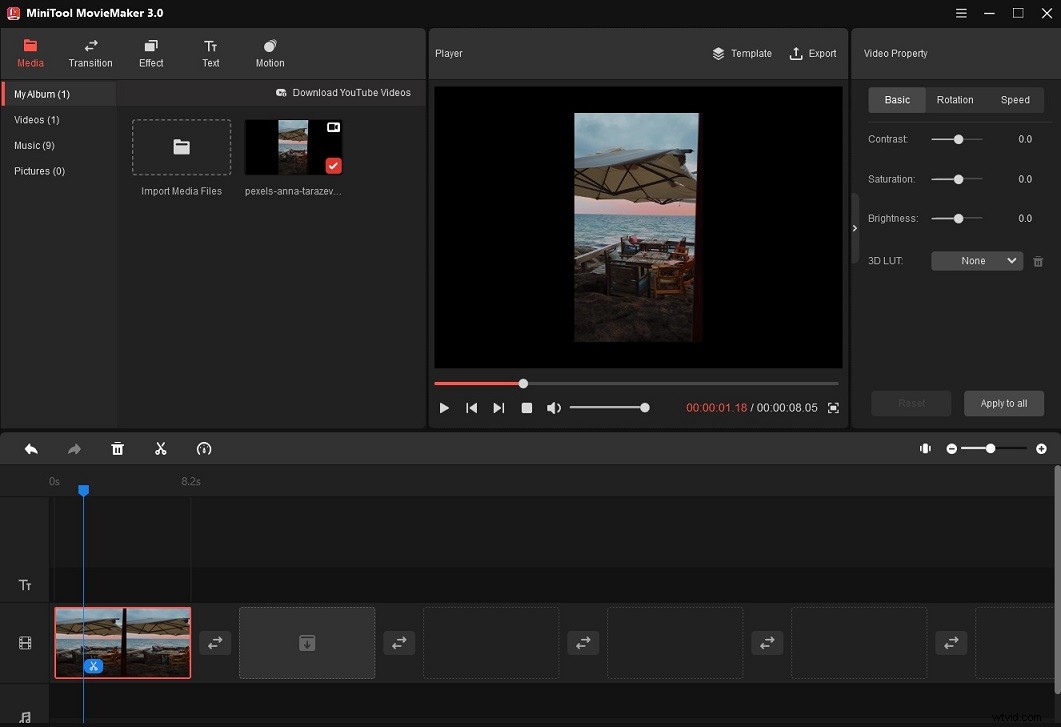
If you need a video editor to create a landscape TikTok video, you can try MiniTool MovieMaker. It’s simple to use and comes with tons of filters, transitions, zoom effects, etc.
Conclusion
In short, if you want to get unshadowbanned on TikTok, just switch to a Pro account, see what content your followers like and make a unique video!