
With roughly 350 million daily users, Zoom has become the go‑to platform for online collaboration. While Zoom’s native recording feature is handy, it isn’t always available or may lack advanced editing options. An external screen recorder gives you greater control, higher quality, and flexibility for repurposing content.
Below we’ve distilled the most reliable, feature‑rich screen recorders for Zoom meetings in 2026, covering both desktop and mobile devices. Choose the tool that aligns with your workflow, budget, and recording goals.
Can You Screen‑Record a Zoom Meeting?
Yes. If you host the meeting, you can use Zoom’s built‑in recorder. If you’re not the host, you can request permission or, with participants’ consent, capture the session using a third‑party screen recorder.
Why Use an External Screen Recorder?
External recorders often provide superior audio‑visual quality, customizable layouts, and the ability to capture multiple windows or devices simultaneously. They also help you keep recordings offline, reducing reliance on bandwidth and avoiding potential interruptions.
Key Considerations When Choosing a Screen Recorder
Evaluating a recorder involves more than just price. Consider these essential factors:
Compatibility
Ensure the software works seamlessly with your operating system, Zoom version, and any remote‑access or hosting constraints.
Quality
Look for recorders that support at least 720p video (1080p or higher is ideal) and audio sampling rates of 48 kHz. Local recording—capturing directly on your device—provides the most reliable quality regardless of internet fluctuations.
Usability
Beginner‑friendly interfaces make it easier to start recording quickly. Advanced users may prefer tools with robust editing, scene switching, or multi‑source capture.
Pricing
Many options offer free tiers, while premium plans unlock advanced features. Find a balance that fits your budget without sacrificing quality.
Top 10 Screen Recorders for Zoom Meetings (PC & Mobile)
Here’s a curated list of the best screen recorders available today.
1. Loom
Price: Free tier, paid plans up to $8 / month
Compatibility: Windows, macOS, Android, iOS, Chrome extension
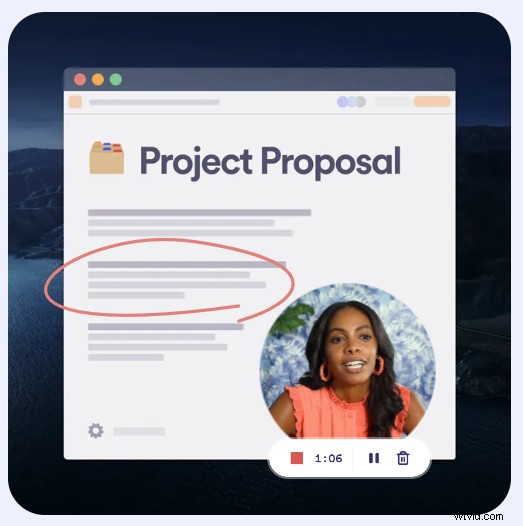
Loom offers a lightweight, cloud‑based solution that captures high‑quality video and audio. Its link‑sharing feature integrates smoothly into workplace communication, making it ideal for professionals who need quick, shareable recordings.
Best for: Business users prioritizing ease of sharing and cloud integration.
2. Movavi Screen Recorder
Price: Free
Compatibility: Windows, macOS
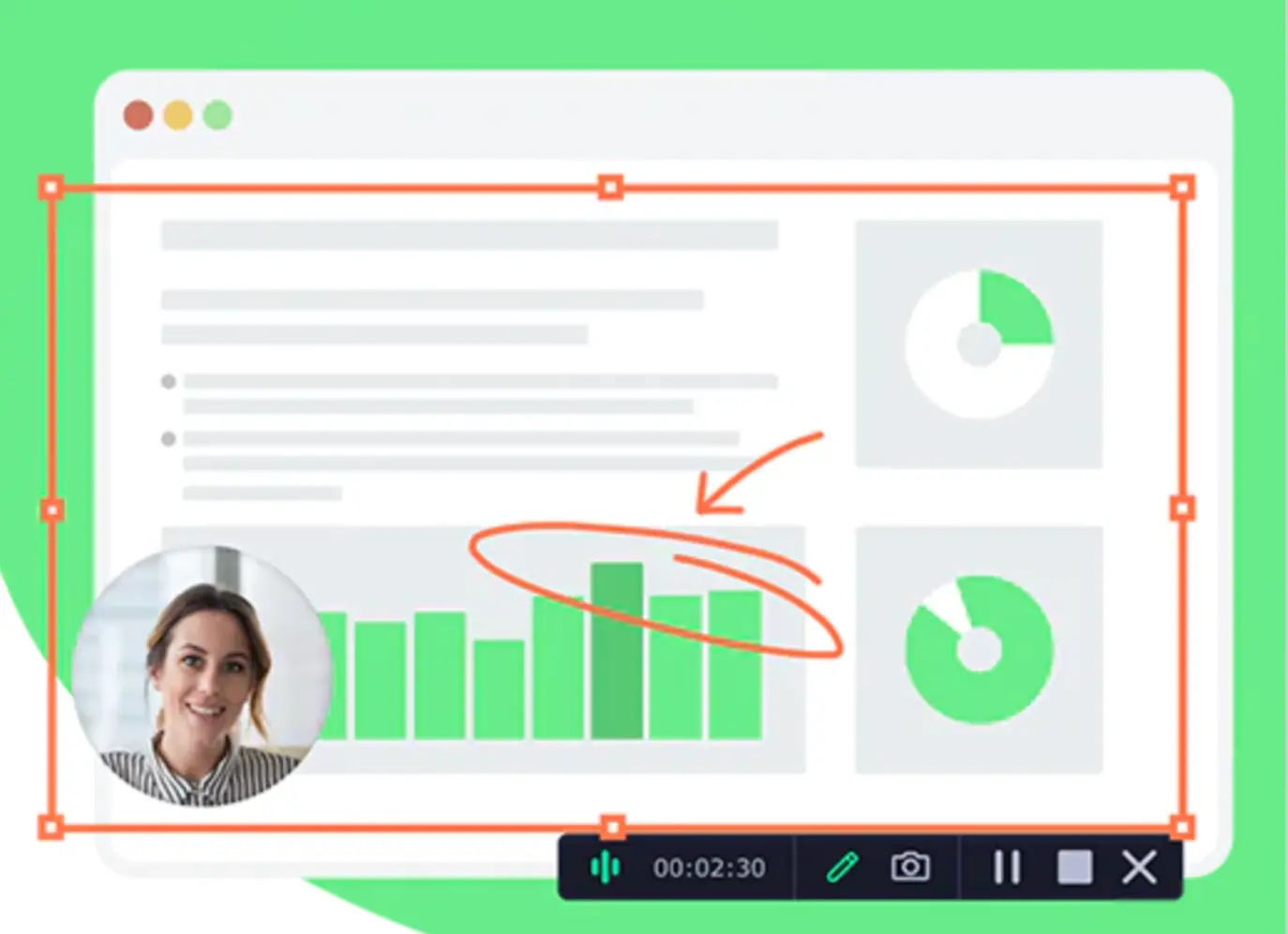
Movavi delivers FullHD and 4K capture with intuitive editing tools. It’s a solid choice for users who want a straightforward, no‑cost solution with occasional post‑processing.
Best for: Beginners seeking a simple, high‑quality recording experience.
3. OBS Studio
Price: Free
Compatibility: Windows, macOS, Linux
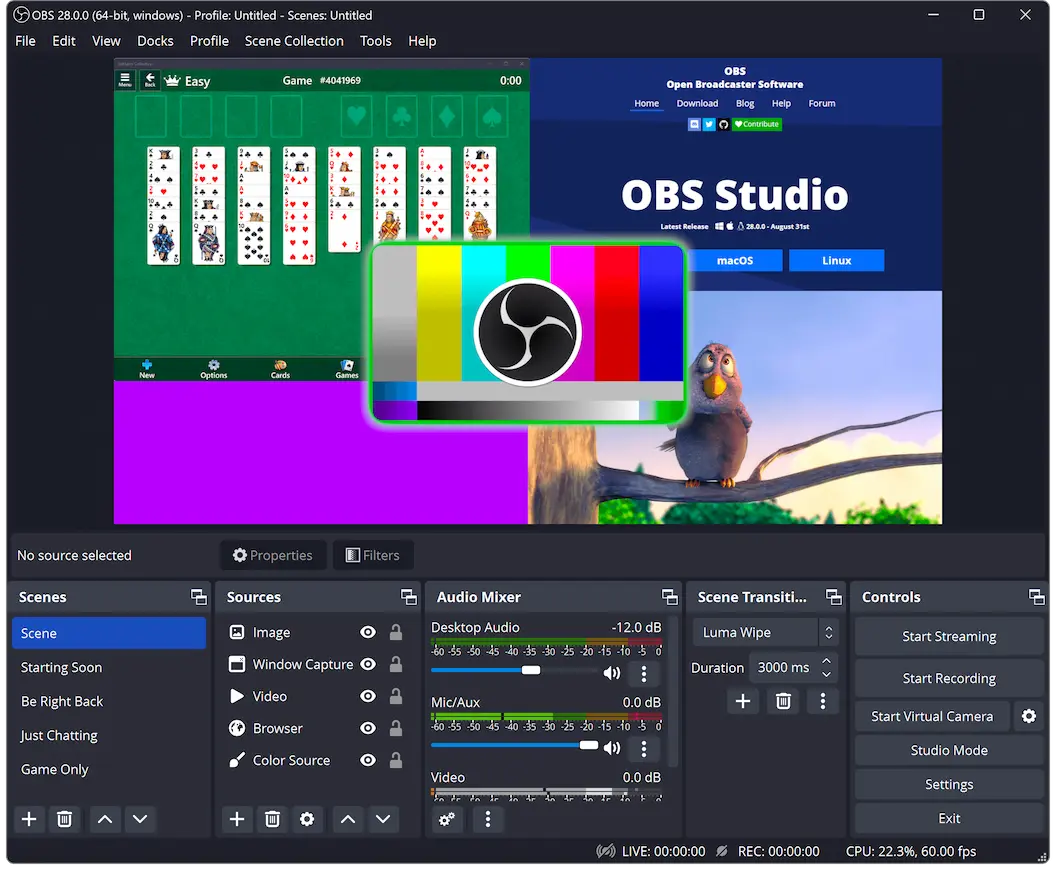
OBS Studio is the industry standard for real‑time capture and streaming. With extensive customization, an audio mixer, and scene transitions, it empowers experienced creators to produce polished recordings.
Best for: Advanced users who require granular control and live‑streaming capabilities.
4. Camtasia
Price: $352 one‑time purchase + $36 / year renewal
Compatibility: Windows, macOS
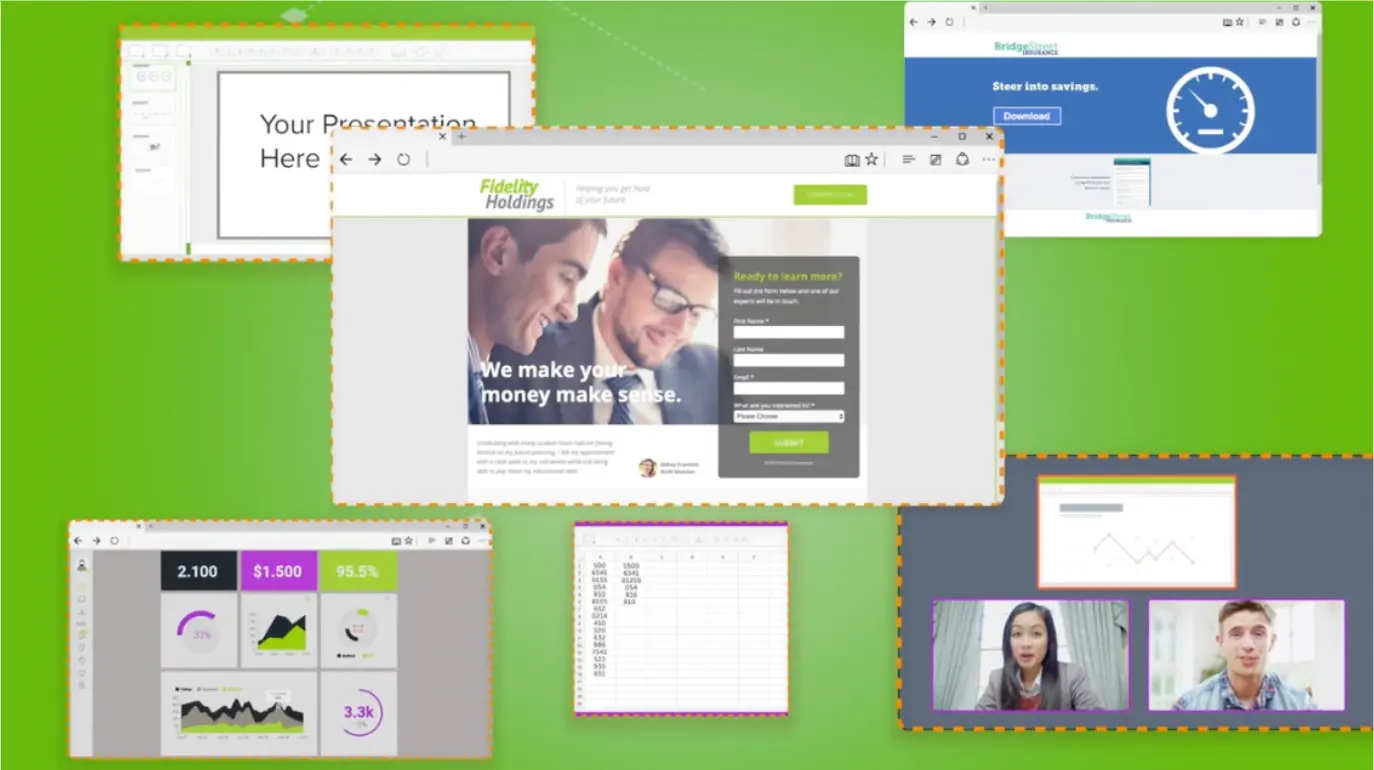
Camtasia blends powerful recording with a user‑friendly editor. Its extensive library of templates, annotations, and audio enhancements makes it a favorite among educators and corporate trainers.
Best for: Professionals who need a polished, feature‑rich post‑production workflow.
5. ShareX
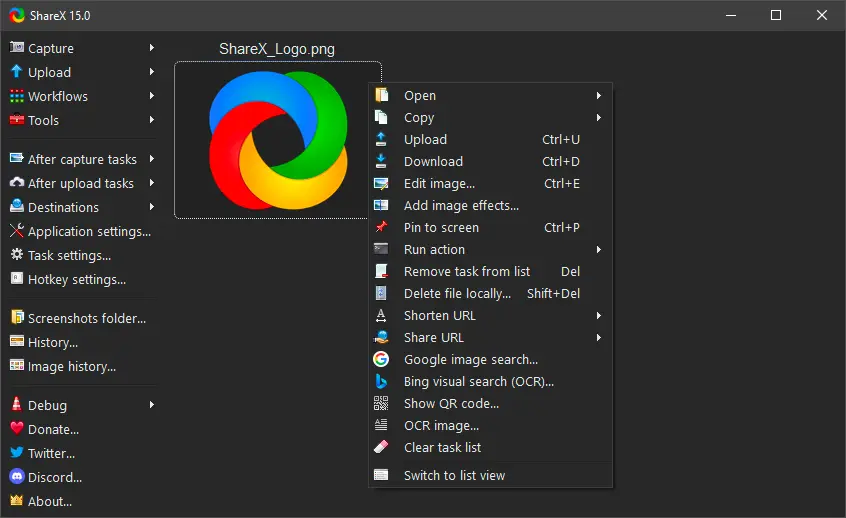
Price: Free
Compatibility: Windows, macOS
ShareX offers a versatile, open‑source toolkit for screen capture, with a lightweight interface and multiple export formats. It’s perfect for users who want a free, highly customizable recorder.
Best for: Users seeking a free, flexible solution with advanced export options.
6. Record It! – Screen Recorder
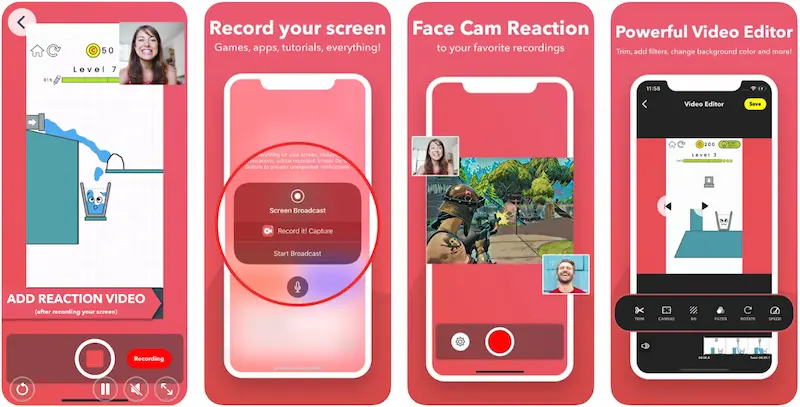
Price: Free tier, premium up to $5.99
Compatibility: iOS (iPhone, iPad)
Record It! delivers a smooth iOS experience with in‑app editing, voice‑over support, and direct uploads to YouTube or social media. Its mobile‑first design makes it ideal for on‑the‑go recording.
Best for: iPhone users needing a quick, all‑in‑one recorder.
7. AZ Recorder
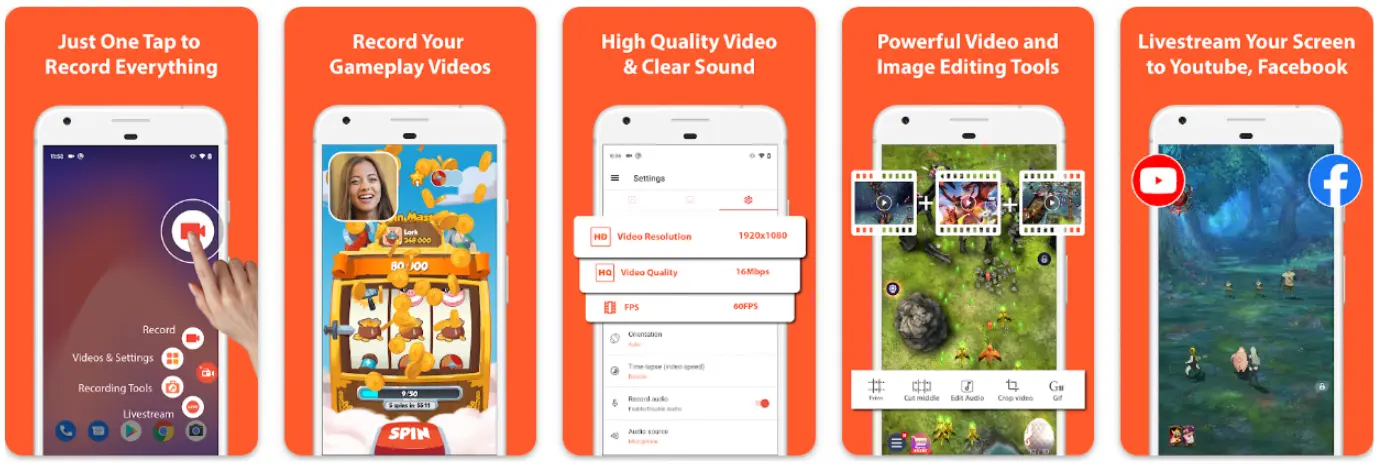
Price: Free tier, premium up to $9.99
Compatibility: Android
AZ Recorder captures video and audio on Android with no time limits, built‑in editing, and seamless sharing. It’s a cost‑effective option for long meetings or quick demos.
Best for: Android users seeking a straightforward, budget‑friendly recorder.
8. Acethinker
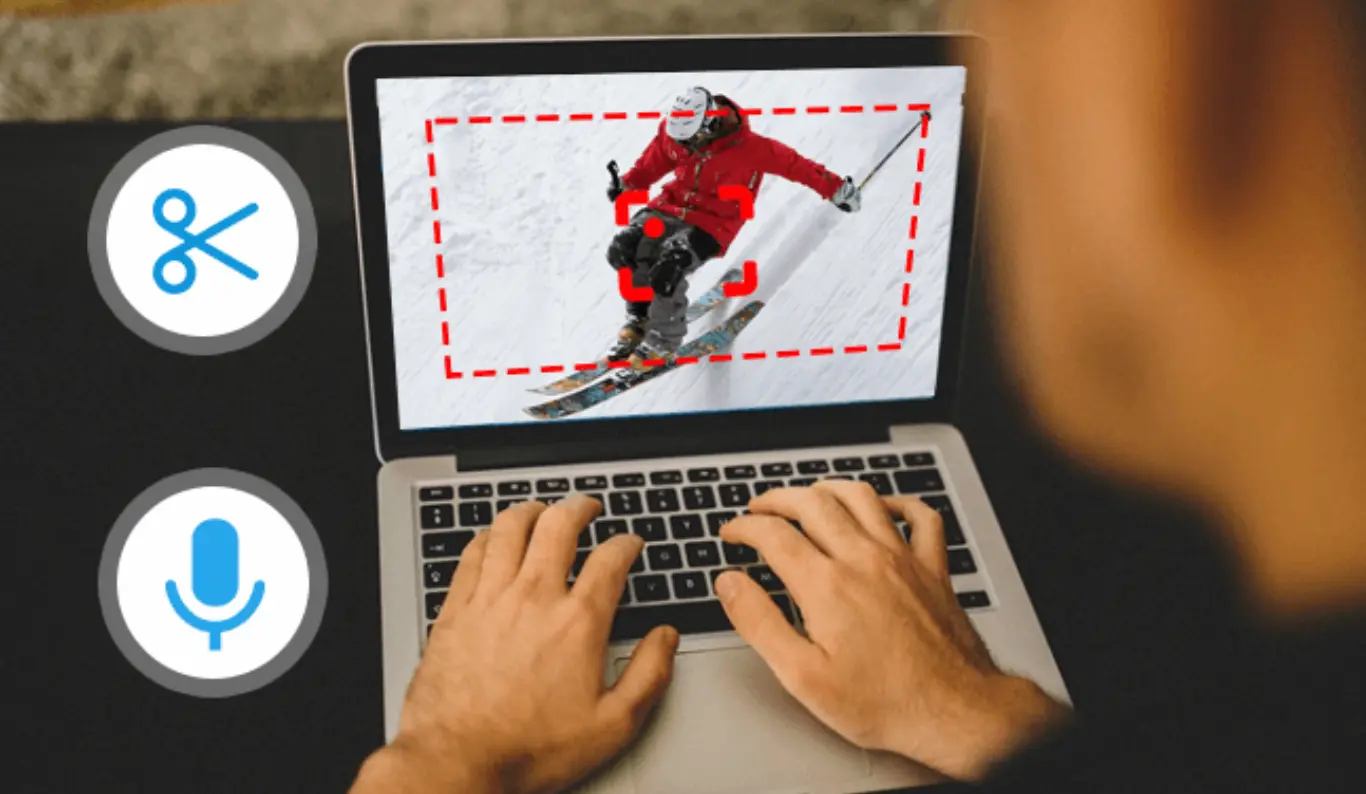
Price: Free
Compatibility: Windows, macOS
Acethinker is a web‑based recorder that supports multiple sites and applications. Its clean interface and customizable settings make it ideal for quick captures without installing software.
Best for: Users who prefer a browser‑based tool without compromising quality.
9. Screencastify
Price: Free tier, premium up to $10 / month
Compatibility: Windows, macOS (Chrome extension)
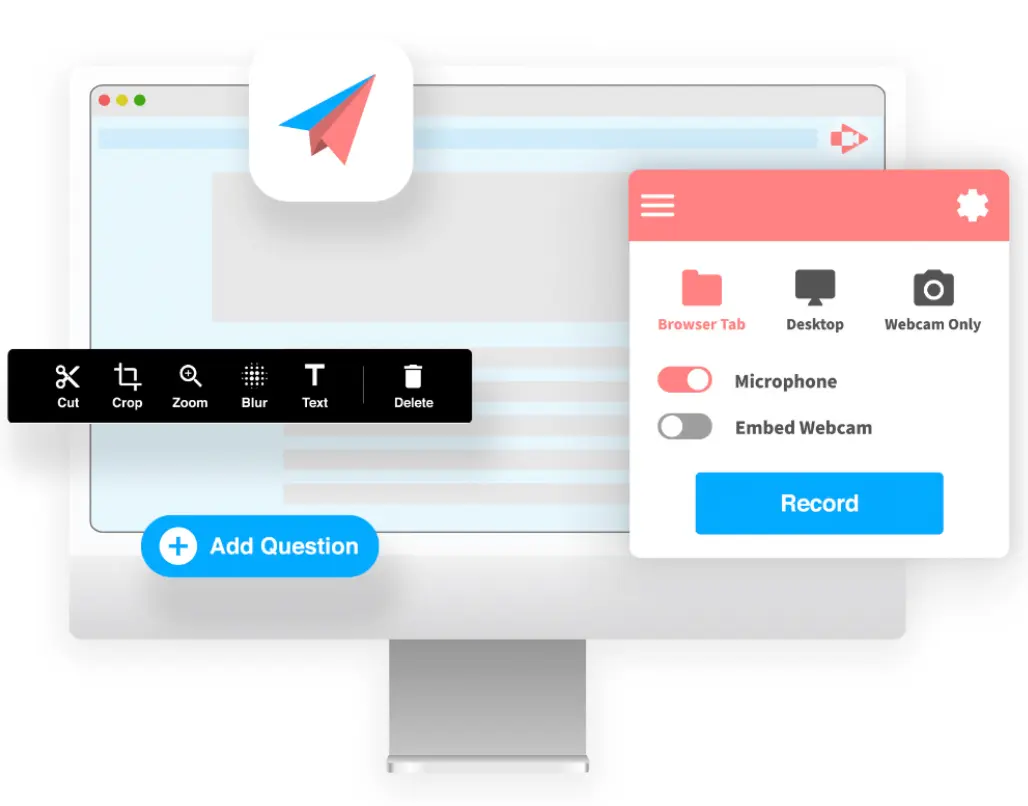
Screencastify offers a streamlined workflow from recording to editing to sharing. Its assignment‑submission feature makes it a favorite among educators, while professionals appreciate its robust export options.
Best for: Students and professionals needing a comprehensive, cloud‑based solution.
10. Tiny Take
Price: Free tier, premium up to $99.95 / year
Compatibility: Windows, macOS
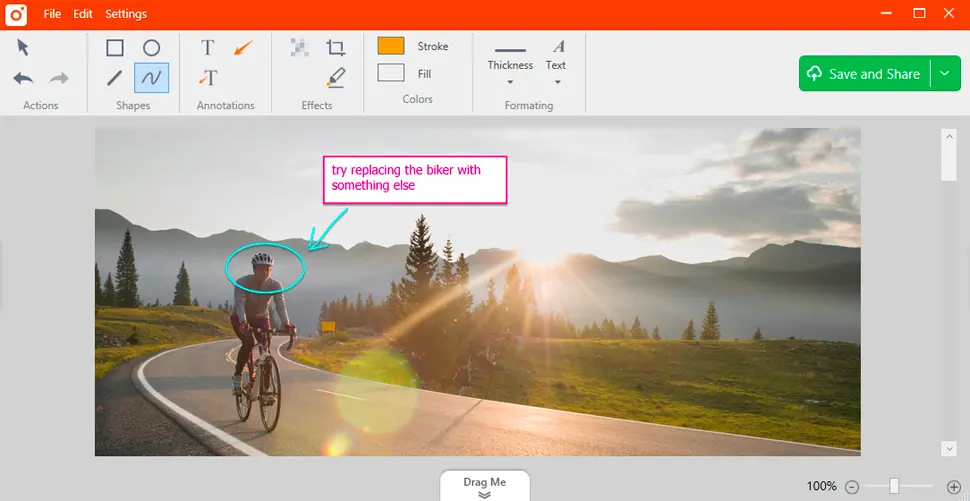
Tiny Take combines intuitive recording with post‑production tools such as annotations and multi‑track editing. Its straightforward licensing makes it attractive for early‑career creators.
Best for: Emerging creators seeking an easy entry point to high‑quality video production.
How to Record a Zoom Meeting with a Screen Recorder
The exact steps vary slightly by device, but the core workflow remains the same:
- Join or start your Zoom meeting.
- Open your chosen screen‑recording application.
- Select “Record entire screen” or “Record a specific window” (recording the Zoom window is usually sufficient).
- Click the record button to begin capturing.
- When the meeting ends, stop recording and save the file to your device.
For deeper guidance, see our related articles: How to Record Zoom Meetings With or Without Permission and How to Record Your Screen Easily on a PC or Mobile Device.
Riverside – A Dedicated Recording Platform for High‑Definition Meetings
While Zoom excels at collaboration, it’s not optimized for studio‑quality recordings. If audio‑visual fidelity is a priority, consider Riverside, a platform designed for interview‑style production.
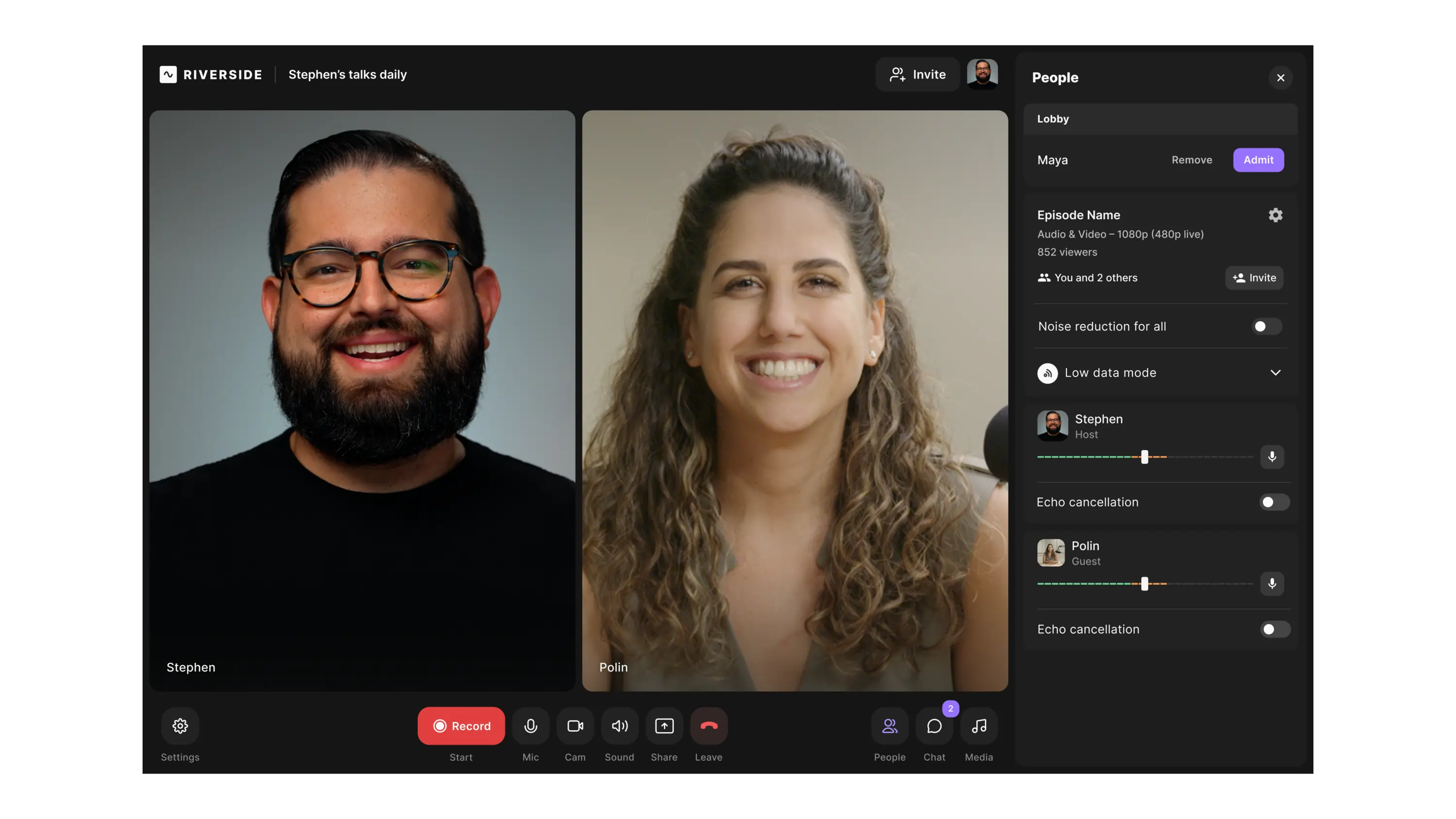
Riverside delivers:
- Up to 4K video and 48 kHz audio per participant.
- Local recording on each device, eliminating bandwidth‑related quality loss.
- Separate audio tracks for each speaker, simplifying post‑production.
- Support for up to 10 participants.
- Shared workspace and real‑time screen capture.
- Integrated media board for on‑the‑fly effects.
- Built‑in editing tools for trimming and enhancing.
“Riverside is far better than Zoom for recording interviews.” – Seth Godin, author and entrepreneur.
Try Riverside for seamless, high‑quality recordings that keep you in control.
FAQs About Screen Recording Zoom Meetings
Can I screen‑record a Zoom meeting without the host’s knowledge?
While technically possible with external software, it’s best practice to obtain consent from the host and all participants. This respects privacy laws and maintains trust.
Does Zoom allow screen recording with audio?
Yes. Both Zoom’s native recorder and external screen‑recording tools can capture synchronized audio and video.
Is it safe to record Zoom meetings secretly?
Recording without participants’ awareness can violate privacy regulations and erode trust. Always secure explicit permission before capturing any session.
Looking for a reliable, high‑quality solution? Explore Riverside’s recording tools today.