
In today’s digital landscape, capturing clear, reliable audio from phone conversations is essential for content creators, business professionals, and anyone who needs an accurate record of dialogue.
Whether you’re producing a podcast, interviewing a guest, or documenting a client call, recording directly from your smartphone guarantees you never lose important details.
Can You Record a Phone Call on Your Phone?
Modern smartphones now support robust call‑recording capabilities through dedicated apps, even though most devices lack native recording features.
With a few taps, you can capture every word in high quality, and the recordings can be saved locally, uploaded to the cloud, or shared instantly.
Why Use a Dedicated Call‑Recording App?
Professional call‑recording apps eliminate the pitfalls of low‑quality audio, missing segments, or incomplete capture. They provide:
- Studio‑grade sound with noise‑reduction and channel separation.
- Automatic transcription and time‑stamped captions.
- Secure storage options and easy distribution to podcast platforms or team collaboration tools.
Key Features to Look For in a Recording App
Sound Quality
Prioritize apps that record in lossless formats (WAV or FLAC) or high‑bitrate MP3s, ensuring every nuance is preserved.
Multi‑Channel Recording
Apps that capture each participant’s audio on separate tracks provide greater flexibility for editing and post‑production.
Video Compatibility
For FaceTime or Zoom calls, choose apps that can record video alongside audio, giving you a complete visual and auditory record.
Editing Capabilities
Built‑in trimming, fade‑in/out, and noise‑gate tools let you refine recordings without leaving the app.
Storage & Distribution
Look for options that support local storage, cloud backup, and direct export to services like Dropbox, Google Drive, or podcast hosts.
Top Call‑Recording Apps for 2026
Below are the best choices for Android and iPhone users, grouped by platform and price tier.
Best App for Both Platforms
Riverside
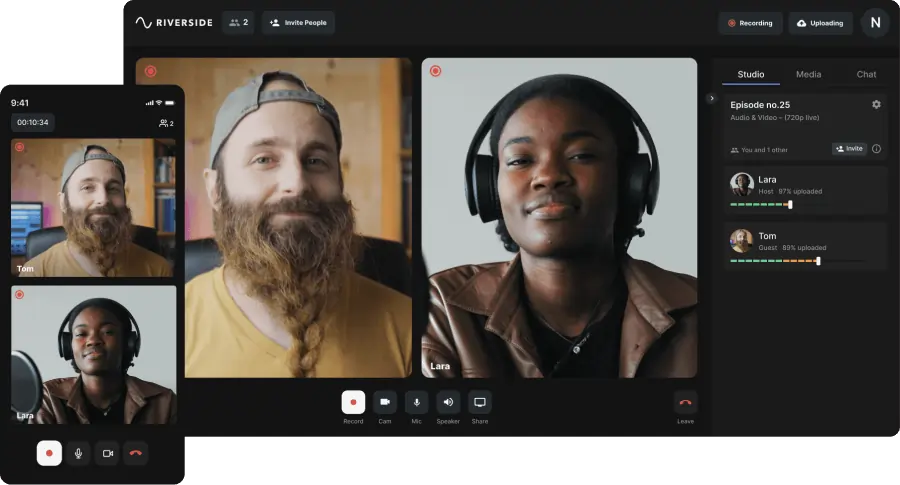
Developer: Riverside | Price: Free plan, paid plans start at $15 | Rating: 5.0 stars
Riverside excels at recording high‑definition video calls with separate audio tracks for up to ten participants. Automatic transcriptions and progressive cloud uploads make it ideal for podcasts, webinars, and corporate training.
- 4K video resolution & 48kHz WAV audio
- Separate tracks for each participant
- Local recording for offline quality assurance
- Automatic transcription and editing tools
Best for: Professionals who need top‑tier video and audio capture for distribution.
Top 9 Apps for iPhone Users
1. TapeACall
Developer: Epic Enterprises | Price: $7.49/month | Rating: 3.8 stars
Schedule recordings effortlessly and access built‑in transcription. Ideal for on‑the‑go interviews and meeting documentation.
- Instant transcription
- Seamless sharing to social platforms
- Call scheduling feature
2. Call Recorder iCall
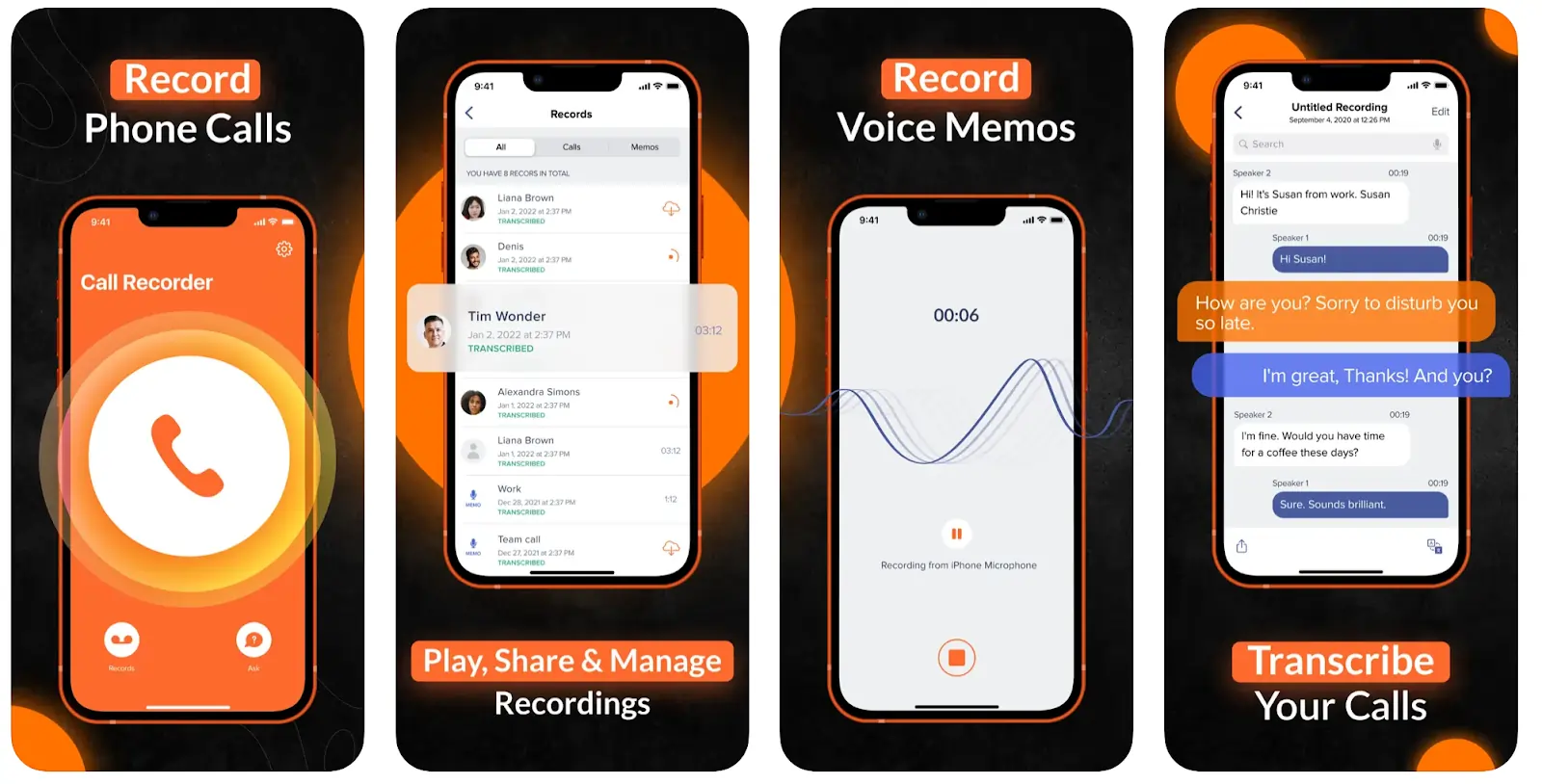
Developer: Appitate LLC | Price: $22.99/month | Rating: 3.8 stars
Unlimited recording of incoming and outgoing calls with cloud backup and a user‑friendly interface.
- One‑tap recording
- Unlimited storage options
- Responsive customer support
3. Call Recorder – Phone Record
Developer: EverySun Ltd | Price: $24.49/month | Rating: 4.6 stars
Record calls with editing tools and multi‑language speech‑to‑text transcriptions.
- In‑app editing
- Cloud storage
- 50+ language transcriptions
4. Recordeon
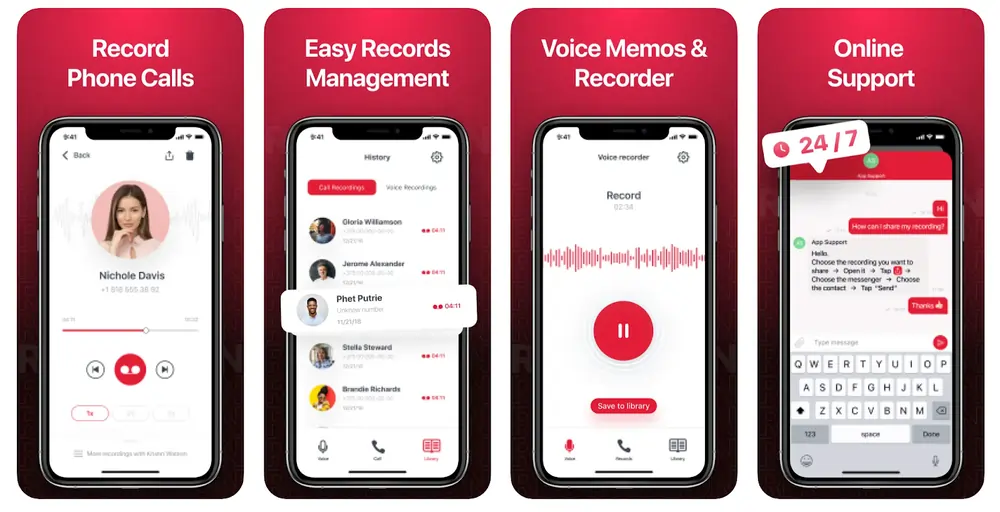
Developer: Smertrios | Price: $112.99 | Rating: 4.5 stars
High‑performance recording with robust management and sharing features.
- Advanced recording management
- Voice memo support
- Online support access
5. Phone Call Recorder & Planner
Developer: Data & Limited | Price: $14.99/month | Rating: NA
Plan and annotate calls with in‑call notes and customizable reminders.
- Call reminders
- In‑call note‑taking
- Recording management
6. Automatic Call Recorder Pro
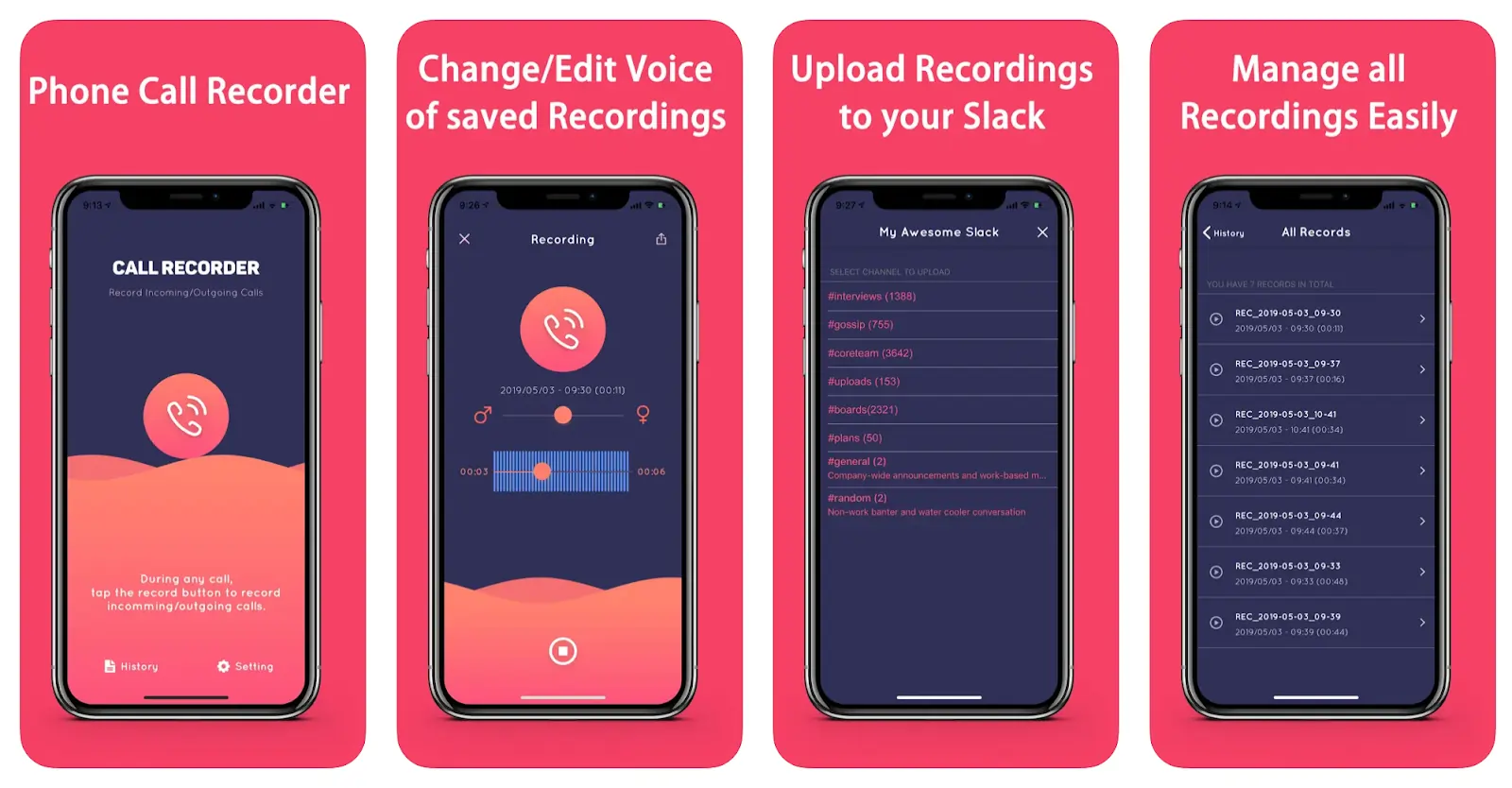
Developer: Jennifer M | Price: Free | Rating: 4.7 stars
Automated recording with Slack distribution and multilingual speech‑to‑text.
- Slack export
- 50+ language transcription
- International call support
7. Automatic Call Recorder
Developer: Arun Nair | Price: Free | Rating: 4.0 stars
Comprehensive recording with cloud export to Dropbox, OneDrive, and Google.
- Native editing tools
- Slack integration
- Multilingual transcription
8. Call Recorder™
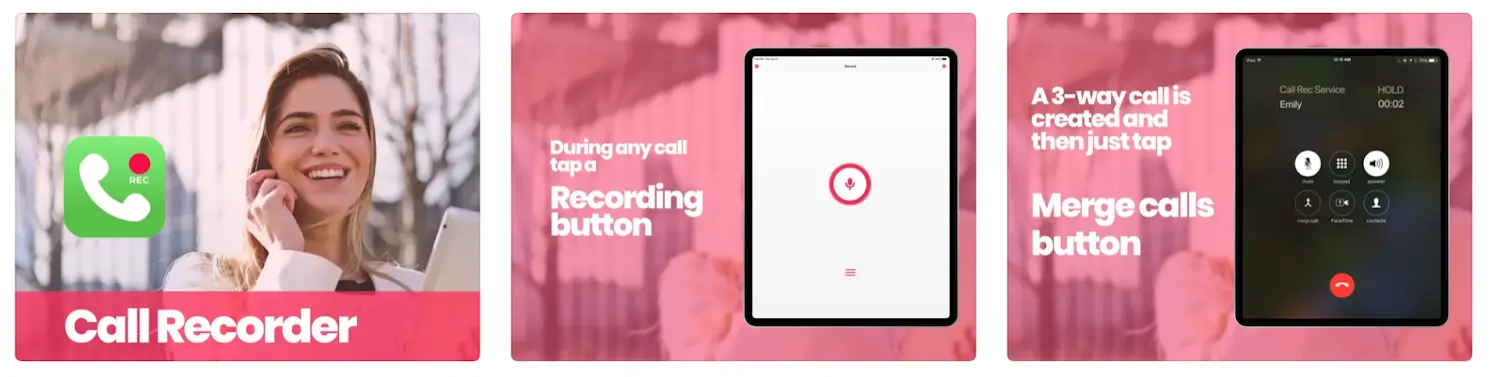
Developer: Pretty Boa Media Ltd | Price: $46.99/month | Rating: 4.5 stars
Unlimited call recording with easy sharing to multiple platforms.
- Various call formats
- Unlimited recordings
- Simple sharing
9. Phone Call Recorder No.1
Developer: Prime Apps | Price: $12.49/week | Rating: 5.0 stars
Intuitive capture via carrier conference calls with built‑in sharing.
- Unlimited recordings
- User‑friendly navigation
- Easy sharing to devices
Top 8 Apps for Android Users
1. Call Recorder – Cube ACR
Developer: Cube Apps Ltd | Price: Free (premium add‑ons) | Rating: 4.1 stars
Record any Android call and share directly to social media. Automation and cloud backup are built in.
- High‑quality audio
- Intuitive UI
- Social media export
2. Call Recorder
Developer: Lucky Mobile Apps | Price: $5.99/month | Rating: 4.3 stars
Automatic high‑quality recording with PIN protection and multi‑language support.
- Auto‑recording
- PIN security
- Multi‑language UI
3. Automatic Call Recorder Pro
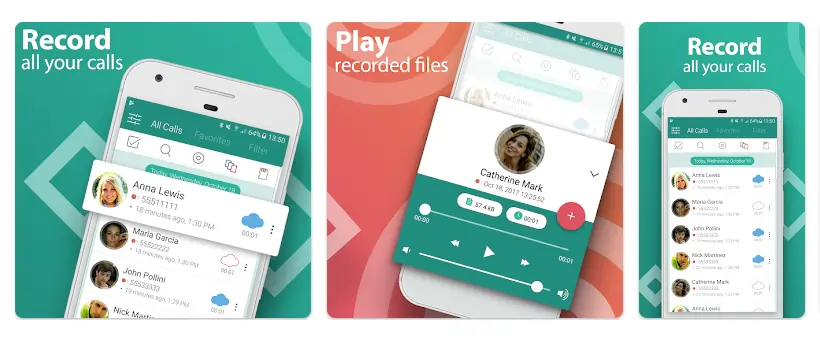
Developer: SMSROBOT LTD | Price: $5.49/month | Rating: 3.8 stars
Real‑time recording with organized playback and social sharing.
- Data organization
- Multiple audio formats
- Social sharing
4. Call Recorder
Developer: CRYOK SIA | Price: $33.99/month | Rating: 4.0 stars
Advanced technology for easy management and Bluetooth accessory support.
- Sorting tools
- Playback features
- Bluetooth integration
5. TapeACall
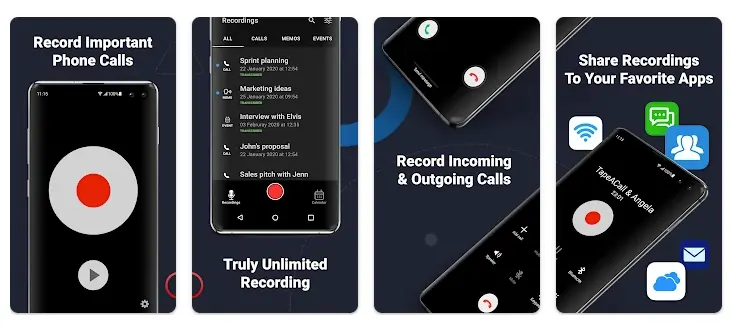
Developer: Teltech Systems Inc. | Price: $4.79/month | Rating: 2.6 stars
Unlimited recording with built‑in transcription and cloud backup.
- Automatic transcription
- Unlimited recordings
- Cloud transfer
6. Call Recorder – ACR
Developer: NLL | Price: $5.99/month | Rating: 3.2 stars
Supports multiple audio formats, Wi‑Fi backup, and password protection.
- Native search
- Password security
- Wi‑Fi backup
7. CallMaster: Blocker & Recorder
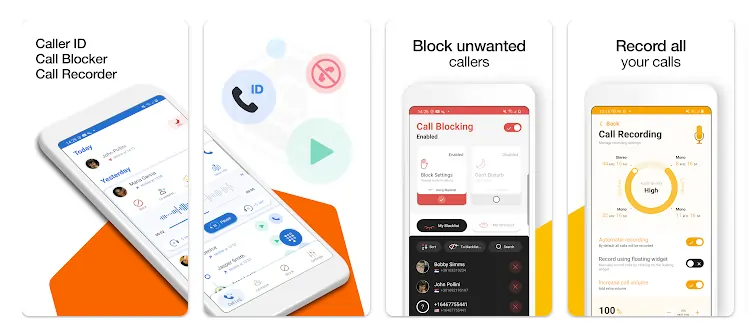
Developer: Glad Apps Technology | Price: $4.29/month | Rating: 4.4 stars
Comprehensive call management with blocking, recording, and contact organization.
- Blocking & recording
- Easy navigation
- Contact management
8. All Call Recorder
Developer: Android Labs | Price: $2.89/month | Rating: 3.7 stars
Minimalist design for recording both incoming and outgoing calls with automatic settings.
- Incoming/outgoing support
- Automated configuration
- Simple sharing
Choosing the Right App for You
No single app suits every scenario. Consider your device, the importance of video, the need for transcription, and whether you prefer a free tier or full premium access. For those who require high‑definition video and detailed editing, Riverside remains the benchmark.
Best Free App for Call Recording
While many apps offer free trials, the most comprehensive free options are Automatic Call Recorder and Automatic Call Recorder Pro, which provide unlimited recordings and basic editing without subscription fees.
FAQs
Can I secretly record a phone call?
Some apps can record without alerting the other party, but this may violate privacy laws. Always obtain consent before recording.
Is it legal to record a phone call?
Recording laws vary by jurisdiction. In many places, at least one party must consent. Verify local regulations before recording.
How do I record both sides of a call?
Choose an app that offers multi‑channel recording; it will capture each participant’s audio on separate tracks.
What’s the best way to record a call?
Using a dedicated app is the most reliable method, ensuring clear audio, automatic backups, and easy sharing.
Explore Riverside’s remote recording features today to take your audio production to the next level.