
As you certainly know from experience, doing subtitles is a complex and tedious task. Especially for long videos, even subtitle experts find it sometimes difficult.
To lighten their efforts, numerous subtitle tools have emerged. But there are so many of them, whether software, web solutions or mobile app, that you can get lost easily.
With our long experience on the subject, here is our ultimate list of subtitle editors according to their pros and cons. You’ll find for every taste and need!
Why use a subtitle solution?
From all sides, creating subtitle is a task that can easily exceed our human capacities. Transcribing, synchronizing, or translating subtitles quickly becomes exhausting for a normally-constituted person, especially for long videos.
The high redundancy and the difficulty of adjusting both image and sound make the task quite complex. And we know this from experience. From 30 minutes on, even our most experienced subtitlers often tell us that they begin to have trouble keeping up.
So how can you learn to improve your productivity, or even subtitle a medium-length video by yourself without suffering? Numerous solutions with a variety of features have appeared on the market to address this problem. From classic handheld software to modern web and mobile applications, from online publishers to professional services, each with its own Pros and Cons. It’s up to you based on your needs, your resources, and the time you have available.
But, in any case, by choosing the right subtitle editor, you will get crucial benefits for your work :
- You can transcribe your video more easily, making sure you don’t make typos or forget a word.
- Time synchronization becomes more intuitive, especially with an interface that allows you to directly view and edit the display of your subtitles on the video.
- With translation capabilities, you open your content to a variety of languages and nationalities around the world, either by yourself (if you already have some knowledge of the language), or with the help of a professional.
- The solutions give you the ability to customize the look and feel of your subtitles to make them more readable and more in line with your identity.
- You save time in the technical optimization and conversion of your subtitles and videos (SRT file, VTT, subtitle overlay).
Exciting, isn’t it? Here’s our best subtitle editors ultimate guide.
Manual subtitle software: our selection
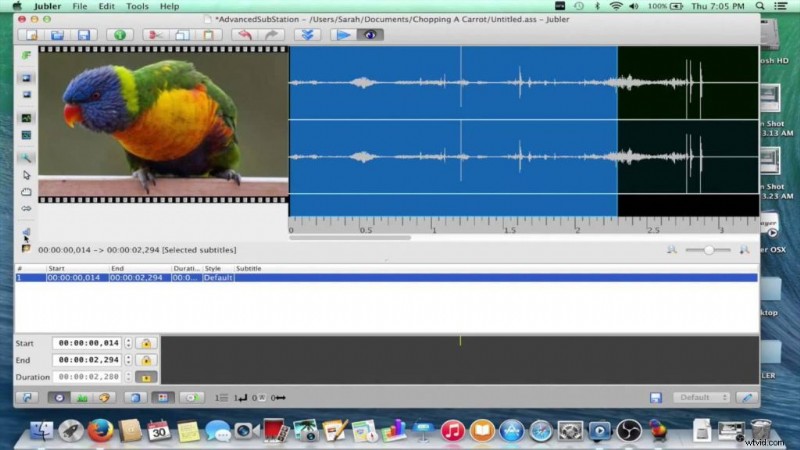
Jubler
Pros :
- A classic of open-source subtitle editor, Jubler has a comprehensive interface to sync subtitles easily.
- You can transcribe your text at the same time as you run your video.
- Includes a spell checker
- Good customization possibilities
- Works in Windows, Linux and Mac
Cons :
- A design that has aged rather badly
- You need to install MPplayer to get a preview of your video
- Not really updated anymore
Aegisub
Pros :
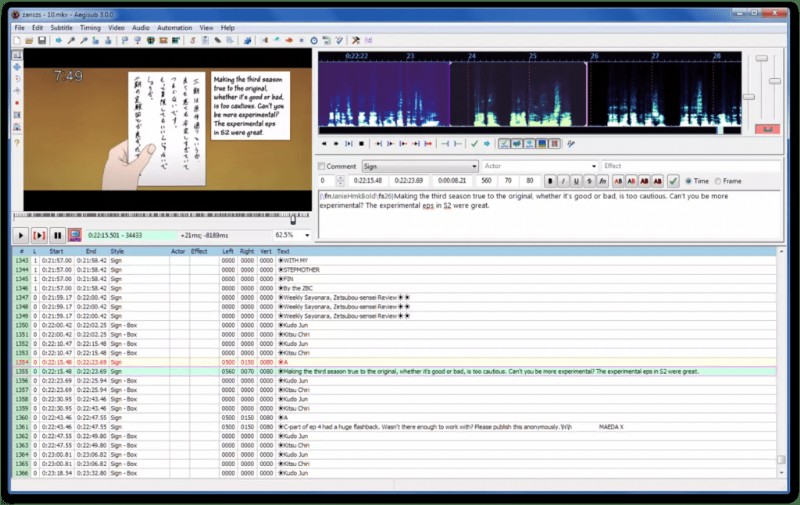
- One of the subtitle software with the most expert and in-depth features
- Displays the sound spectrum of your video for perfect synchronization
- Automatic Backup
- Generates its own format customizable in detail
- Translation Assistant
- Supported by all operating systems
Cons :
- May seem complex for beginners
- Complicated to merge Aegisub subtitle with the video.
Subtitle Edit
Pros :
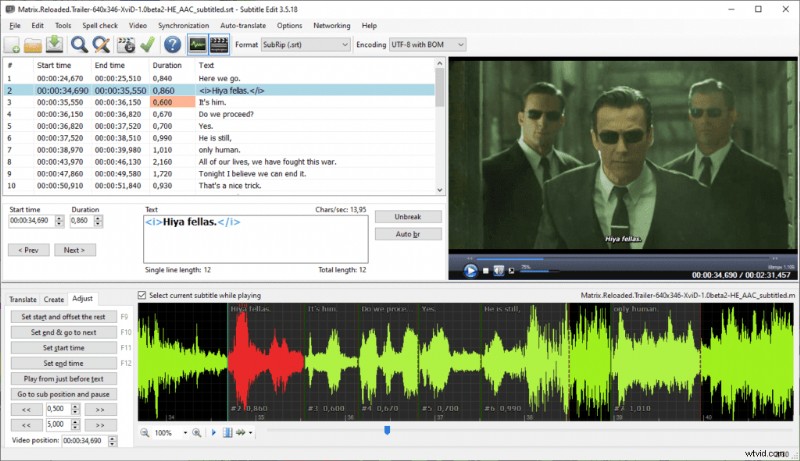
- User-friendly and intuitive interface
- Very large number of supported formats
- Includes Google Translate for fast translation
- Error correction system (“wizard” button)
- Open-office spelling correction
- Audio Spectrum
Cons :
- Interface that sometimes seems complex
- no customization functionality
Adobe Premiere Pro
Pros :
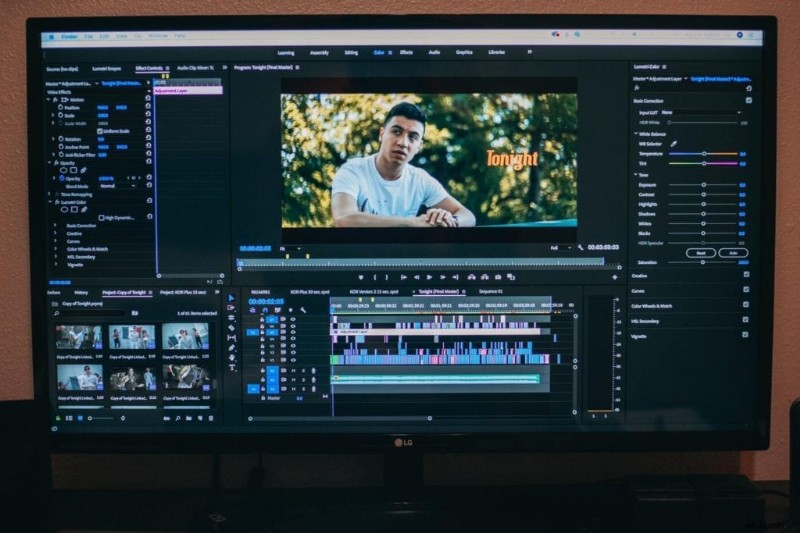
- The king of video editors, it allows you to fully customize your text and subtitle creation.
- Simple and intuitive drag and drop features
- Great import and export possibilities
- All-in-one video editing and optimization
Cons :
- Expensive if you just want to do subtitles
- Creating subtitles manually takes time if you have a long video
- No translation
Wondershare Uniconverter
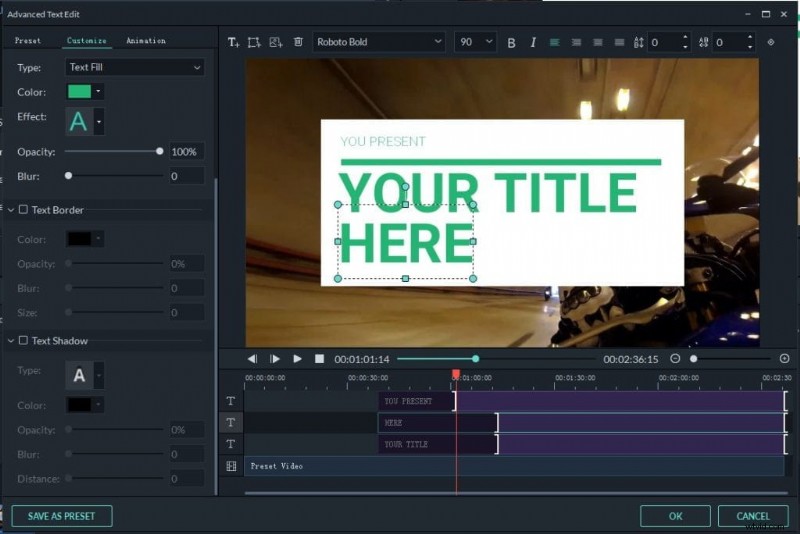
Pros :
- The ultimate tool for creating subtitles, allows you to add text in all formats and colors.
- Huge video and audio conversion, import and export possibilities
- You can subtitle your DVDs and old movies
- Ergonomic interface
Cons :
- Features aimed only to subtitle experts
- No automatic subtitles to save time (takes time to create them manually)
- No translation
Which online subtitle editors to choose?
Amara
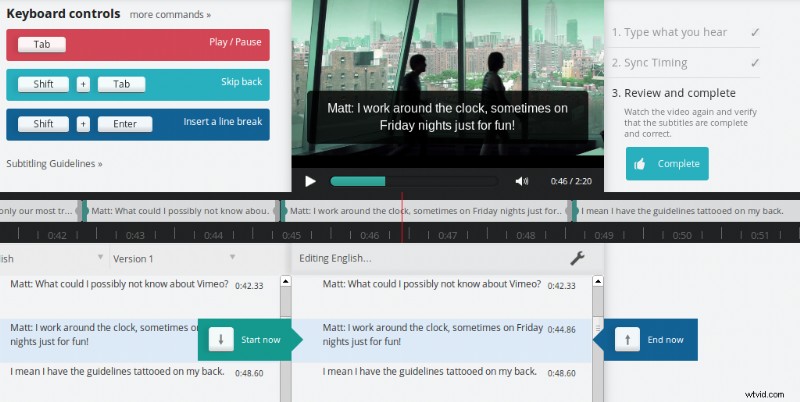
Pros :
- Unique online subtitle editor, it allows you to collaborate with others to transcribe your video.
- Good design and easy to use interface
- Active community that can help you and that advocates accessibility of content for everyone
- You can hire an expert to help you use it
Cons :
- No automatic subtitles
- No machine translation
- No subtitle customization
Clideo
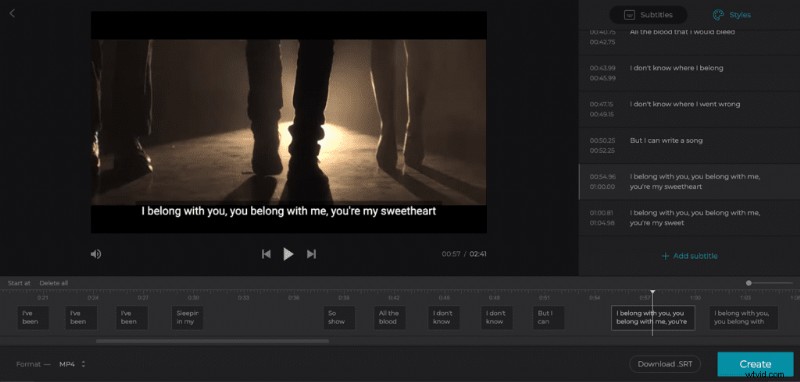
Pros :
- Quick and useful tool to add an SRT file to your video and adjust subtitles.
- Friendly interface for a free tool
- You can work directly on YouTube, Facebook, or TikTok videos from a URL
Cons :
- No automatic subtitle and machine translation
- Limited features
- Manual transcription and sync can be time-consuming and complicated.
Subtitle Edit Online
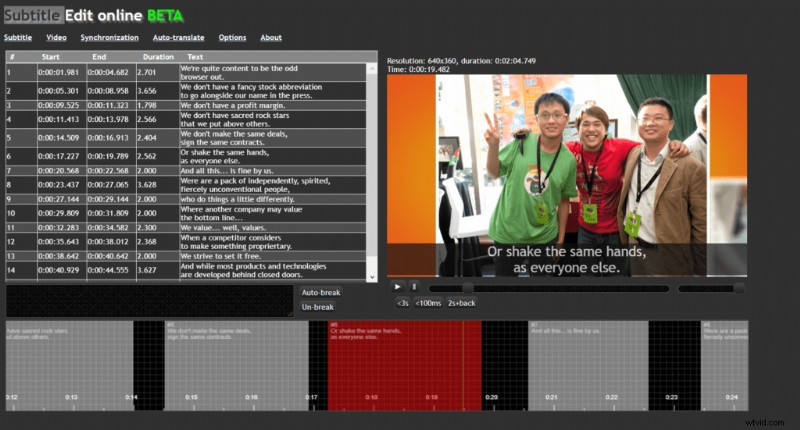
Pros:
- The most immediate-to-use online tool to create and adjust your subtitles.
- You can’t get a simpler and more straightforward interface
- Machine translation
Cons :
- Contains only the basic transcription features
- Transcription and Manual Synchronization
- Suitable only for small video projects
What are the best IOS and Android subtitle apps?
Mix Captions
Pros :
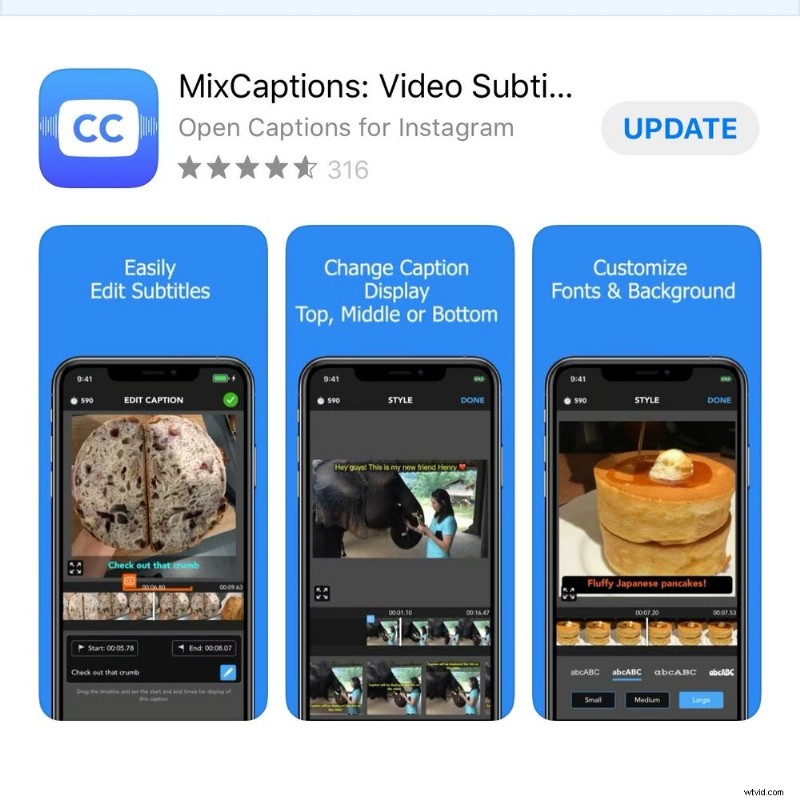
- Best subtitle app on IOS, it automatically subtitles your Instagram and Facebook videos
- Simple and efficient interface
- You can add subtitles to audio files
- A lot of subtitle customization features
- Paid version really cheap for the quality of the app
Cons :
- Limit of 30 minutes of video for free version
- Watermark but can be removed
Kaptioned
Pros :
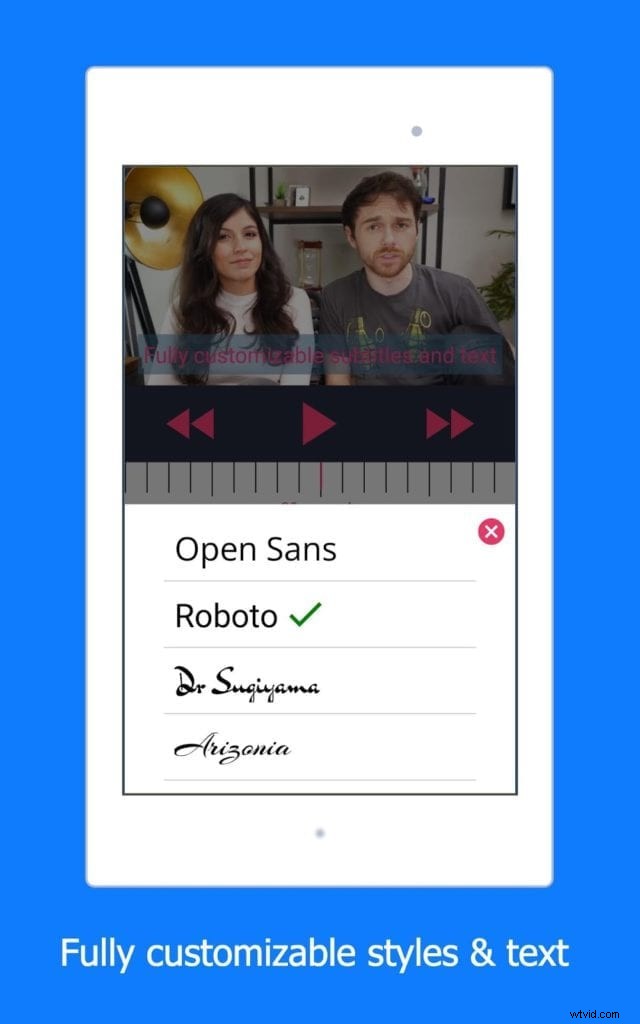
- One of the best subtitle app on Androit, generate fast automatic subtitles.
- Very easy to transcribe and edit
- Machine translation
Cons :
- Some bugs
- Need credits to transcribe videos after 3 free trials
Autocap
Pros :
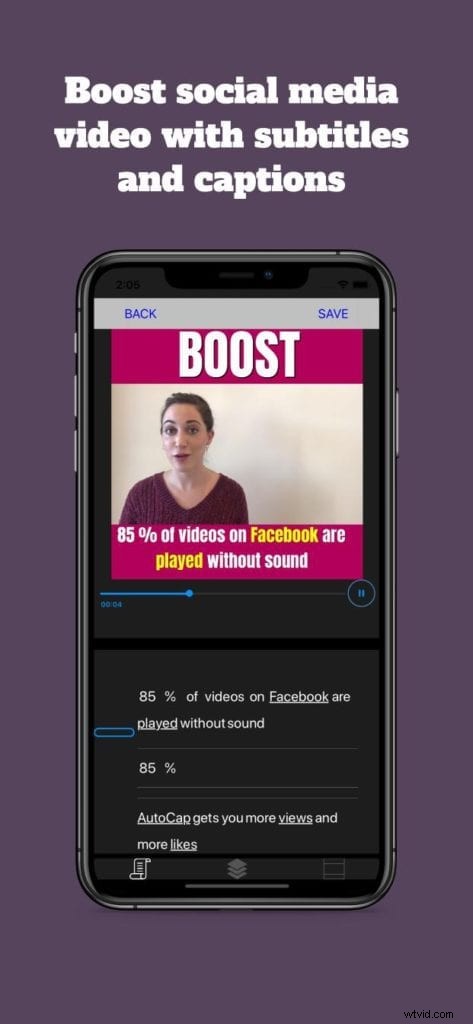
- Efficient tool, it automatically transcribes your videos
- Simple and friendly interface
- Developers are constantly improving user experience.
Cons :
- No translation features
- Sometimes transcription and export issues
- May be unstable
Automatic captioning solutions: the essentials
YouTube
Pros :
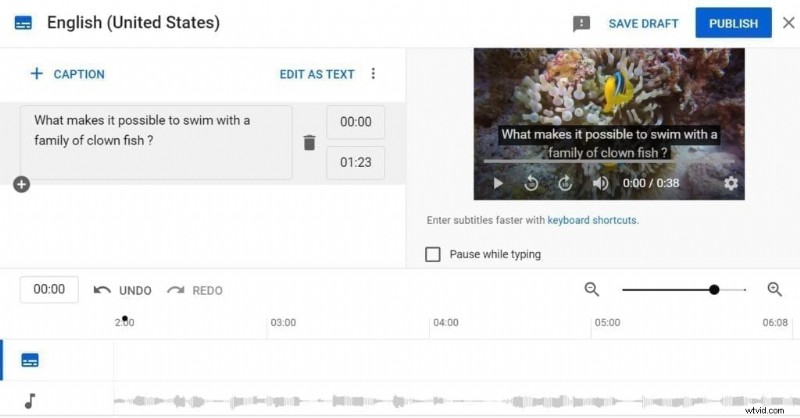
- Video platform impossible to circumvent, it automatically transcribes the published videos and has a subtitle editor.
- Large number of languages for translation
- Easy-to-edit subtitles and free tool
- Improved speech recognition…
Cons :
- But it’s not perfect yet
- No possibility to customize and export subtitles
- Translations to review
Kapwing
Pros :
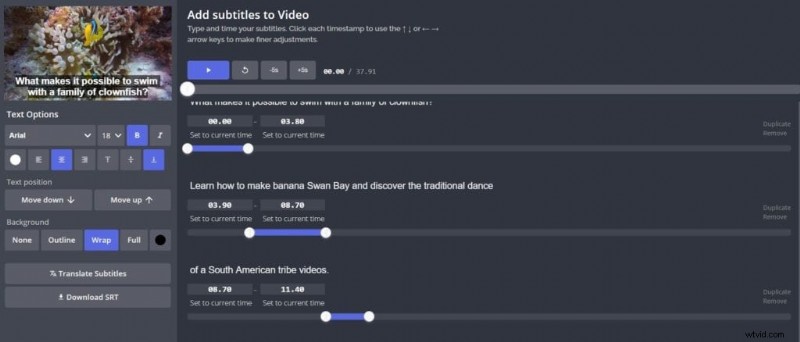
- Simple and practical tool for automatic online subtitling
- Pleasant and intuitive interface
- You can transcribe manually or automatically
- URL download feature
Cons :
- 3 hours of free video then paid version
- No translation
- Not suitable for long videos
- Little customization features
Veed.Io
Pros :
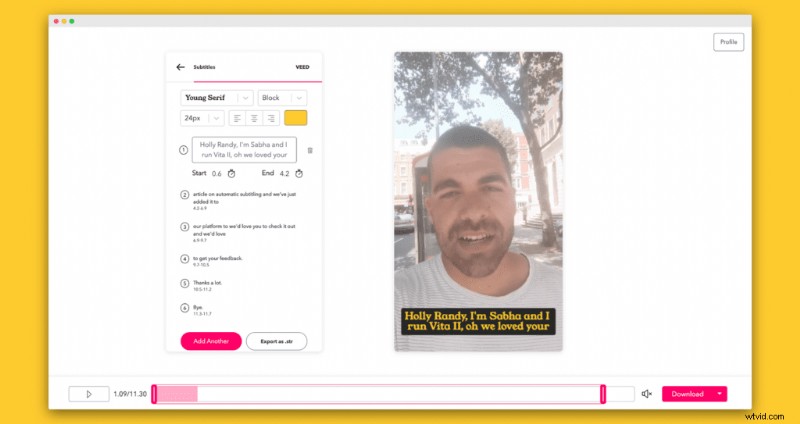
- Quick and easy to use tool for your social media videos
- Easy to add aesthetic texts, emoji and animated elements
- Fast and efficient transcription and translation
Cons :
- Free version no more than 10 minutes
- Transcription interface not suitable for long videos
Happyscribe
Pros
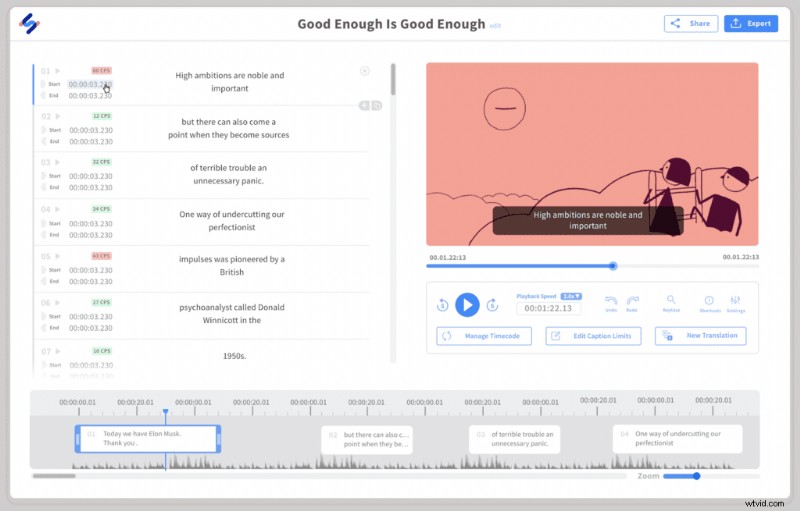
- One of the best transcription solutions on the internet, Happyscribe is also a good subtitle tool.
- Wide range of translation possibilities
- User-friendly interface and interesting synchronization features
- SEO Compatible Transcriptions
Cons
- Speech recognition and machine translation not perfect
- 1-hour video then paid version with credits
- Limited customization possibilities
Automatic and professional subtitle generator
Well, we had to talk about our solution!
At Checksub, we’ve been committed since the beginning to create the ultimate subtitle solution for professionals and video creators. That’s why we wanted to put freelancers and subtitle agencies at the center of our platform.
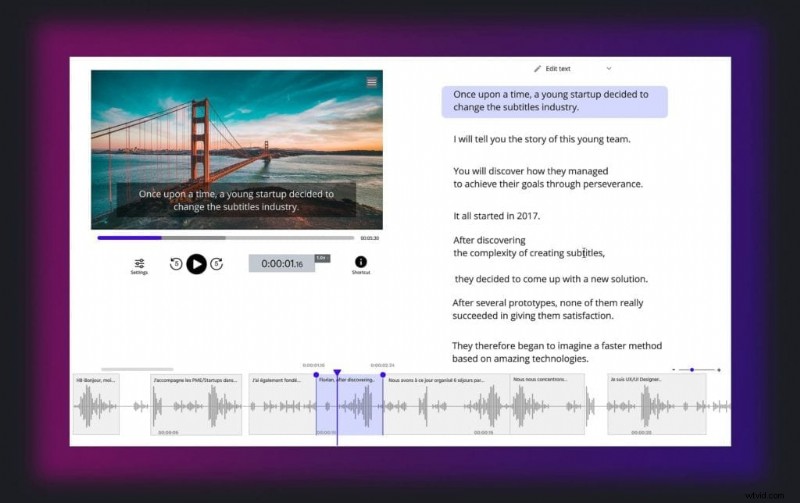
So you can use our automatic generator, but also ask for a subtitle expert to take care of your project. We have also designed the most accurate transcription and translation technology possible and are working on an editor that saves you a maximum amount of time
Even if our solution is not perfect yet, we want to make it the very best solution of the subtitle market. Here’s the result :
Pros:
- Wide choice of languages and good machine translation
- Collaborative platform with subtitling experts
- Wide range of export opportunities
- One of the best voice recognition on the market
- Our team is constantly improving user experience
- Reliable and active customer service
Cons :
- Customization possibilities to be expanded
- Subtitle processing sometimes buggy
- Speech recognition still not perfect
- Design to be improved
We’ll let you test it all out. We hope it’ll help you find the perfect subtitle tool!