
Do you want to create awesome emotes for your Twitch channel? Where can you start your creation? To help you out, this post will provide 4 Twitch emote makers as well as a simple guide on how to make emotes for Twitch. Need a free video editor? Try MiniTool MovieMaker.
If you’re looking for the best Twitch emote maker, you’ve come to the right place. This post will introduce 4 Twitch emote makers to you.
Before starting your creation, you must keep 3 things in mind.
- The image must be square in a PNG format
- The Twitch emote cannot exceed 1 MB.
- Image size: 28 x 28px, 56 x 56px, and 112 x 112px.
Top 4 Twitch Emote Makers for You!
- Placeit
- OWN3D Emote Maker
- EmotesCreator
- StreamShift
1. Placeit
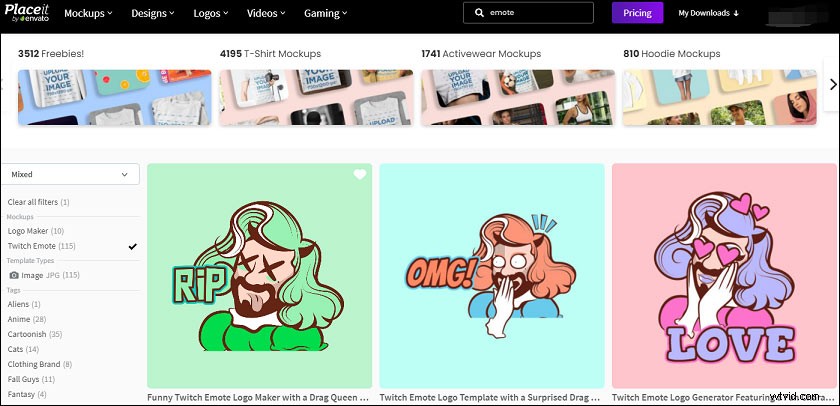
If you want to create Twitch emotes with a template, Placeit comes as the best Twitch emote maker. It’s very easy to use and enables you to make a emote quickly. And Placeit lets you make a logo, mockup, flyer, business card, and other social media image in seconds. Besides, Placeit is an online free video to GIF converter, Twitch banner maker, video cropper, etc.
Here’s how to make emotes for Twitch with Placeit:
- Open Placeit website, go to emote templates, and select a template.
- Customize the template by changing the text, text color, text font, adjusting the outline color, background, layout, and the emote character.
- Click the Download, you can choose the Buy ONLY This Logo for $39.95 or select a subscription plan ($14.95/month or $89.69/year).
- If necessary, resize the emote and then upload it to your Twitch account.
2. OWN3D Emote Maker
If you want a professional Twitch emote maker, you can try OWN3D Emote Maker. This tool enables you to make unique emotes for Twitch, YouTube, Discord, and Mixer. What’s more, it works as an avatar maker, trailer maker, gaming logo maker, badge maker.
Here’s how to make a twitch emote using OWN3D Emote Maker:
- Navigate to the OWN3D Emote Maker website, click the Tools > Emote Maker.
- Tap on the Create your own individual sub emotes.
- Select a character, define the appearance, and hit the Generate Emote.
- Choose some emotes, finish the payment, and download them.
3. EmotesCreator
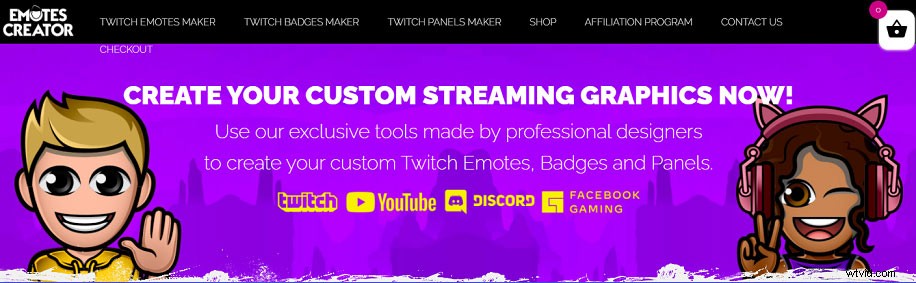
It’s another excellent Twitch emote maker and it’s simple to create custom Twitch emotes. And it also enables you to make custom badges and panels for Twitch, YouTube, Discord, etc. Here’s how to make emotes for Twitch with EmotesCreator.
- Type EmotesCreator in a web browser and choose Twitch Emotes Maker.
- Select the Male Emote or Female Emote.
- To customize the emote, choose the skin, clothes, hair, eyes, mouth, glasses, hat, headset, special, hands, and text.
- Click the SAVE YOUR EMOTE then tap on Add to cart and complete the payment.
4. StreamShift
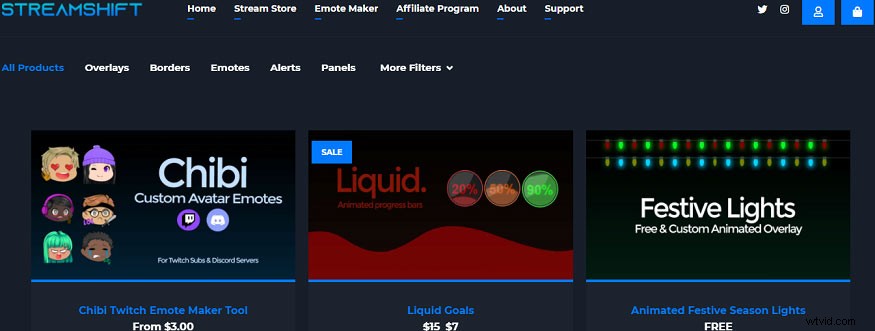
StreamShift is also a good Twitch emote maker packed with some templates and tools, including some free Twitch overlays, panels, free YouTube overlays, free Facebook overlays, etc. Here’s how to make a twitch emote using StreamShift.
- Go to the StreamShift website and click the Emote Maker.
- Choose one from Graffiti Emotes, Chibi Emotes, and Bubbles Emotes, and click the Customize.
- Select a style in each category including head, eyes, mouth, mode, text, and clothes.
- Then click the ADD TO BUNDLE, and complete your purchases.
Conclusion
Now. you’ve learned 4 Twitch emote makers and known how to make a twitch emote. Choose a Twitch emote maker, try to create your Twitch emotes. And if you’d like to share other tools to make Twitch emotes, just leave them below.