
Screenshots are usually saved in PNG format. If you need to convert PNG files to JPG files. Here offer you the top 3 free methods to convert PNG to JPG easily and quickly. Check out this post right now!
PNG and JPG are the most popular image formats. They can be opened and edited by almost all the photo viewers and photo editors. If you want to convert PNG to JPG, there are lots of ways to convert PNG to JPG with ease. Later, you will learn the top 3 free methods to do the conversion. To make a video from PNG or JPG files, try MiniTool MovieMaker.
Convert PNG to JPG on Windows
To convert PNG to JPG on Windows, you don’t have to install any third-party PNG to JPG converter, just use the Microsoft Paint tool. It can do all popular image conversions like BMP to JPG, TIFF to JPG, PNG to TIFF, etc. Besides that, it allows you to add text to image, resize image, rotate image, change DPI of an image, etc.
Below are the steps on how to convert PNG to JPG.
Step 1. Go to This PC and find the PNG file that you want to convert.
Step 2. Right-click on the PNG file and choose the Edit option from the popup menu.
Step 3. Then you can edit the file. After editing it, click on File in the menu bar.
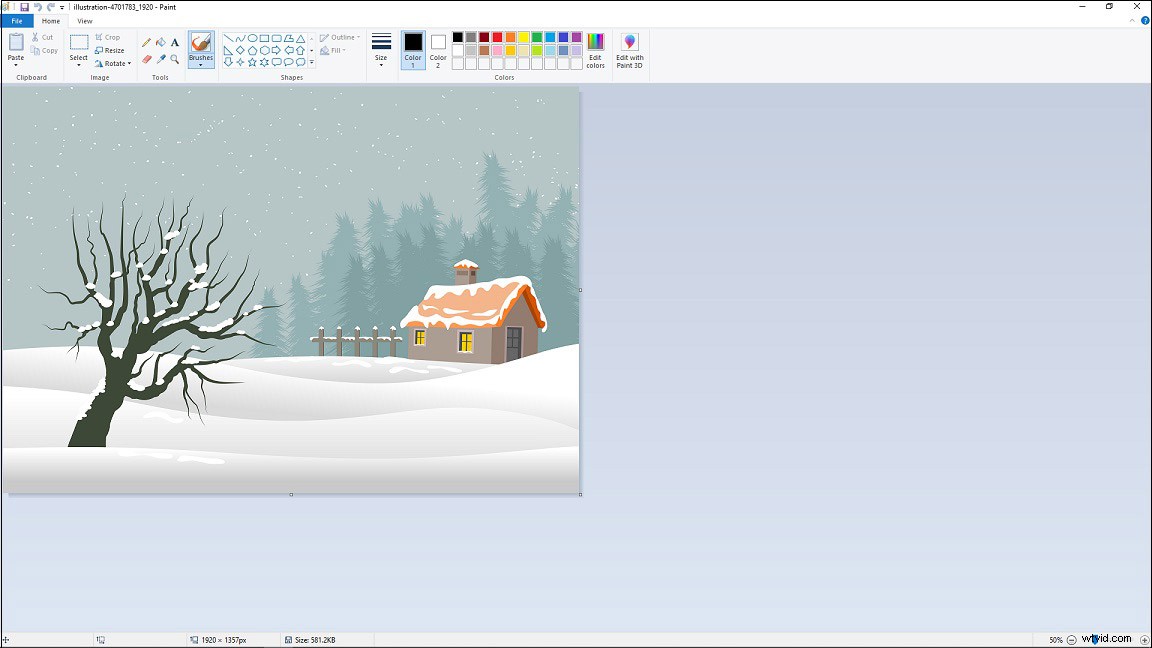
Step 4. From the drop-down menu, hove your mouse on the Save as option and select JPEG picture. Then choose a folder to save the converted file, rename it and click the Save button.
Convert PNG to JPG on Mac
For Mac users, they can use the built-in PNG to JPG converter – Preview. It supports various image formats and can convert PNG to other formats except for JPG.
Now, let’s see how to convert PNG to JPG on Mac using Preview.
Step 1. Open the PNG you’d like to convert with Preview.
Step 2. Next, tap on File in the top menu bar and click on Duplicate from the drop-down menu.
Step 3. Once the duplicate image is open, go to File > Export.
Step 4. From the Export window, rename the image file, choose a destination folder, and click on the Format box to expand the output format list.
Step 5. Choose JPEG as the output format and hit the Save button.
Convert PNG to JPG Online
Do you want to batch convert PNG to JPG? An online PNG to JPG converter is a great choice for you. Here recommend png2jpg. This free converter lets you convert up to 20 PNG files into JPG at once. But the maximum size of the upload files is 50 MB.
How to batch convert PNG to JPG online? Here’s a quick guide.
Step 1. Visit the png2jpg website.
Step 2. Click on UPLOAD FILES to upload the target PNG files. After uploading the files, it will start the conversion.
Step 3. Once the conversion is done, click the DOWNLOAD ALL button to save all the converted files.
Related article: Top 3 Online GIF to PNG Converters to Split GIF into PNG Frames
Conclusion
This post provides you with the top 3 free methods to convert PNG to JPG. Choose a method and have a try!