
RTSP refers to the Real Time Streaming Protocol. It is a network control protocol designed for use in entertainment and communications systems to control streaming media servers. You can use the following specialized RTSP viewers to play RTSP streams.
Let’s take a look at the powerful features of these RTSP viewers.
Want to make an amazing video? Try MiniTool MovieMaker.
PMPlayer
PMPlayer is an easy-to-use, professional and multi-functional media player, and it is also a powerful RTSP camera viewer.
It supports a variety of different types of media files, and also covers different video sources on the local system, including video streamings, files, CDs, and other video devices.
PMPlayer provides you with some professional tools, such as real-time automatic subtitle translation, network streaming, motion detection, screen capturing, screen sharing, video conference, video calling, video conversion, and video recording. At the same time, it also supports a variety of video renderers and video codecs.
VLC media player
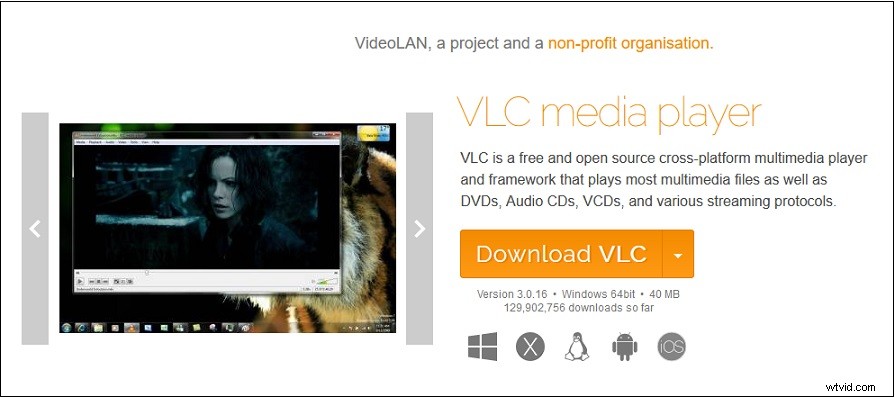
VLC media player is a free, no-spyware, no-ads and no-user-tracking cross-platform multimedia player and RTSP stream viewer. It can almost play most multimedia files, including various streaming media protocols, DVDs, CDs, VCD webcams, and devices.
It supports playing video and audio in multiple formats, like MP4, MOV, OGG, OGM, WAV, AVI, ASF, WMV, WMA, AAC, FLAC and so on. VLC media player also has many advanced features, including complete video playback, subtitle synchronization, video and audio filtering.
FFmpeg
FFmpeg is a cross-platform media tool that can be used to encode, decode, transcode, multiplex, demultiplex, and filter. Meanwhile, it also supports playing, transforming, recording, and streaming files in various formats.
It also supplies you with tools such as libavutil, libavcodec, libavdevice, libavfilter, libavformat, libswscale and libswresample to ensure that you can use FFmpeg, FFplay and FFprobe to transcode and play RTSP streams.
Moreover, it also pays special attention to security issues and arranges code reviews. When a new security issue is discovered, it will provide you with the latest stable version of the update as soon as possible.
RealPlayer
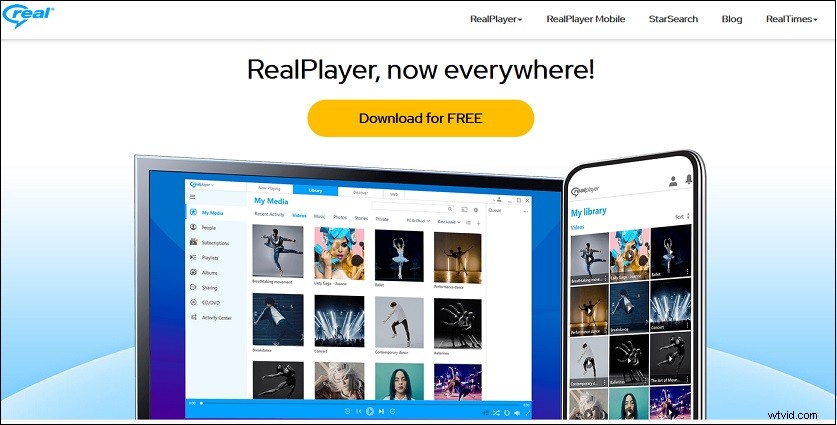
RealPlayer is a quick and easy media player. Through it, you can download videos from thousands of websites, including YouTube, Facebook, TikTok, etc. Additionally, you can also enjoy unlimited speed and quality up to 4K.
It supports streaming, playing and projecting videos in multiple formats on the big screen, allowing you to enjoy the video with a larger picture and clearer sound. CD and DVD playback and recording are also allowed.
It gives you a cloud backup so you can use your mobile device to access, synchronize, and stream your videos offline and securely. You can manage, organize, browse, and search your media collection with others. Moreover, finding and removing duplicates and creating playlists for videos and audio are also allowed.
More special and advanced is that it has two major functions, are StarSearch web extension and StarSearch Discover. Specifically, the effect of these two functions is to find celebrities appearing in the video and quickly jump to their scenes.
Conclusion
If you haven’t heard of RTSP viewers before, after reading this article, I believe you have a new understanding of them. If you are also interested in them, you might as well try them.