
Is there a way to watch TikTok videos without downloading the app? This post provides you with 3 solutions that enable you to watch TikTok without an app or account. (Want to edit TikTok videos? Try MiniTool MovieMaker.)
Your friends share some interesting TikTok videos with you, but you don’t have the TikTok app and don’t want to install it. Can you watch TikTok without the app? The answer is yes. Let’s take a look at how to watch TikTok without an app or account.
Watch TikTok Videos through Its Website
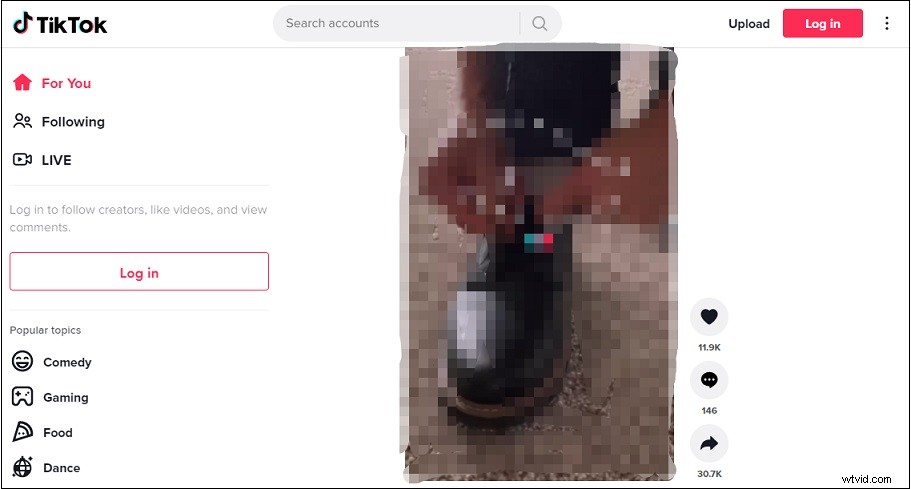
TikTok has a web version that allows you to watch videos, live videos, and upload videos.
Here’s how to watch TikTok without an account.
Step 1. Open your web browser and go to the TikTok official website.
Step 2. Then you can browse TikTok videos online without creating an account.
Step 3. There are some keyboard shortcuts that you can use to control the TikTok web version.
The Up arrow key means go to previous video.
The Down arrow key means go to next video.
The L key means like video.
The M key means mute/unmute video.
Watch TikTok Videos on YouTube
As you know, the maximum video length of a TikTok video is 10 minutes. Thus, some people choose to upload their TikTok compilation videos to YouTube. If you want to watch TikTok without an app, you can go to the YouTube website and search for “TikTok”. Then you can enjoy the most popular TikTok videos and trending TikTok songs.
You might like: How to Make a Compilation Video
Watch TikTok Videos with TikTok viewer
The last solution is to use a TikTok viewer. Here are 3 TikTok viewers you can use to watch TikTok online without an account.
UrleBird
Website: https://urlebird.com/
UrleBird is a free online service that allows you to browse trending TikTok videos, newest TikTok videos, and popular TikTok songs. You can utilize it to check TikTok video stats and download TikTok videos you wish to save.
Open the UrleBird website, type a username or hashtag in the search bar and click on SEARCH. Then you can view TikTok videos without an app or account.
TikyToky
Website: https://tikytoky.com/
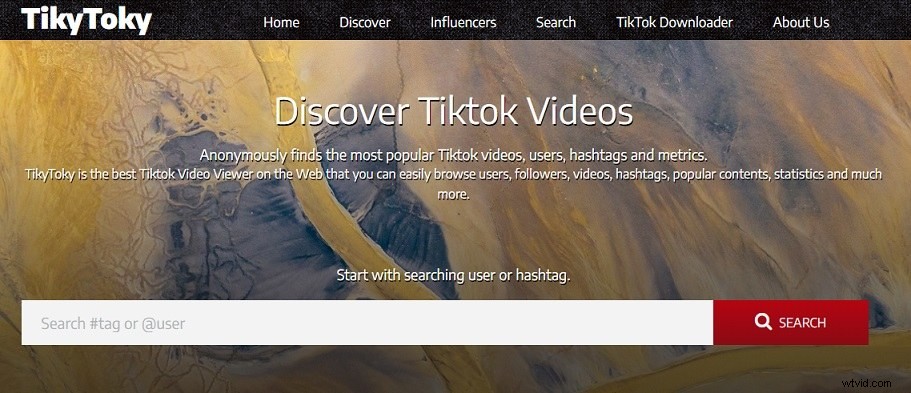
You can find the most popular TikTok videos on TikyToky. It’s an online TikTok viewer used to watch TikTok videos and save them without watermarks. Moreover, TikyToky has compiled a list of the top 100 TikTok Influencers.
Search for an account or enter a hashtag and browse TikTok videos online.
Want to know how to watch Instagram anonymously? See this post: How to View Instagram Posts and Stories without Account.
Brainans
Website: https://brainans.com/
This TikTok viewer gives you options to explore TikTok videos, download videos from TikTok, and analyze TikTok users. It’s web-based and free to use. There is no sign-up required. Simply put a username or hashtag in the search bar to view TikTok videos you like.
Conclusion
To watch TikTok without an app or account, you can use the TikTok web version, search for TikTok videos on YouTube, or use a TikTok viewer.
If you have other methods, share them in the comments section!