
With over 40 million video clips and 2.2 million music tracks, Pond5 offers an unparalleled media library. Finding the right asset quickly is crucial, and Pond5’s powerful filters make that possible.
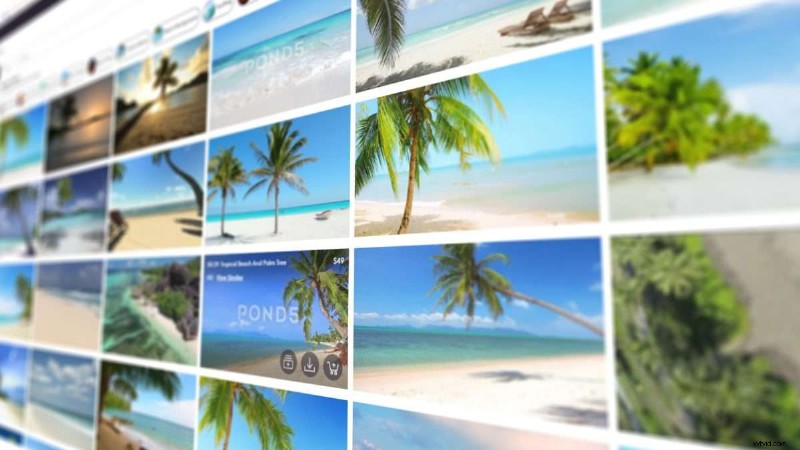
In this guide, we’ll walk you through every filter, showing how they streamline your search and ensure each click brings you closer to the perfect footage or track.
Why Filters Matter
Searching with a keyword alone often returns thousands—sometimes millions—of results. Filters act as a precision tool, allowing you to narrow the field to assets that match your exact needs. When paired with smart search terms, filters save hours of scrolling and keep your workflow efficient.
Beyond price and duration, Pond5’s filters link key data—resolution, usage rights, mood, and more—to each asset, providing clarity that titles alone can’t deliver.
Footage Filters
On the footage results page, click the arrow below the Pond5 logo to reveal 11 distinct filtering options. Each option offers granular refinement, from budget to visual details.
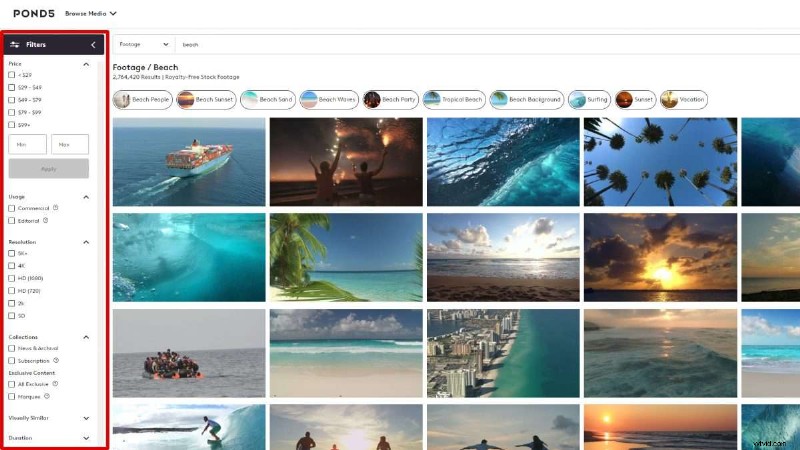
- Price – Set a budget range to find affordable gems or stay within financial constraints. A “Free” filter is also available in the Additional section.
- Usage Rights – Choose between Commercial (ad‑ready) and Editorial (news‑worthy) licenses.
- Resolution – Select from SD up to 5K+ for the highest quality footage.
- Collections – Filter by categories such as News & Archival, Subscription, All Exclusive, or Marquee content.
- Visually Similar – Upload an image or clip to find footage with comparable composition or color.
- Duration – Use the slider to specify clip length, ideal for projects with strict time constraints.
- FPS – Choose a framerate from 23.97 to 60+ fps.
- People – Refine by number of subjects and gender.
- Artist – Search for work by a specific Pond5 creator.
- Additional Filters – Explore Alpha Channel, Loopable, 360/VR, Free, and more.
- My Search Preferences – Toggle inclusion of Adult or Sensitive content.
Example footage: 1930S Cars People Cross Madison Street Bridge Chicago Vintage Film Home Movie by DogPhonics.
Music Filters
Music searches feature six primary filters that refine tracks by attributes you can’t see at a glance.
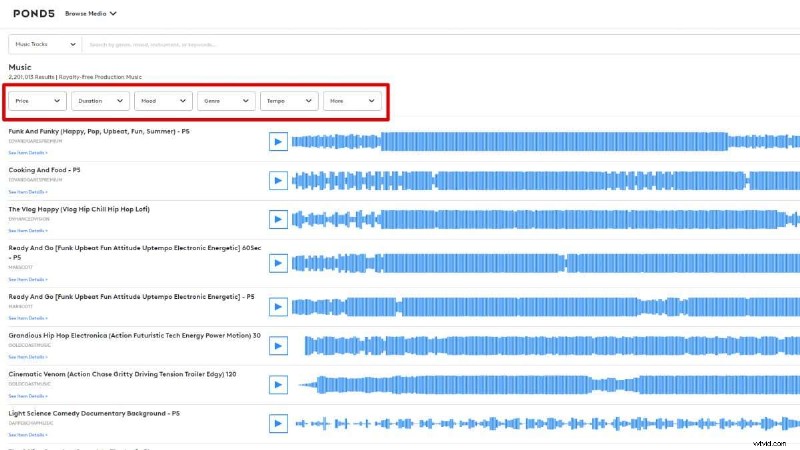
- Price – Set a budget from $0 to $100+.
- Duration – Choose track length for intros, outros, or full compositions.
- Mood – Select from 11 moods (Action, Chill, Happy, Cinematic, etc.) and combine multiple options.
- Genre – Pick from 15 genres such as Ambient, Orchestral, Video Game, Hip Hop, and more.
- Tempo – Filter by Slow, Medium, or Fast to match your project’s pace.
- More – Include Artist, Public Domain, Free, or limit to PremiumBeat tracks (available on Pond5).
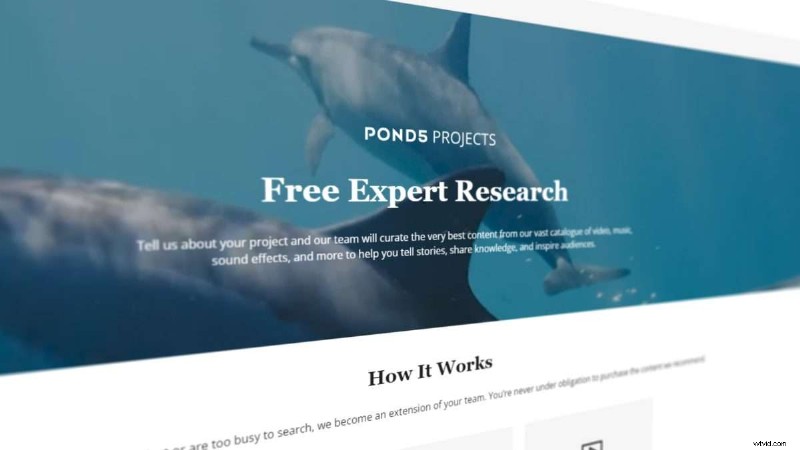
Free Expert Research
Need a quick curation? Submit a brief request, and the Pond5 team will email you a personalized collection within 48 hours.
Conclusion
Time is the most valuable resource for creatives, and Pond5’s filters are designed to respect that. By applying the right filters, you:
- Save hours – Skip irrelevant results and focus on relevant assets.
- Achieve precision – Find exactly what you need (e.g., 4K, 30‑second clip).
- Control costs – Stay within budget while discovering hidden gems.
- Unleash inspiration – Experiment across genres and moods to discover unexpected assets.
Think of filters as your creative compass—fine‑tune them, and the best media will be yours to use.