
When you bring a second camera operator onto your film or video shoot, be sure you communicate clearly about these five important elements.
If you stay in the film and video game long enough, you’ll find that there are many jobs that you simply can’t do alone. When you get to that point, you have a couple of options. You can join up with a bigger production team, or you can bring on someone to help you out.
Bringing on a second camera op can be a big help, but it can also cause some problems if you don’t establish a good line of communication early on. For best results, go over the following five essential topics to maximize the return on investing in a second camera op.
1. Project Goals and Scope

It’s a good idea to connect early and start chatting about your project. If you can find your camera op several weeks before your shoot, you can meet in person and go over everything in detail. If you’re limited to email or online communication, you can still get ahead of things. Just be sure to completely explain the project’s goals, scope, and details.
Also, if you’re paying your second shooter as a contractor, be upfront about how much you’ll pay them — and exactly when they will receive it.
2. A-Camera, B-Camera, and Audio
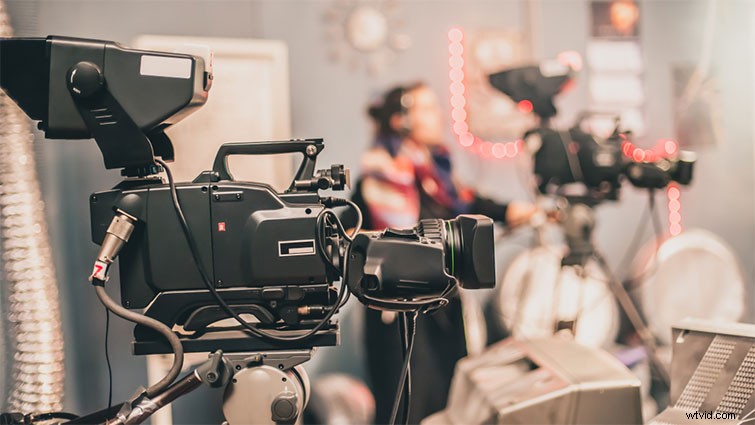
You’ll also want to clearly define both your roles on the shoot. Many two-camera projects (whether they involve event coverage, interviews, or anything else) will operate off an A-cam and B-cam setup. If you’re operating the A-camera, you’ll expect your B-camera operator to adjust his or her coverage accordingly (or vice versa). You’ll also want to coordinate when, where, and how you will record audio.
3. Recording Settings and Style

When working on two-camera shoots, it’s ideal to have two of the same camera. However, in the real world, this seems to rarely happen. Your second camera operator may bring a camera of their own, or maybe you’re supplying another one you have at your disposal. Either way, as soon as you know what you’re working with, you’ll want to synchronize your recording settings. Unless you’re looking for different coverage types, its helpful if you sync your FPS, aperture, and picture profiles.
4. Coverage Priority
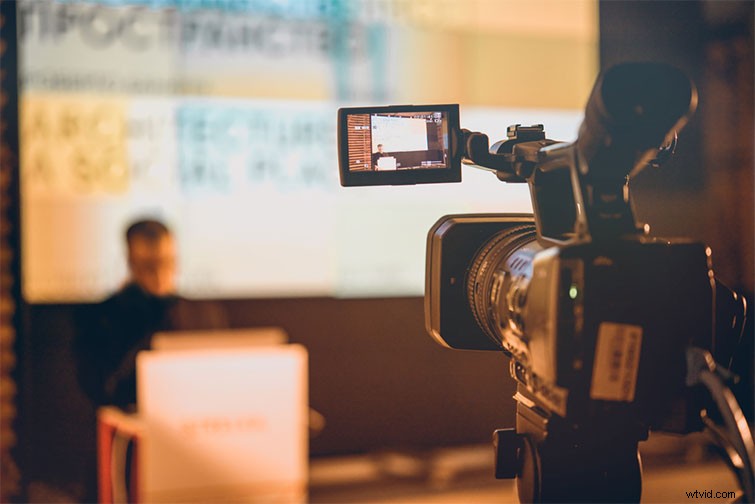
Once you’re on your shoot, depending on your overall coverage goals, you may want to divide and conquer. This is often necessary for event videos, when there’s a lot going on and you need to get as much coverage as possible. If you need to send your second camera off to shoot on their own, give them clear guidelines about your coverage priorities — like filming particular people or brands, certain exteriors or wides, or specific crowd reactions. Let your second camera op know exactly what to look for, ideally with a shot list.
5. Footage Handoff and Payment
Finally, when all is said and done and you’ve wrapped your shoot, initiate a quick but professional handoff of footage and/or equipment. Unless you’ve already worked something out, do not let your second camera op leave with cards or footage. Ideally you’ll have a way to upload footage immediately (or take the cards with you). You’ll also want to be clear about how and when you’ll deliver payment. (As I said above, iron this out early into the project — well before you begin shooting — and use a contract.)
Cover image by wellphoto.