
Looking for filmmaking tips? Find out why you should master the art of editing while you shoot for faster and smarter video productions.
Cover image by welcomia.
When filming a run-and-gun project, editing while you shoot is more than just an expression. It’s as much a mentality as it is a way of life — once you’ve mastered the necessary skills. The trick is to find a way to shoot with the open-eyed wonder of a cinematographer, combined with the pessimistic censor of a pragmatic editor. Easy, right?
To help improve your editing-while-you-shoot mindset, here are some tips and tricks to streamline your workflow — and ultimately help you shoot faster and smarter.
Take Copious Notes
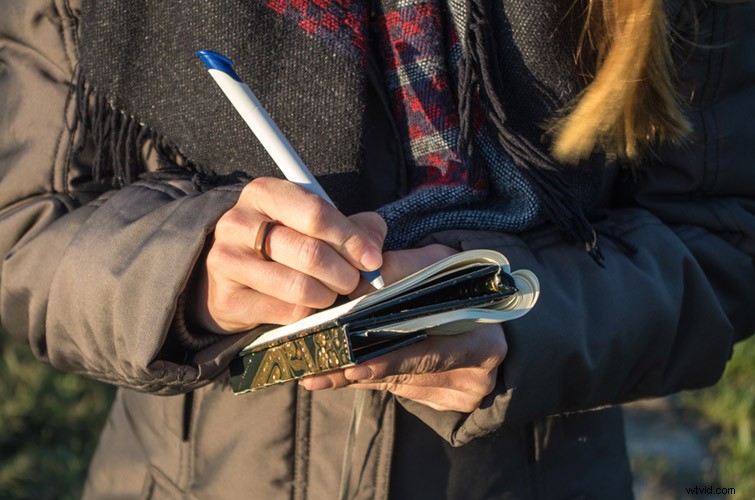
Image by swuerfel.
Let’s start with the obvious. If you’re going to edit while you shoot, you need to take copious notes throughout production. Even the act of writing out notes is a great way to train yourself to recognize what you need to record and remember. When you’re shooting on the run, pausing for a few seconds to review your work over the last 30 minutes or hour (to determine what worked and what didn’t) can help you exponentially, moving forward.
Mark Shots In-Camera
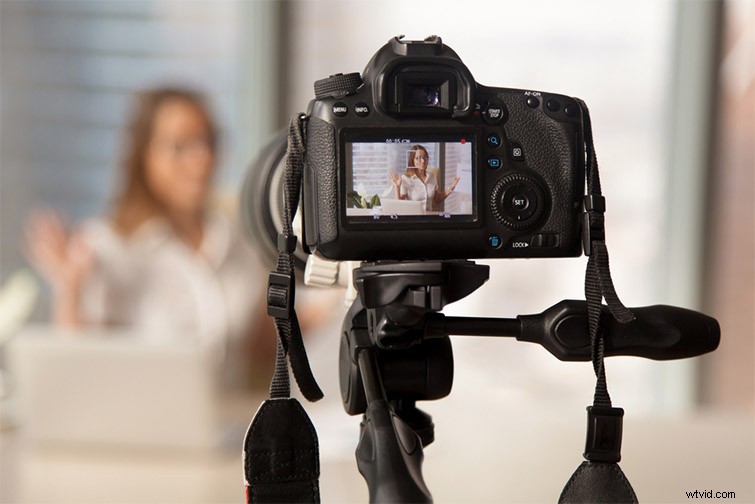
Image by fizkes.
While not all cameras have this capability, marking shots in-camera is another great way to edit while you shoot. If you can’t physically mark shots in-camera, you can always review your shots in-camera and simply make a note of the shot IDs in a small notebook (or in your phone). Marking shots can speed up your edit later because you’ll know which shots will work for different sections right after you shoot them. I would also suggest marking weaker shots that aren’t worth your time — or deleting them on the spot.
Shoot Interviews Before B-Roll

Image by Monkey Business Images.
When shooting soundbite, interview-driven pieces (which will later involve subjects juxtaposed against B-roll and other animations), a good edit-while-you-shoot trick is to knock out the interviews first. Especially if it’s a run-and-gun project without a strong storyboard or script. If you shoot interviews first, you can listen in real time to the strongest soundbites and determine how the narrative is unfolding. If, say, your subject mentions that “a company has a great training room with daily hands-on lessons,” then you can be sure to get this footage when you dive into B-Roll.
Start (and End) with Your Strongest Shots
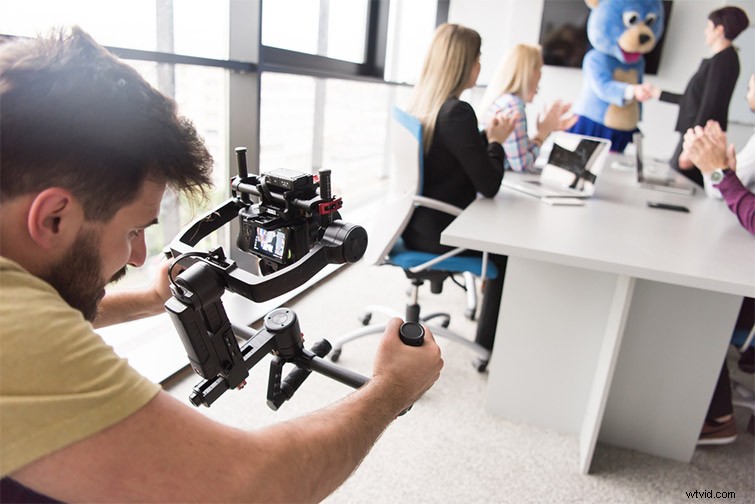
Image by dotshock.
One trick, which can drastically speed up your editing process, is to make a habit of starting every project with your strongest shot (and ending it with your second strongest). While you can obviously deviate as necessary, knowing the first shot you’ll use in your timeline can save hours of deliberation. You’ll usually know your strongest shot when you get it — or immediately after, when you review. If you can lock that in early, you can build your timeline in your head while you’re still shooting.
Editing Together Dailies on Set
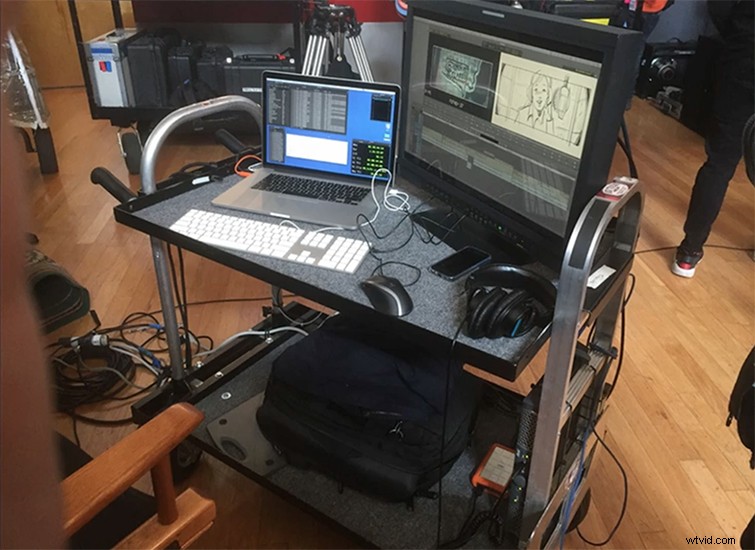
Thanks to digital technology (and some creative on-set portable setups — as featured in this article on editor Paul Machliss’ work with Edgar Wright on Baby Driver), it’s becoming more common to have an editor on-set. (“Dailies” is an old industry term: studio execs would review film every evening while editors worked on productions during the day.) Nowadays, with productions on the run, editing as you go proves that even the best rely on the same edit-while-you-shoot thinking to make sure they’re getting everything they need.