
How to shoot car vlog videos
First of all, in some countries (or American states), it may be prohibited by the law, depending on the used equipment and the driver's age. Secondly, even if it's legal (which is still a grey area and may be interpreted differently by different officials), it's still quite dangerous.
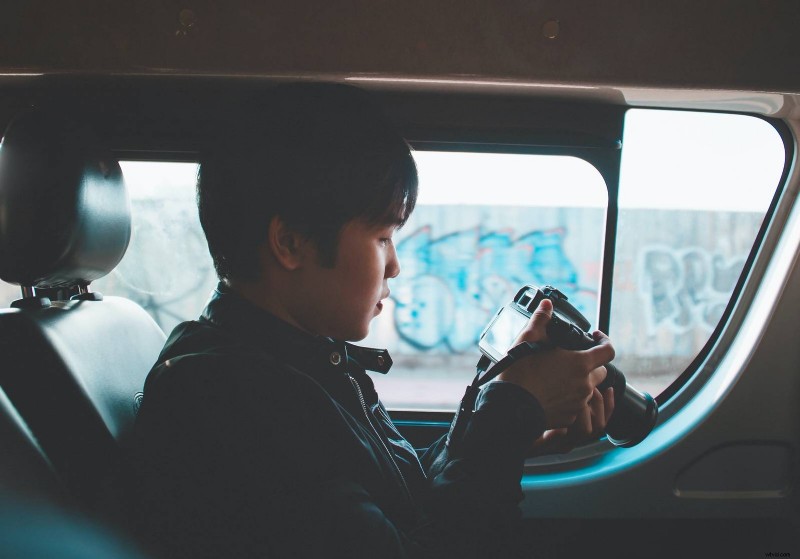
On the other hand, driving videos make great content for travel vlogs or road trip journals. Sometimes you need this type of shooting to show your followers the real "live" situation, not some filtered images from the Internet.
So, if vlogging while driving is totally necessary and inevitable, follow our tips to make it as safe as possible.
Plan ahead
You won't have time for on-spot decisions while driving, and neither will you be able to be flexible in terms of plot. Write the outline for your car vlog episode, and think of the locations you want to show.
Don't write a word-by-word script, as you will not be able to read it anyway, but decide on the key points to mention. It's also a good idea to rehearse before actual shooting (and driving).
Use the proper gear
Mobile phones seem an obvious option for recording, but remember that phone usage while driving is prohibited in many countries/states, even if you don't talk or use it hands-free. So, check twice and use your smartphone only if you're 100% sure it will not get you into trouble.
There are other, better, camera options, though.
- GoPro
- Point & Shoot
- DSLR
- Mirrorless camera
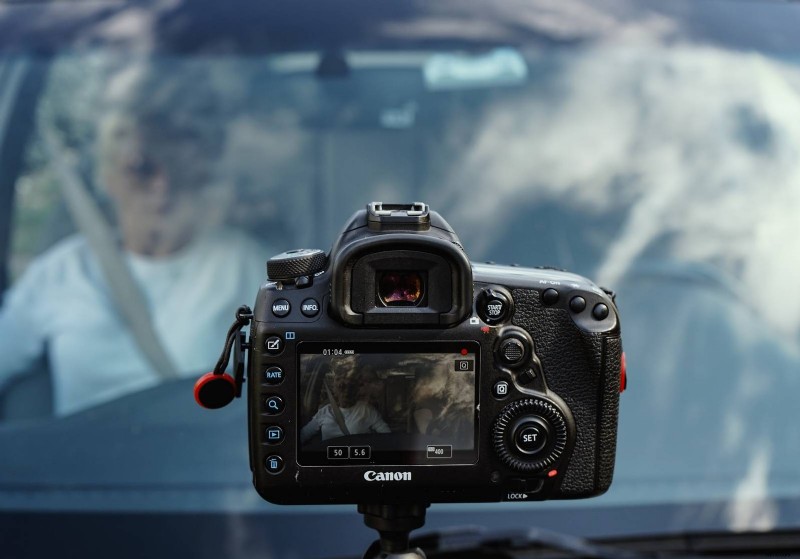
We can't tell you what is the best camera for car videos, as it depends on numerous factors. The only thing: don't forget to get a camera stand for the car, as by no means you're supposed to hold your equipment by yourself while driving.
Safety tips
As we have already pointed out, driving videos are not as easily recorded as the other types of video content. There are some ways to reduce risk.
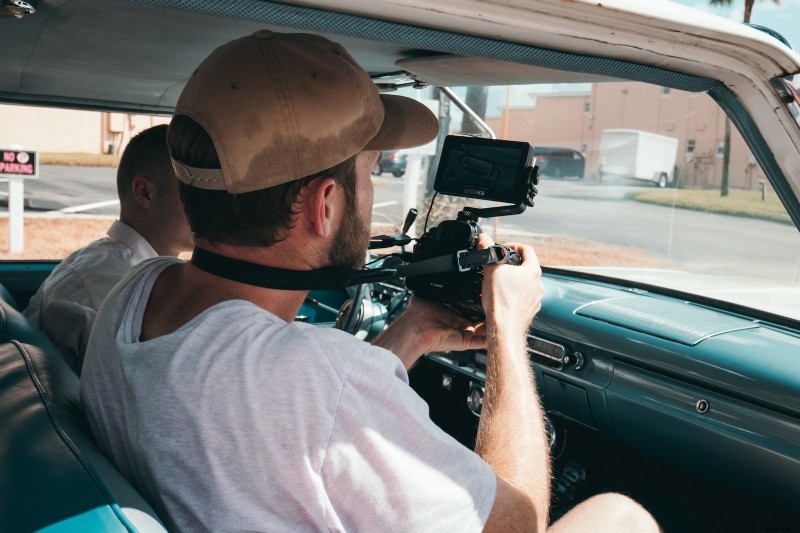
- Get an assistant. Ask your friend to record you while performing as a host and a storyteller. That's the best solution ever. In such a case, you can even use professional equipment with complicated settings and have less post-production video editing.
- Set the cam up and start the recording in advance. It's a golden rule: no fiddling while driving. Your hands should be on the wheel, eyes — on the road. If you don't have an assistant and have to change the settings or stop recording, pull over first and then do what you need. Don't worry about the extra shooting; you'll easily cut it off later.
- Use convenient equipment (we've already talked about that) and make sure to give it a "test drive" first. If you're going to use something brand-new, spend some time sorting it out first. You will not have time for that on the road. Make sure your gear is not clumsy and doesn't obstruct your view.
Talking briefly, we can just repeat: if you can avoid shooting while driving — please, do! But if it is absolutely necessary, then follow our tips and have fun!