
In this article, we’re going to dive into what YouTube playlists are, learn the benefits, and look at how to make them.
One of the most overlooked aspects of YouTube would have to be the playlists. Playlists offer a lot of secondary functionality, and they can help give your content a more professional touch.
In this article, we’ll discuss the basics of how YouTube playlists work and how they can benefit your content!
What Is a Playlist
Playlists on YouTube work in a similar manner to playlists on any other media. You’re essentially curating a select set of videos together, and arranging them in a specific order. Think of the videos as chapters in a book, and the playlist is what binds them all together.
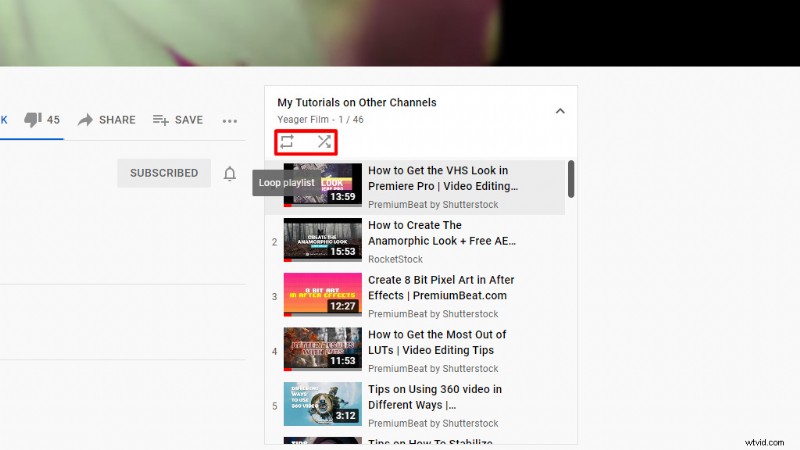
Playlists can make it easy for the viewer to find and follow a series of videos. YouTube playlists also offer secondary settings, such as “loop playlist” and “shuffle playlist.” These settings are nice if you’re creating playlists for music, or looping content for something like a tradeshow.
Benefits of Playlists
Let’s take a look at the many benefits playlists can provide for content creators on YouTube.
Easily Find the Right Content
First off, playlists can make it easy to find the content you’re looking for. A good example is a playlist for a tutorial series.
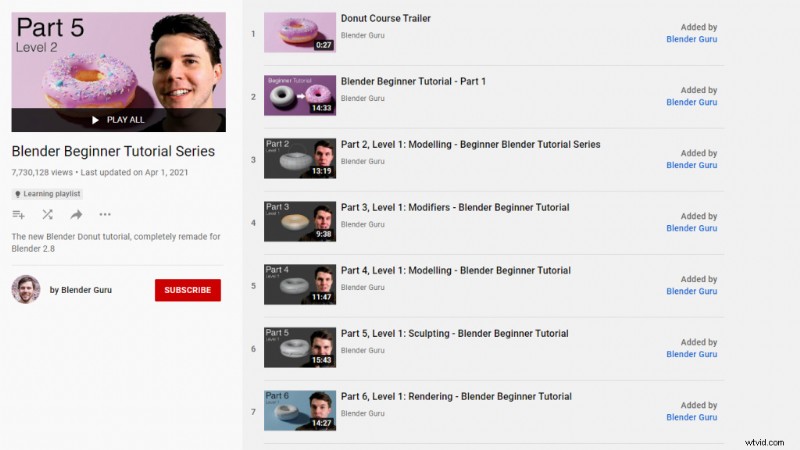
I recently did an article for PremiumBeat about things I learned creating a donut model in Blender. This article was based around Blender Guru‘s famous donut tutorials. Luckily for me, all 24 parts of the tutorial series were in a playlist, which made it easy to keep track of my progress. Plus, it saved me a lot of time by not having to search YouTube for the next tutorial after each one finished.
Share Multiple Videos with One Link
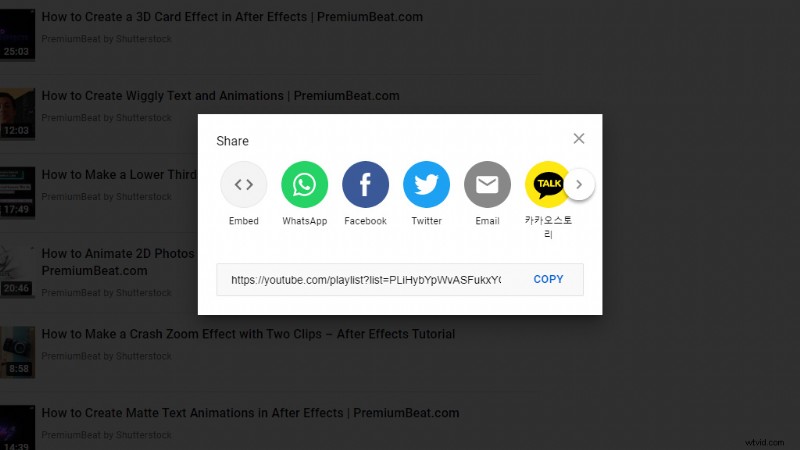
Another really convenient feature playlists provide is the ability to share a curated selection of videos with one single link. All you need to do is click on the share icon for a selected playlist and copy the link.
Likewise, you can create your own curated playlist of videos and then share that link, as well. This makes it super easy to forward multiple videos to clients for preview, or to share a video series or music playlist.
Channel Organization
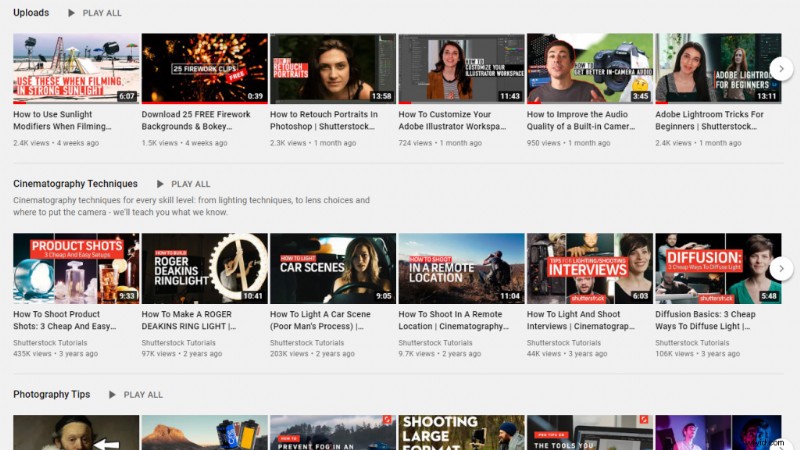
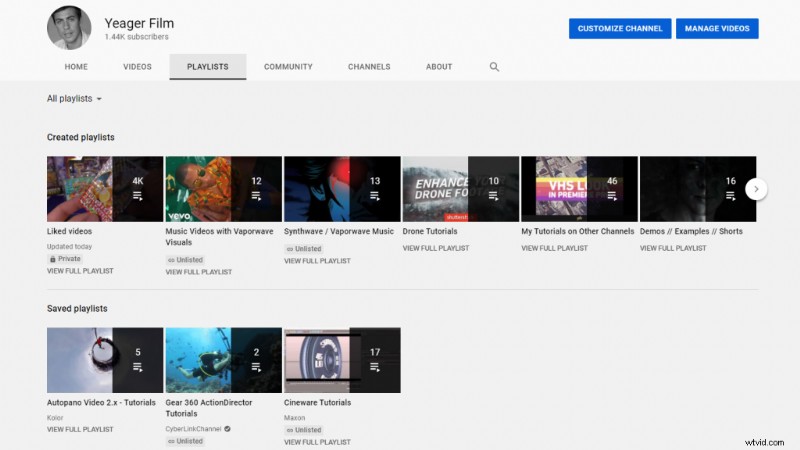
Playlists also offer a method of organizing content on your YouTube channel. YouTube allows users to select and arrange how playlists are featured on their channel page. This makes it easy for new viewers to locate the content they’re looking for.
Even if you don’t publish content on your own YouTube channel, just by having an account you can create and manage your own playlists. You can also save playlists for later, and find them under your Playlists tab on your channel page.
YouTube Promotes Playlists
A lot of people may not realize, but YouTube promotes playlists in a similar manner that they promote videos. A lot of times, you may see playlists in your video feed and not even realize it. You can recognize a playlist by the little play icon located at the bottom-edge of a video thumbnail. That indicates a playlist.
You’ll also see playlists recommended by YouTube at the end of a video. Creating some playlists of your own will help ensure you’re taking full advantage of all the possible ways your content can get promoted by YouTube.

Who Can Make Playlists
Anyone with a YouTube account can make a playlist. This can be a playlist for your channel, a playlist of videos you like from other creators, or even something like a workout playlist. The possibilities are up to you!
You can also set playlists to be public (visible to anyone), unlisted (visible only to viewers you send a link to), or private (only visible to you). You can access all of your own playlists from the left-side menu bar on YouTube.
How to Make a Playlist
Making your own YouTube playlist is easy. Once you find a video you’d like to add to a playlist, just click the save button under the right-side of the video. This will allow you to save the video to an existing playlist or create a brand new one.
If you create a new playlist, you’ll be given a few more options, such as naming the playlist and selecting the privacy settings.
For more YouTube start-up tips and advice, take a look at these articles:
- How to Make a Professional YouTube Video Introduction
- Improve Viewer Engagement: A Complete Guide to YouTube Timestamps
- How to Add Subtitles to YouTube Videos
- How to Start a YouTube Channel – Everything You Need
- The 10 Best YouTube Channels for Photographers in 2021
Cover image via pathdoc.