
Using your phone as your primary camera will advance your cinematography skills and introduce you to new filmmaking techniques.
Cover image via Shutterstock.
Let’s say you have all the necessary gear to shoot a full-on production with your phone. Maybe that includes stabilization rigs, attachable lenses, and recording apps that give you more control over your image. So how else can you maximize image quality with using a phone as your camera?
One of the biggest advantages of using your phone as the main camera is the size, mobility, and versatility the unique build and design can offer you as a cinematographer or director. Let’s take a look at a few of the different ways you can use the micro body to your full advantage.
Positioning Your Phone
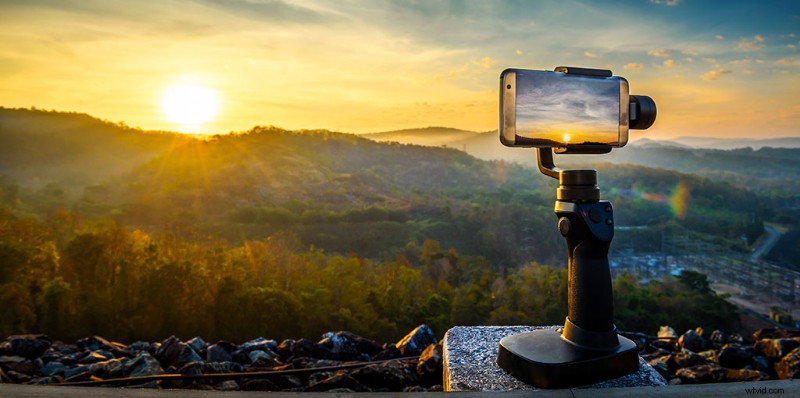
Image via Shutterstock.
Consider the usual workflow you’ve adopted for carrying and shooting with a DSLR or mirrorless (or URSA/RED/ALEXA). The size and bulk of any standard camera you’d be working with on small-budget or big-budget production is going to be considerable. Since you’ll be using your phone, all the problems and consideration of standard camera size and capabilities (in regards to space) goes out the window. Don’t be afraid to stick your phone on a shelf, in a crack, down on the ground, or even on your actor. Get creative! Use your actors and the environment you’ve created for the set to your full advantage and capture images in new and exciting ways. Filmmaking with phones is a relatively recent trend for the most part, so the rules are still being set. As long as your footage suits the story you are telling, who cares if you captured it from a weird angle with the same device you use to send selfies to your parents.
Consider the Quantity
Image via Shutterstock.
Let’s say you are shooting the next John Wick action epic. You’ve managed to convince enough of your friends, actors, or extras to join your filmmaking endeavor. On last year’s Hacksaw Ridge, Mel Gibson had his stunt men carry Black Magic pocket cinema cameras as they ran through the explosive action scenes. The same tactic can apply to your short or feature film. Never stray from the idea of using as many phones as you can to capture all the footage you need. If you’re shooting a complicated, choreographed scene, extensive coverage can prevent missed angles and opportunities, and it will help with the edit.
So, if you’re shooting your standard two-camera setup, with your phone, don’t be afraid to pull out all the stops and use as many cameras as you can, placing them in various places that will capture all the shots you need. Just make sure each camera is set according to the standards you’ve established for the project.
You must also consider how you will retrieve the footage once the shoot is over. So, it’s best you don’t ask a random extra for their phone if you have no way of getting the video. That means you shouldn’t rely on these angles and shots for your main footage. Think of these extra phones as fallback shots just in case your A and B camera don’t pull through.
Use It for Other Roles
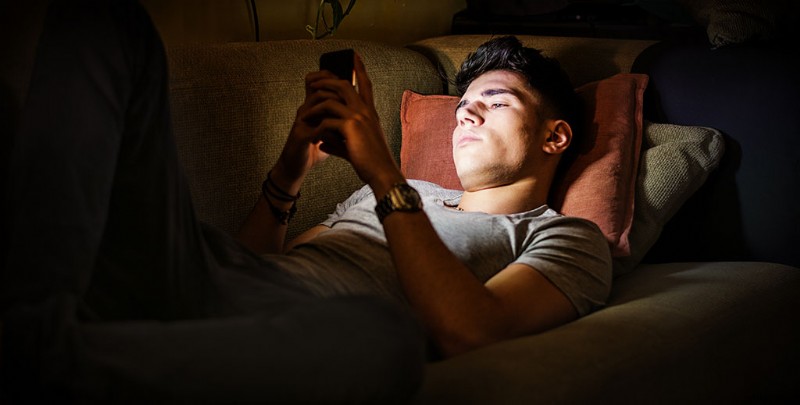
Image via Shutterstock.
If you’ve decided to go full-blown DIY with your production, consider how you can use your phone in other ways, specifically for lighting. A phone can be an excellent source of practical light on your subject while serving a specific purpose in the story. If a character is using their phone, turn up the brightness, or place a tiny LED on the phone (covered from the camera by tilting the camera away from the lens) and lighting your subject. You can also use the flashlight on your camera and place the light off camera, providing an ominous glow (in case you’re shooting a horror film). The light isn’t strong enough to provide a complete key or fill light, but it can serve as backlight or on-camera practical.
(Side note: Steven Soderbergh has just directed and shot an entire horror film with an iPhone, so this dynamic form of filmmaking is developing every day.)
For other tips and tricks for phone filmmaking, check out our past coverage.
- The Best Phone Apps for Shooting and Editing Video
- Essential Stabilization Gear for Shooting Video Using Your Phone
- Cinematography Tips: Using Your iPhone as a Light and Color Meter
- Smartphone Filmmaking: Pro iPhone Videographer Equipment