
Text and images by: Jammie Graves.
First let me say that I am NOT advocating that you ditch your main camera. I am suggesting a self assignment to learn more about photography and yourself. Let’s discuss some advantages of having a camera phone.
It’s convenient! A small compact package that is easy to carry with that instant feedback package known as a digital screen. Camera phones go places many other cameras are not allowed but be sure to understand the rules where you are going to shooting!
Having a camera phone will teach you about keeping batteries charged and lenses clean because if you don’t you won’t be happy with the results. None of us would let our phones die would we?
Your camera phone will allow you to learn all the controls well, since they are simple and few, then experiment with different settings. This will be the same methodology you can follow to learn to use your main camera. Reading the book, learning the controls, taking bad pictures, and then creating great pictures. You will learn what effects the different ISO’s produce, how white balance settings can create different color palettes, which ultimately will let you anticipate which settings you want to use for that next great image.
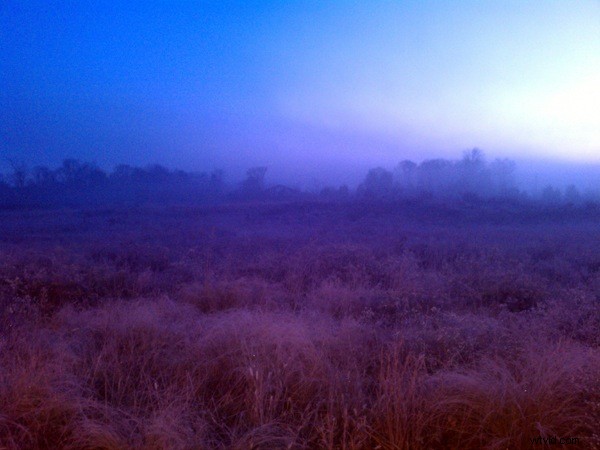
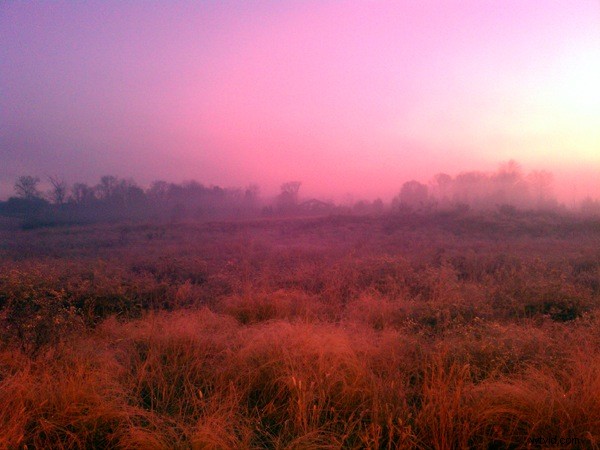
I like to take my camera phone to places that are tough to photograph such as night scenes, twilight, or indoor settings.
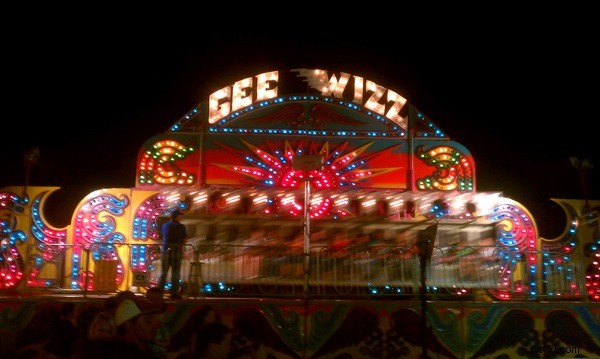
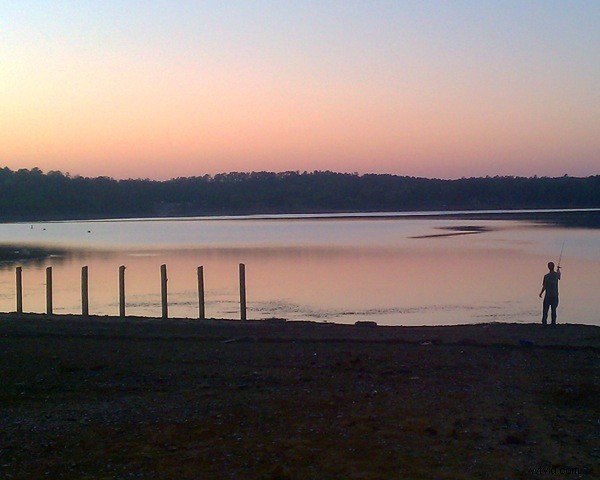

Having mastered the controls, I can focus on composition. By using the large preview screen I can see how moving the main subject from one grid point to another in the rule of thirds changes my outcome. I can anticipate my final lighting as the changes are automatically shown in the preview screen and then I can analyze the results once I create the image.
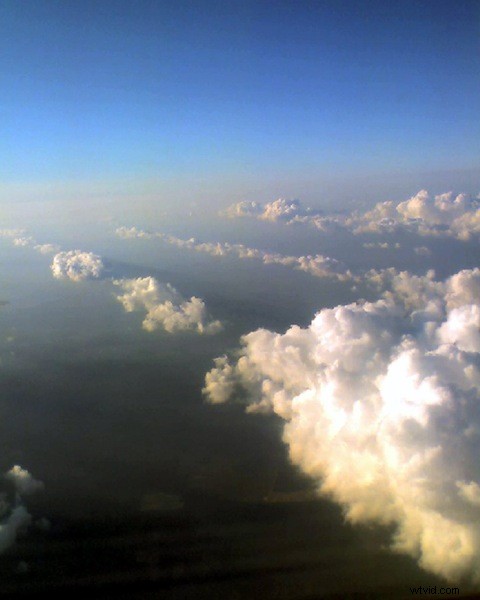
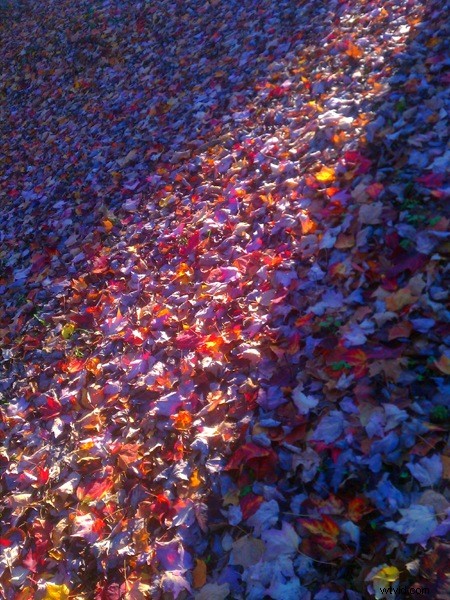
Oh, I guess you want to know what camera phone I use – HTC EVO 4G. This a high definition camera phone but any camera phone will work for this self assignment. I have used a Motorola Razr and small disposable phones as well. So drop that call and snap more pictures!
Jammie Graves write: an engineer and part time pro photographer. I started my photographic journey in college through industrial photography. My website is http://www.jamkat59.smugmug.com.