Do you dislike 360 and VR video? In this video tutorial, we’ll show you how to get creative with some alternative uses for these formats.
With the polarizing rise of 360° video and VR, you’re likely either a supporter or someone who believes it’s all just a fad. Regardless which camp you’re in, in this tutorial, we are going to explore some fun alternative uses for 360° cameras and VR effects. As you will see, you can use them for so much more than standard 360° video in a headset.
Point-of-View Perspective
This is my favorite aspect of using 360° cameras. By exporting a point-of-view (POV) perspective from 360° footage, you are basically only using a “slice” of the entire 360° shot. So the end result looks exactly like traditional, flat footage. However, because everything was filmed in 360°, you can rotate the virtual camera and frame up your new POV shot in post. You can also key frame the virtual camera rotation and add camera shake and natural motion blur.
Ultra Wide-Angle Shots
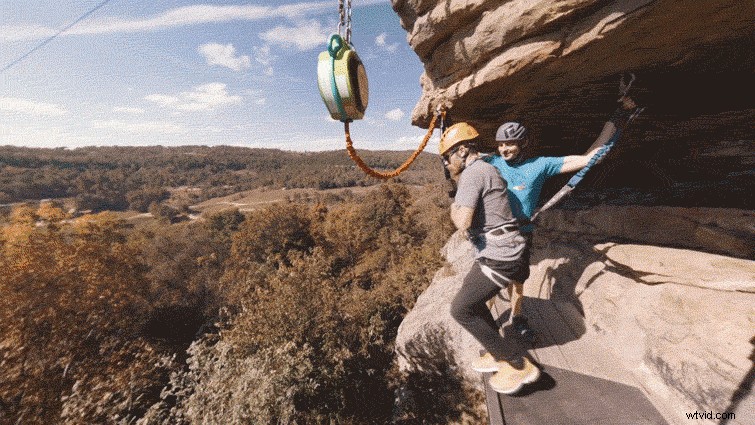
Another great use for 360° cameras with traditional video, is creating ultra wide-angle shots. This is because when you convert 360° footage for traditional video, you can set the field of view beyond what would be possible with a real wide-angle lens. (The free GoPro VR plugins for Premiere Pro are great for this.) The end result is a trippy, ultra wide-angle look. (This is also how you can create the “Tiny Planet” look that is popular with 360° cameras.)
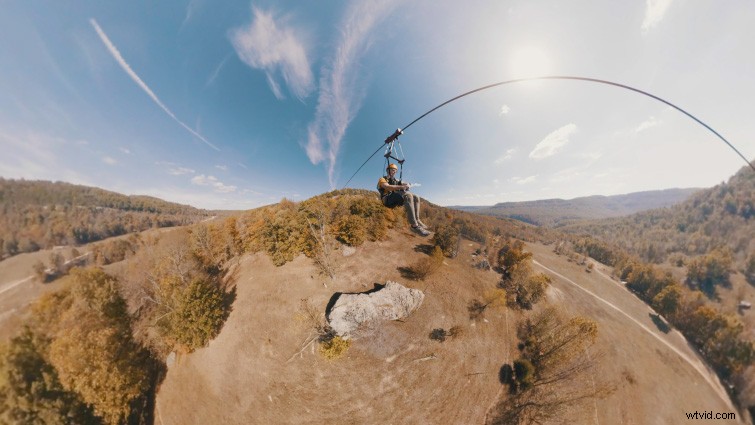
Photo Time-lapses
360° cameras are also ideal for creating traditional photo time-lapses. This is because when you are using a 360° camera, you eliminate the worry of missing the action on a long time-lapse. (Again, because you can re-frame the shot in post.) Not only that, you can also animate the camera angle in post, which can add a lot more dynamic movement.
Environment Maps for 3D Models
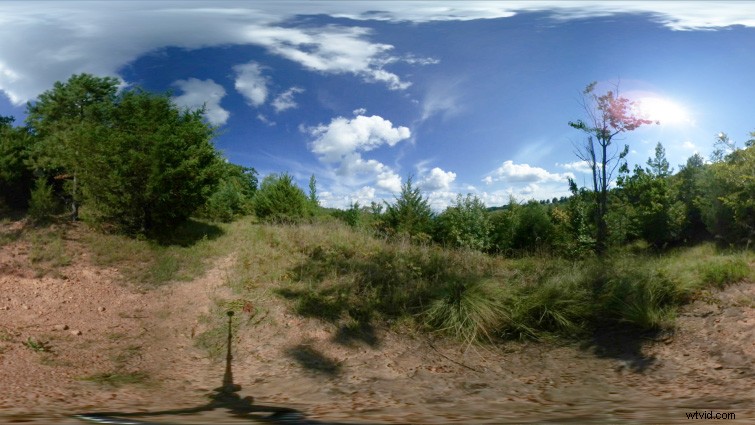
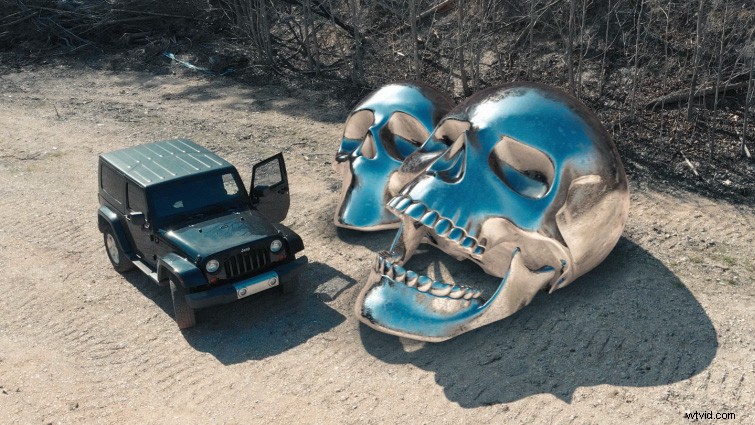
Because the footage and images from 360° cameras are spherical, they are ideal for capturing environment maps when you are out on location. You can then take those environment maps and use them on 3D assets you are compositing into a scene. And since the 3D model is reflecting the actual environment you’re compositing it into, the final results are much more realistic. (And much faster!) You can also film the 360° camera in your shots and use the camera as a track point to then add your 3D model into the scene.
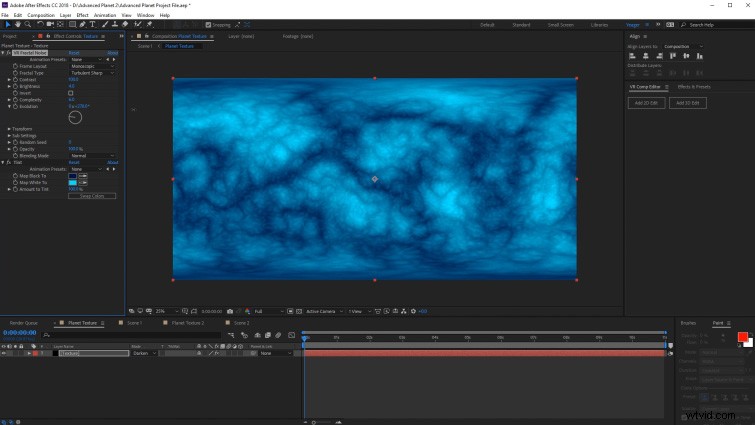
Create Spherical Textures
Since all of the new VR effects in Adobe Premiere Pro and After Effects are seamless, they are ideal for creating spherical textures. (They are under the new Immersive Video effects in Premiere Pro and After Effects.) Effects like VR Fractal Noise are ideal for creating textures of planets, or orbs, but you can also use them to create seamless textures to use in other 3D programs and plugins.