
Video editors and motion graphic designers use video overlays to alter the appearance of video footage. In an instant, you can customize a stock footage clip to match the rest of your video.
What are light and dust overlays?
Video overlays are clips of footage, in this case light and dust elements, that you can layer on top of other video clips. Using blending modes, you can quickly customize and add overlays on your clips to change the overall look.
Most of the time, video overlays add depth to footage, alter the appearance of the clip, or smooth transitions into other clips. Overlays like light leaks, lens flares, and volumetric light can add ambience to footage.
DOWNLOAD 16 FREE 4K OVERLAYS FROM ROCKETSTOCK
How to use video overlays
This collection of video tutorials will show you the many ways you can use video overlays with footage and motion graphics. Also, all of these tutorials use these 16 FREE 4K overlays you can download and experiment with. These elements are all drag-and-drop mp4 files that should work in any NLE.
Here is a quick look at the volumetric light and dust overlays from RocketStock.
Overlays on footage using blend modes in Premiere Pro
In this video from PremiumBeat, you will learn how to add light and dust overlays to your footage. The tutorial also includes 16 FREE 4K light and dust overlays from RocketStock.
While this tutorial focuses on using Adobe Premiere Pro, you can achieve the same look in most other NLEs like Final Cut Pro X, DaVinci Resolve, iMovie, and more.
Add volumetric light to footage in Premiere Pro, After Effects, and FCPX
This light and dust overlay tutorial from RocketStock will show you how to use the overlays in Premiere Pro, Final Cut Pro X, and After Effects using blend modes.
You will learn how to manipulate and mask the light beams to achieve an optimal look, as well as apply the dust to add more ambience.
Using volumetric light overlays with motion graphics and footage in After Effects
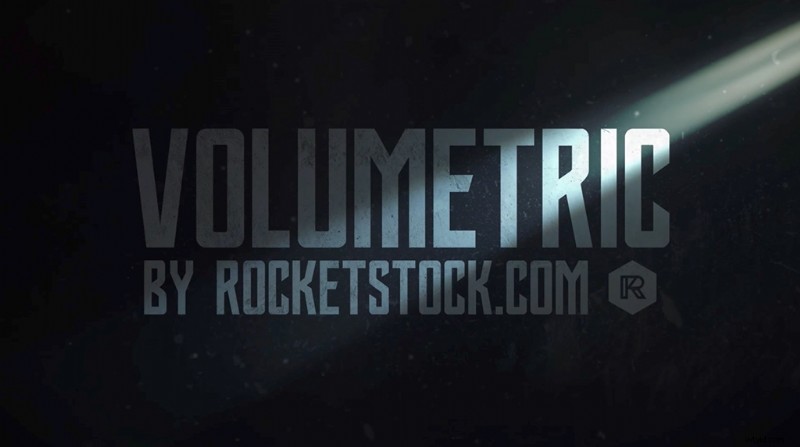
This video tutorial shows you how easy it is to use the same 16 FREE 4K light and dust overlays and apply them to your motion graphics in After Effects.
In an instant, your graphics will take on a unique blend of text and natural light for a very clean look.
Using light overlays in After Effects (Spanish)
In this Spanish-language tutorial from NUVA Productions, you’ll once again see another way to apply light and dust overlays to footage in After Effects.
Once again, all of these light and dust overlays are available for FREE to use in any of your projects.
DOWNLOAD 16 FREE 4K OVERLAYS FROM ROCKETSTOCK
Hope you enjoy these free 4K overlays. Be sure to share some of your own work with these light and dust overlays in the comments.
Cover image via Shutterstock.