
Learn how to showcase your social media platforms using a social media bumper and lower thirds.
If you are a brand manager, freelancer, or otherwise have anything to do with offering a product or service, you probably use social media as a part of your business.
When you create video content to promote yourself or your business and post the video online, you may want to direct that viewership across your social media channels. In this tutorial, we will show you how to create a social media bumper and a lower third for your videos in Adobe After Effects.
DOWNLOAD THE FREE AE PROJECT FILE
The purpose of this tutorial is to introduce you to clean design and animation when it comes to displaying your social media outlets. Keep in mind that there are nearly an infinite ways a content creator can go about designing social media bumpers for their videos.
How to Create Great Social Media Motion Graphics
The number one objective when creating a social media graphic is to get your viewers to interact with those social outlets. So, you do not have to create the flashiest animation you can come up with.
Try to design and animate graphics that will complement your video’s current branding style. Creating an animation that ties to the branding will allow you to focus on your design, rather than spending too much effort on something that may not work.
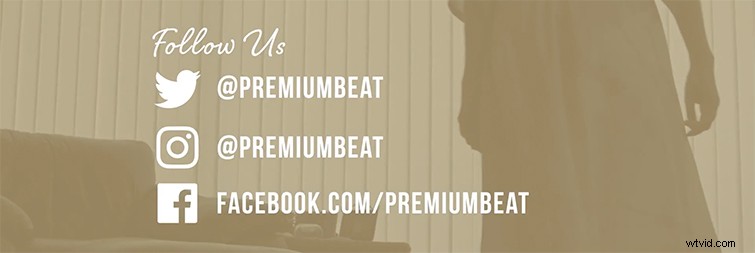
This is what you’ll take away from our tutorial:
- How to design and animate a social media bumper.
- How to use clean design techniques to feature your social outlets.
- How to create an animated lower third.
Need A Great Social Media AE Template?
Pressed for time to create a social media package for your videos? Here is a social media pack from RocketStock.com that has everything you need.
Socialite
Socialite is a fantastic social media element pack for After Effects. This template contains fourteen animated elements that you can easily edit for your own social media channels.