
WhatsApp is the world’s most popular messaging platform, yet the default notification tones can feel generic. This guide shows you how to download high‑quality ringtones from trusted sites, create custom sounds with Wondershare Filmora, and apply them on both Android and iPhone.
In This Article
- Top websites for downloading WhatsApp ringtones
- Zedge
- MoboCup
- MP3 Ringtone
- How to create a personalized WhatsApp ringtone using Filmora
- Customizing your ringtone on Android and iPhone
Best Websites for Downloading WhatsApp Ringtones
These three platforms offer extensive libraries, intuitive filters, and free downloads.
Zedge
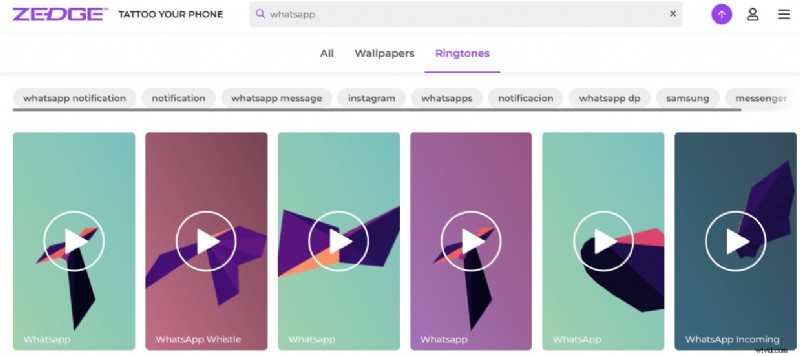
Zedge powers 30 million active users and has over 436 million app installs thanks to its free media library. The site’s filter system makes it easy to locate WhatsApp‑specific content.
Key strengths
- Ad‑free browsing experience
- Large selection of celebrity‑curated tones
- Categories: Keen, Notification, Messenger, Beep, Rock, Bhangra, Loud
MoboCup
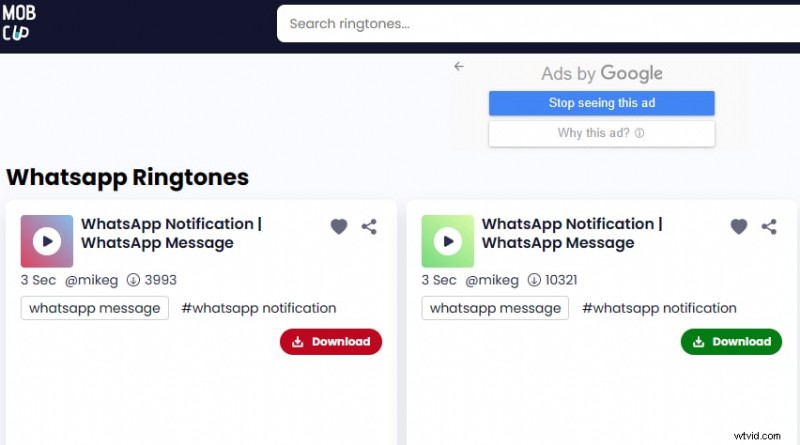
MoboCup hosts a massive free library ranging from gentle chimes to hard‑rock beats. Its sharing features allow you to send ringtones directly via WhatsApp, Twitter, or email.
- Favorite list for quick downloads
- Categories: Electronic, Pop, Rock, Alert, Crazy, WhatsApp BGM, Funny, Classic
MP3 Ringtone
MP3 Ringtone offers a straightforward download interface, though its catalog is smaller. The quality is consistently crystal‑clear.
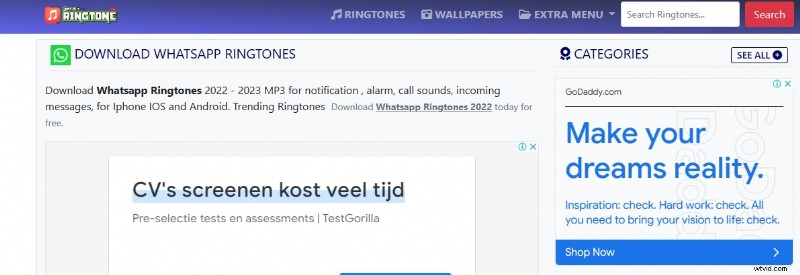
- Categories: Dance, Rock n Roll, Techno, Beats, Notification
Creating a Custom WhatsApp Ringtone with Wondershare Filmora
Filmora’s intuitive tools let you extract audio, remove silences, and trim clips without any coding knowledge.
- Download and install the latest version from Filmora’s official site.
- Import your chosen video files into the project.
- Drag them to the timeline and right‑click > Detach Audio.
- Use Silence Detection (threshold, minimum silence, buffer) to eliminate unwanted gaps.
- Adjust Audio Ducking to balance overlapping sounds.
- Trim the clip to your desired length.
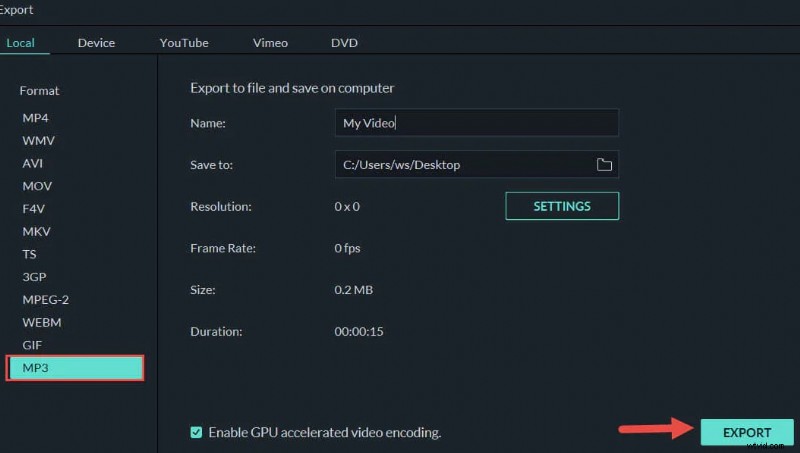
- Export the file and transfer it to your phone via USB or cloud.
Customizing WhatsApp Ringtone on Android and iPhone
Android
From the device settings:
- Open Settings > Apps > WhatsApp > Notifications > Call Notifications > Sound and pick your tone.
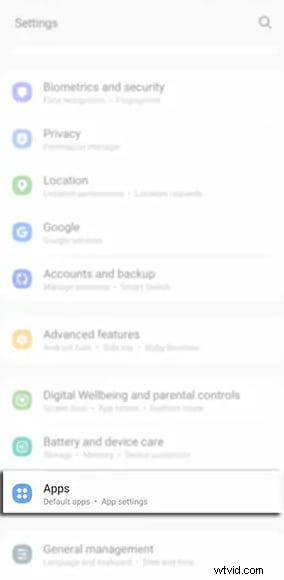
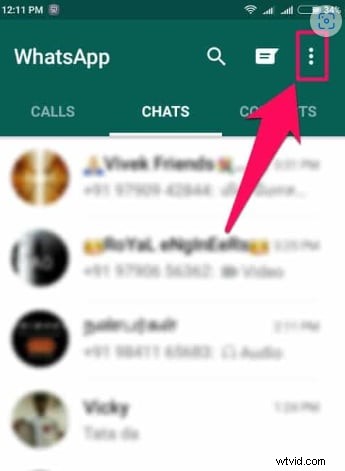
Or directly in the app:
- Open WhatsApp > Menu > Settings > Notifications > Ringtone > select tone.
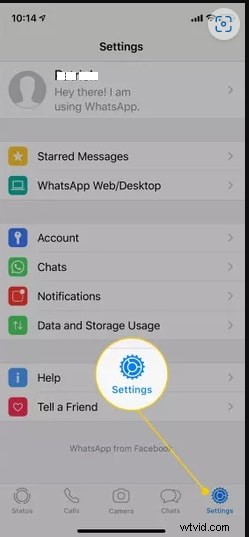
iPhone
- Open WhatsApp > Settings > Notifications > Sound > pick tone > tap Save.
Conclusion
This guide has covered reliable sources for downloading WhatsApp ringtones, a practical method for creating your own tones with Filmora, and clear steps to apply them on Android and iPhone. With these tools, you can personalize your notifications and make your messaging experience truly yours.