
As a content creator, the voiceover you choose can make or break viewer engagement. A custom, human‑like narration adds authenticity and professionalism to your videos, yet producing such voiceovers traditionally demands time‑consuming recording and meticulous editing.
Fortunately, AI‑powered voice generators simplify this process, letting you craft unique voices in seconds and sync them effortlessly with your footage. In this guide, we’ll explore why AI voices matter, highlight the best tools available, and walk you through a practical workflow using Wondershare Filmora.
In this article
- Why AI Voice Matters for Video Production
- Top AI Voice Generators Ranked
- Step‑by‑Step: Creating Your Own Voice in Filmora
Part 1: Why AI Voice Matters for Video Production
AI voiceovers deliver a suite of benefits that traditional recording simply can’t match:
- Speed and Efficiency – Generate narration in seconds, freeing up hours of editing time.
- Consistency – Maintain a uniform tone and pacing across an entire series or brand.
- Multilingual Reach – Instantly translate content into dozens of languages and accents.
- Cost‑Effectiveness – Eliminate the need for professional voice talent and studio equipment.
By leveraging AI voice, creators can focus on storytelling and visual design while still delivering polished, engaging audio.
Part 2: Top AI Voice Generators Ranked
Below are the most popular tools that creators use to generate or clone AI voices, each with its own strengths and trade‑offs.
1. Wondershare Filmora
Filmora blends a user‑friendly editor with a built‑in text‑to‑speech (TTS) engine. Its AI toolbox allows you to clone your own voice or select from a growing library of realistic voices.
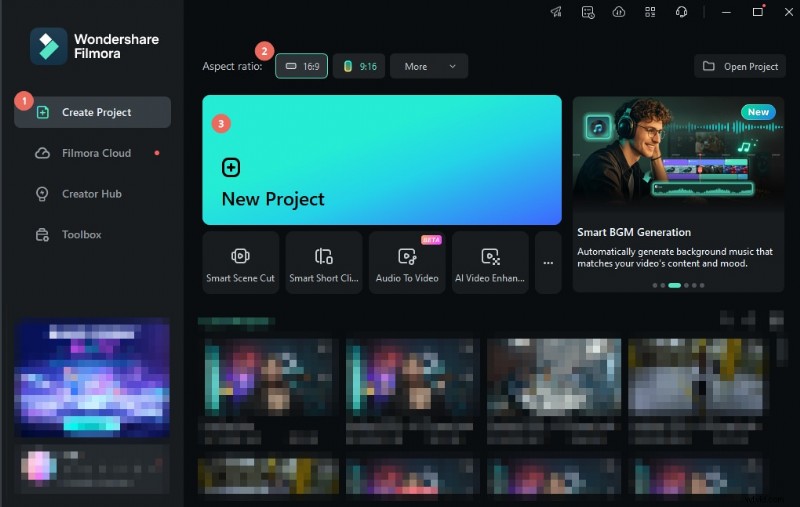
- Feature‑rich video editor with seamless TTS integration.
- Supports over 30 languages and custom voice cloning.
- Pre‑designed voice styles and tones.
Pros
- Intuitive interface suitable for beginners.
- Fast voiceover generation within the editor.
Cons
- Free version limits advanced features.
2. Murf
Murf is an online platform focused on high‑quality voiceovers. With over 100 voices spanning multiple languages, it’s ideal for projects that require diverse character voices.
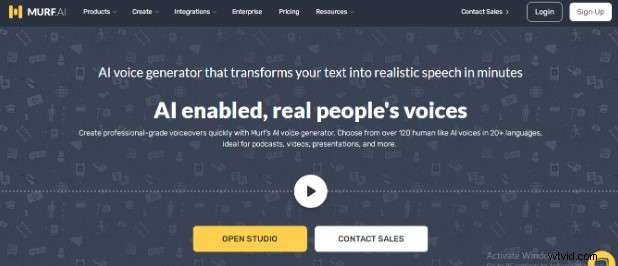
- Extensive voice library with natural‑sounding tones.
- Voice cloning for personalized narration.
- Multilingual support and adjustable pacing.
Pros
- Advanced customization options.
- Wide range of voices and accents.
Cons
- Steeper learning curve for advanced features.
- Limited editing controls compared to full‑featured editors.
3. Speechify
Speechify offers a straightforward TTS experience with a focus on clarity and ease of use. It’s especially useful for quick turnarounds and content that needs to feel natural.
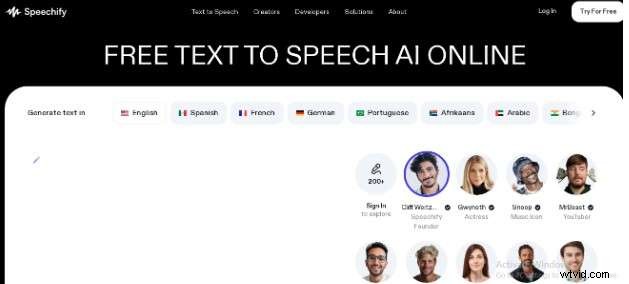
- Intuitive interface and rapid voice generation.
- Multiple languages and accent options.
- Voice studio for modulation and cloning.
Pros
- Simple and fast workflow.
- Highly natural voice quality.
Cons
- Fewer advanced customization tools.
- Premium plans can be pricey.
4. ElevenLabs
ElevenLabs excels in realistic, lifelike voice synthesis. It offers granular control over tone, pitch, and pacing, making it suitable for professional productions.
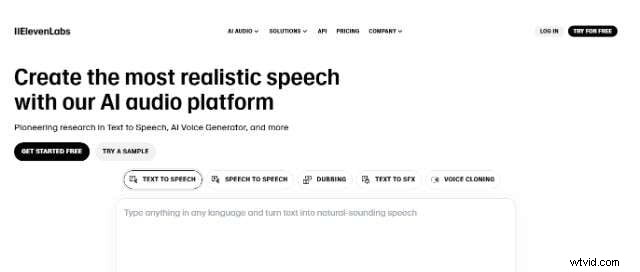
- State‑of‑the‑art voice realism.
- Detailed vocal controls and fine‑tuning.
- Multilingual TTS capabilities.
Pros
- Precision voice synthesis.
- Customizable vocal parameters.
Cons
- Higher cost for premium features.
- Requires technical knowledge for full utilization.
5. PlayHT
PlayHT turns text into speech in a matter of seconds, supporting 140+ languages and a wide array of accents. Its API and voice cloning features cater to developers and creators alike.
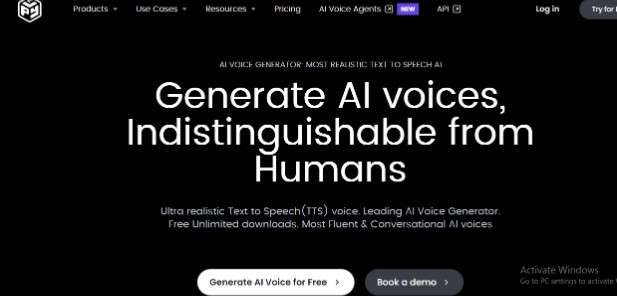
- Extensive voice library with global coverage.
- Accurate voice cloning and API access.
- Supports up to 14 international languages directly.
Pros
- User‑friendly interface with extensive options.
- Developer‑friendly API for integration.
Cons
- Limited editing features.
- Premium tiers may be expensive for newcomers.
6. Synthesia
Synthesia is a well‑known AI video platform that also offers robust voice creation tools. Its AI voices are high quality, and the platform is especially approachable for beginners.
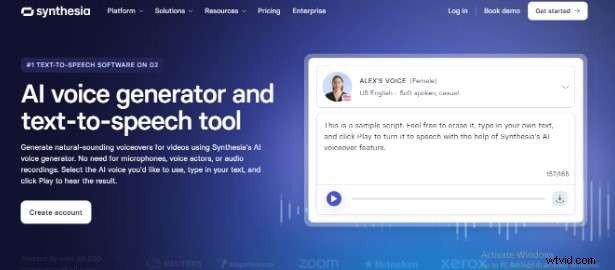
- Large collection of AI voices and accents.
- Multilingual support for diverse audiences.
- Customizable voice profiles.
Pros
- High‑quality voices with minimal setup.
- Rapid video‑to‑audio production.
Cons
- Higher subscription cost.
- Customization options are more limited than niche tools.
Part 3: How to Create a Realistic AI Voice in Wondershare Filmora
Below is a concise, step‑by‑step walkthrough to transform any script into a personalized AI voice using Filmora’s AI Toolbox.
- Download and install Wondershare Filmora.
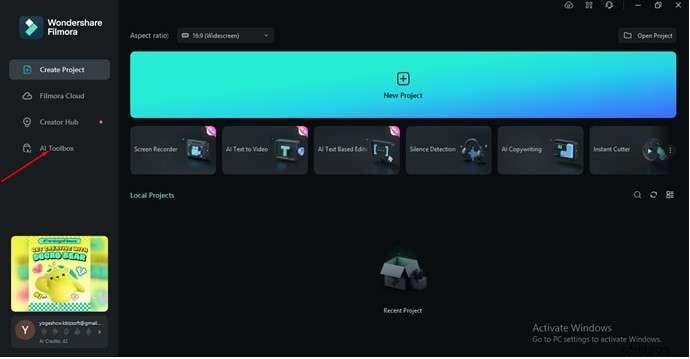
- Open the editor and click the “AI Toolbox” button.
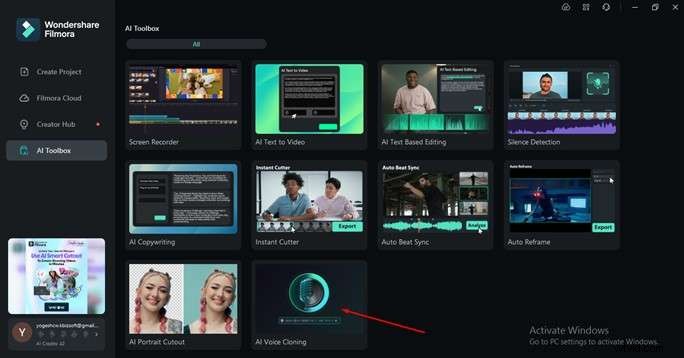
- Choose “AI Voice Cloning” from the toolbox.
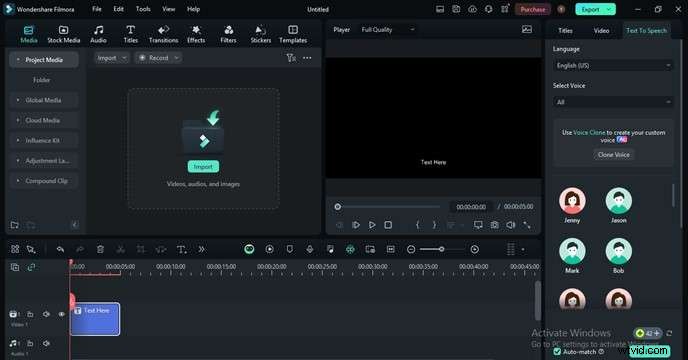
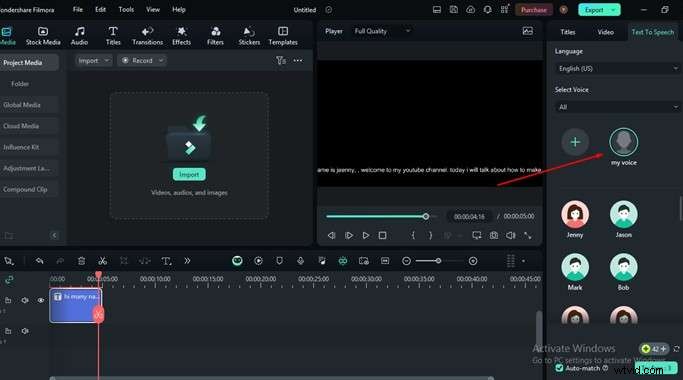
- In the Text‑to‑Speech dashboard, paste or type your script.
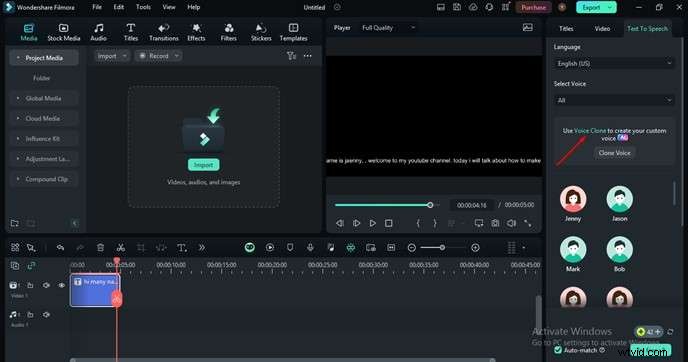
- Select the “Voice Clone” tool.
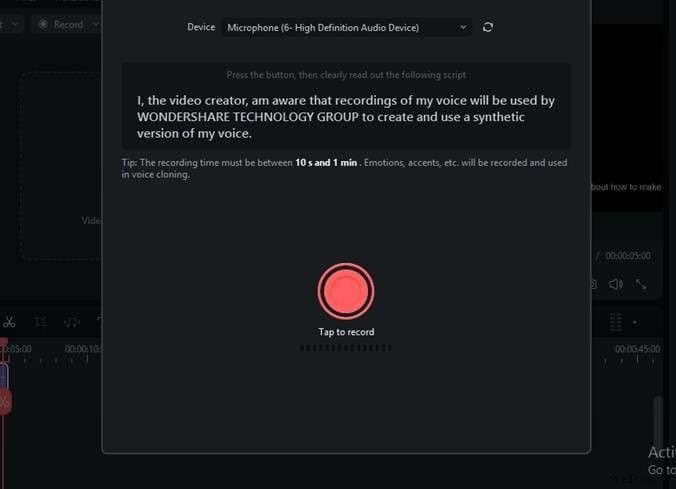
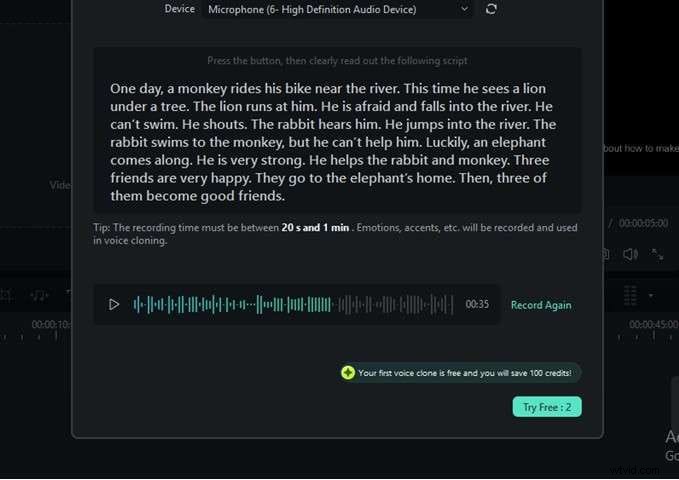
- Connect a microphone and record a short sample of your voice reading the provided script lines.
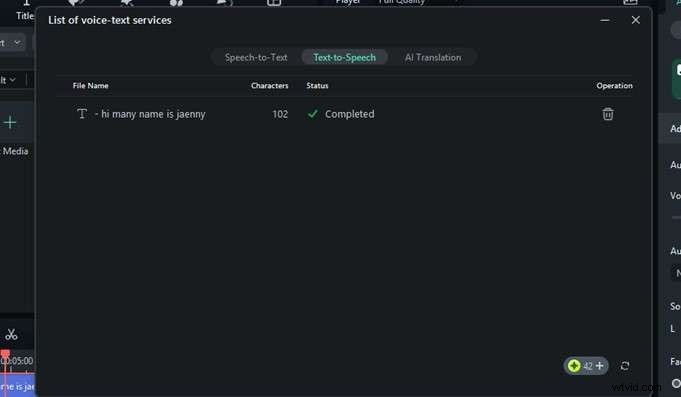
- After recording, Filmora will synthesize a custom voice profile.
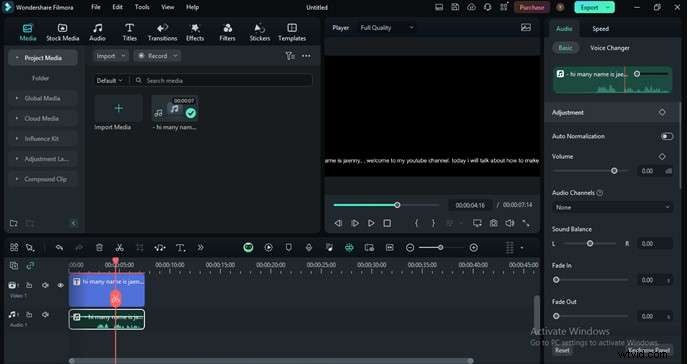
- Apply the newly created voice to your text; the software will convert the script into audio.
- Fine‑tune voice settings such as pitch, speed, and volume directly in the timeline.
- Export your project—your video now contains a professional‑sounding, personalized voiceover.
With these simple steps, you can add a unique, human‑like voice to any video without hiring a voice actor or investing in costly studio gear.
Conclusion
AI voice generators empower creators to produce engaging, multilingual narration quickly and affordably. While several tools stand out—Murf, ElevenLabs, PlayHT, Synthesia, and Speechify—Wondershare Filmora offers a compelling blend of video editing and voice synthesis, especially for those who want an all‑in‑one solution.
Try Filmora today to experience seamless voice cloning, straightforward editing, and an affordable price point that keeps your creative focus where it belongs: storytelling.
FAQ
Q1: What is an AI voice generator?
A: An AI voice generator uses artificial intelligence to produce human‑like speech from text, enabling rapid, natural‑sounding narration.
Q2: Can I customize the AI voice in Wondershare Filmora?
Yes. Filmora lets you adjust tone, pitch, and speed to match your brand voice.
Q3: Is Filmora suitable for beginners?
Absolutely. Its drag‑and‑drop interface and guided AI tools make it ideal for creators new to video production.