
Looking for a reliable Audacity app on Android? While the official Audacity client isn’t available on Google Play, several powerful alternatives let you record podcasts, edit voice‑overs, and mix music directly from your phone. Below we’ve curated the seven best options that combine the core features of Audacity—recording, trimming, effects, and multitrack mixing—with mobile‑friendly interfaces.
Discover the perfect audio editor for your workflow.
1. WavePad (Android, iOS)
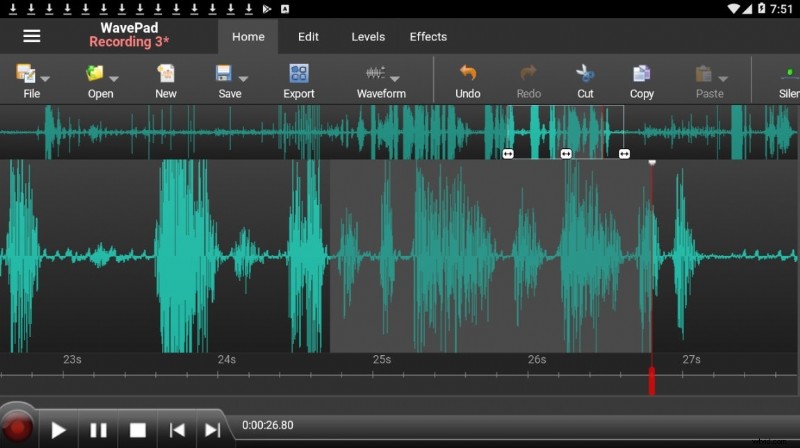
Best for: Beginners who need an intuitive, feature‑rich editor without a steep learning curve.
WavePad offers a comprehensive suite of tools that rival desktop Audacity, including batch processing, spectrum analysis, and Audio Unit plugins. The app’s clean UI makes it easy to duplicate sections, apply noise reduction, and tweak volume levels.
Price: Free (in‑app purchases available)
Key Features
- Record and edit audio files—music, podcasts, or spoken word—while duplicating segments as needed.
- Apply echo, amplification, and a wide array of built‑in effects.
- Support for voice‑changing and text‑to‑speech functions.
- Commercial use requires the premium version, which unlocks advanced tools.
Pros & Cons
- Intuitive interface accelerates onboarding.
- Wide format compatibility and robust effect library.
- Advanced features and full multitrack editing are behind a paywall.
2. MixPad (Android, iOS)
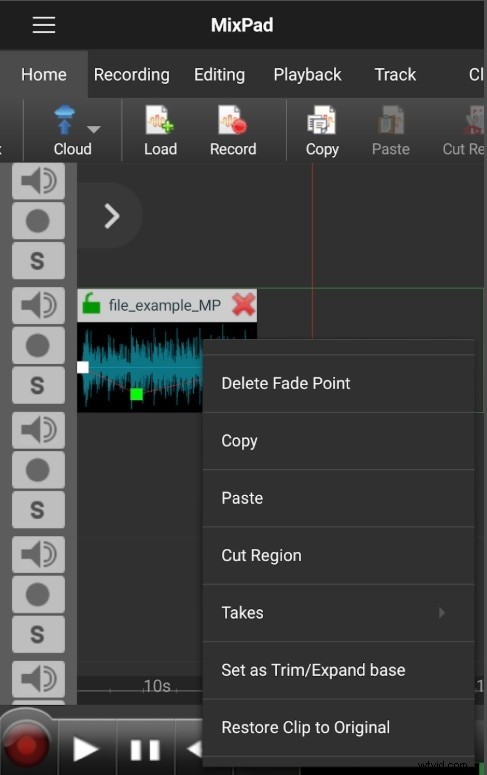
Best for: Mobile professionals seeking a full‑featured mixing desk.
MixPad brings a digital mixing studio to your phone, allowing you to layer vocals, tracks, and sound effects with precise panning, fading, and level control. It’s ideal for on‑the‑go podcasting, music production, or live audio streaming.
Price: Free (in‑app purchases available)
Key Features
- Unlimited track support with reverb, compression, and equalization.
- Access to royalty‑free sound libraries and Beat Designer for custom rhythms.
- Export finished mixes in MP3, WAV, and other common formats.
Pros & Cons
- Robust multitrack editing and built‑in effects.
- Direct cloud export to Dropbox, Google Drive, and OneDrive.
- Interface may feel complex for absolute beginners.
- Some advanced functions require a paid upgrade.

Filmora – All‑in‑One Video & Audio Editor
Filmora offers a streamlined video editing experience complemented by powerful audio tools: multitrack support, noise reduction, voice‑changing, and more.
3. Music Maker JAM (Android, iOS)
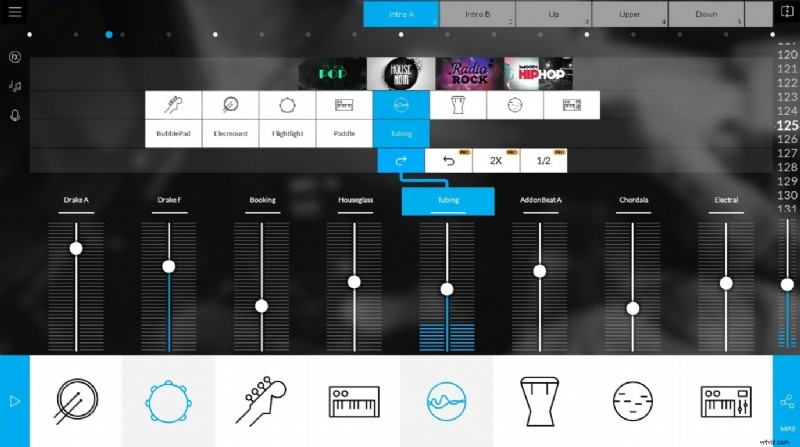
Best for: Musicians and hobbyists who want to create beats quickly.
Music Maker JAM delivers a drag‑and‑drop beat‑maker with over 300 mix packs and 500,000 loops. Whether you’re remixing songs or recording original tracks on an 8‑channel mixer, the app’s real‑time effects keep creativity flowing.
Price: Free (in‑app purchases available)
Key Features
- Extensive loop library and real‑time tempo/harmony adjustment.
- Shake‑to‑record functionality for spontaneous jam sessions.
- Community sharing for showcasing your productions.
Pros & Cons
- Intuitive beat‑creation interface.
- Wide selection of loops and mix packs.
- Limited editing for pre‑recorded audio.
- Additional packs require in‑app purchases.
4. Lexis Audio Editor (Android, iOS)
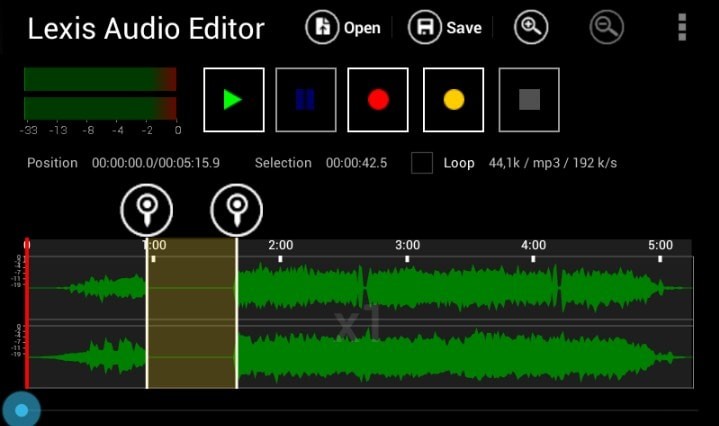
Best for: Quick edits of voice recordings and podcasts.
Lexis Audio Editor provides essential tools—cut, paste, trim, fade, and noise reduction—ideal for editing short clips before sharing. While not as feature‑dense as Audacity, it excels in speed and simplicity.
Price: Free trial, Pro version is paid
Key Features
- Full audio manipulation: tempo, pitch, speed, and cross‑fading.
- Supports common audio and video formats (MP3, WAV, FLAC, MP4, etc.).
- Export options include MP3, WAV, and more.
Pros & Cons
- Clean, user‑friendly interface.
- Robust equalizer and noise‑reduction tools.
- Free version limits export formats.
- Occasional lag on older devices.
5. Music Editor (Android)
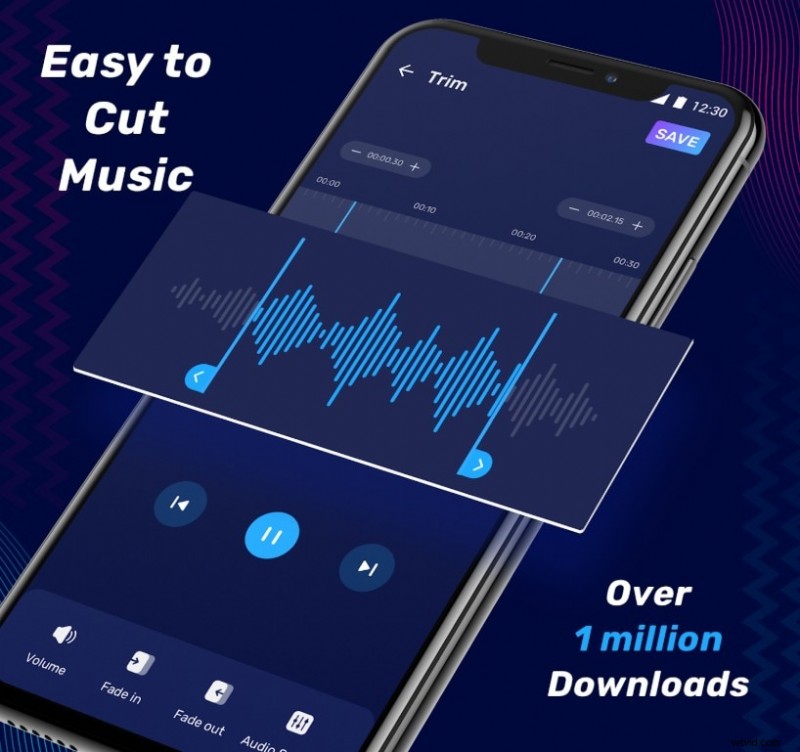
Best for: Simple trimming, merging, and format conversion.
Music Editor is a lightweight, no‑frills app perfect for creating ringtones or converting audio between WAV, MP3, and M4A. Its split‑and‑merge tools let you isolate snippets quickly.
Price: Free (in‑app purchases available)
Key Features
- Isolate sections for custom ringtones or notifications.
- Batch conversion between popular formats.
- Split audio into two halves with an intuitive interface.
Pros & Cons
- Fast performance and low memory footprint.
- Excellent for basic edits and ringtone creation.
- Lacks advanced effects and multitrack support.
- Outdated UI design.
6. MP3 Audio Cutter, Mixer, and Ringtone Maker (Android)
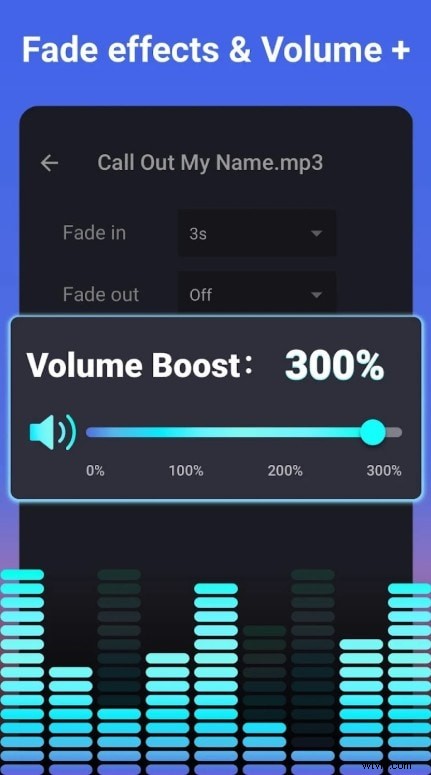
Best for: Custom ringtone creation and simple audio mashups.
This robust editor lets you cut, mix, and merge tracks, edit metadata, and convert formats—all while offering a clean, ad‑friendly interface.
Price: Free (in‑app purchases available)
Key Features
- Trim segments for alarms, ringtones, or notifications.
- Combine tracks, adjust loudness, and manage metadata.
- Share directly to social media or cloud services.
- Ad‑supported free version with basic functionality.
Pros & Cons
- Easy cutting and mixing tools.
- Supports fade‑in/out effects.
- Limited professional‑grade features.
- Frequent ads in the free version.
7. AudioLab (Android)
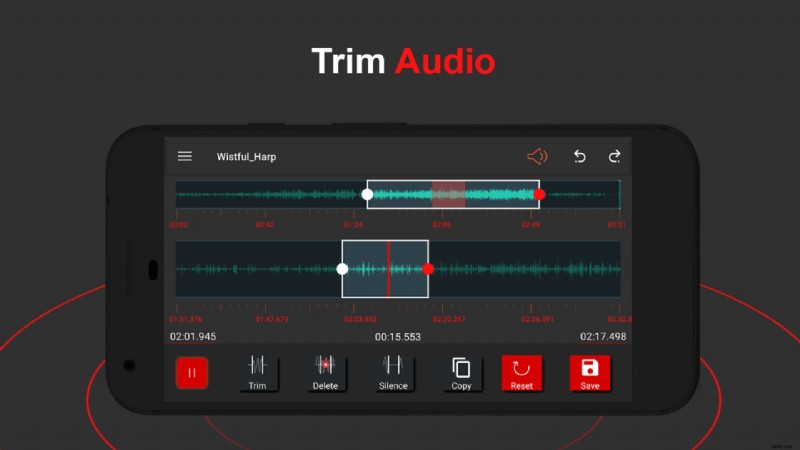
Best for: All‑in‑one editing, including effects, mixing, and voice modulation.
AudioLab stands out as the most feature‑rich mobile editor, offering real‑time processing, noise removal, equalizers, and even video‑to‑audio conversion—all wrapped in a modern interface.
Price: Free (in‑app purchases available)
Key Features
- MP3 cutter, ringtone maker, and noise reduction.
- Audio effects: normalize, speed change, and voice‑modulation.
- Equalizer and karaoke support.
- Video/audio conversion and GIF creation.
Pros & Cons
- Comprehensive toolkit for all editing needs.
- Real‑time processing for instant feedback.
- Learning curve for newcomers.
- Some features locked behind a paywall.
Conclusion
Choosing the right Audacity alternative depends on your specific needs. For quick trims and ringtone creation, Music Editor delivers speed and simplicity. For serious multitrack projects, MixPad offers the depth you require. Explore a few from this list to find the interface that feels natural to you.
If you’re also editing video, consider the Wondershare Filmora app for Android—a single platform that handles both video and audio with professional‑grade tools.
Filmora lets you:
- Record voice‑overs directly onto your video timeline.
- Add background music and sound effects from an integrated library.
- Adjust volume, fade audio in/out, and detach audio from clips.
Whether you’re producing content for YouTube, TikTok, or personal projects, Filmora streamlines the workflow by keeping audio and video editing in one place.
 Secure Download