
In which we go over the different audio file formats at your disposal — and which is best for video editing.
When using various audio files in your video edits, such as music tracks and sound effects, does the audio file type really make a difference? (Spoiler: yes, it does.) But the real question is why are there so many different audio file formats? And what is the purpose for each one? So let’s break that down, and in so doing, determine the best audio file formats to use when editing videos.
Audio File Formats
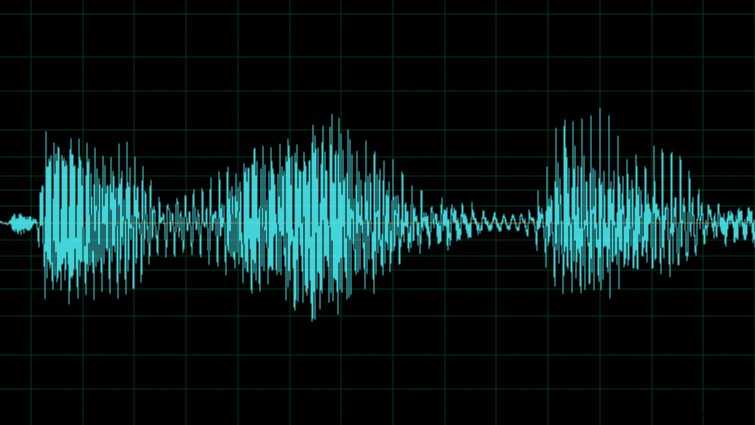
To help us get a grasp on the different audio file formats, I have categorized them into three main groups. Each group has a list of audio file formats most commonly associated with it. The audio groups are as follows:
- Uncompressed file formats: .WAV, .AIFF
- Compressed Lossless file formats: .FLAC, .ALAC (Apple Lossless)
- Compressed Lossy file formats: .MP3, .AAC, .WMA, .OGG
Let’s run through the details of each format, as well as their pros and cons.
Uncompressed
You can think of uncompressed audio formats like the equivalent of RAW video formats. Essentially, you’re getting the audio data with no compression. This allows for a wide range of audio bit depth and sample rates. This results in better audio quality and covers the full frequency that the human ear can hear. (The original audio recording bit depth and sample rate play a big part in this equation as well. Compressed audio files converted into uncompressed audio formats don’t magically regain any audio quality.)
Uncompressed audio files are typically easier to work with in audio and video editors because they require less processing to play back. And since uncompressed files contain more data, you’ll get better results when you’re manipulating the audio in post with various effects.
The most common drawback for uncompressed audio files is their size, which is usually between 25-40 MB for an average song. These sizes aren’t a major issue today with transfer services like Dropbox and Google Drive (compared to 10+ years ago). However, in most cases, the uncompressed audio files are still too large to easily send as an email attachment. Also, some portable music players or devices may not support uncompressed audio formats. (Generally, most modern ones do, though.)
- Pros: No compression, lossless, full audio frequency, easier to work with in post
- Cons: Large file size, some portable devices may not support it
Compressed Lossless
The name “compressed lossless” may sound like a contradiction. However, the compression isn’t occurring in a way that degrades the audio itself. I like to explain it more like “space-efficient lossless.” Think of it almost like zip-compressing a music file, then unzipping it during playback. This results in a smaller file size, but the audio quality is still lossless, enabling full frequency playback. Sounds like the best of both worlds, right?
Compressed lossless audio files can be anywhere from 1/2 to 1/3 the size of uncompressed audio files — or even smaller.
The drawbacks for compressed lossless files are that they are the least supported (compared to uncompressed and compressed lossy.) They also require a little more computing power to play back, because they need decoding.
- Pros: Smaller file size, lossless, full audio frequency
- Cons: Less playback support on devices or editors
Compressed Lossy
Compressed lossy audio formats are likely the most common audio files you use when listening to music. (Examples include .MP3 and .AAC.) This is because compressed lossy audio files have the most support among portable devices, and they have the smallest file sizes (meaning you can store more songs in less space.)
In some cases, compressed lossy audio files can take up 1/10 the space as the same file that is uncompressed. (.MP3 compared to .WAV for example.) Compressed lossy audio files are ideal for streaming online.
However, all that compression comes at a cost. The drawback is that the audio has a limited frequency range and noticeable audio artifacts when compared to a lossless format. Another drawback is that you have less range in post when it comes to editing and audio manipulation. Plus, each time you edit a compressed lossless file and re-export it, you lose more and more quality. Compressed lossy audio files are also not ideal for music loops because the codec adds short blank spaces at the beginning and end of the file.
- Pros: Smallest files sizes, wide playback support
- Cons: compressed, lossy, not ideal for editing
Best audio format for video editing
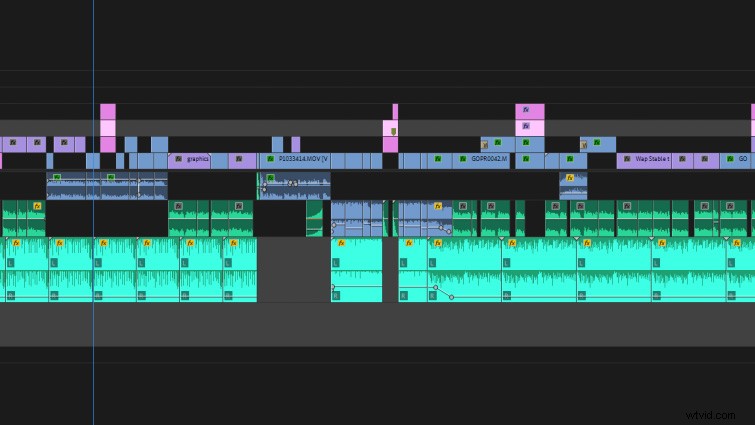
When it comes to audio formats to use when editing, you have to use what you have available. In an ideal world, use uncompressed formats such as .WAV or .AIFF whenever possible. They’ll give you the most latitude in post, and they have the most support. Plus, the audio on your video is going to get compressed during the final video export. So it helps to start with the best possible audio.
In some cases, .MP3s may be all you need, and they are easy to transfer quickly.
Looking for more articles on working with audio? Check these out.
- Creative Ways to Use Music Loops in Your Videos
- Audio Tips: How to Remove Vocals in a Song Using Stems
- Tutorial: Removing Audio Pops and Recording Audio Differently
- Changing the Audio Editing Game with PremiumBeat’s Track Stems
- The Audio Ramp-Up: The Best Transition You Should Be Using