
In this video tutorial, we’ll go over how you can get more cinematic footage from your drone by using camera lens filters.
If you’re looking for a quick and easy way to improve the quality of your drone footage, then look no further than lens filters. Just like we use lens filters on traditional video and photography cameras, we can get the same benefits by using them on aerial drone cameras. In this tutorial, we are going to explore using Neutral Density (ND) and Polarizer lens filters for drones.
Drone Lens Filters
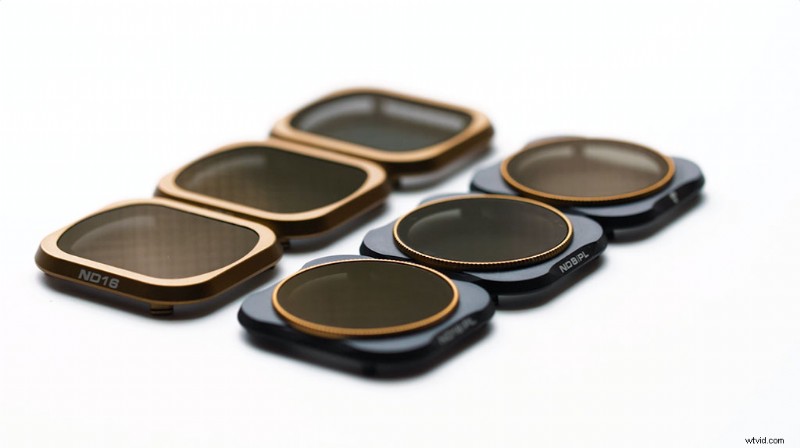
If you’ve looked into lens filters for drones before, you’ve likely stumbled upon Polar Pro. They make a host of filters for various camera platforms — most notably for drones. The filters I used were the Polar Pro Cinema Series for the Mavic 2 Pro. The set includes six lens filters (three ND filters and three polarized ND filters).
Problematic Motion Blur
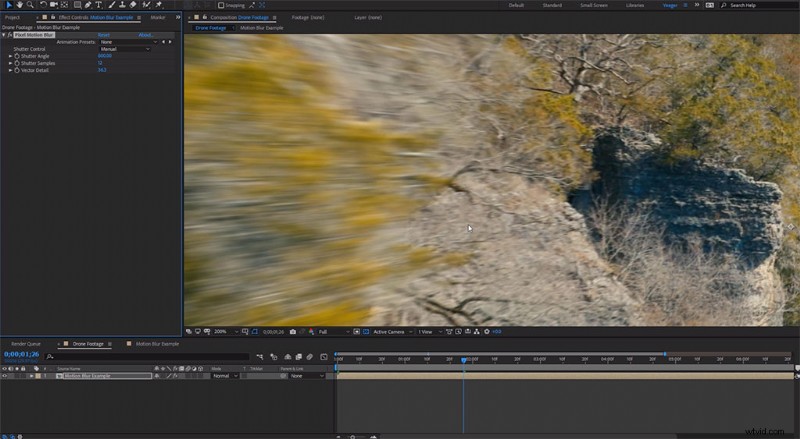
You’ve probably noticed that fast-moving drone footage can look . . . stuttery. This is a common problem with drone footage, and it stems from using high shutter speeds. The problem is that most drones have a fixed aperture at f/2.8. This results in overexposed footage if you try to abide by the 180° shutter rule. (The 180° shutter rule is where your shutter speed is set to double your frame rate for natural-looking motion blur.) This results in pilots using high shutter speeds to get proper exposure.
ND Filters
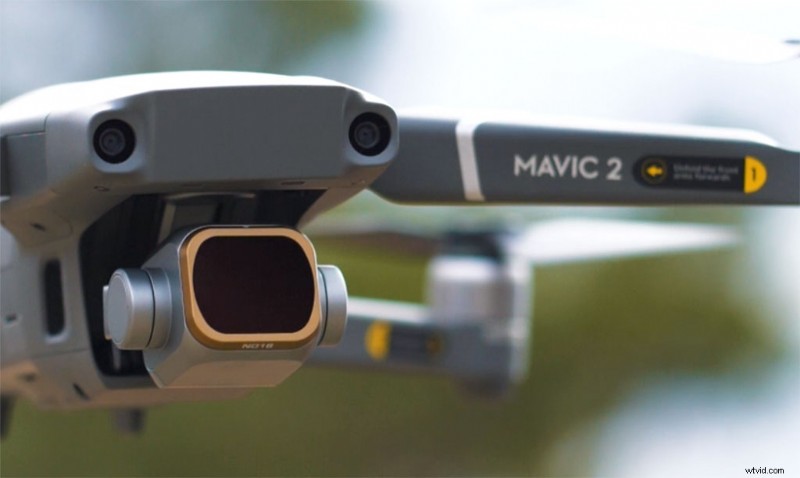
ND filters reduce the amount of light entering the drone’s camera. This makes it possible for us to abide by the 180° shutter rule. In my case, I was filming at 30 frames per second, so the shutter speed I needed would be 1/60th of a second. Using the ND16 filter, which reduces the light by 4 stops, I was able to film with a shutter speed of 1/60. This allows the footage to have natural motion blur that looks more cinematic. You can also use ND filters for long-exposure photography. (You can see this in the video in the example of the stream, where I set the shutter speed to a 1/2 second.)
Polarizer Filters
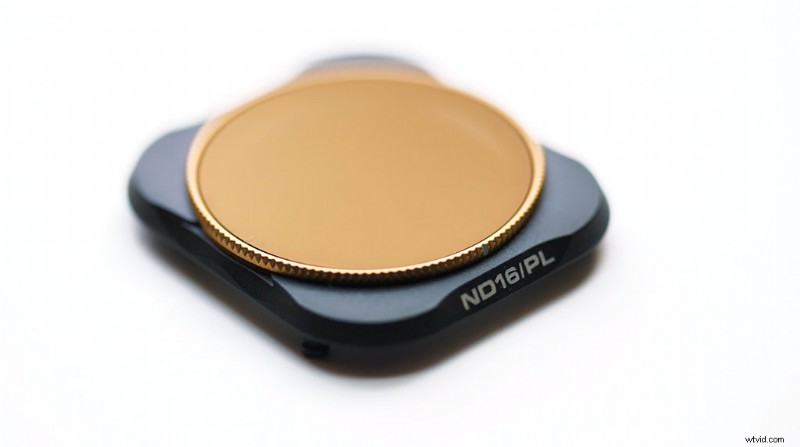
Polarizer filters can help reduce reflections and glare. This often results in more saturated colors on your footage — typically the blues and greens. You can rotate circular polarizers to adjust the amount of polarized light passing through the lens to the camera. Polarized filters can also allow for more visible detail in clouds and reduced haze over long-distance landscapes. This makes them ideal for drones.
When to Use Lens Filters
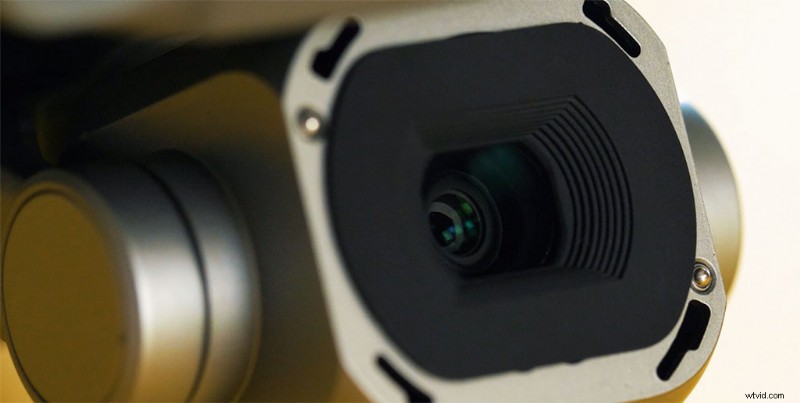
Since ND and polarizer filters cut down on the amount of light entering the camera, the best use cases for them are in bright environments. Having various filter strengths (such as ND4, ND8, and ND16) can help you adjust to different lighting conditions. As an example, you might use a ND16 filter on a bright, sunny day, but you may only need a ND4 filter on an overcast day. Lastly, because ND and polarizer filters cut down on light, neither are ideal to use in low-light shooting conditions.
Looking for more filmmaking and video production tutorials? Check these out.
- Video Tutorial: How to Get Cinematic Lighting In Small Spaces
- How to Use Film Grains + FREE Film Grain Overlays
- Video Tutorial: How to Increase Your Credibility as a Drone Pilot
- Guerrilla Filmmaking: How We Shot A Short Film In Under 3 Hours
- How To Light A Car Scene Using The Poor Man’s Process