
Choosing the right live‑streaming platform can turn a casual broadcast into a sustainable revenue stream. The following guide reviews 11 platforms, breaking them down by use case, key features, and pricing so creators of any size can select the best fit for their business.
Platform Overview
We’ve ranked each platform on the basis of reliability, monetization flexibility, and support for growth. The table below provides a quick reference.
| Platform | Best For | Starting Price | Key Features |
|---|---|---|---|
| Uscreen | Video memberships | $49/month | Branded apps, VOD library, community spaces, marketing automation, DRM |
| Wowza Streaming Engine | Custom streaming solutions | $195/month | Full infrastructure control, low‑latency, DRM, APIs & SDKs |
| Castr | Professional broadcasters & businesses | $16.67/month | Multistreaming to 30+ platforms, cloud‑based, VOD from recordings |
| Riverside | High‑quality recording & repurposing | $24/month | 4K local recording, AI clip creation, custom branding |
| Restream | Multistreaming | $16/month | Multistreaming, unified chat, scheduled pre‑recorded streams |
| Dacast | Live events & pay‑per‑view | $39/month | Pay‑per‑view paywall, white‑label player, global CDN |
| Vimeo | Media companies & brands | $12/month | DRM protection, simulcasting, custom OTT apps |
| JW Player | Media broadcasting with ads | Custom pricing | Ad monetization, HLS streaming, AVOD/TVOD, developer API |
| Brightcove | Corporate enterprises | Custom pricing | Enterprise hosting, DRM, interactive video, CRM integration |
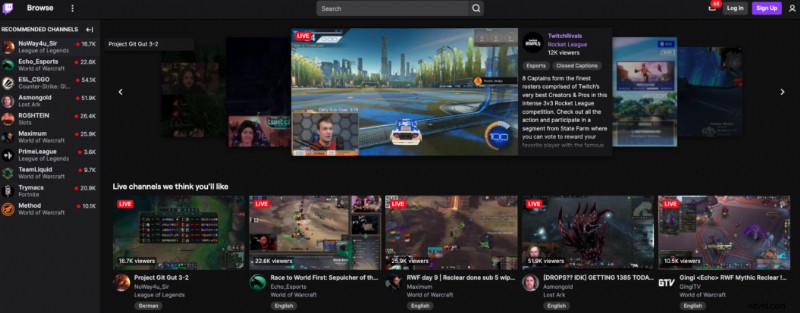
| Twitch | Beginners / free | Free | Large built‑in audience, real‑time chat, affiliate monetization |
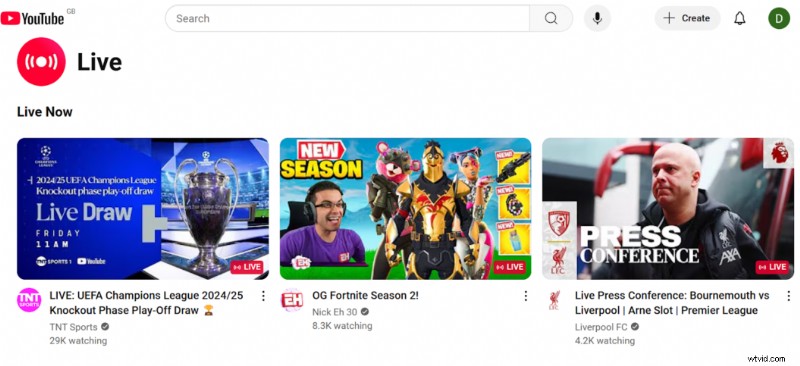
| YouTube Live | Broad visibility | Free | Massive reach, ad revenue via Partner Program, real‑time chat |
Uscreen – The Mandate for Video Memberships
Best for: Video membership businesses
G2 rating: 4.7/5 stars
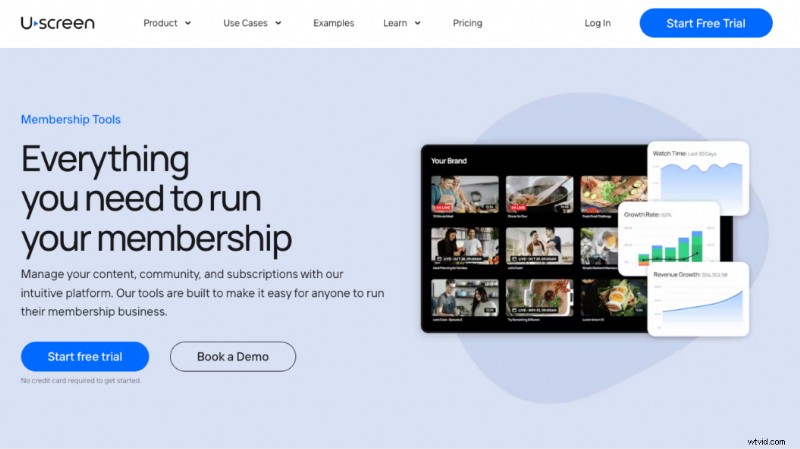
Uscreen is a turnkey solution that unifies live streaming, VOD, and OTT into a single, branded experience. It powers 9.2 million streams worldwide and eliminates the need to juggle multiple tools.
- Custom mobile and TV apps for a seamless member experience
- Community spaces that keep members engaged between streams
- Built‑in CRM and automation to drive growth without third‑party services
- Live streams auto‑converted to VOD for on‑demand revenue
- Flexible monetization: paid, free, or one‑time access
Pros
- Live chat that boosts real‑time engagement
- Single dashboard for web, mobile, and TV streaming
- Automation drives 5.5× more viewers and 4× more watch time
Cons
- Best suited for creators with an existing audience
- No ad‑based monetization options
Pricing
- Starter: $49/month (monthly only)
- Growth: $149/month
- App Essentials: $449/month
- Custom: Contact sales
Creator Spotlight: M/BODY
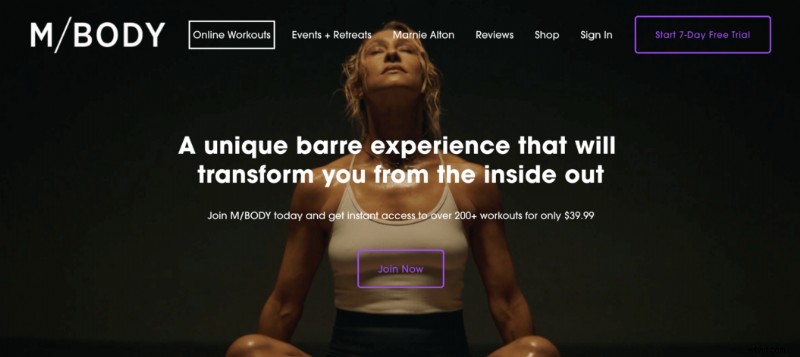
When the pandemic halted her LA fitness studio, Marnie Alton pivoted to an online membership on Uscreen. Today, M/BODY generates $40 k/month from 1,200 global members, with 95% of content streamed live and automatically added to the VOD library.
Click to watch M/BODY’s success story: YouTube video
Migrating to Uscreen
- Consult with Uscreen migration experts to assess content and audience needs.
- Develop a customized migration timeline and action plan.
- Bulk transfer of media and user data is handled by the Uscreen team.
- We coordinate a launch that informs and excites your audience.
Migration success stories include Fittest Core, In The Lab, and Abundance+.
All content and data remain yours; export is possible at any time.
Wowza Streaming Engine – For Custom Builders
Best for: Developers building bespoke streaming solutions
G2 rating: 4.5/5 stars
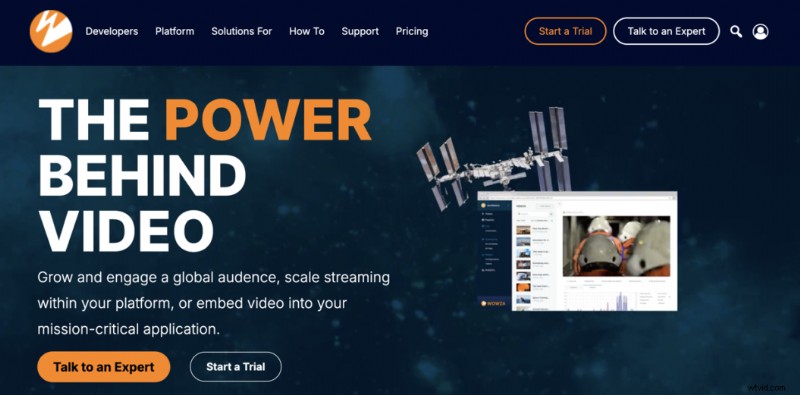
Wowza offers granular control over every element of the streaming stack, from encoding to delivery. It’s ideal for businesses that require low latency, multi‑protocol support, and extensive API integration.
- Full infrastructure control and low‑latency via SRT, HLS, and DASH
- Robust APIs, SDKs, and custom modules for developers
- Adaptive bitrate, DRM, and live‑to‑VOD capabilities
Cons
- Steep learning curve; requires technical expertise
- Higher cost relative to turnkey solutions
- Variable pricing can be confusing
Pricing
- One‑time purchase: $295
- Basic monthly: $195/month
- Enterprise: Custom pricing
Castr – Reliable Multistreaming
Best for: Professional broadcasters & businesses needing robust multistreaming
G2 rating: 4.8/5 stars
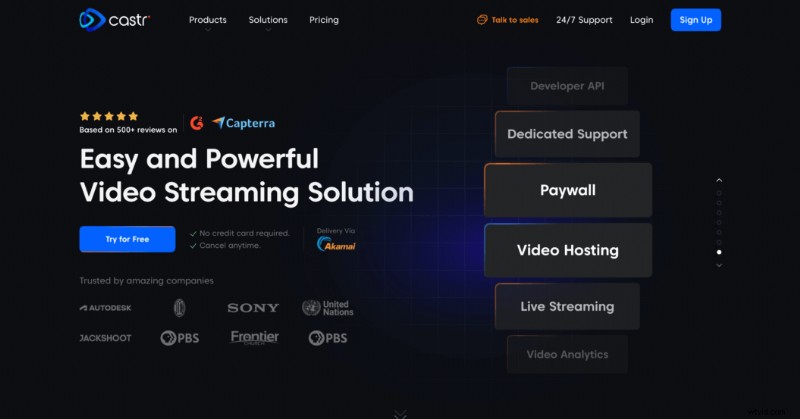
- Simultaneous multistream to 30+ platforms
- Cloud‑based – no server maintenance
- RTMP, HLS, RTSP support
- On‑demand access to recorded streams
Cons
- Higher tiers required for adaptive bitrate and higher bandwidth
- Limited third‑party integrations and marketing tools
- Support delays can impact live events
Pricing
- Starter: $16.67/month
- Standard: $41.67/month
- Premium: $166.67/month
- Ultra: $291.67/month
- Events: $624.99/month
Riverside – High‑Quality Recording & Repurposing
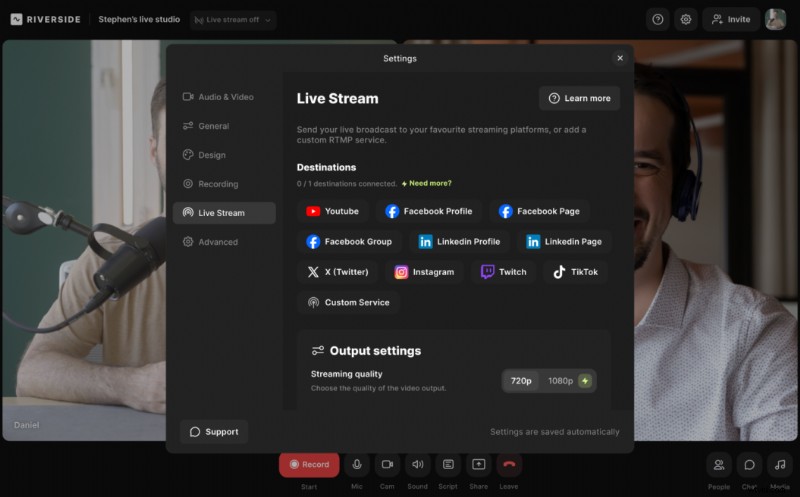
Best for: Creators seeking 4K recordings and AI‑powered editing
G2 rating: 4.8/5 stars
- 4K local recording without internet dependency
- AI‑generated clips, transcripts, and summaries
- Omnichat and live call‑ins for audience interaction
- Custom branding, lower thirds, and live sound effects
Cons
- Advanced features locked behind higher‑tier plans
- No on‑platform VOD hosting
Pricing
- Free: Live streaming in 720p with basic branding
- Pro: $24/month
- Live: $34/month
- Webinar: $79/month
- Business: Contact sales
Restream – The Multistreaming Hub
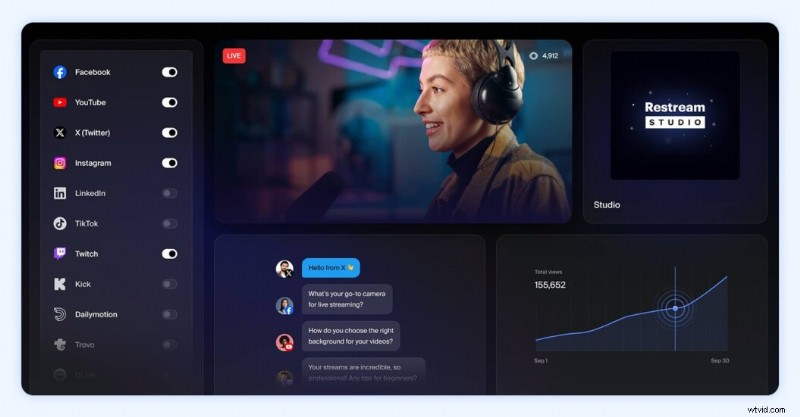
Best for: Broadcasters wanting to reach multiple platforms from one dashboard
G2 rating: 4.3/5 stars
- Multistream to any RTMP or RTSP destination
- Unified chat across all streams
- Local and cloud recording for backups
- Schedule pre‑recorded streams
- HD streaming with guest invites and custom graphics
Cons
- Free plan limited to two channels and includes branding watermark
- No built‑in editor; external software required for post‑production
- Some features gated behind paid tiers
- Requires stable internet for reliable multistreaming
Pricing
- Free: Two channels + watermark
- Standard: $16/month
- Pro: $39/month
- Business: $199/month
Dacast – Professional Live Event Streaming
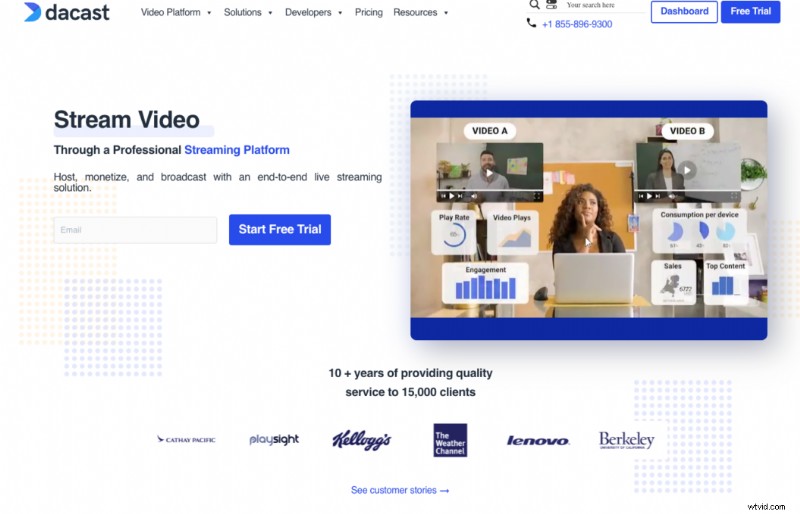
Best for: Live events, pay‑per‑view, and niche markets
G2 rating: 4.3/5 stars
- Akamai multi‑CDN for global delivery, including China
- Flexible monetization: subscriptions, pay‑per‑view, ads
- White‑label player with full branding
- Real‑time analytics for instant feedback
- Zoom integration for webinars
- Advanced API for custom workflows
Cons
- Steep learning curve for non‑technical users
- No ultra‑low latency; limited for interactive events
- No DRM; higher‑value content may need extra protection
- Bandwidth and storage limits can incur extra costs
Pricing
- Starter: $39/month
- Event: $63/month
- Scale: $165/month
- Custom: Contact sales
Vimeo – The Professional Streaming Choice
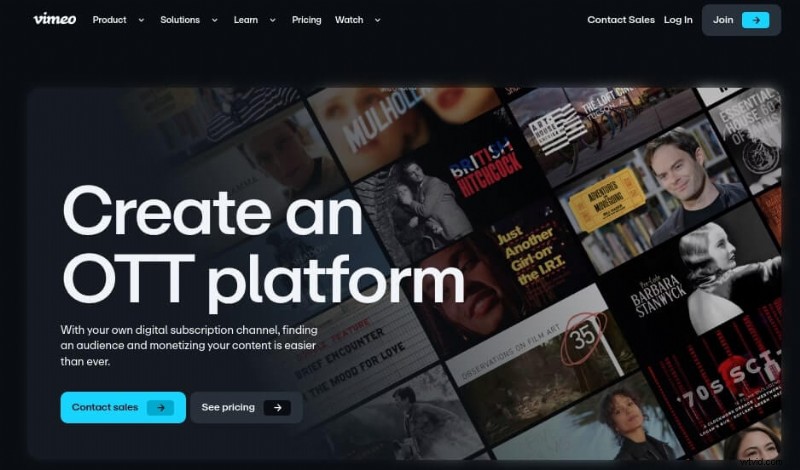
Best for: Media brands and high‑quality live events
G2 rating: 4.3/5 stars
- Full HD 1080p streaming with advanced production tools
- Simulcast to multiple platforms
- DRM and private streaming options
- Custom OTT apps and on‑demand hosting
- Embeddable, customizable player
Cons
- Live streaming requires higher‑tier plans
- Limited customization compared to white‑label competitors
- Basic analytics; less insight than some rivals
- Fewer third‑party integrations
Pricing
- Free tier available
- Starter: $12/month
- Standard: $25/month
- Advanced: $75/month
- Enterprise: Contact sales
JW Player – Video Platform with Monetization Focus
Best for: Media broadcasters who need advertising and API flexibility
G2 rating: 3.4/5 stars
- HLS/DASH streaming up to 4K
- Monetization via AVOD, TVOD, and SSAI
- Lightweight, customizable player
- Developer‑friendly API and SDKs
- Analytics to optimize engagement
Cons
- Pricing is quote‑based and can be high for small creators
- Limited advanced features compared to Wowza or Brightcove
- Some users report poor support and security concerns
- Live event support only on Plus/VIP plans
Pricing
Contact JW Player for a custom quote.
Brightcove – Enterprise‑Grade Streaming
Best for: Corporate enterprises and large‑scale content producers
G2 rating: 4.1/5 stars
- Ads, subscriptions, and pay‑per‑view monetization
- Enterprise‑grade hosting, DRM, and secure delivery
- CRM and marketing integrations
- Interactive features: polls, chats, Q&A
- Customizable player for consistent branding
Cons
- High cost and technical complexity for smaller creators
- Single‑stream focus; no native multi‑camera support
- Requires external tools for production
- No VR support
Pricing
Custom pricing – contact Brightcove sales.
Twitch – The Free Gaming Hub
Best for: Beginners and free streaming
G2 rating: 4.4/5 stars
- Free to use with low overhead
- Access to 35 million daily users
- Easy setup; no technical expertise required
Cons
- High competition; harder to stand out
- Inconsistent monetization via affiliates and donations
- No content ownership; algorithm controls visibility
- Viewers can easily switch streams
Migration Note
Because audience ownership is platform‑based, migrating from Twitch requires building a new community elsewhere. Streams can be saved as on‑demand files, but the 24‑hour exclusivity rule applies to affiliates.
YouTube Live – Broad Reach for Every Creator
Best for: Creators, educators, and businesses aiming for mass visibility
G2 rating: 4.4/5 stars
- Free to start with no upfront cost
- Existing YouTube channel provides instant audience
- High video quality and real‑time chat
- Easy to publish and share across platforms
Cons
- Requires Partner Program for ad revenue
- Ad‑based revenue can be volatile
- Limited audience ownership; heavy reliance on YouTube’s algorithms
- Challenging to monetize solely via live streams
Migration Note
Encourage your YouTube followers to subscribe to a new paid platform. Use YouTube as a funnel; create high‑value content to build trust before conversion.
Choosing the Right Platform
Before selecting a platform, clarify your objectives: Are you looking to grow a dedicated community, broadcast live events, or monetize through memberships? Your current stage—beginner, established, or enterprise—will dictate which features matter most.
Uscreen’s data shows live‑stream watch time hit 642,600 hours/month in 2025, underscoring the growth potential for creators who adopt the right tools.
Key Features to Evaluate
- Monetization: Recurring subscriptions, memberships, and ad‑based models.
- Branding & Customization: Native apps, custom OTT, and embed options.
- Engagement Tools: Live chat, polls, Q&A, and community spaces.
- Integrations: CRM, email marketing, social media, and CMS.
- Analytics: Real‑time metrics, viewer demographics, and revenue reports.
- Reliability & Support: Uptime guarantees, customer service responsiveness, and technical documentation.
Scaling with Uscreen
Uscreen’s unified platform—live, VOD, OTT, and branded apps—lets creators focus on content rather than infrastructure. The platform’s automation, marketing tools, and community features provide a scalable path from niche streamer to full‑blown membership business.
Live‑Streaming FAQ
- Can I multistream? Yes—most platforms support multistreaming to social media and other services.
- How to stream privately? Use password‑protected streams on platforms like Uscreen.
- Cheapest way to livestream? Start with free options like YouTube Live, Twitch, or Facebook Live; upgrade as your needs grow.
- Best for 24/7 streaming? Cloud‑based platforms such as Uscreen or Restream provide reliable continuous streaming.
- Best live‑streaming app? For membership models, Uscreen remains the top choice.