
Vimeo OTT—now rebranded as Vimeo Streaming—offers a solid foundation for monetizing video, but as your audience grows, hidden fees, revenue sharing, and limited branding can become bottlenecks. That friction pushes many creators to search for a more scalable solution.
Felicity Wood Yoga hit those limits firsthand: hidden costs, a frustrating member experience, and limited support forced her to seek a better fit. After switching, her monthly recurring revenue rose by 43%.
Choosing the right platform need not be overwhelming. Below we rank eight comparable options, outlining their core strengths, pricing, and migration support so you can confidently pick a Vimeo Streaming alternative that grows with you.
Top Vimeo Streaming Alternatives Overview
| Platform | Best for | Top Features | Pricing |
|---|---|---|---|
| Uscreen | Community‑driven video memberships | Branded mobile & TV apps, built‑in email marketing, community spaces | Starts at $49/month |
| Patreon | Smaller creators prioritizing direct fan support | Memberships, community engagement, digital products | 10% of revenue |
| Muvi | Small‑to‑medium businesses wanting quick setup | OTT apps, VOD, subscriptions, multi‑platform apps, CMS | Starts at $339/month |
| JW Player | Media companies needing scalable infrastructure | Video player, hosting, analytics, ad support, scalable infrastructure | Custom |
| Zype | Media companies wanting extensive integrations | Video CMS, API integrations, monetization, VOD | Starts at $500/month |
| Kaltura | Education and e‑learning | LMS integration, live & on‑demand, data analytics | Custom |
| Dacast | Broadcasting live events | Live streaming, pay‑per‑view, VOD, CMS | Starts at $39/month |
| Brightcove | Enterprise‑scale delivery | Enterprise video hosting, analytics, marketing tools, ad support | Custom |
Uscreen
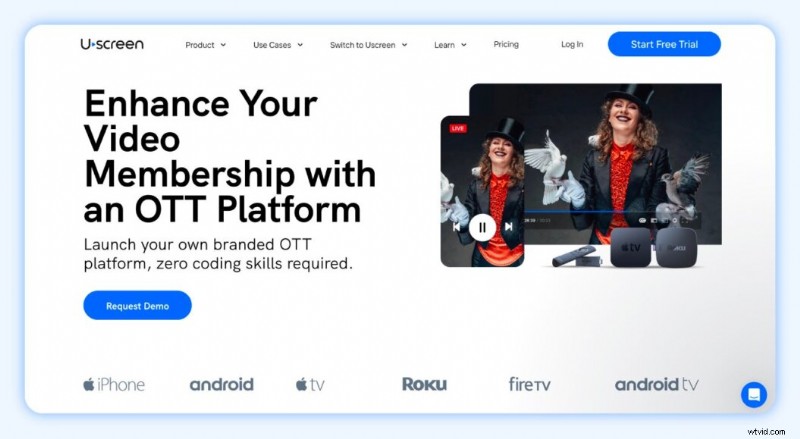
Best for: Community‑driven video memberships
G2 rating: 4.7/5 stars
Uscreen is an all‑in‑one membership platform that empowers creators to launch a branded membership site with everything needed to build a sustainable business:
- On‑demand video hosting and a fully customizable library
- Native live streaming across web, mobile, and TV
- Community spaces that keep members engaged between sessions
- Branded mobile and TV apps that bring content to every screen
Watch a demo: YouTube video
Where Vimeo OTT stops at delivery, Uscreen gives you full ownership of your audience, content, and data. Your apps launch in 30‑60 days, require no coding, and run under your own developer account.

Since migrating, daily operations have become streamlined. As the business owner, I can engage directly with members—answering questions about workouts, adjusting programs, or providing personalized advice—without intermediaries.
Built‑in automations and a member CRM let you manage engagement, growth, and retention from a single dashboard.
For a deeper look at the Uscreen vs. Vimeo OTT comparison, see this video.
Uscreen Pros
- Netflix‑style catalog: Organize content into categories, bundles, and filters for a familiar, user‑friendly experience.
- Branded mobile & TV apps: Publish up to six apps with offline viewing, in‑app purchases, and instant live stream access. Creators report up to a 2x increase in monthly revenue and 25% more watch time.
- Community features: Build a thriving community around your content.
- Growth tools & analytics: Detailed insights help you understand audience needs.
- Automations: Behavior‑based workflows nurture leads, onboard new members, and re‑engage inactive users. Automation users see 5.5x more viewers, 4x more watch time, and 5x more community posts.
- Member CRM: Centralized view of leads and members for personalized communication.
- Email broadcasts: Professional, on‑brand campaigns in minutes.
Migrating to Uscreen
- Schedule a call with our migration experts to assess your content and user base.
- Develop a tailored migration plan outlining timelines and feature mapping.
- We bulk‑migrate your content and users while you focus on the customer experience.
- We guide you through a successful launch, keeping your audience informed and excited.
All content and data remain yours; you can export them at any time. Check out migration stories from Fittest Core, In The Lab, and Abundance+ to see how the transition boosted their businesses.
Pricing
- Starter: $49/month (monthly only)
- Growth: $149/month
- App Essentials: $449/month
- Custom: Contact sales
Patreon
Best for: Smaller creators prioritizing direct fan support and community engagement
G2 rating: 4.1/5 stars
Patreon is the go‑to platform for creators seeking fan‑based revenue. It’s free to set up, requires no technical expertise, and lets you focus on content creation.
Ideal for artists, musicians, podcasters, and video creators, Patreon offers a low‑effort, easy‑to‑maintain page that lets you monetize through monthly memberships and tiered rewards.
Watch a quick overview: YouTube video
Patreon Pros
- Free to start: No setup fees—just a creator page.
- No recurring platform fees: Patreon takes a percentage of earnings, keeping the monthly cost low.
- Large audience: With 8 million supporters, you tap into a ready‑made community.
Patreon Cons
- Income variability: Earnings depend on fan support; average creators earn $315‑$1,575/month.
- Revenue share & transaction costs: Patreon charges up to 12% on premium plans plus payment processing, currency conversion, and payout fees.
- Limited functionality: No native video hosting, branded site, live streaming, or mobile/TV apps.
- No audience ownership: You cannot fully own your subscriber list.
Migrating from Patreon
Moving to another platform requires manual effort: export your content, notify patrons, and re‑upload everything to the new service.
Pricing
- Standard: 10% of income earned
- Founders (legacy): 5% of income earned
- Pro (legacy): 8% of income earned
- Pro + Merch (legacy): 11% of income earned
Muvi
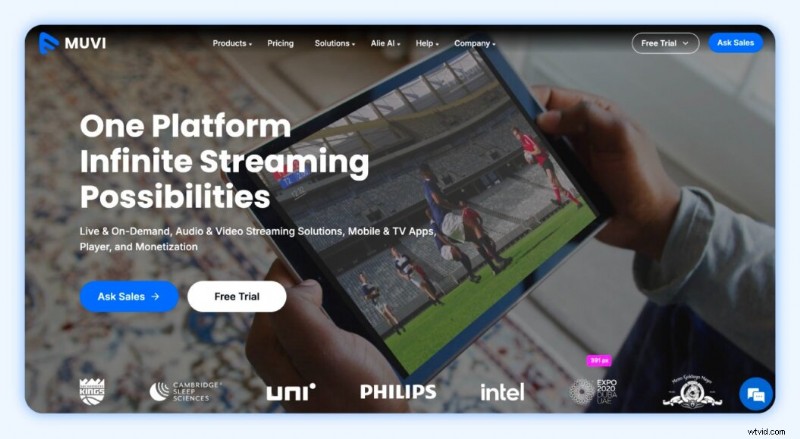
Best for: Small‑to‑medium businesses wanting quick setup
G2 rating: 4.5/5 stars
Muvi is a versatile Vimeo Streaming alternative offering live streaming, VOD, mobile and TV apps, a video player, and flexible monetization—all in one platform.
It supports audio and video, making it ideal for podcasters, audiobook publishers, and broadcasters. Pay‑per‑view and AVOD options keep your revenue streams diverse.
Muvi Pros
- Multiple product tiers: Choose from seven plans tailored to your goals.
- Flexible monetization: Nine revenue models, 100% revenue retention.
- Unlimited uploads & storage: No caps on content volume.
- Uncapped live streaming: Stream without limits.
- Audio & video support: Release content across media types.
Muvi Cons
- Limited templates: Branding options are constrained.
- No built‑in marketing tools: Third‑party integrations require separate management.
- Steep price jump: Standard plan is affordable, but higher tiers add significant cost and app fees.
Migrating to Muvi
Muvi offers migration services from platforms like Vimeo OTT. If you migrate from Muvi, check if the new platform provides similar support; otherwise, export your data and manually upload.
Pricing
- Pay‑per‑view: Starts at $9/month + 9% commission fee
- Muvi One (OTT streaming):
- Standard: $399/month + $254/month for apps (annual billing)
- Professional: $1,274/month + $424/month for apps (annual)
- Enterprise: $3,315/month + $424/month for apps (annual)
- Ultimate: Starts at $10,000/month + custom app pricing (annual)
JW Player
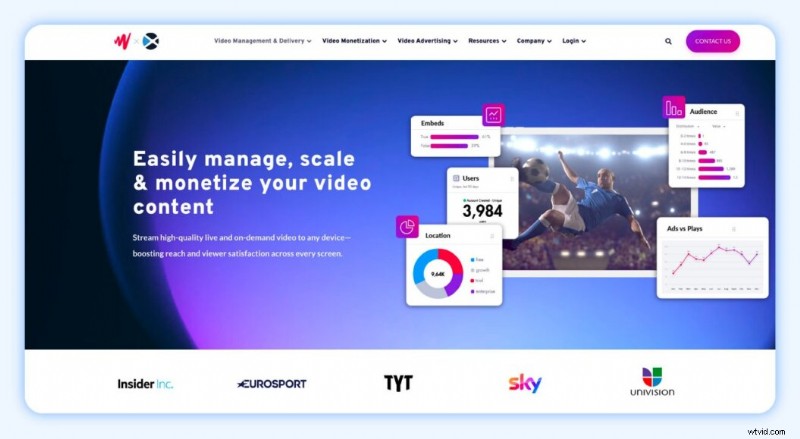
Best for: Media companies needing scalable infrastructure
G2 rating: 3.4/5 stars
JW Player began as a high‑quality video player and has evolved into a full OTT platform with live streaming, VOD, multiple monetization options, and robust analytics.
JW Player Pros
- Trusted performance: Reliable streaming since 2004.
- Ad‑centric monetization: Advanced contextual targeting, real‑time viewability, and completion metrics.
- 24/7 live support: Ideal for large‑scale or complex events.
JW Player Cons
- Opaque pricing: No public list—contact sales for a quote.
- Broadcaster focus: May be overkill for solo creators.
- Limited advanced features: Lacks some capabilities found in Zype or Brightcove.
- Clunky interface: Users report a less intuitive UI for video sales.
Migrating from JW Player
Export your content and data, then manually upload to the new platform. Migration services are platform‑dependent.
Pricing
Contact JW Player for a customized quote.
Zype
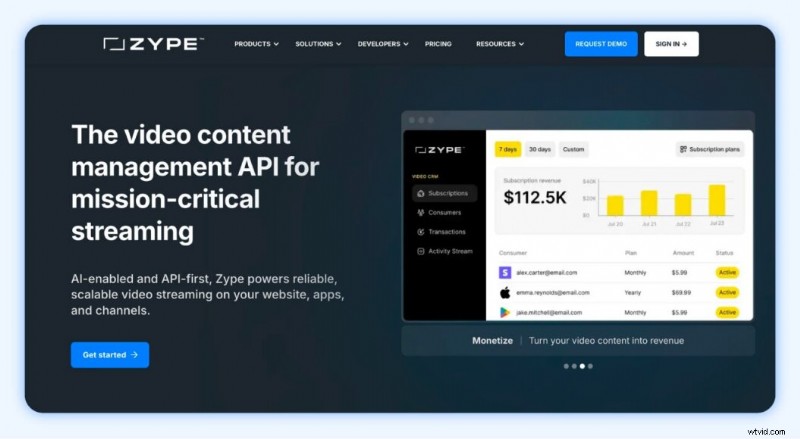
Best for: Media companies wanting extensive integrations
G2 rating: 4.3/5 stars
Zype is an enterprise‑grade platform that supports live and on‑demand video, offers subscription, rental, and ad monetization, and integrates deeply with existing workflows.
Zype Pros
- Multiple monetization models: SVOD, TVOD, AVOD.
- Highly scalable: Handles large traffic spikes.
- White‑label & API: Full customization of OTT apps.
- In‑depth analytics: Real‑time performance and revenue data.
- Seamless integrations: Works with CMS, CRM, and payment processors.
Zype Cons
- Higher starting cost: $500/month may be steep for small teams.
- Learning curve: Requires time to master.
- Complex admin interface: Features demand learning commitment.
Migrating to Zype
Zype provides migration tools for moving from other platforms. Moving away from Zype may be more complex due to custom integrations; consult the target platform for guidance.
Pricing
- Zype X: $500/month
- Premium: $3,500/month
- Enterprise: Contact sales
Kaltura
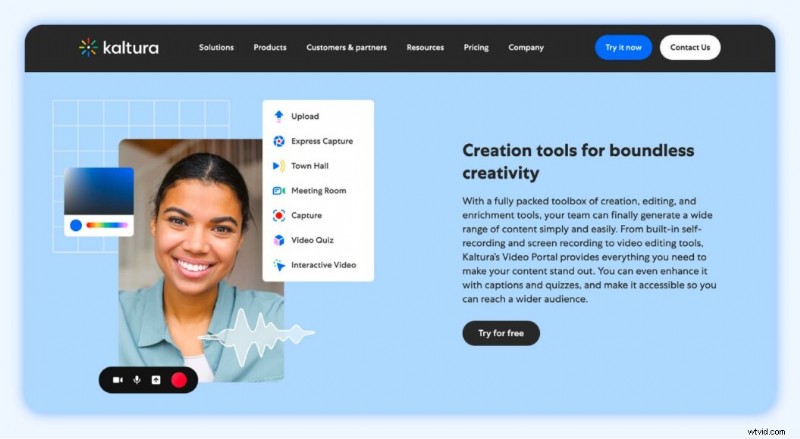
Best for: Education and e‑learning
G2 rating: 4.3/5 stars
Kaltura specializes in educational content, offering LMS integrations, interactive video paths, and robust analytics for enterprises and institutions.
Kaltura Pros
- Education‑focused features: Interactive quizzes, “choose your own adventure” paths.
- Accessibility: Supports screen readers, closed captioning, keyboard shortcuts.
- Highly customizable: Hundreds of open APIs.
- Simple content management: Easy upload, tagging, and sharing.
- Seamless LMS integration: Works with Canvas, Moodle, and more.
Kaltura Cons
- Complex pricing: Nine plans require a sales quote.
- Learning curve for advanced tools: Configuring detailed forms can be complex.
- Device variability: Some features behave differently on iOS.
Migrating from Kaltura
Export your videos and data; if the target platform offers migration support, they can handle the process. Otherwise, manual export/import is needed.
Pricing
Contact Kaltura for a tailored quote.
Dacast
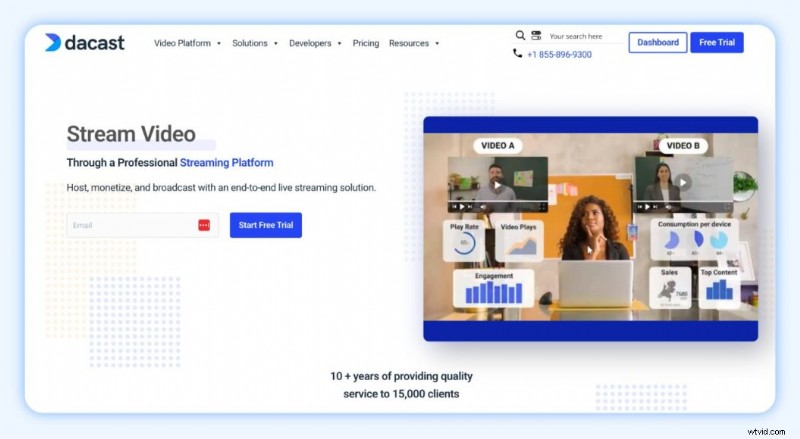
Best for: Broadcasting live events
G2 rating: 4.3/5 stars
Dacast delivers high‑quality live streaming, VOD, and paywalls with a white‑label player and extensive API access, making it ideal for enterprises, sports, and education.
Dacast Pros
- Flexible monetization: Subscriptions, pay‑per‑view, ad‑based revenue.
- Global reliability: Akamai CDN, including China.
- Brandable player: White‑label and API customization.
- Custom channel setup: Ideal for schools, events, and long‑term use.
Dacast Cons
- Steep learning curve: Feature set may overwhelm new users.
- No ultra‑low latency: Not suited for real‑time interactivity.
- Lacks DRM: No digital rights management.
- Plan limits: Bandwidth and storage caps can add costs.
Migrating from Dacast
Export all video files and customer data; manual upload is required unless the new platform offers dedicated migration support.
Pricing
- Starter: $39/month
- Event: $63/month
- Scale: $165/month
- Custom: Contact sales
Brightcove
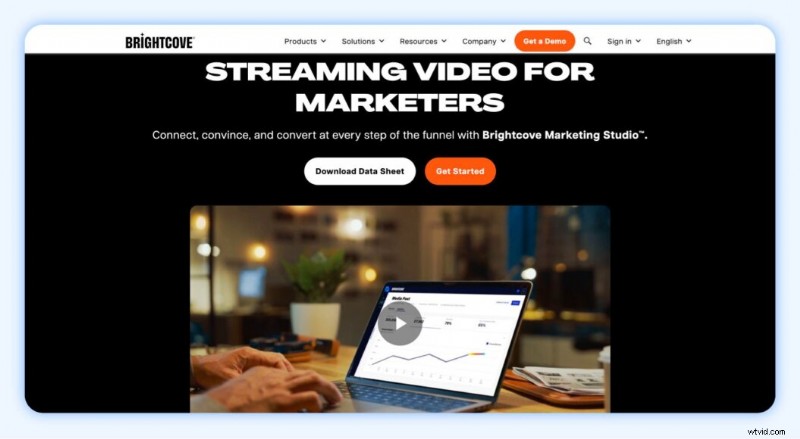
Best for: Enterprise‑scale delivery
G2 rating: 4.1/5 stars
Brightcove is engineered for high‑volume, global video delivery, offering enterprise‑grade hosting, advanced analytics, and marketing tools.
Brightcove Pros
- Enterprise‑ready features for large‑scale operations
- Highly customizable video player for brand consistency
- Advanced content security with DRM and authentication
- Robust analytics for data‑driven strategy
Brightcove Cons
- High cost may be prohibitive for smaller users
- Steep learning curve
- Limited gallery customization
Migrating from Brightcove
If you’re moving to a custom or enterprise plan, Brightcove typically provides dedicated migration support. Otherwise, manual export and re‑upload are required.
Pricing
Custom pricing—contact Brightcove for a quote.
How to Pick the Best Vimeo Streaming Alternative
Choose based on your goals, audience, content type, and budget. Quick guide:
| Use Case | Recommended Platform / Description |
|---|---|
| Video membership with community | Uscreen—built for membership and community engagement |
| Enterprise‑scale delivery | Brightcove or Kaltura—enterprise‑grade infrastructure |
| Live streaming monetization | Dacast—specialized in high‑quality live events |
| Ad‑based monetization | JW Player—optimized for advertising revenue |
| Existing tech stack integration | Zype—extensive API and integration ecosystem |
| Audio & video content | Muvi—supports both formats with flexible monetization |
| Beginners | Patreon—free, low‑effort entry point |
Create a Thriving Video Membership with Uscreen
When selecting a video membership platform, match your current stage and future ambitions. Uscreen delivers an all‑in‑one solution that scales, engages, and diversifies revenue without the ceiling you may find with Vimeo Streaming.

FAQ
What is the difference between Vimeo OTT and Vimeo Streaming? They are the same service; Vimeo Streaming is the new name adopted in April 2025.
What is the best alternative to Vimeo? Top competitors include Uscreen, Dacast, Kaltura, Muvi, and JW Player.
Is Vimeo OTT worth it? Vimeo OTT is suitable for media companies, filmmakers, and brands building a branded OTT channel. Creators often start here and later transition to a dedicated platform as they grow. Smaller creators may find more affordable or simpler options better.
What is the difference between Vimeo and Vimeo OTT? Vimeo hosts and shares videos; Vimeo OTT (now Vimeo Streaming) lets creators build subscription or pay‑per‑view services.
What is Vimeo Streaming? The product formerly known as Vimeo OTT, rebranded in April 2025.
How much does Vimeo OTT cost? Pricing is per transaction: $1 per subscriber per month + 2.5% + $0.30 merchant fee. For buy and rent, 10% + $0.50 per transaction.