
Video cropping removes unwanted sections from footage—commonly called clipping. This guide walks you through the process in Lightworks, a professional NLE that is both free and powerful.
Whether you’re a hobbyist or a seasoned editor, free and paid tools can help you trim your videos with precision. Here we focus on Lightworks and, for those seeking an alternative, Filmora.
About Lightworks
Lightworks, developed by EditShare in London, is a non‑linear editing system used by amateurs and professionals alike. It has been the backbone of over 500 Hollywood feature films, including The Wolf of Wall Street, Jack Ryan: Shadow Recruit, and Edge of Tomorrow. The software is completely free for lifetime use, offers no watermark or ads, and does not require registration.
Step‑by‑Step: Cropping Video in Lightworks
Step 1: Import Your Footage
Open Lightworks and drag your video or image files into the Project panel. They will appear in the timeline and preview window, where you can also view waveform, vectorscope, and a live filmstrip.
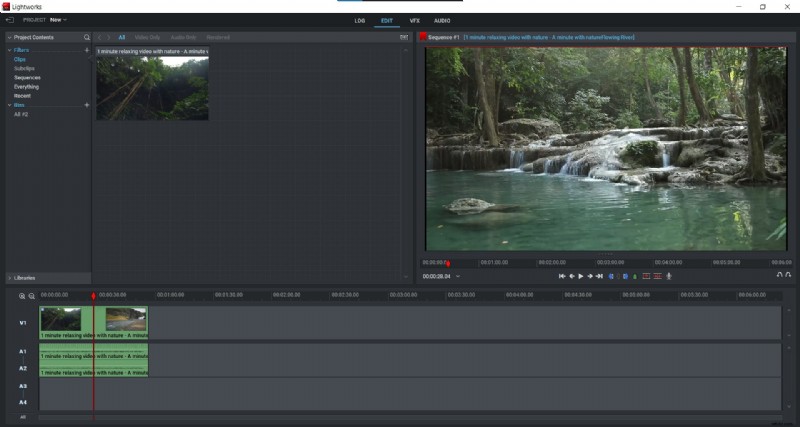
Step 2: Activate the DVE Tool
Click the Video Editing tab and select the DVE (Dynamic Video Effect) option.
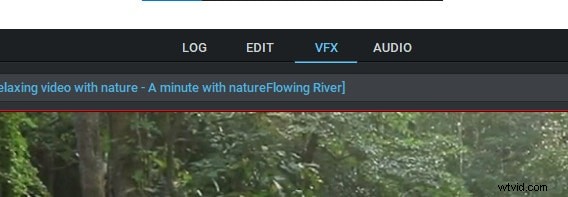

Step 3: Apply the Crop
In the DVE panel, choose Crop. Drag the cursor over the portion you wish to remove and click‑and‑drag to reshape the frame. The tool will crop the video while preserving overall quality.
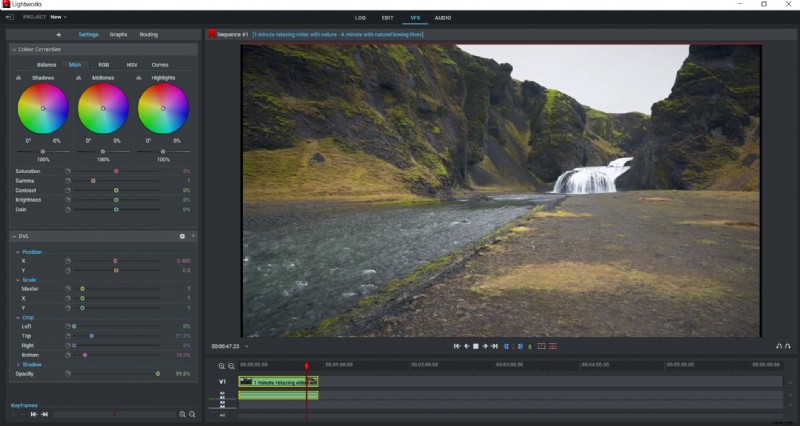
Step 4: Preview the Result
Hit the Play button to review the cropped footage. Make any additional adjustments as needed.
Step 5: Save Your Project
Close the DVE window and use File > Save Project to preserve your changes.
Lightworks provides a robust, no‑cost solution for precise video trimming. If you prefer a different interface, consider Filmora.
Alternative: Cropping Video with Filmora
Filmora is a user‑friendly editor available for Windows, macOS, and Linux. It offers both free and paid versions, with the free tier suitable for basic cropping tasks.
Steps to crop in Filmora:
Step 1: Load Your Video
Open Filmora and import the footage you wish to edit.
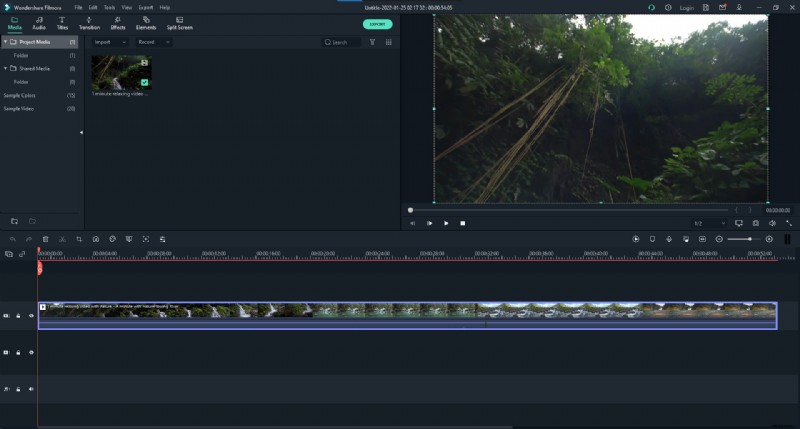
Step 2: Open Crop & Zoom
Click the Crop & Zoom icon on the toolbar.
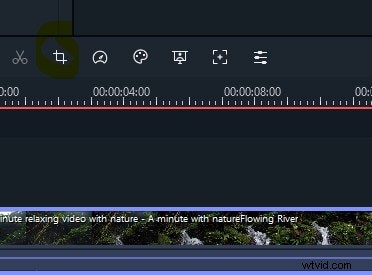
Step 3: Adjust the Frame
Drag the corners of the preview window to set the desired crop area.
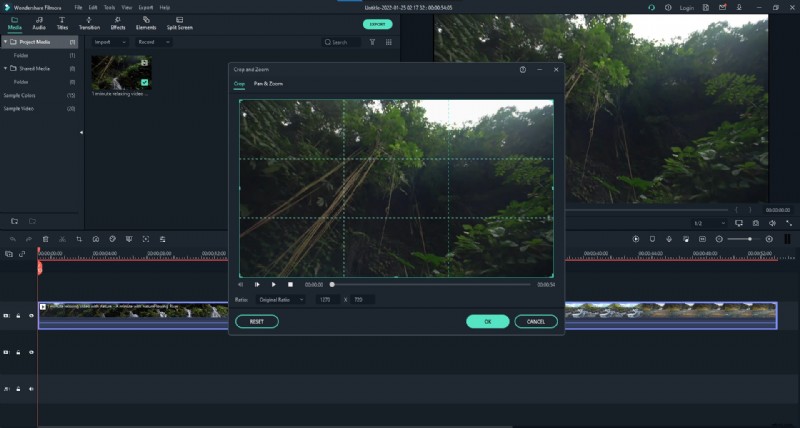
Step 4: Confirm
Click the green OK button to apply the crop.
Filmora’s intuitive interface makes it ideal for beginners who need quick, clean edits without the complexity of a professional NLE.
Both Lightworks and Filmora offer powerful, free video cropping solutions. Choose the one that best matches your workflow and creative goals.