
The audience for DIY content on YouTube has grown dramatically. According to YouTube’s 2024 Creator Insights, DIY videos accumulated 1.3 billion global views, with watch time up 22% year‑over‑year. These figures show that crafting, woodworking, and related projects are not just a passing trend but a powerful medium for learning and creativity. If you’re planning a channel, DIY offers a proven path to success.
In this article, we explore the top DIY YouTube channels that inspire, and we share actionable tips—supported by industry‑proven tools like Wondershare Filmora—to help you produce the best videos the internet has to offer.
What Sets Outstanding DIY Videos Apart?
While the internet hosts countless DIY videos, only a few achieve high engagement. The difference lies in clear execution, strong storytelling, and practical value. Below are the key attributes of a truly exceptional DIY video:
- Step‑by‑step clarity
Every action is demonstrated in a logical sequence, so viewers can follow and replicate the process. - Professional voiceover
Voice narration—whether recorded or generated via text‑to‑speech—should be crisp, synchronized, and concise. - Compelling transformations
Show the before and after to reinforce the payoff of the project. - Practical relevance
Highlight how the finished product solves a real problem or adds value to everyday life.
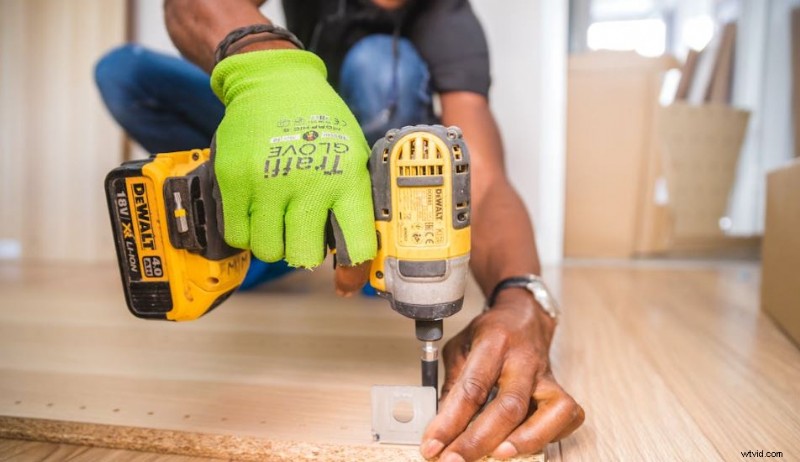
Wondersoftware Filmora streamlines the production of such videos. Its ready‑made templates, AI‑powered voiceover tools, and visual effects enable creators to focus on storytelling while the software handles the technical polish.
Top 5 DIY Channels to Watch
These channels demonstrate excellence in content quality, audience engagement, and niche focus. Use them as benchmarks when shaping your own channel.
Homemade Home
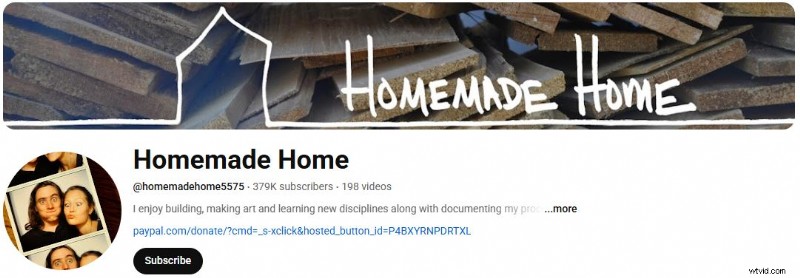
With 379,000 subscribers and 198 videos, Homemade Home offers accessible home‑improvement projects. The host’s clear pacing and auto‑captions make complex tasks approachable.
CraftKlatch
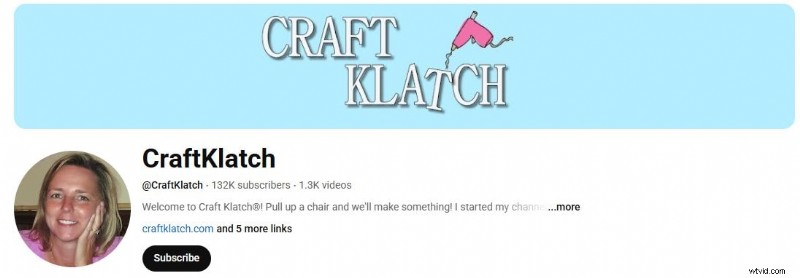
CraftKlatch has 132,000 followers and 1,300+ videos focused on crafting. The host’s use of top‑down and close‑up angles ensures every detail is visible.
Steve Ramsey – Woodworking For Mere Mortals
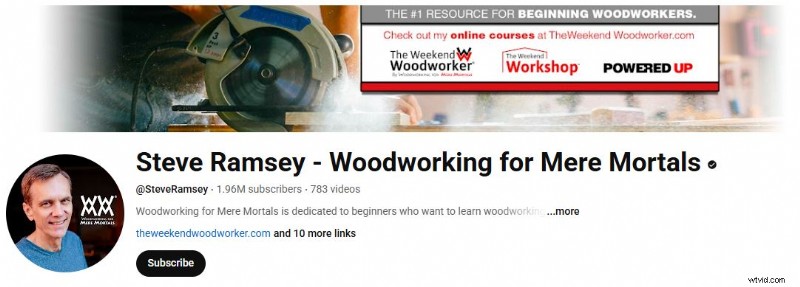
With 1.96 million subscribers, this channel delivers in‑depth woodworking tutorials that emphasize safety and authenticity. 783 videos cover a broad spectrum of projects.
Mr. Hacker
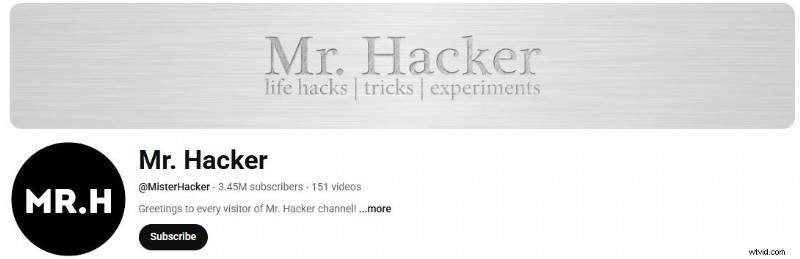
Mr. Hacker’s 3.45 million subscribers enjoy fast‑paced life‑hack videos—experiments, tricks, and practical solutions—without flashy distractions.
Budget Friendly Creations

With 171,000 subscribers, this channel showcases cost‑effective craft ideas. Detailed budget breakdowns and step‑by‑step guides make high‑end aesthetics accessible.
Creating High‑Quality DIY Videos with Wondershare Filmora
Filmora’s toolkit is tailored for creators who want to elevate their DIY videos. Below is a quick guide to leveraging its core features.
Filmora’s DIY Video Toolkit
- Project Templates – Choose a layout that matches your niche; add chapter markers to organize long projects.
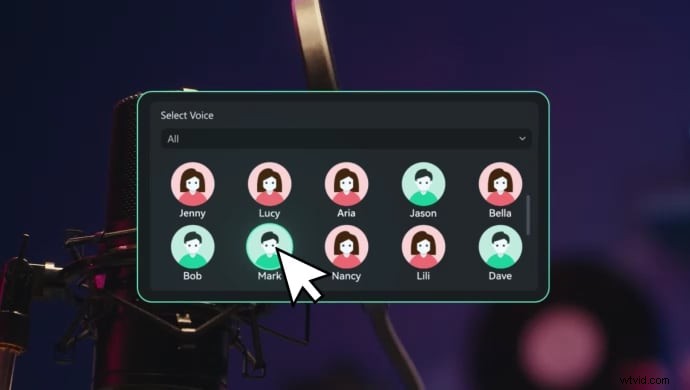
- Voiceover Tools – Use AI text‑to‑speech, voice cloning, and audio enhancement (AI Denoise, Voice Changer) for crystal‑clear narration.
- Visual Enhancements – Add zooms, split screens, or progress bars to emphasize critical steps.
- Audio Library – Access royalty‑free sound effects and background music; edit volume, fades, and timing.
Step‑by‑Step Workflow
1️⃣ Upload Your Media
From the Elements Panel, click Import under the Media tab. Include a mix of overhead, close‑up, and wide‑angle shots for a dynamic view.
2️⃣ Apply a Template
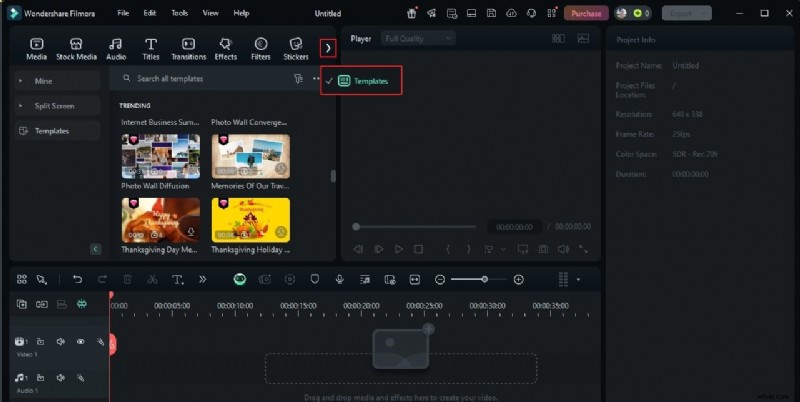
Navigate to the Templates tab, search or browse, and drag your chosen template onto the timeline.
3️⃣ Customize the Template
Replace placeholders, adjust text, and fine‑tune visual elements to match your brand voice.
4️⃣ Generate Voiceovers
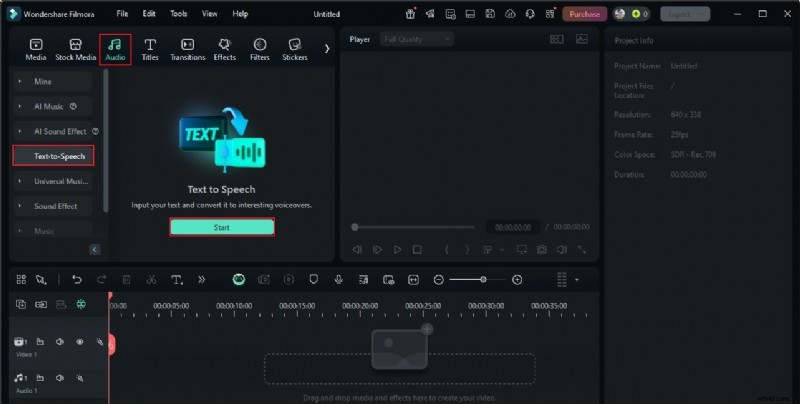
In the Audio tab, select Text‑To‑Speech, enter your script, choose language and voice style, and click Generate. Drag the resulting audio onto the timeline and sync with the footage.
Add background music or sound effects from the Audio tab, then review the entire sequence. Once satisfied, export with YouTube‑optimized settings (Format, Encoder, Frame Rate, Resolution).

Pro Tips for Dominating the DIY Space
Beyond editing, success depends on filming technique, audience engagement, and content strategy.
Filming Techniques
- Use the three‑angle rule to capture clarity from overhead, mid‑level, and close‑up perspectives.
- Set up consistent lighting that highlights details without harsh shadows.
- Prepare a checklist before filming to ensure all essential shots are captured.
Editing Strategies
- Match pacing to the complexity of the task—speed up repetitive segments while preserving critical steps.
- Insert text overlays to emphasize key points and maintain viewer focus.
- Use smooth transitions to keep the narrative flow natural.
Audience Engagement
- Reveal the final result in a satisfying, visually striking moment.
- Invite viewers to comment, ask questions, or share their own projects.
- Break long projects into a series of short videos to keep audiences coming back.
Conclusion
DIY videos have become a global phenomenon, offering immense value to audiences worldwide. By studying top channels, mastering filming and editing techniques, and using powerful tools like Wondershare Filmora, you can build a trustworthy and engaging DIY brand on YouTube. Start today, apply these proven strategies, and watch your channel grow.